Table of Contents
Do not use an auto clicker in Roblox to gain scores, farm currency, avoid an AFK timeout, or progress while unattended unless the experience creator explicitly allows that exact behavior. Roblox states that cheating and exploiting violate its Terms of Use and can lead to account deletion, while individual experience creators can also ban players under their own rules.
An auto clicker is not automatically malware, and automation used for accessibility or private testing is not the same as cheating. The problem is context: repeated synthetic input can create an unfair advantage, distort leaderboards or rewards, and look indistinguishable from prohibited botting. A third-party download also introduces a separate security risk.
Why the original “high score” advice is risky
The original procedure recommends extremely fast clicking, unattended play, and automatic score or currency gains. Those are precisely the uses most likely to conflict with a game's rules. It also presents one third-party program as broadly safe without verifying its publisher, installer, permissions, or current reputation.
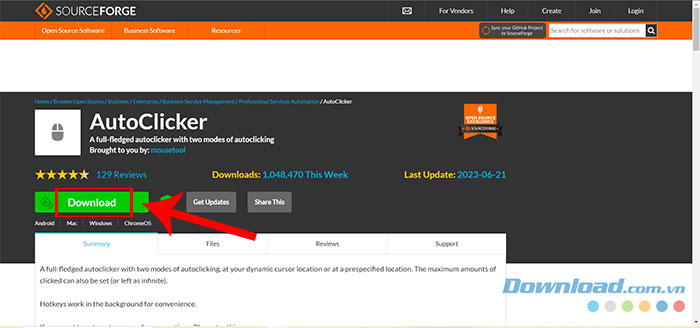
Roblox's support guidance is unambiguous about the consequence of cheating, and it warns that supposed exploits frequently lead users to malware or phishing downloads. An external clicker does not have to modify the Roblox client to violate an experience's fair-play rules.
How an auto clicker works
An auto clicker generates mouse events at a chosen interval. A typical utility lets the user start an executable, choose a click frequency, select a mouse button and click type, decide whether to repeat indefinitely, choose a fixed screen coordinate, and assign a start/stop shortcut.
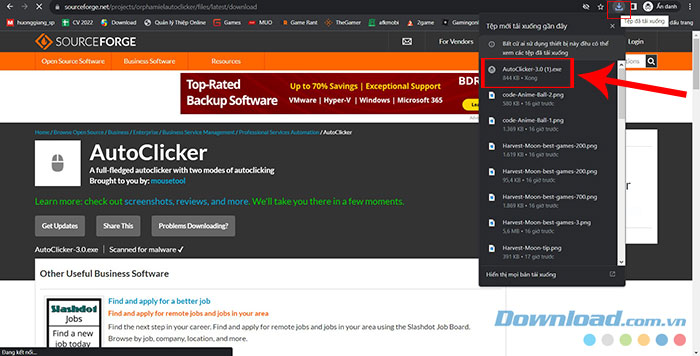
Those controls are shown here only to explain what the software does, not as a recommendation to use it in Roblox.
Click interval
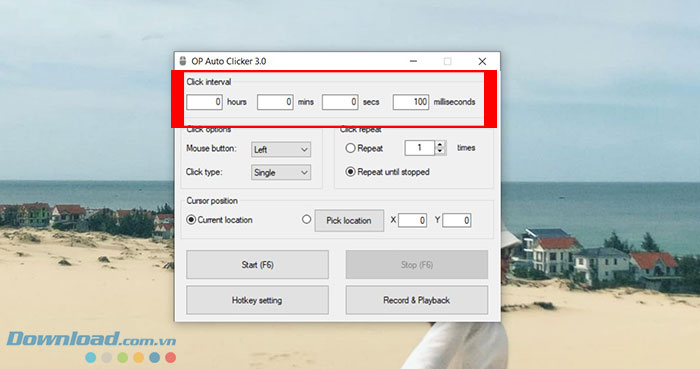
The interval determines how often a synthetic click is sent. Very small intervals can overload a game interface, trigger duplicate purchases or actions, and make the pattern easy to classify as automation. Faster is not safer or more effective.
Mouse button and click type
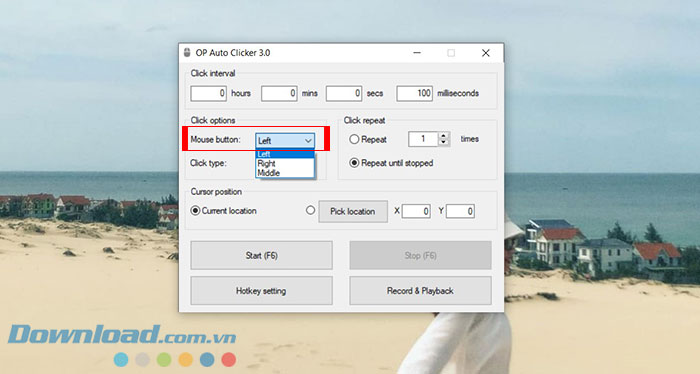
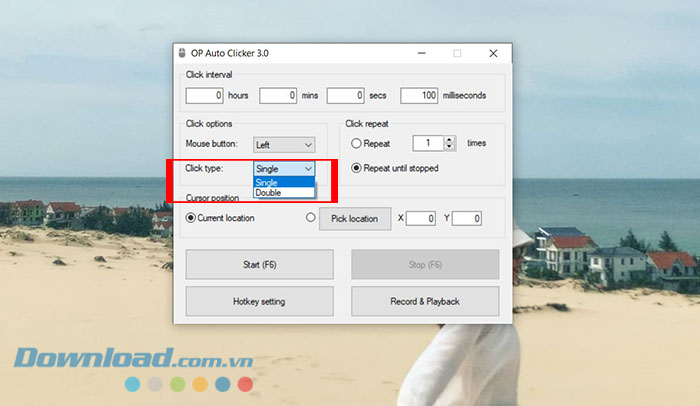
A utility may generate left, right, or middle clicks and may repeat a single or double click. In a game, a fixed pattern can activate the wrong control when the window moves, a dialog opens, or the interface changes.
Repeat mode and hotkey
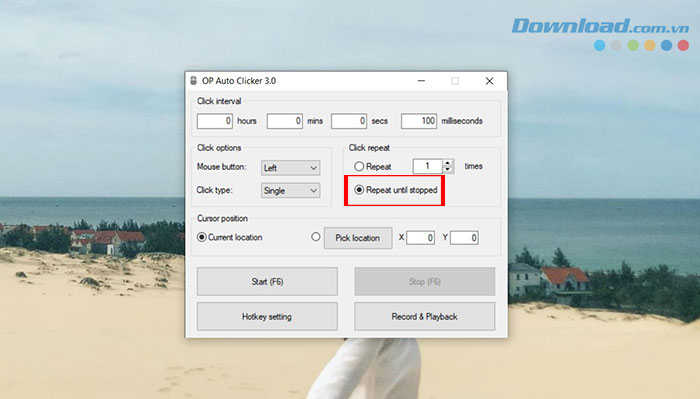
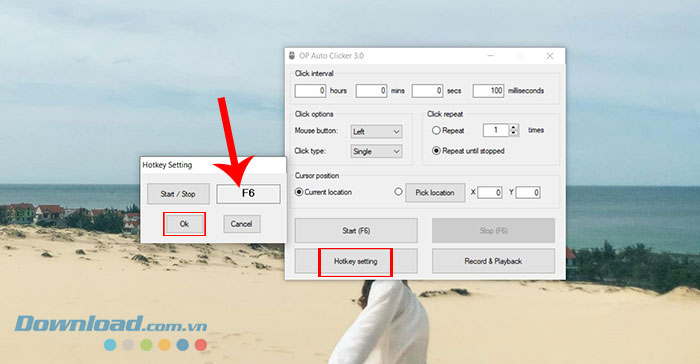
Repeat-until-stopped is the setting that enables unattended activity. It also creates the greatest risk of accidental input and rule violations. A stop hotkey may fail when another application captures the key, the utility loses permission, or the system becomes unresponsive.
Possible consequences in Roblox
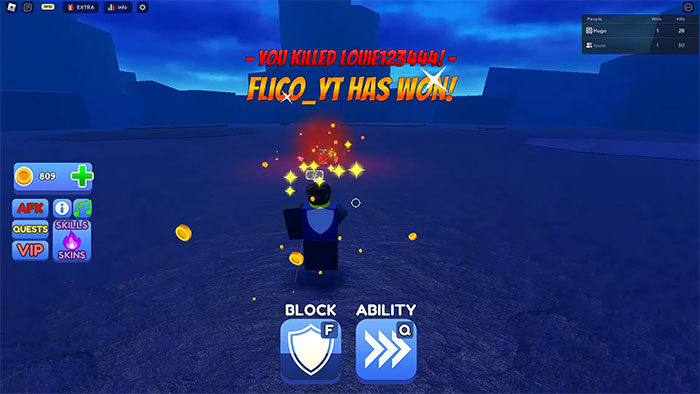
- Experience ban: the creator can remove or ban a player who violates its published or enforced rules.
- Roblox moderation: Roblox says cheating and exploiting violate the platform Terms and may lead to account deletion.
- Lost progress: an experience may reset illegitimate leaderboard scores, items, or currency.
- Unintended purchases: repeated clicks can activate a prompt that appears under the fixed cursor position.
- Account theft or malware: fake clickers and “undetected” cheat packages may install keyloggers, steal browser sessions, or request Roblox credentials.
- Device problems: aggressive automation can interfere with other applications or continue clicking after the user changes windows.
No website can promise that a particular click rate is “safe” or undetectable. Detection and moderation methods are not public guarantees, and a game rule can prohibit automation regardless of whether it is detected automatically.
Check the experience's rules
Look at the experience description, in-game rules, community page, and developer announcements. Search for terms such as macros, automation, AFK farming, auto clicker, and third-party software. If the rule is unclear, ask the creator through an official channel and wait for a clear answer.
Permission in one Roblox experience does not apply to another. A built-in auto-click upgrade or hold-to-repeat feature is not evidence that external automation is allowed.
Safer alternatives for repetitive clicking
- Use built-in controls: choose an experience-provided auto-tap, hold-to-repeat, idle reward, controller mode, or accessibility option when available.
- Rebind the action: use supported Roblox or experience settings to move the action to a more comfortable key or controller button.
- Ask for an accommodation: contact the experience creator when a disability or repetitive-strain issue makes a mechanic inaccessible.
- Choose a less repetitive experience: progress systems designed around thousands of manual clicks may not be worth the physical discomfort or automation risk.
- Take breaks: stop if clicking causes pain, numbness, weakness, or tingling. Do not use automation to mask an ergonomics problem.
If you already downloaded an auto clicker
- Do not run it if the source is unclear, it arrived in a password-protected archive, or the page asks you to disable security software.
- Never enter a Roblox or Microsoft password into the clicker.
- If it is running, stop it and close it before opening account, payment, or password windows.
- Remove it through the operating system's normal application controls and delete any related browser extension.
- Run a full scan with current security software if the program behaved unexpectedly.
- If you entered credentials or suspect theft, change the password from a known-clean device, enable two-step verification, and sign out other sessions.
For the current platform position, refer to Roblox's official Cheating and Exploiting guidance. The safest route to better scores is to use the controls and progression systems the experience provides, not to automate input in a way that other players or creators consider unfair.
Related Articles
 Download GS Auto Clicker 3.1.44 minutes read
 The Best 5 Fast Auto Clicker for Windows PC (8, 10, 10.1)8 minutes read
 Auto Click and How to Automatically Click When Playing Games7 minutes read
 Latest Roblox Clicker Simulator Codes 12/20244 minutes read
 How to Use GS Auto Clicker, Automatically Click Mouse on Computer6 minutes read
 How to Use Auto Clicker Assist to Automatically Click the Mouse4 minutes read
Reader Comments 0
Sign in with email or Google to join the discussion.