Table of Contents
A grammar checker can catch typos, punctuation mistakes, agreement errors, and awkward sentences, but no tool is reliable enough to approve important writing on its own. The right choice depends on where you write, which English variety or other languages you use, whether text may be uploaded to a server, and whether you need basic correction, style feedback, or an organization-wide terminology guide.
For most people, a sensible shortlist is Grammarly for everyday cross-app suggestions, ProWritingAid for detailed long-form reports, LanguageTool for multilingual checking, and Hemingway Editor for readability. The other tools below may suit a specific budget or workflow. Features, limits, and prices change frequently, so confirm them on the provider's site before subscribing.
Before choosing a proofreading tool
- Test your own writing: Use the same error-filled sample with each candidate and compare false positives as well as missed errors.
- Select the correct language: US, UK, Canadian, and Australian English differ in spelling and punctuation conventions.
- Check privacy: A browser extension may read text in web forms. Review permissions, retention, training choices, and enterprise controls before checking confidential material.
- Verify integrations: “Works with Word” may mean a desktop add-in, a web integration, or simple copy and paste.
- Keep human review: Names, technical terms, citations, quotations, numbers, and intentional voice often confuse automated tools.
1. ProWritingAid: detailed reports for long-form writing
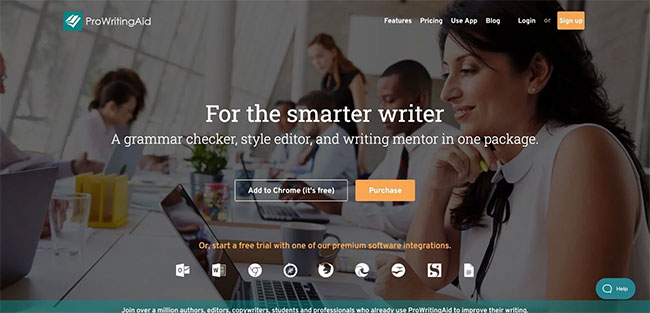
ProWritingAid combines real-time correction with reports for readability, pacing, dialogue, repetition, consistency, and other patterns. Its integrations include Microsoft Word, Google Docs, Scrivener, desktop apps, and browsers. This depth is useful for novels, reports, and other long documents, although reviewing every report can be excessive for a short email.
2. Grammarly: everyday grammar, clarity, and tone
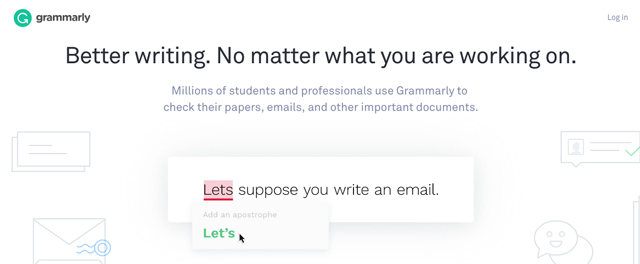
Grammarly remains available as a writing product within the broader Superhuman suite. It checks grammar and spelling and offers clarity, paragraph rewrite, and tone features across supported apps and browser fields. It is convenient for email and workplace writing, but users should review rewrites carefully because a grammatically correct suggestion can alter meaning or voice.
3. WhiteSmoke: traditional correction and translation
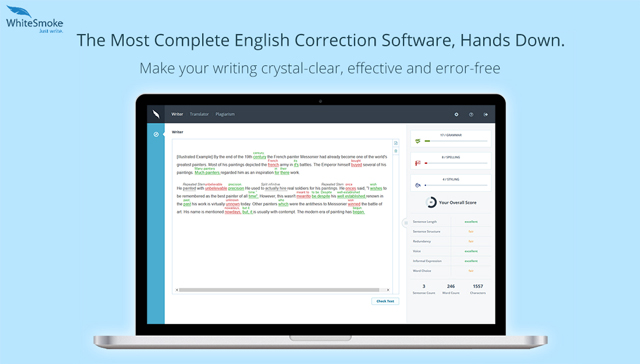
WhiteSmoke offers grammar, spelling, punctuation, style, and translation tools. Its current site still advertises a web checker, desktop product, and browser add-on, but parts of its documentation refer to older releases. Test the exact application and operating system you need before purchasing, especially if modern interface quality and frequent updates matter.
4. Ginger: correction for English learners
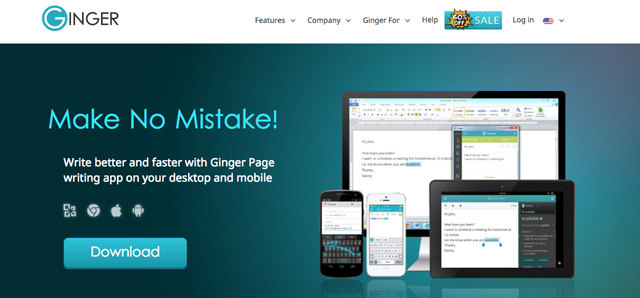
Ginger checks grammar, spelling, punctuation, and sentence context, and its wider product includes dictionary and translation functions. That combination can help English learners who want correction alongside language reference. Confirm the supported integration for your device; do not rely on old lifetime-license prices or compatibility lists.
5. LanguageTool: multilingual proofreading
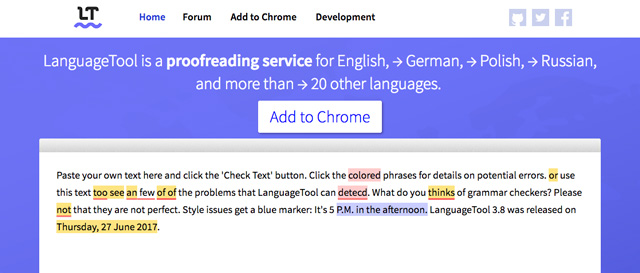
LanguageTool is a strong candidate when you write in more than one language. It supports more than 30 languages and dialects, including several varieties of English, and offers browser and word-processor integrations. The free and paid extensions do not necessarily include the same correction depth, so compare the current plan limits.
6. After the Deadline: an open-source legacy option
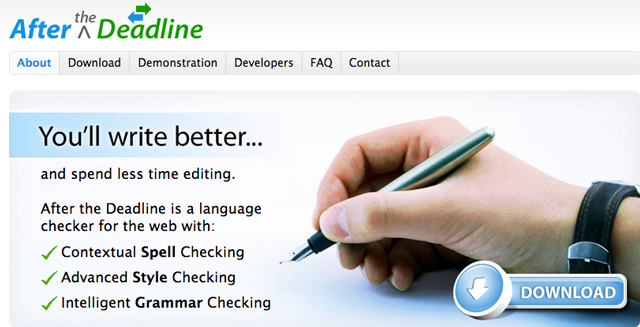
After the Deadline was built as an open-source spelling, style, and grammar checker and appeared in WordPress and other integrations. It is now primarily of interest as a legacy or developer-oriented option; many old plug-ins and hosted instructions may no longer match current software. Verify that a maintained integration exists before depending on it for daily work.
7. GrammarCheck: quick copy-and-paste checking
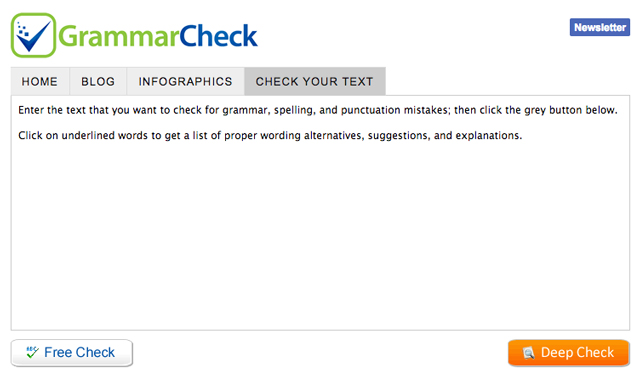
GrammarCheck provides a simple online editor for pasted text. It is useful when you do not want to install an extension, but the site gives less control and workflow integration than a full writing assistant. Avoid pasting confidential or unpublished material until you have reviewed its privacy terms.
8. OnlineCorrection: minimal web proofreading
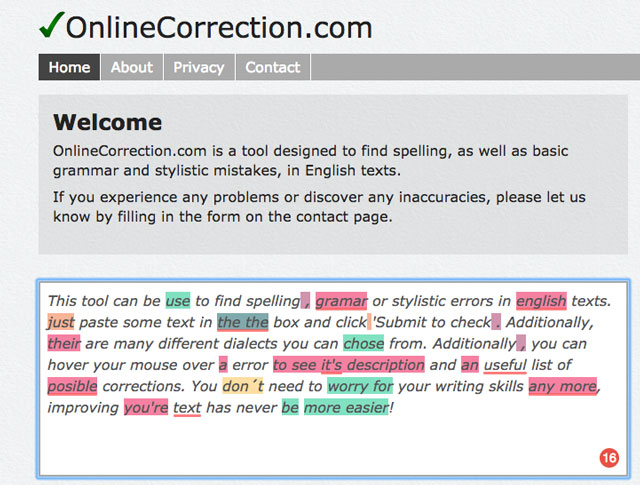
OnlineCorrection is another paste-in checker with support for several English varieties. Its minimal interface is appropriate for a short passage and a quick second opinion. It is not a document-management system, citation tool, or substitute for reviewing the final text in context.
9. PaperRater: academic-oriented feedback
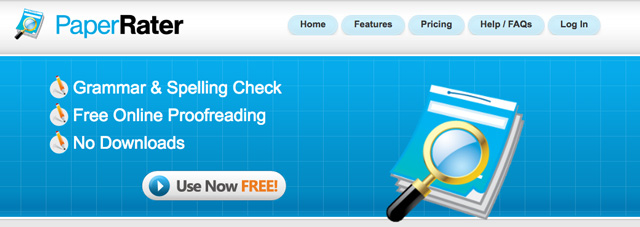
PaperRater has combined grammar feedback, writing analysis, and plagiarism-related features aimed at students. Treat plagiarism checking as a separate evaluation from grammar: database coverage, quotation handling, exclusions, and institutional rules matter. Never infer that an unflagged paper is original or properly cited.
10. SpellCheckPlus: feedback for English learners
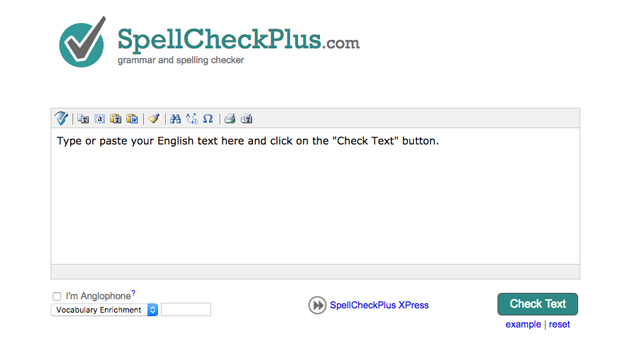
SpellCheckPlus is designed around English-language learning and can highlight errors in pasted text. Its value is in reviewing and understanding the feedback rather than accepting every correction. Check current text limits and teaching features because older descriptions and license prices may no longer apply.
11. Hemingway Editor: clarity and readability
Hemingway Editor highlights long or complex sentences, passive voice, adverbs, and phrases that may be hard to read. Its main strength is clarity rather than exhaustive grammar checking. Use the readability grade as a signal, not a target: technical, legal, and academic writing may require precise terms and longer structures that should not be simplified mechanically.
12. Linguix: grammar, rewriting, and snippets
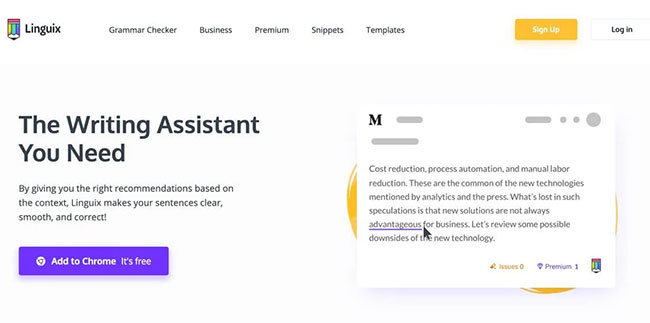
Linguix provides grammar, punctuation, style, and rewriting suggestions through a web editor and supported extensions. Reusable snippets can help teams avoid repeatedly typing standard responses. Check current privacy controls before using any “secret” or sensitive-text mode; a product label is not a substitute for understanding storage and network behavior.
13. Outwrite: proofreading with style and rewriting tools
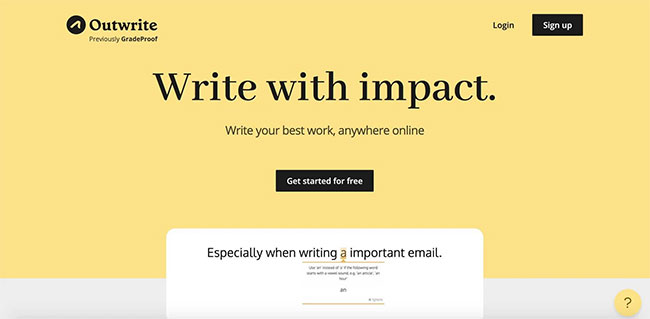
Outwrite checks spelling, grammar, punctuation, redundancy, and word confusion, with additional rewriting and writing-statistics features. Its site lists web use and integrations with common writing services. It is a reasonable alternative to test if you want more than basic correction, but ignore old plan names, word limits, and prices in third-party reviews.
14. Writer: brand rules for organizations
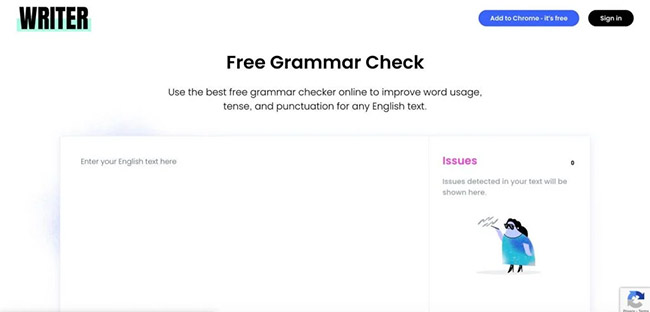
Writer is now positioned as an enterprise generative-AI platform rather than merely a personal grammar checker. Its writing controls can help organizations apply approved terminology, style rules, and brand guidance. It is most relevant when governance, team administration, and integrations justify an enterprise evaluation; an individual who only wants spell-checking will usually find a simpler tool more suitable.
15. Scribens: explanatory corrections in many languages
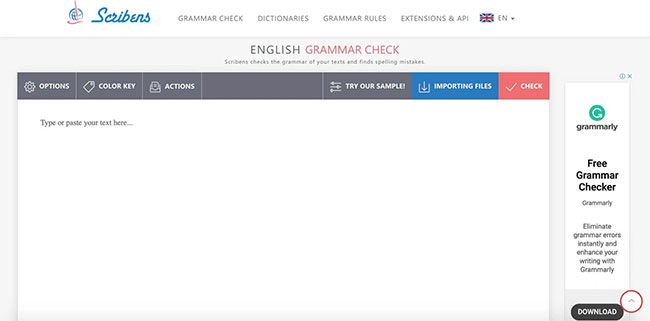
Scribens provides an online checker with explanations for grammar, spelling, punctuation, and word-confusion errors. Its current site supports multiple languages and offers both free and paid access. Explanations can be more valuable to learners than a one-click “fix all” button because they make it possible to judge and remember the rule.
16. Slick Write: style statistics and pattern spotting
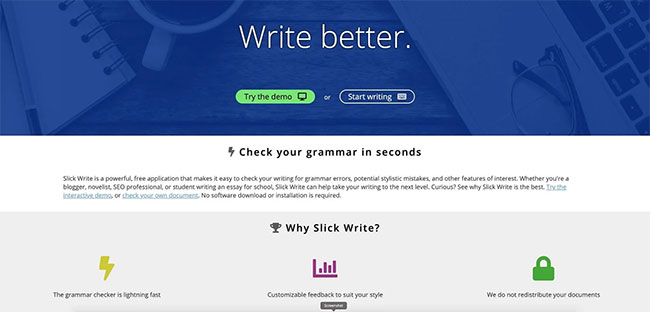
Slick Write focuses on style analysis and statistics such as sentence structure, word variety, readability, and passive voice. It can reveal patterns in a draft, but a high score is not proof of accuracy or quality. Use it after a conventional spell-checker and verify that the service remains compatible with your browser.
17. NOUNPLUS: a simple no-install checker
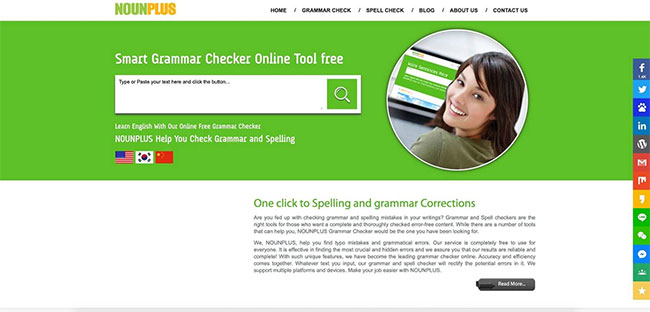
NOUNPLUS is a basic web checker for English spelling, grammar, sentence structure, and punctuation. It may be useful for a quick check without installing software, but its current official presence and update history are less clear than those of the major services. Do not use it for sensitive material, and compare its output with a maintained alternative.
Which grammar checker should you choose?
| Need | Good starting point | What to verify |
|---|---|---|
| Everyday email and browser writing | Grammarly, LanguageTool | Supported sites, languages, and extension permissions |
| Novel, report, or long manuscript | ProWritingAid | Document size, integrations, and report usefulness |
| Clearer, less complex prose | Hemingway Editor | Whether simplification preserves technical meaning |
| English-learning explanations | Ginger, SpellCheckPlus, Scribens | Dialect, teaching depth, and false corrections |
| Organization-wide terminology | Writer | Governance, security review, and total cost |
| Occasional no-install check | GrammarCheck, OnlineCorrection | Privacy terms and text limits |
Run the same 300–500-word sample through two finalists. Include names, quotations, a deliberately ambiguous sentence, numbers, and errors you already know about. Choose the tool whose suggestions you can understand and control, then perform a final read without it. Automated checking is an editing aid, not an author, fact-checker, citation verifier, or human proofreader.
Related Articles
 10 Useful Tools to Help 'Check' English Spelling and Grammar Best11 minutes read
 Word 2016 Full Guide (Part 23): How to Check Spelling and Grammar5 minutes read
 Check Spelling and Grammar in PowerPoint 20164 minutes read
 Microsoft Announced 10 Pairs of the Most Easily Mistaken English9 minutes read
 Google Docs Tool to Correct English Grammar with AI3 minutes read
 Instructions for Checking English on Word by Grammarly6 minutes read
Reader Comments 0
Sign in with email or Google to join the discussion.