How to Play Meccha Chameleon With Friends
Create a private or public Meccha Chameleon room, invite Steam friends, use the server browser as a fallback, and troubleshoot a lobby that does not appear.
Fix Windows problems, troubleshoot devices, understand AI, secure your accounts and get more from your technology with tested step-by-step guides.

Create a private or public Meccha Chameleon room, invite Steam friends, use the server browser as a fallback, and troubleshoot a lobby that does not appear.

Add files as Copilot Studio knowledge, understand Dataverse and security requirements, use supported formats, write better descriptions, and test answers.
An evidence-based Claude Fable 5 review covering specs, availability, safeguards, coding and troubleshooting tests, benchmark claims, costs, and limitations.

See which apps recently used Windows 11's text and image generation features, then allow or block AI access for individual apps.

In the Weights compares how multiple AI models identify a person's name. Here's how its Strength Score works—and why it is not a scientific popularity measure.
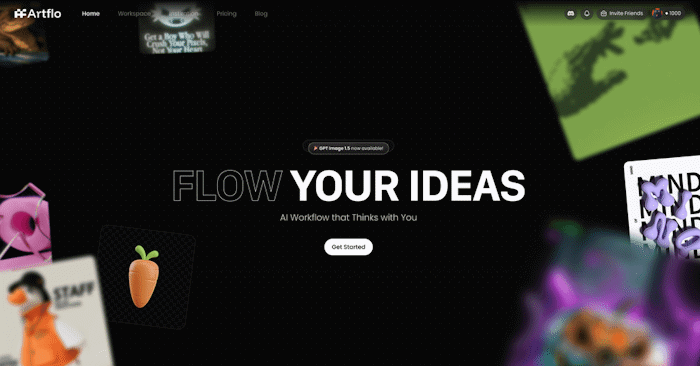
Build an Artflo workflow from a prompt or uploaded image, connect image and video steps, run the project, and download the finished result.

Compare Meta AI and ChatGPT for everyday questions, research, document work, image creation, voice, integrations, and use inside social apps.
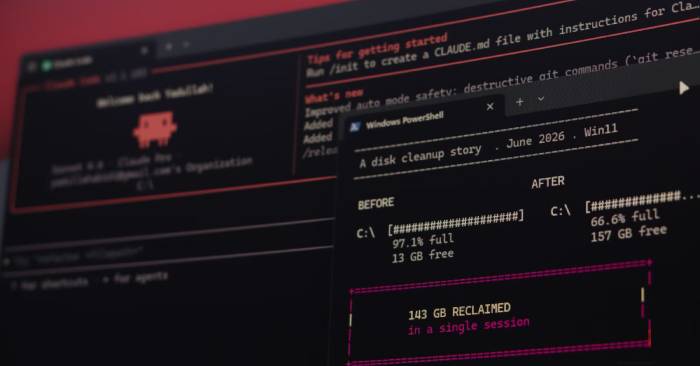
A cautious disk audit found old virtual machines, AI model files, caches, and development tools. See what was reviewed—and what was deliberately left alone.

Check the signed-in account, Copilot license, Office updates, connected experiences, and organization policies when Copilot disappears from Word or Excel.
Compare ChatGPT and Microsoft Copilot for research, files, coding, images, Windows, and Microsoft 365 workflows before choosing an assistant.
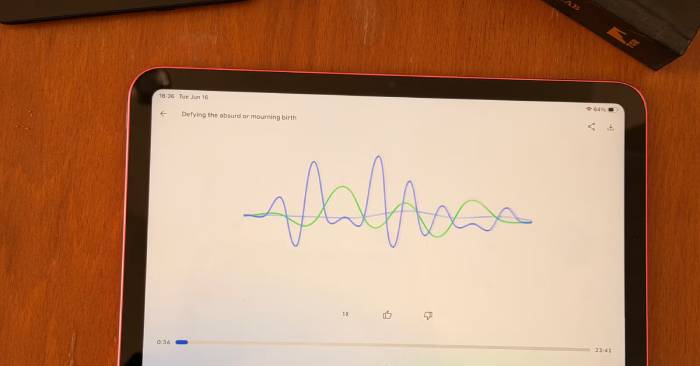
Use Perplexity to find sources, Quizlet to review key facts, and Obsidian to maintain long-term notes around a source-grounded NotebookLM project.
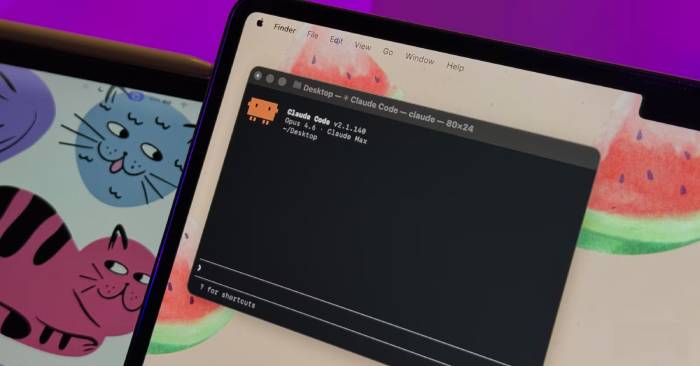
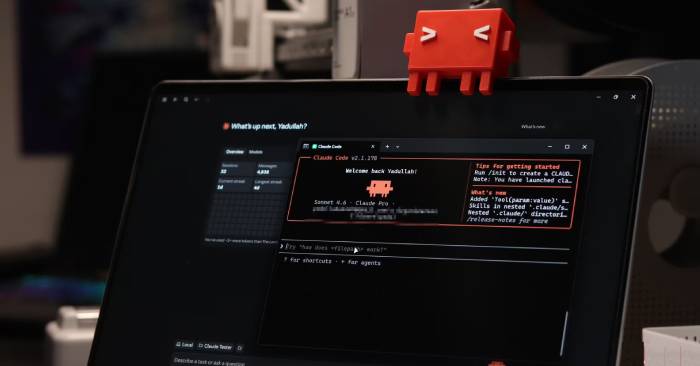
Claude Code can build small tools and automate local file tasks, but non-programmers need backups, limited permissions, previews, and careful command review.

Connect Dataverse tables to a Copilot Studio agent, describe the data with synonyms and glossary terms, and configure searchable text and file columns.

Use RANK.EQ or the compatible RANK function to assign positions in Excel, switch between descending and ascending order, and handle tied values.

Multiply numbers, cells, and ranges with Excel's PRODUCT function, compare it with the * operator, and understand how blanks and text are handled.

Use Don't recommend channel to clean up recommendations, YouTube Kids controls for a child's profile, and interaction blocking when a user is bothering you.

Back up your Facebook data, review what deletion removes, and follow the Accounts Center steps to permanently delete the correct profile.

Upload an audio file to AI Music Maker's checker, run the analysis, and understand why an AI probability score is only a screening signal.

Choose a coding site by learning goal: guided beginner practice, web-development projects, computer-science courses, or official platform documentation.

Hide the number on a cover page or use a section break to start page numbering later, restart at 1, and avoid changing earlier pages.