How to Create a PowerPoint Presentation with Copilot
Create a PowerPoint draft from a prompt or file, refine the outline and slides with Copilot, apply a brand, and verify facts, visuals, citations, and accessibility.
Fix Windows problems, troubleshoot devices, understand AI, secure your accounts and get more from your technology with tested step-by-step guides.
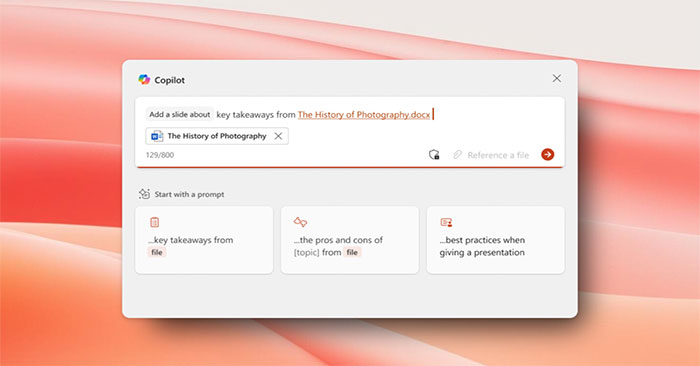
Create a PowerPoint draft from a prompt or file, refine the outline and slides with Copilot, apply a brand, and verify facts, visuals, citations, and accessibility.

Connect Canva to Gemini, review account permissions, create or edit a design with @Canva prompts, open it in Canva for final changes, and troubleshoot availability.

Compare 15 NotebookLM alternatives for document chat, academic reviews, local-first notes, team knowledge bases, and podcast-style audio, with practical guidance on choosing the right tool.
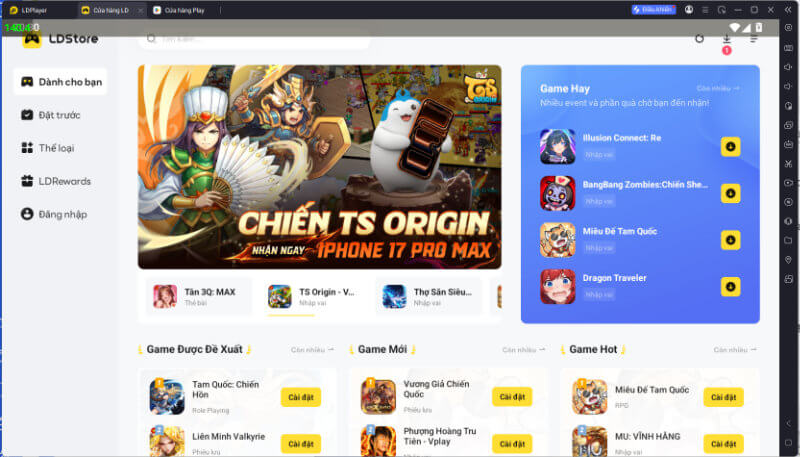
LDPlayer 14 updates the Windows Android emulator with an Android 14 base, improved Hyper-V compatibility, multi-instance resource controls, and familiar keyboard and gamepad tools.
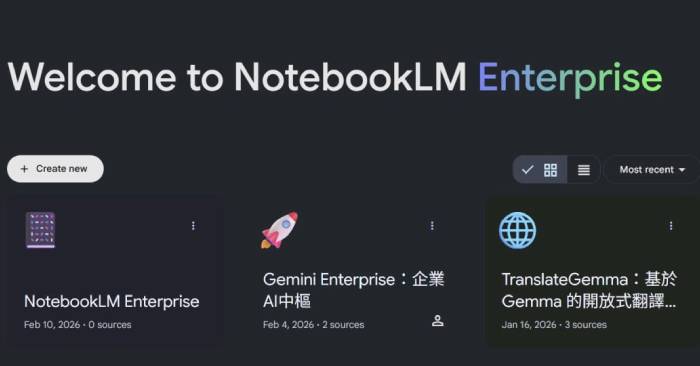
Gemini Notebook Enterprise adds Google Cloud administration, project-bound sharing, identity controls, data residency options, and higher documented limits to Google's source-grounded notebook.

Use IMPORTRANGE to bring an automatically refreshed range from another Google Sheets file, authorize the connection, filter imported data with QUERY, and fix common errors.
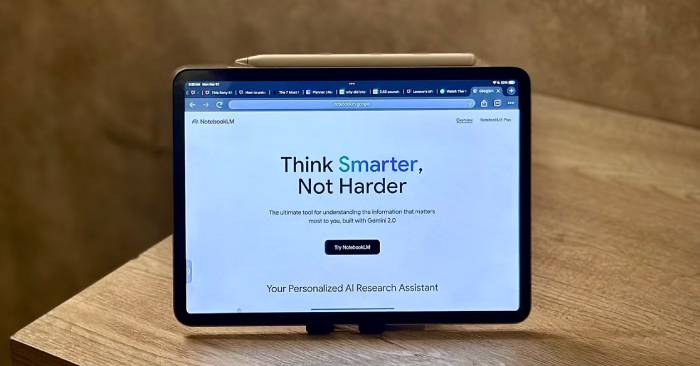
These three third-party Chrome extensions can save AI chats to NotebookLM, export mind maps to editable formats, or bulk-add YouTube sources. Learn what each does and how to assess its permissions.
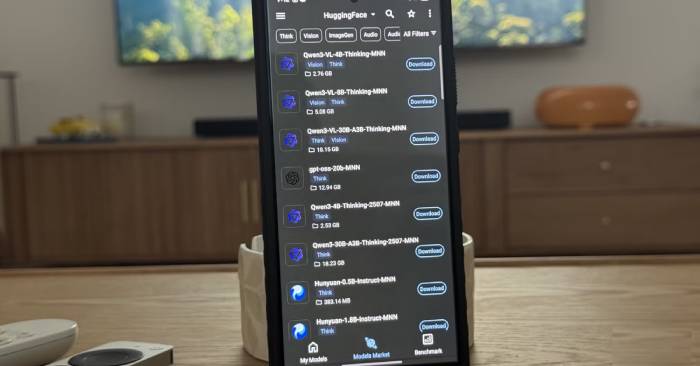
A small on-device language model can organize private notes, explain short code, support offline language practice, discuss ideas, and analyze images—within clear privacy and accuracy limits.

Restore Arena of Valor Credibility Score by completing eligible matches without AFK behavior or reports. This guide explains the safe recovery process, daily caps, restrictions, and how to avoid further deductions.

Try these Mega Battle gift codes for Diamonds, Gold, Poké Balls, coins, and Pokémon fragments, then follow the illustrated in-game redemption steps and collect rewards from Mail.

Save a TikTok video with the app's built-in download option, use TikTok's desktop handoff, and understand what to do when Save video is unavailable without ignoring creator permissions.

Configure Edge's Browse with Copilot allow and block lists so Copilot can interact only with approved sites, and understand how personal consent and administrator policies affect the setting.

Copilot and AI agents in Dynamics 365 can summarize records, draft content, answer questions about authorized business data, and assist workflows across Sales, Service, Finance, and Supply Chain.

Connect one Azure AI Search vector index to a Copilot Studio agent, choose a supported authentication method, configure citations, test retrieval, and account for private-network and permission requirements.

Build an Educaplay Froggy Jumps review game manually or with AI, configure questions, lives and timing, test every answer, then publish and share it by link, QR code, embed, or LMS.

Build a Fisch rod collection through shops, quests, bestiaries, treasure, crafting, level rewards, events, and Second Sea progression. Start with practical upgrades and avoid wasting currency on obsolete lists.

Use spins and multipliers deliberately, time village upgrades with events, match pets to raids or attacks, trade cards safely, and avoid fake hacks or patterns that waste resources.

Claude Code now treats legacy custom slash commands as skills. Learn how built-in commands differ from prompt-based skills, where each lives, how invocation works, and when MCP tools or hooks are the real requirement.

Compare 10 AI photo enhancers for sharpening, upscaling, portrait retouching, old-photo restoration, and hands-on editing, with practical limits to check before uploading.
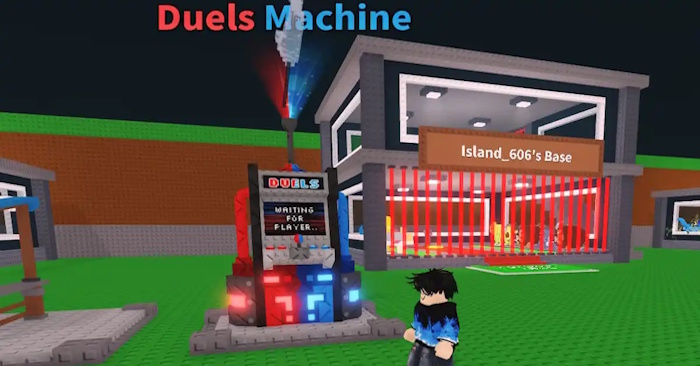
Learn how to challenge a player, choose a Brainrot wager, confirm a duel, win the first-to-three match, and reduce the risk of losing a valuable unit.