How to Create a Windows 11 Installation USB with Rufus or Media Creation Tool
Create a bootable Windows 11 USB safely with Rufus or Microsoft's Media Creation Tool, choose the correct UEFI/GPT settings, and verify the drive before installation.
Fix Windows problems, troubleshoot devices, understand AI, secure your accounts and get more from your technology with tested step-by-step guides.

Create a bootable Windows 11 USB safely with Rufus or Microsoft's Media Creation Tool, choose the correct UEFI/GPT settings, and verify the drive before installation.

Move the Windows Downloads known folder to another internal drive without breaking its location, transfer existing files safely, and restore the default path if needed.
Adjust when the display turns off, when the PC sleeps, and when Windows 11 requires sign-in again using Settings, Power Options, or powercfg.

Switch Windows 11 taskbar icons between left and center alignment, and understand why moving the whole taskbar to the top or sides is not officially supported.
Change a Windows 11 local or Microsoft account password, update a Windows Hello PIN, and avoid confusing the device PIN with the account password.

Use Windows 11 Disk Management to shrink an existing volume and create a new partition without third-party software, with practical precautions to reduce the risk of data loss.

Control webcam access in Windows 11 for the whole device, individual Microsoft Store apps, desktop programs, or a specific camera, and troubleshoot common permission problems.

Remove the password from a Windows 11 local account or configure automatic sign-in, with clear differences for Microsoft accounts and important security warnings.

A historical look at the December 2021 KB5008215 update for Windows 11 21H2, including its fixes for unnecessary NTFS disk operations and MSI-related app launch failures.
This historical update explains the February 2022 Windows 11 feature release, including the Amazon Appstore preview, taskbar improvements, and redesigned Notepad and Media Player apps.
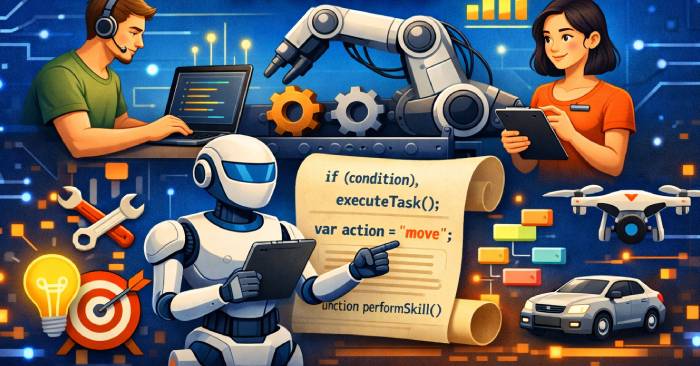
Build reliable Agent Skills with pinned one-off commands, reusable scripts, inline dependencies, noninteractive interfaces, structured output, and safe execution defaults.
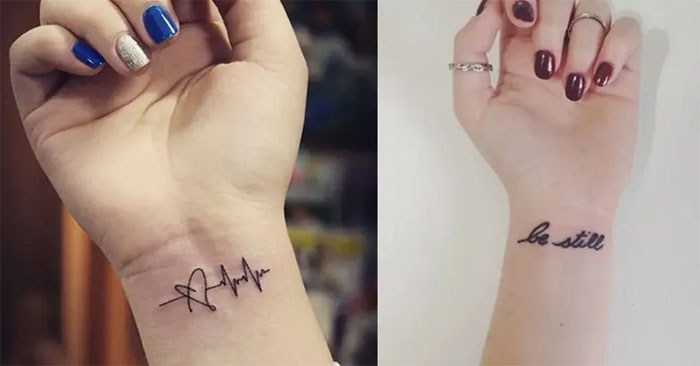
Browse 44 small tattoo ideas for wrists, ankles, shoulders, fingers, and other placements, then use practical design, studio-safety, and aftercare guidance before committing.
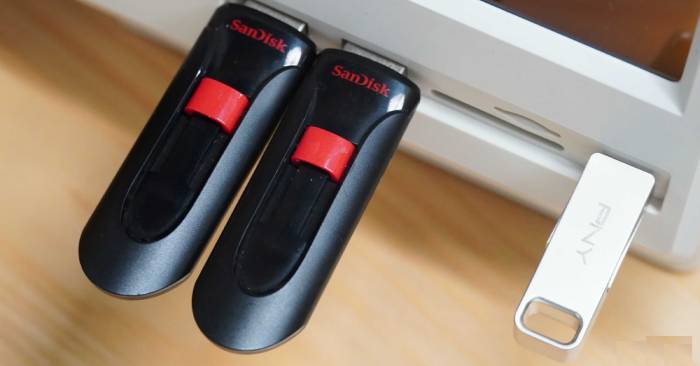
Repurpose a working USB flash drive for offline file transfers, portable apps, recovery tools, or bootable installers—after checking its health and removing sensitive data.
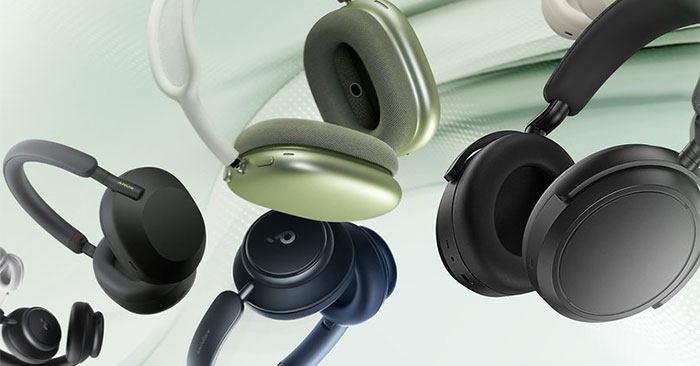
Compare five Bluetooth headsets by use case, including travel ANC, budget listening, low-latency gaming, noisy-workplace calls, and luxury materials.

Roblox does not offer generic free-Robux codes or generators. Learn the difference between gift cards, promo items, and experience codes, plus safe redemption steps.
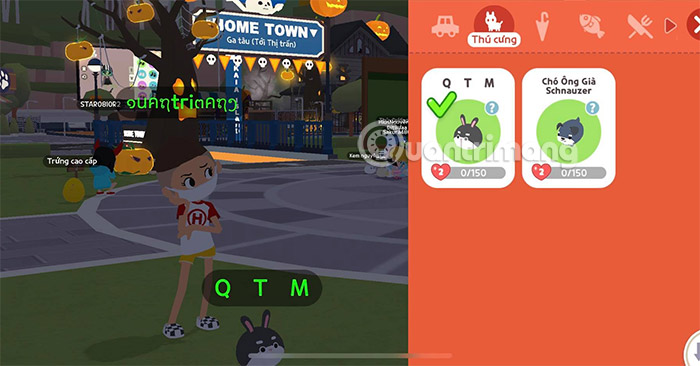
Copy Unicode spacing characters for a Play Together nickname, learn which characters may be accepted, and avoid invisible-name problems with search, moderation, and readability.

Understand where blockchain can support AI provenance, payments, access control, and decentralized coordination—and where cost, privacy, and data-quality limits make it a poor fit.
Compare Gemma 4 26B A4B and GPT-5.3 Chat by deployment model, context window, tool support, cost, hardware needs, and current API status.
Compare Qwen 3.5 and Gemma 4 by model size, architecture, local hardware needs, multimodal support, benchmarks, and deployment priorities.
Start using DeepSeek through its official web chat or mobile app, connect the paid API, or run open weights locally, with practical privacy and security guidance.