Table of Contents
An old USB flash drive can still be useful even if cloud storage and external SSDs handle most daily transfers. A small drive is convenient for offline handoffs, portable utilities, firmware files, and recovery media. The important qualifier is working: do not trust an aging or counterfeit drive with the only copy of important data.
Check the drive before reusing it
- Copy noncritical test files to the drive, eject it properly, reconnect it, and verify that the files open.
- Run the operating system's error-checking tool and, for an unknown drive, use a capacity test that writes and verifies the full reported space.
- Inspect the connector for looseness, corrosion, or physical damage.
- Format the drive only after confirming that it contains nothing you need. Formatting erases its current file system and data.
- Label the drive with its purpose and the date it was prepared.
A USB drive should not be the sole backup. Flash memory and controllers can fail without much warning, especially after years of storage or repeated writes.
1. Transfer files without an account or internet connection
A flash drive remains a simple way to move documents, photos, presentations, or installers between compatible computers. It can also be useful when uploading files to a print kiosk that accepts USB storage.
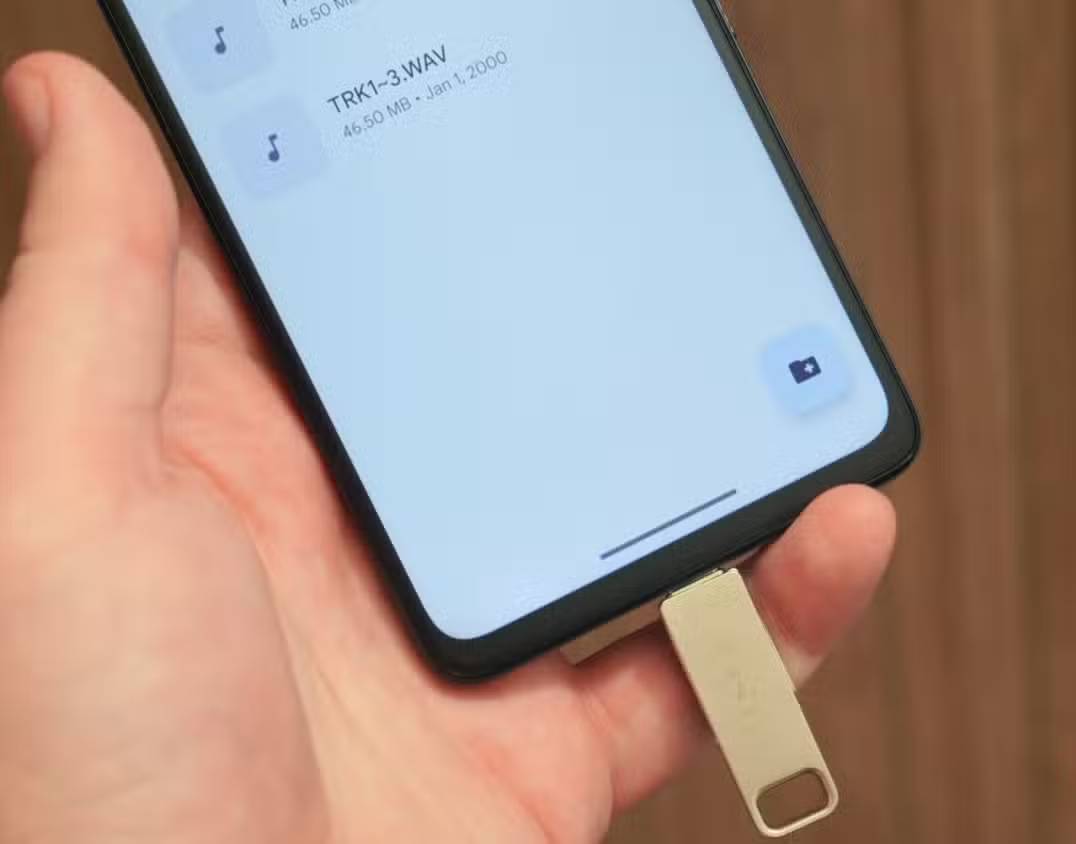
For a public printer, use a drive containing only the files needed for that job. Do not include tax records, identity documents, passwords, work files, or personal backups. Assume a shared computer may be untrusted, scan the drive afterward, and erase the temporary files when the job is complete.
2. Carry portable applications
Some Windows applications can run from a folder without a conventional installation. A USB drive can hold a browser profile for non-sensitive testing, a text editor, media tools, file utilities, or diagnostic programs.
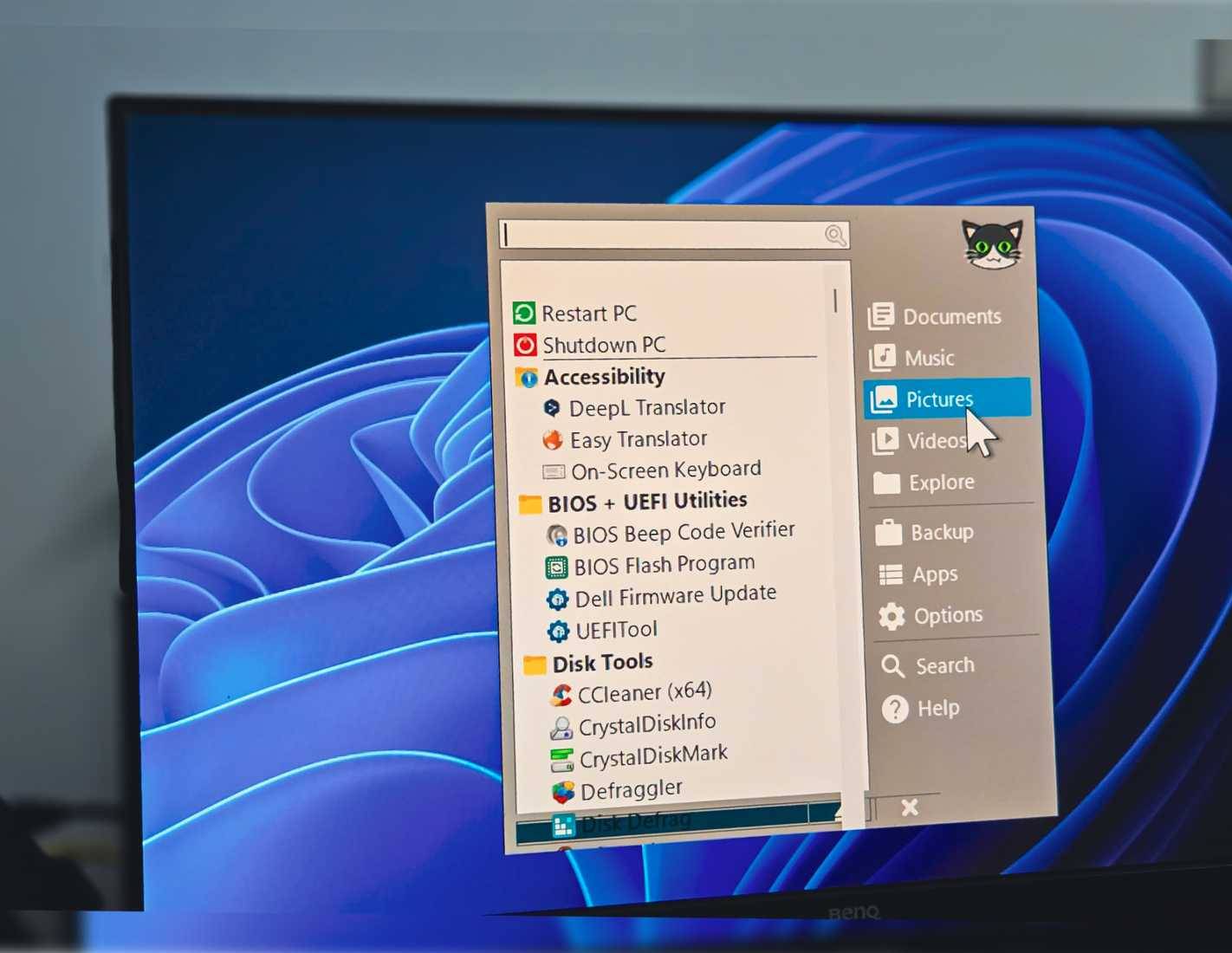
Use software from its official publisher or another source you trust, keep it updated, and do not expect every public or managed PC to allow executable files from removable storage. TipsMake's guide to running software from a USB flash drive explains the basic portable-app workflow.
3. Create Windows installation media
A bootable installer can help when Windows will not start or when you need a clean installation. Creating it normally erases the entire USB drive, so select the device carefully and copy off any needed files first.
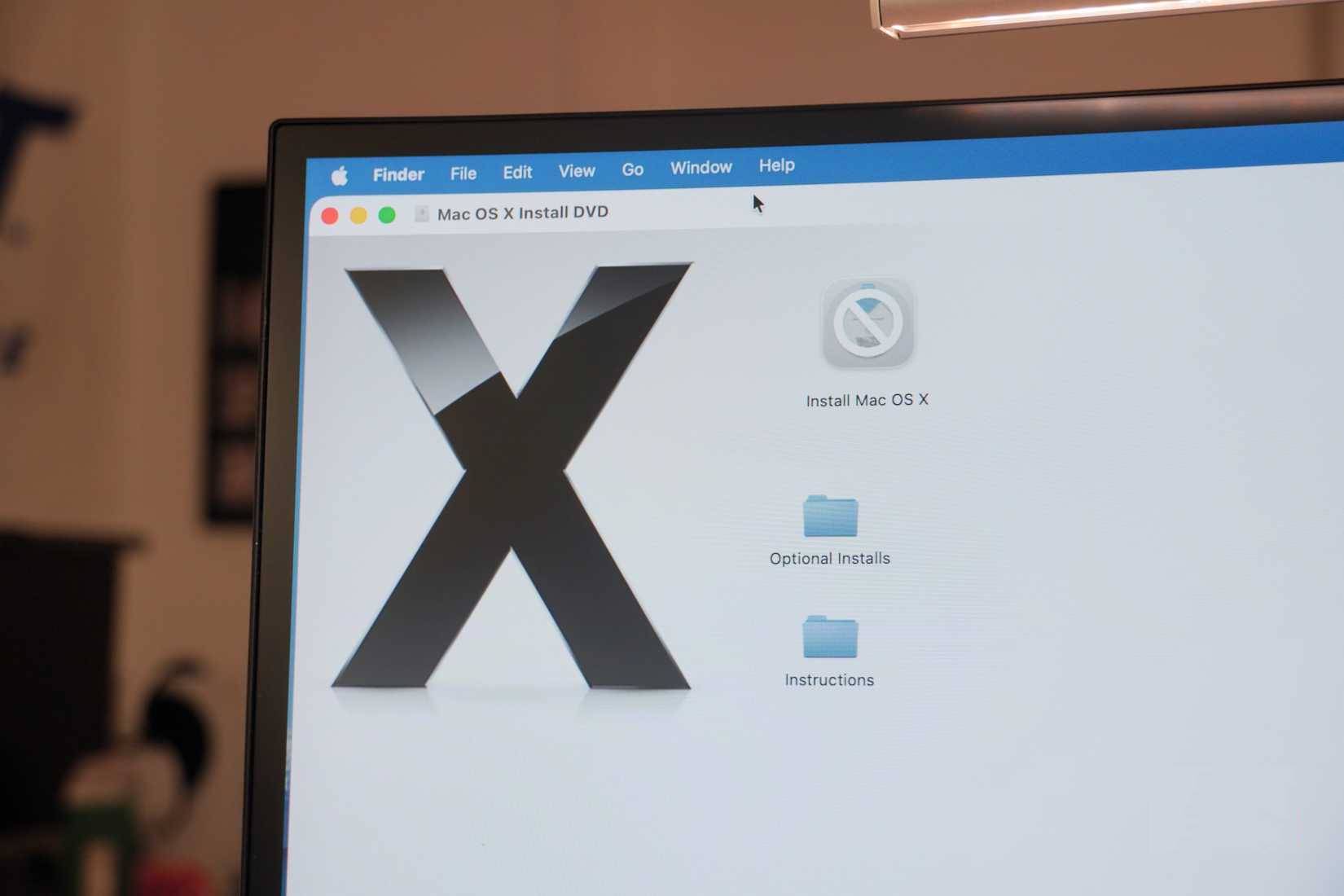
Use a reliable drive rather than one that has shown errors. Installation images and hardware support change, so recreate the media periodically instead of assuming an old installer is current. See the UEFI and legacy BIOS bootable USB guide for the partition-scheme choices, or compare USB boot-creation tools.
Before reinstalling a laptop, separately save the BitLocker or device-encryption recovery key, network driver, and any manufacturer-specific storage driver. One uncommon model does not justify claiming that normal Windows installation is impossible; check the manufacturer's support page for the exact model.
4. Build a recovery and diagnostic kit
A USB drive can hold offline antivirus scanners, hardware tests, memory tools, log collectors, and recovery documentation. A bootable diagnostic drive is particularly helpful when the installed operating system cannot start. Keep tool sources and update dates in a text file on the drive so you can tell what is current.
Do not use unknown “rescue” images on a computer that contains sensitive data. Bootable media can access disks outside normal Windows protections and should be treated as privileged software.
5. Store device-specific firmware or drivers
Routers, motherboards, cameras, TVs, and other devices sometimes accept firmware updates from removable storage. A small, freshly formatted drive is often more compatible than a large multi-partition device. Follow the manufacturer's instructions exactly: the required file system, filename, and USB port can matter, and interrupting firmware installation can leave a device unusable.
6. Make a controlled offline handoff
For a one-time transfer, a physical drive can avoid emailing a large file or granting access to a cloud folder. Encrypt sensitive information when the recipient and device support it, exchange the password through a separate channel, and keep another verified copy until the handoff succeeds.
When to retire the drive
Recycle a flash drive through an appropriate electronics program if it disconnects randomly, becomes read-only unexpectedly, reports changing capacity, corrupts files, overheats, or has a damaged connector. Before disposal, securely erase reusable media where practical; if the drive is dead and held sensitive data, physical destruction by an appropriate data-destruction service may be safer than ordinary recycling.
Related Articles
 Download Orwell Game: Keeping an Eyes on You, Worth 9.99usd, Is Free4 minutes read
 6 Clever and Unique Ways to Reuse Old USB Drives: Explained7 minutes read
 Multi-level SSD: Slc, Mlc, Tlc, Qlc and Plc?9 minutes read
 8 Other Uses of External Hard Drives/NAS Besides File Storage7 minutes read
 4 Ways to Reuse Hard Drives7 minutes read
 The Best External Hard Drives for 20205 minutes read
Reader Comments 0
Sign in with email or Google to join the discussion.