How to Upgrade Laptop RAM Safely at Home
Check laptop RAM compatibility, install a SO-DIMM safely, verify the upgrade in Windows, and troubleshoot a laptop that does not start afterward.
Fix Windows problems, troubleshoot devices, understand AI, secure your accounts and get more from your technology with tested step-by-step guides.
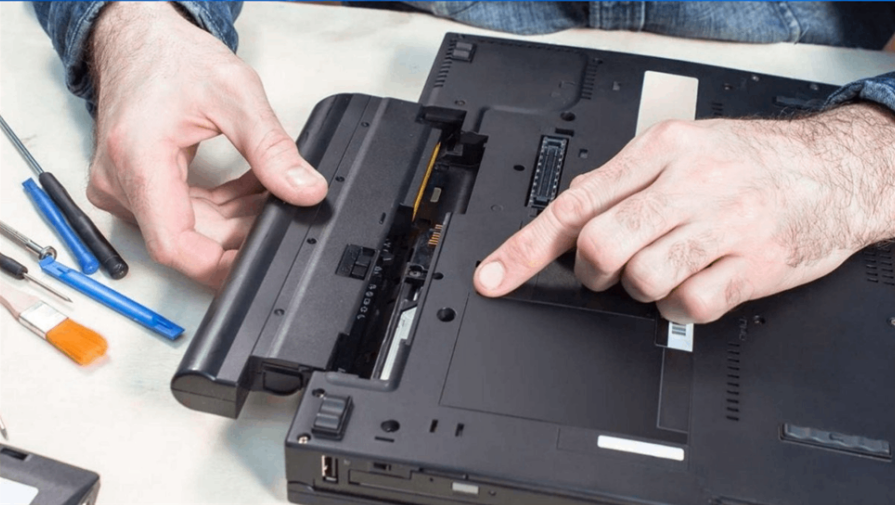
Check laptop RAM compatibility, install a SO-DIMM safely, verify the upgrade in Windows, and troubleshoot a laptop that does not start afterward.
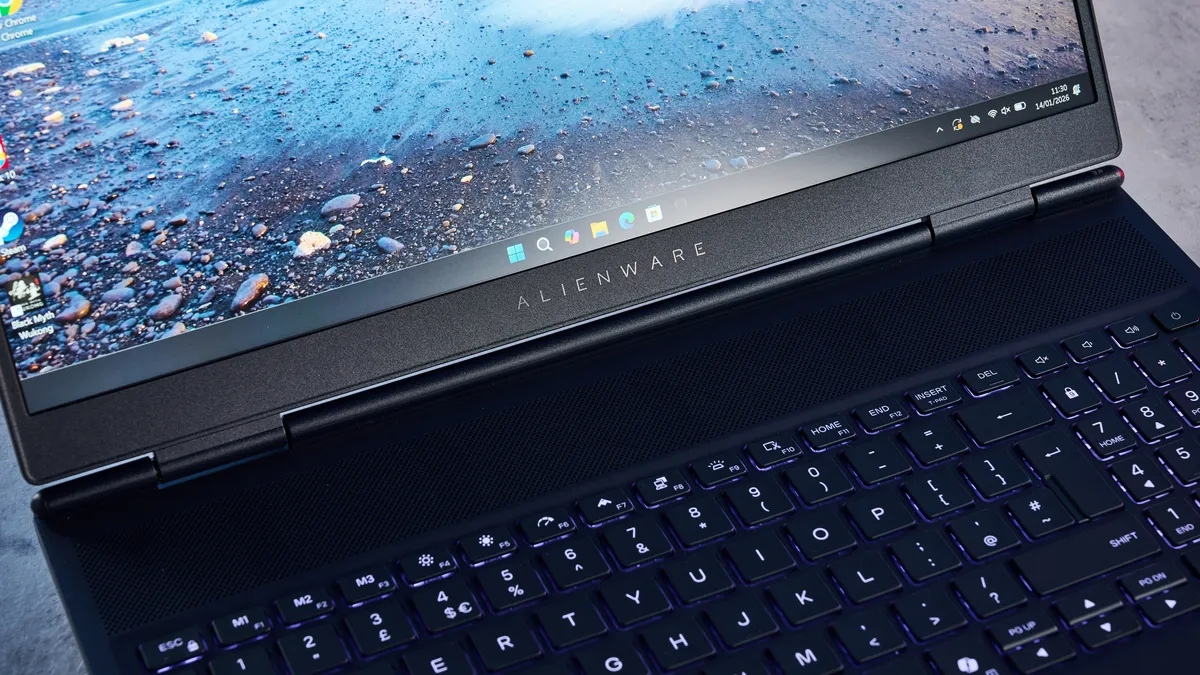
A practical review of the Alienware 16X Aurora's gaming performance, 240Hz display, ports, upgrade options, portability, and configuration differences.

Penn State research links brain activity and cerebrospinal fluid flow to waste clearance and Alzheimer's markers—but it does not support commercial brain detoxes.

RGG Studio's action-adventure spans five eras of Japan. Here is what Sega has confirmed about its January 2027 release, story, combat, music, and cast.
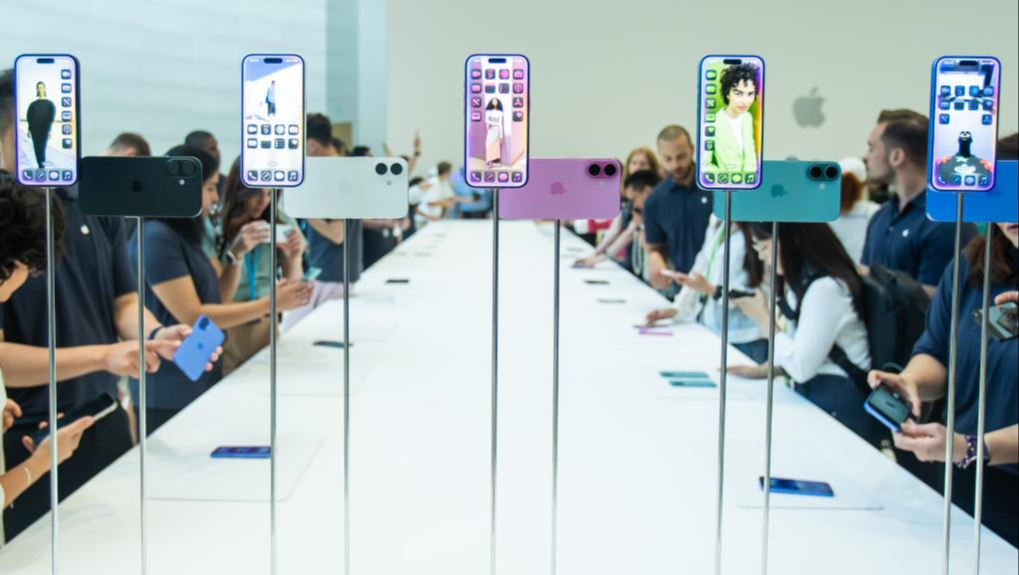
Check which iPhones may qualify for Apple's proposed Siri settlement, the estimated payout, current court status, and why claims cannot yet be filed.
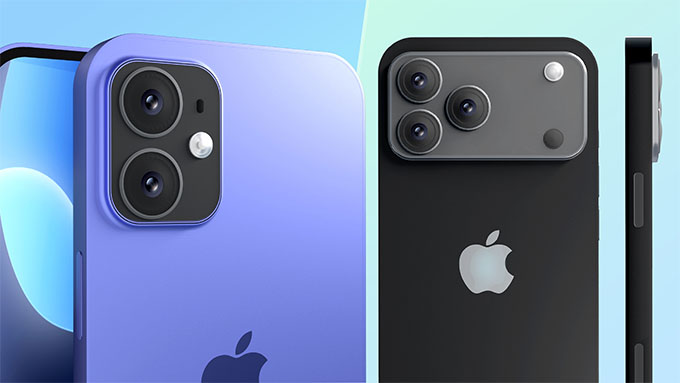
A credibility-checked roundup of iPhone 18 rumors, including the split launch schedule, 2nm A20 chip, display, camera, modem, RAM, and pricing uncertainty.

Set up Camera Control, the Action button, Reachability, Control Center, app locking, Safari Reader, offline maps, ProRAW, and ProRes.
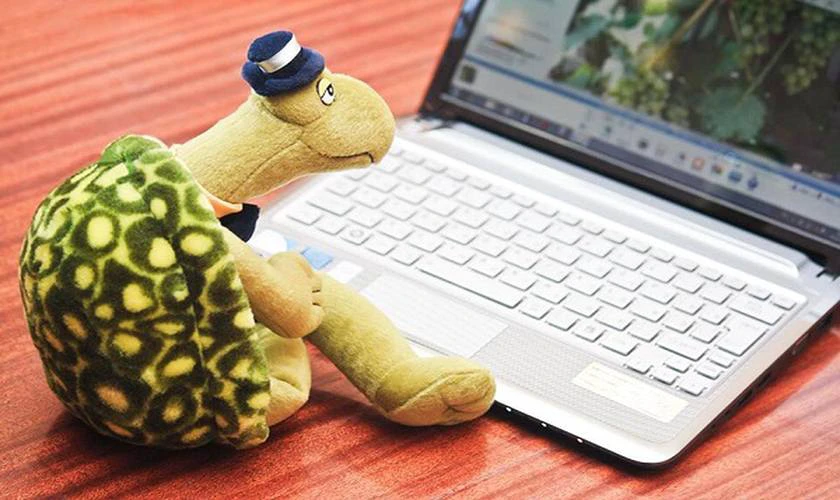
Find the CPU, memory, disk, heat, startup, malware, or storage cause of a slow laptop, then apply the safest Windows or macOS fix.

IP54 means dust protection and resistance to splashing water. See its real-world limits and how it compares with IPX4, IP55, IP67, and IP68.
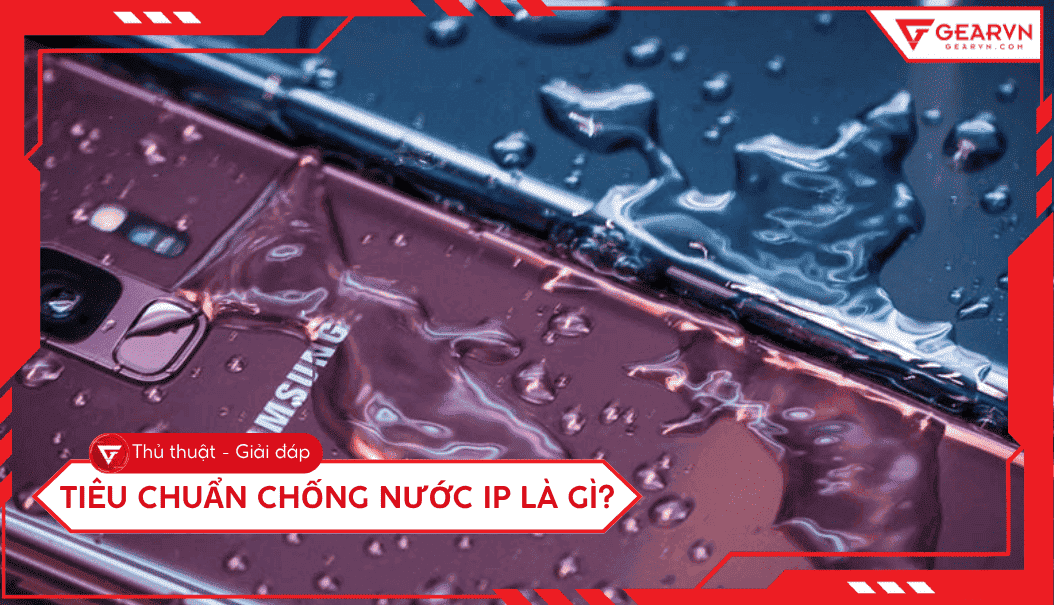
Decode IP dust and water ratings, compare IP54 through IP68, understand what X means, and choose protection for splashes, jets, or immersion.
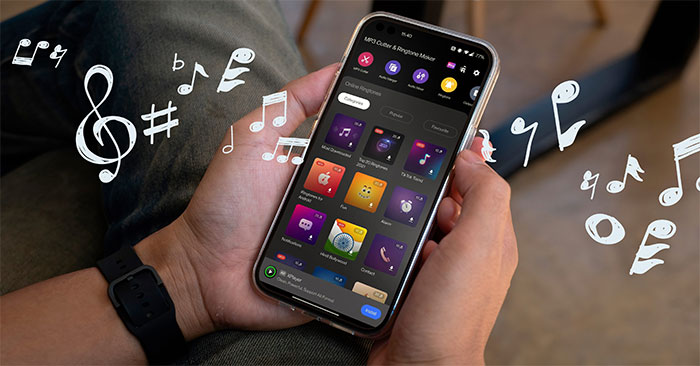
Add a local song as an Android ringtone, trim the clip, set contact-specific sounds, and fix files that do not appear on Pixel, Galaxy, or Xiaomi.
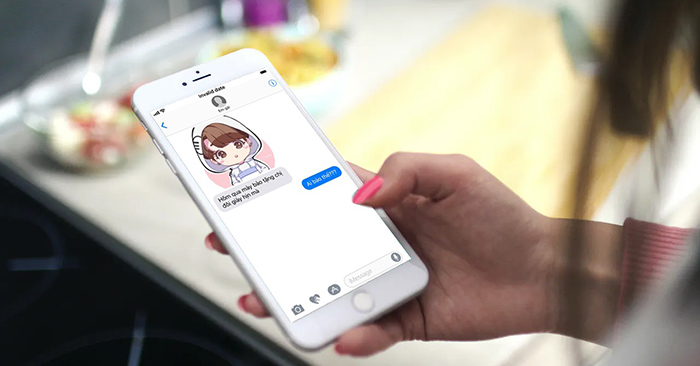
Create fictional chat screenshots for design or training while protecting privacy, labeling the mockup clearly, and avoiding impersonation or misinformation.
Add a YouTube video to Canva with an Embed block or the YouTube app, then test playback, sharing permissions, and export limitations.

Use Character, Request, Examples, Adjustments, Type of output, and Evaluate to build clearer prompts and review AI responses before relying on them.
Use Brisk to create a quiz from a Gemini response, export it to Google Forms, review the answer key, and protect student privacy before assigning it.
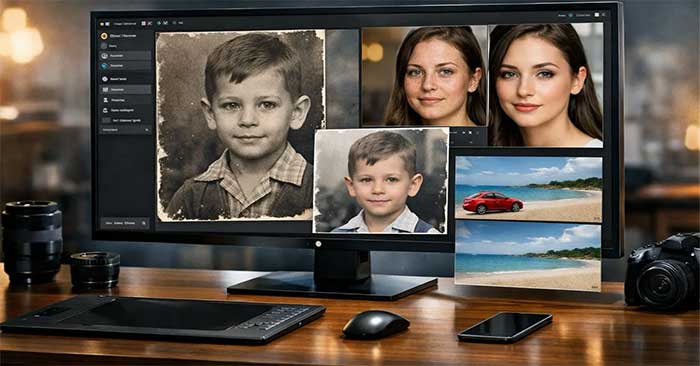
Compare Photoshop, Lightroom, Luminar Neo, Topaz Photo, Pixelmator Pro, Canva, and Picsart by workflow, control, platform, and key limitations.

Explore ghost Windows 11 25H2 Includes Office and Other Software, including key concepts, practical steps, useful tips, and common questions.
Set clear expectations, plan focused work, communicate effectively, protect company data, and create boundaries that make remote work sustainable.
Diagnose Windows 11 slowdowns, reduce startup load, free storage, tune visual effects and power settings, and decide when hardware needs an upgrade.
Pair Bluetooth headphones with Windows, macOS, iPhone, or Android, then fix discovery problems, missing sound, dropouts, and audio delay.