Table of Contents
To set a custom ringtone on Android, first save a supported audio file locally, then open Settings > Sound & vibration > Phone ringtone. The exact labels differ on Pixel, Samsung Galaxy, Xiaomi, and other phones, so this guide gives both the common method and brand-specific paths.
Before you begin
- Use an audio file you own or have permission to use.
- Download it to the phone; a track available only inside Spotify, YouTube Music, or another streaming app normally cannot be selected.
- MP3, WAV, AAC/M4A, and OGG are commonly supported, but support varies by device.
- A 20- to 40-second clip is easier to recognize and uses less storage than a full song.
How to trim audio for a ringtone
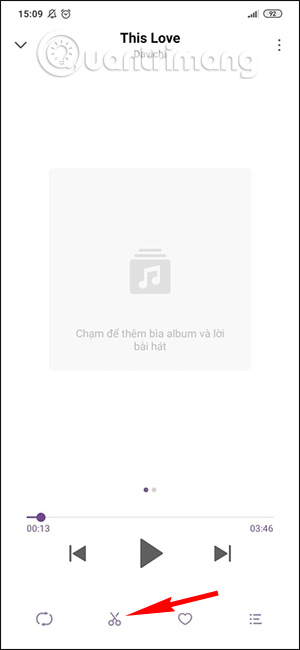
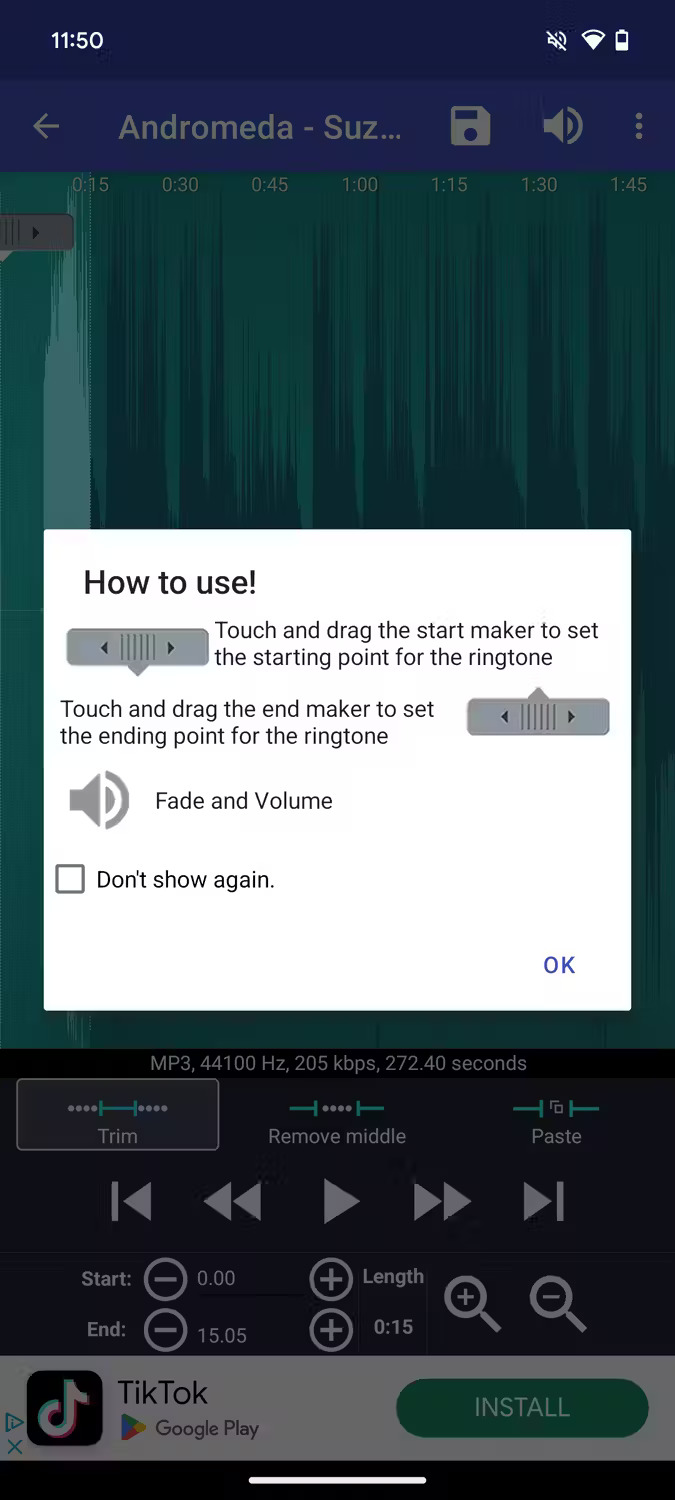
Android does not include one universal ringtone editor. Some manufacturer music apps have a scissors or trim command; others only let you choose a local file.
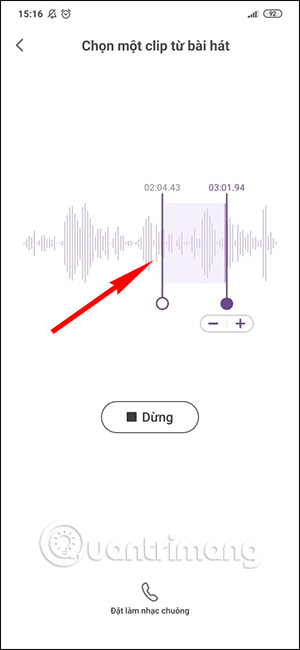
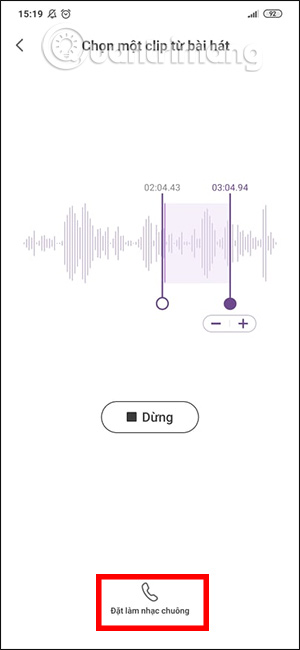
- Open the local audio file in the phone's music or audio editor.
- Choose Trim, Edit, or the scissors icon if available.
- Drag the start and end handles around the clearest part of the track.
- Preview the clip and avoid a start that is too quiet.
- Export a new copy rather than overwriting the original.
- Save it in the Ringtones folder if the editor offers that destination.
If the phone has no editor, use a reputable audio-editing app and review its permissions. TipsMake's list of Android audio editors explains the types of tools available; confirm that any app is still maintained before installing it.
Set a custom ringtone on most Android phones
- Open Settings.
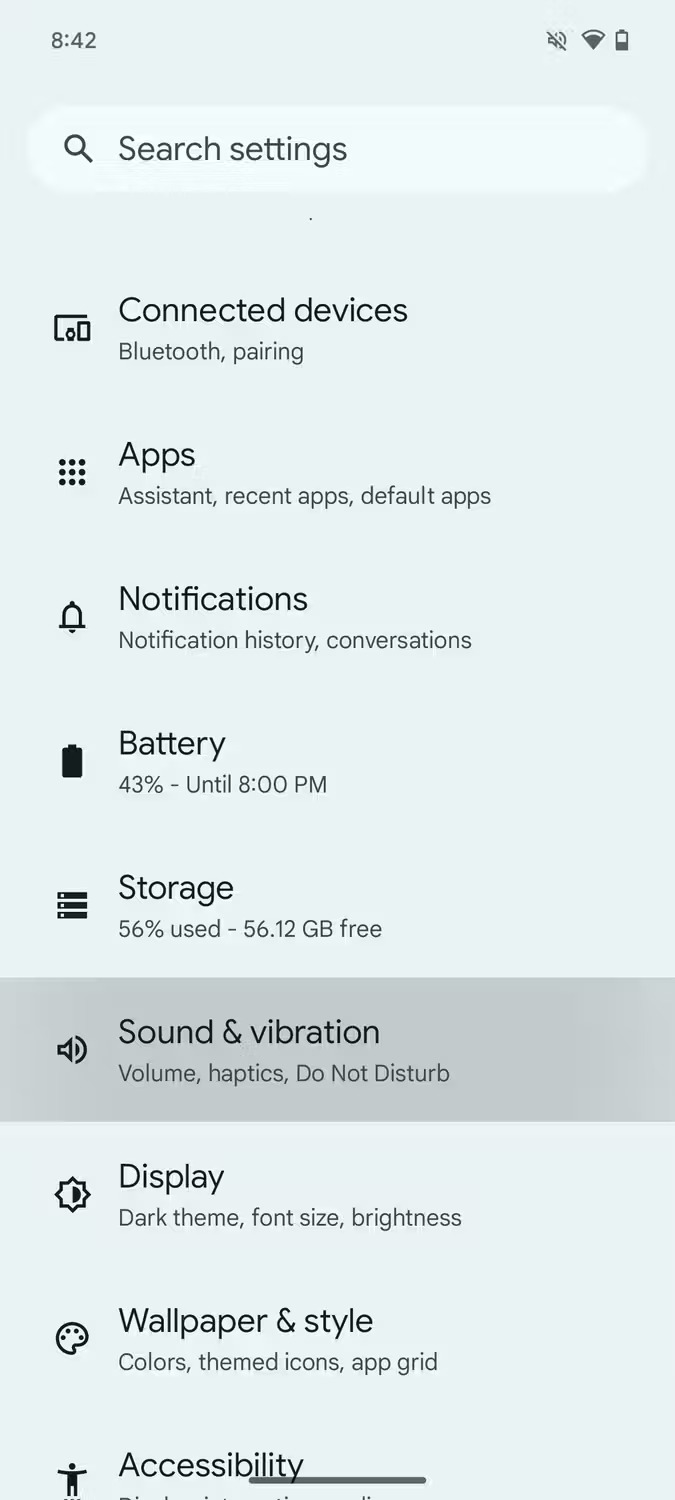
- Tap Sound & vibration.
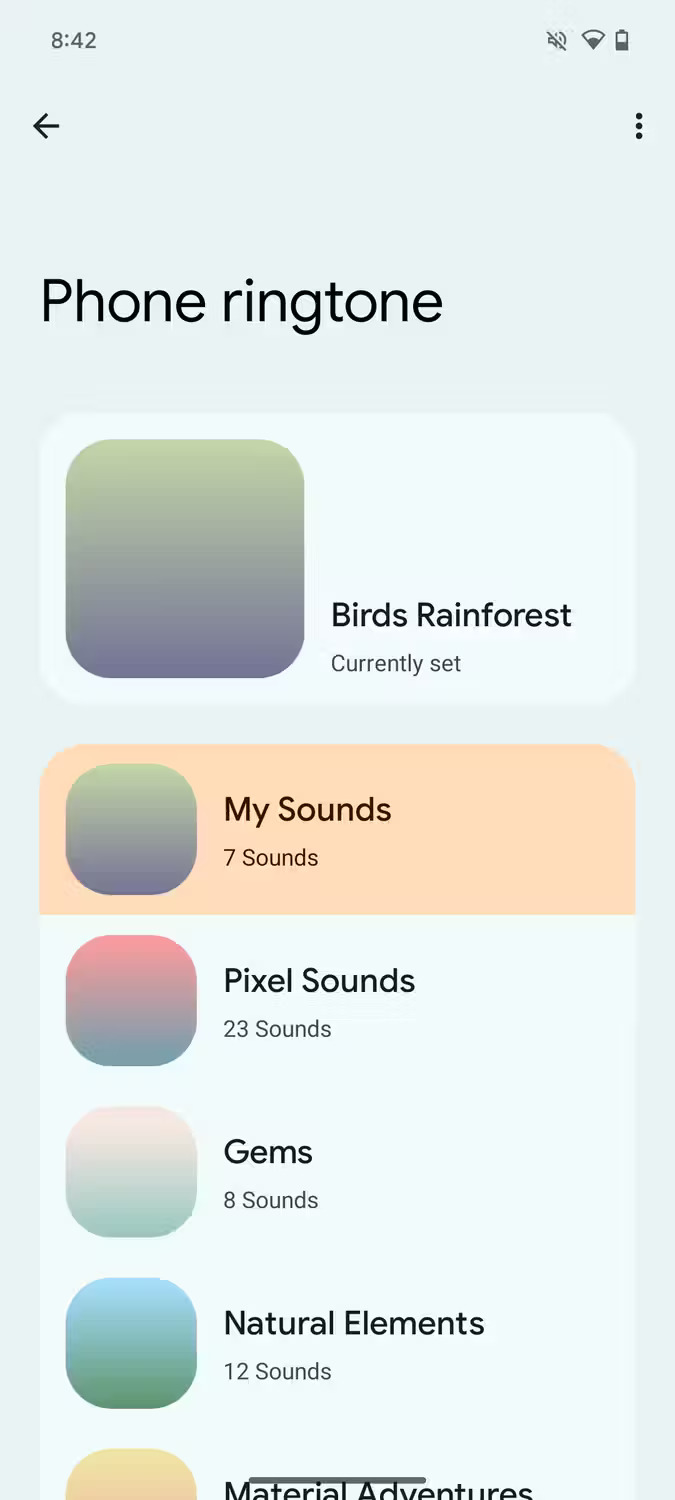
- Tap Phone ringtone or Ringtone.
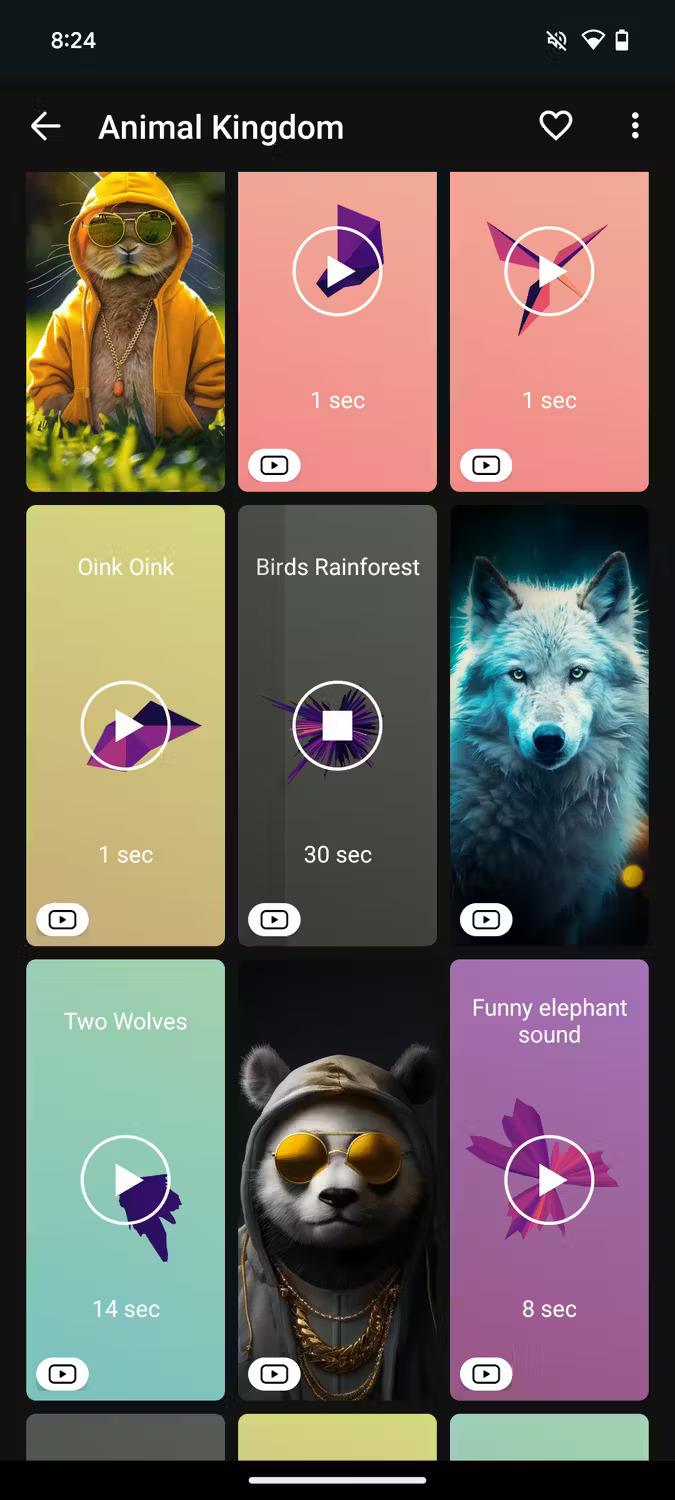
- Select My Sounds, Choose local ringtone, From files, or the + button.
- Choose the audio file and save or confirm.
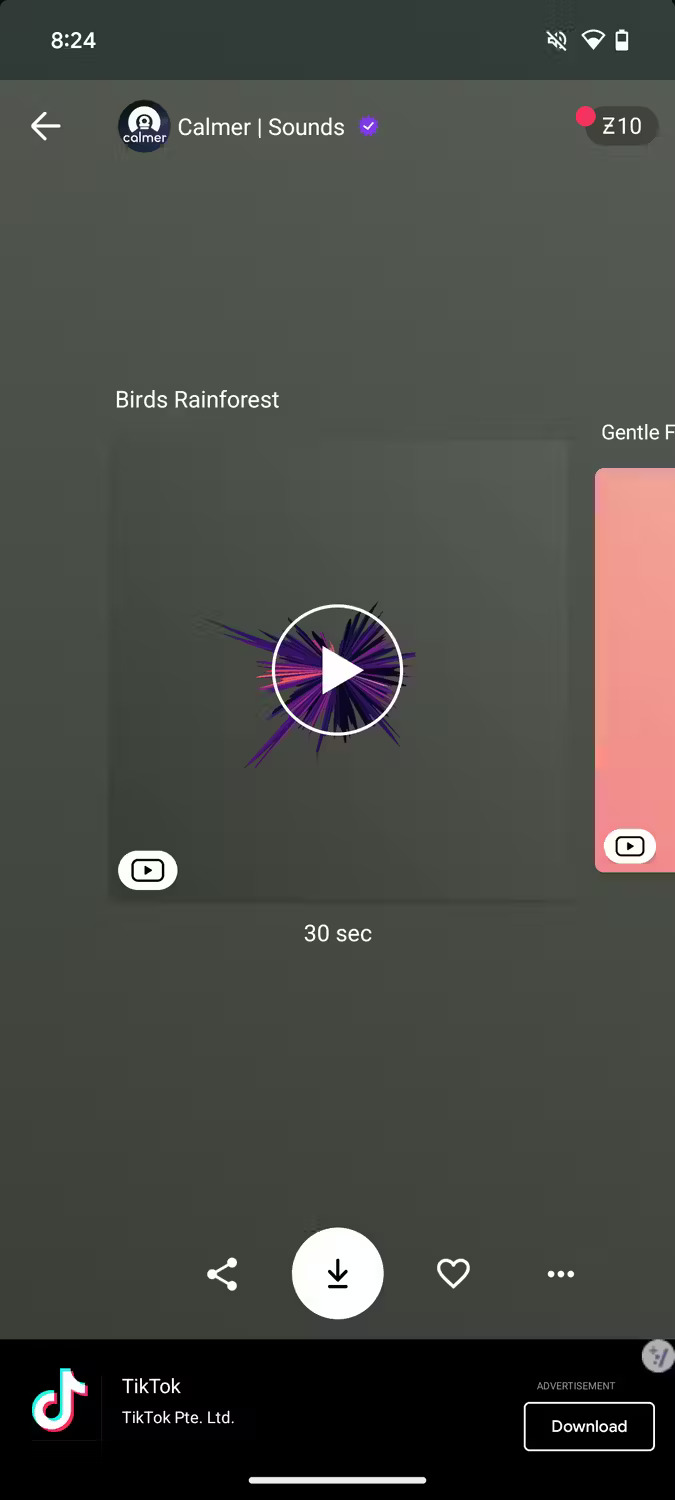
Dual-SIM phones may show a separate ringtone setting for each SIM. Select the correct line before choosing the sound.
Google Pixel: add a local ringtone
- Open Settings > Sound & vibration > Phone ringtone.
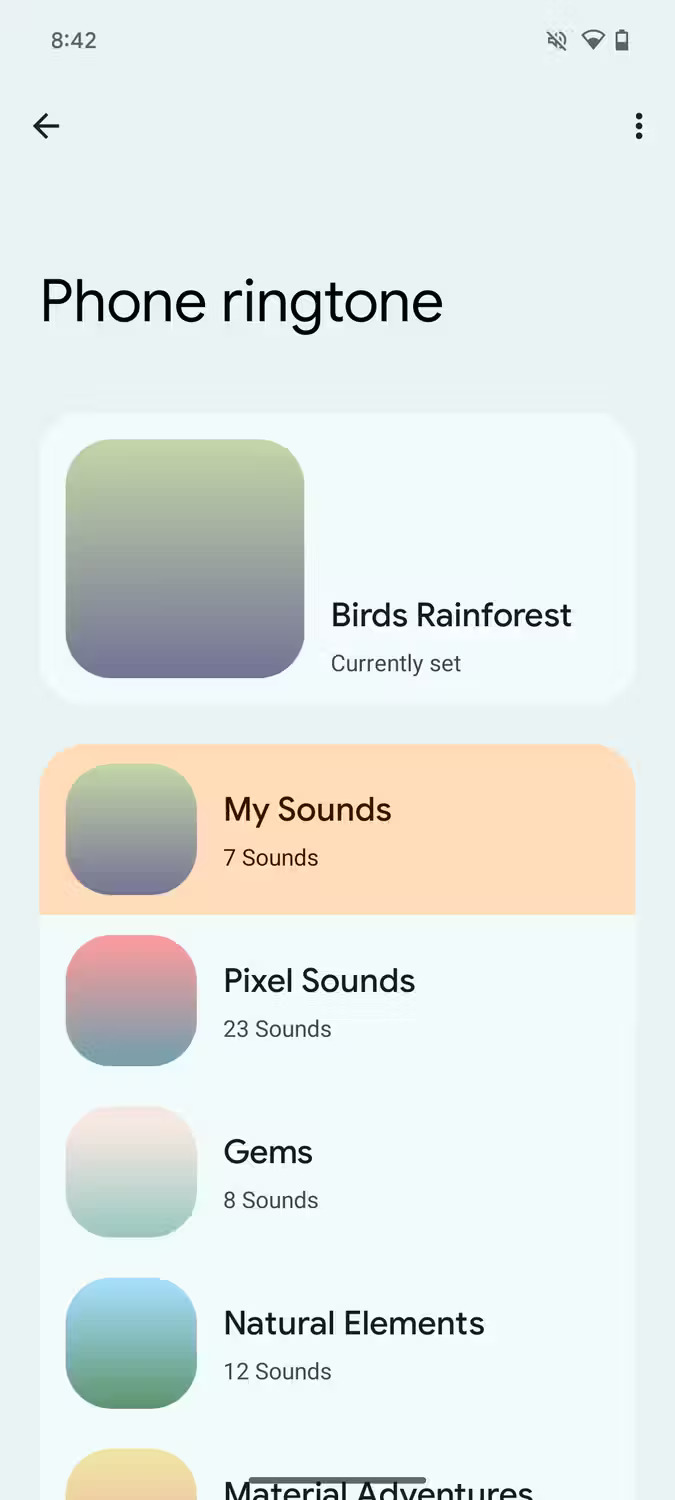
- Choose My Sounds.
- Tap the + button.
- Select the audio file from device storage.
- Choose the new sound and tap Save.
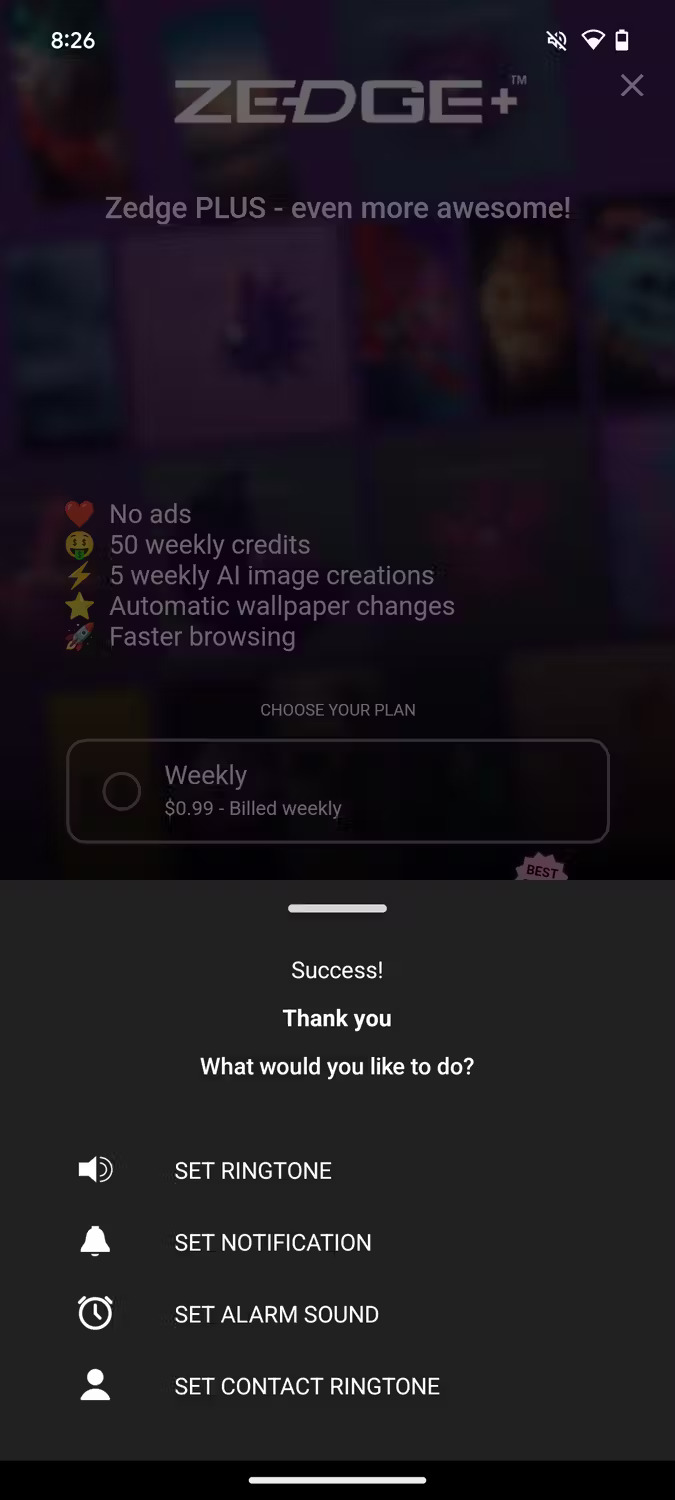
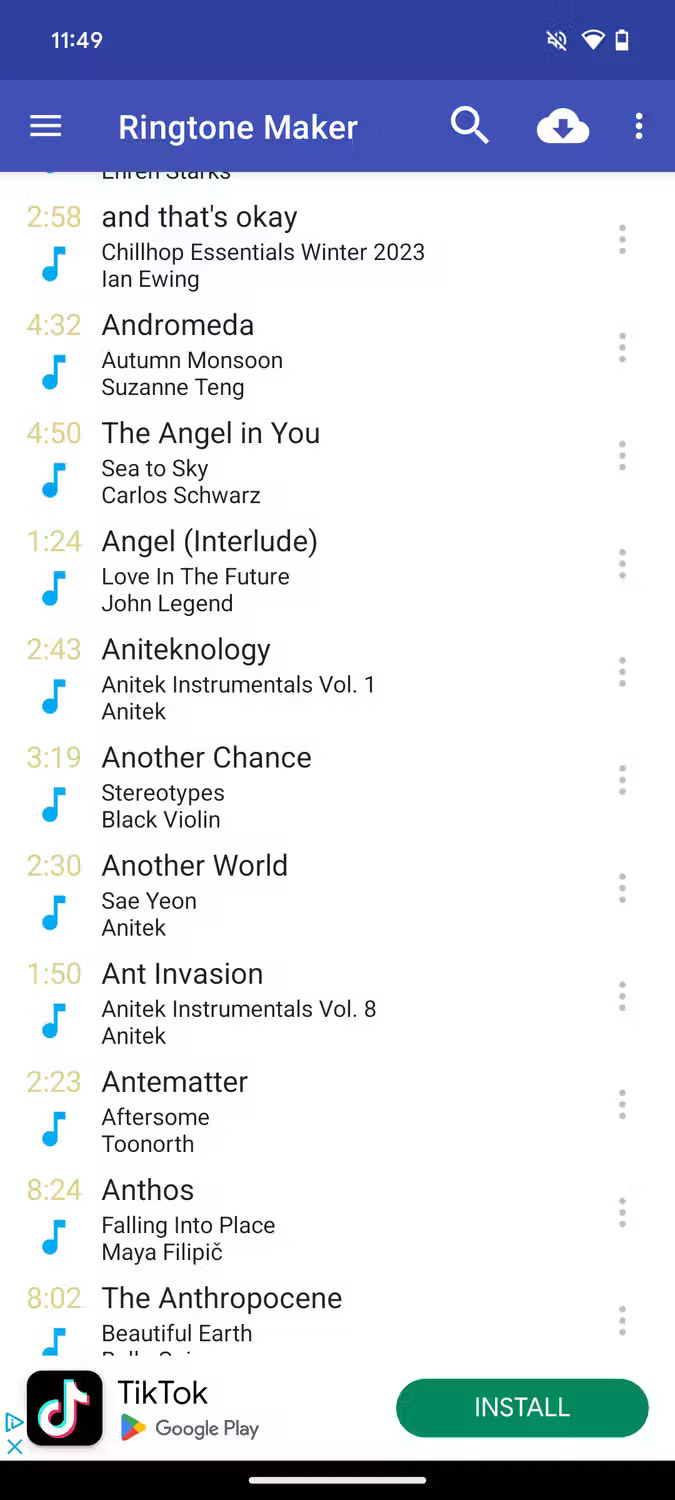
If the file does not appear, use the Files app to move or copy it into the internal-storage Ringtones folder, then reopen the sound picker. Google's current Pixel sound settings provide the authoritative menu path.
Samsung Galaxy: use a music file
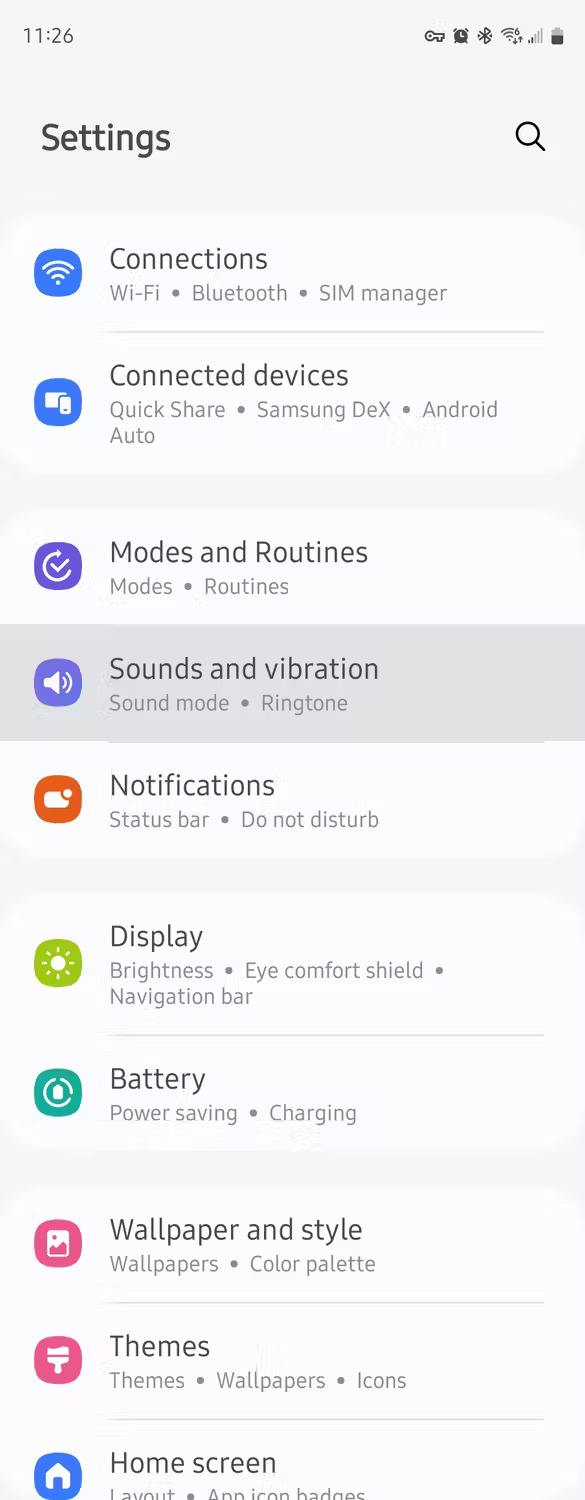
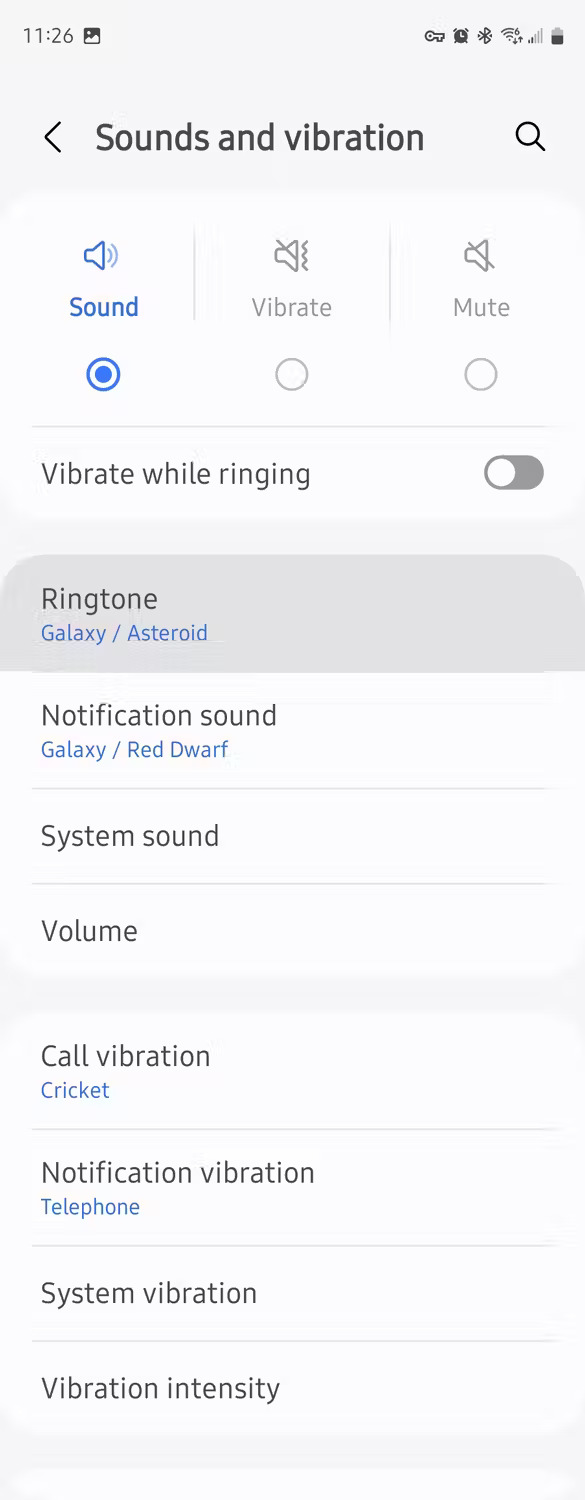
- Open Settings > Sounds and vibration > Ringtone.
- If prompted, choose the SIM.
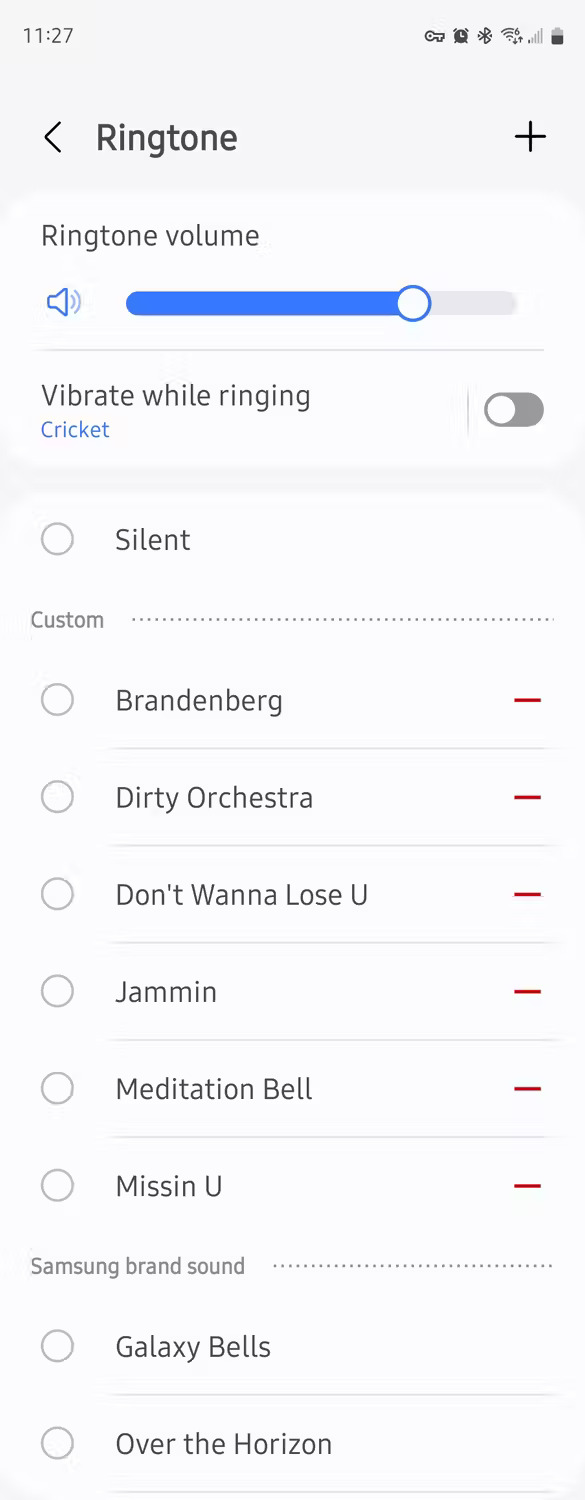
- Tap the + button.
- Select a local audio file.
- Choose whether Samsung should play selected highlights only or start at the beginning.
- Tap Done.
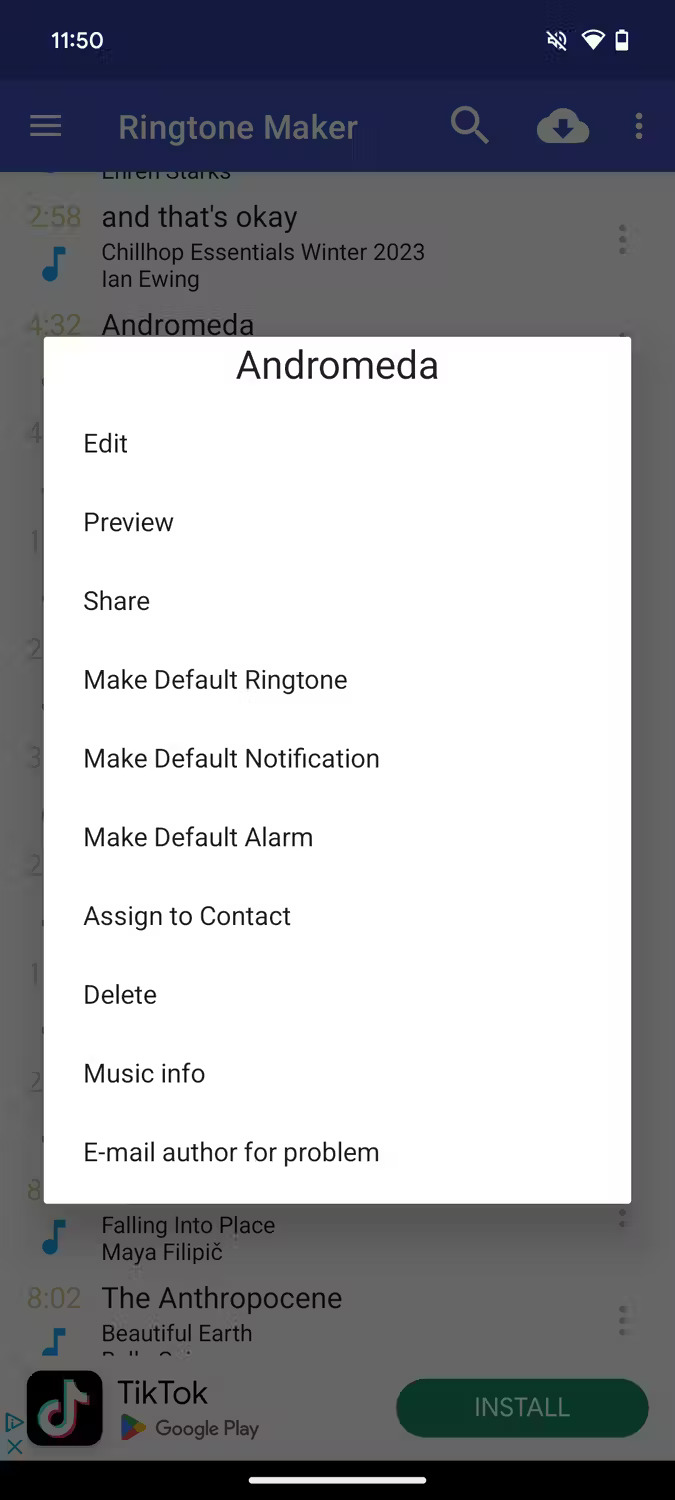
Samsung's official ringtone instructions note that streaming-only tracks cannot be used; the music file must be saved on the phone.
Xiaomi and HyperOS: choose a local ringtone
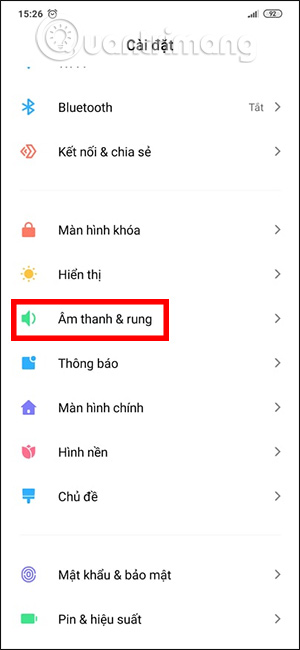
- Open Settings > Sound & vibration.
- Tap Ringtone.
- Choose the required SIM if shown.
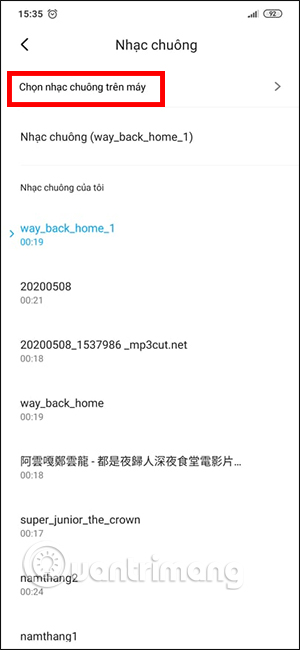
- Select Choose local ringtone, All ringtones, or the local-file option available on the model.
- Open File Manager or Music, select the clip, and apply it.
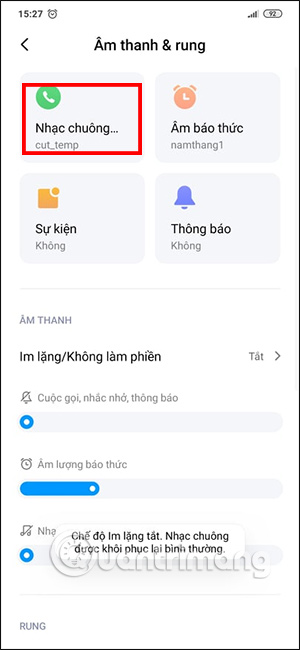
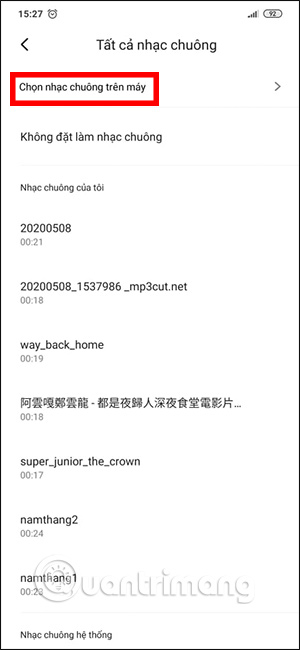
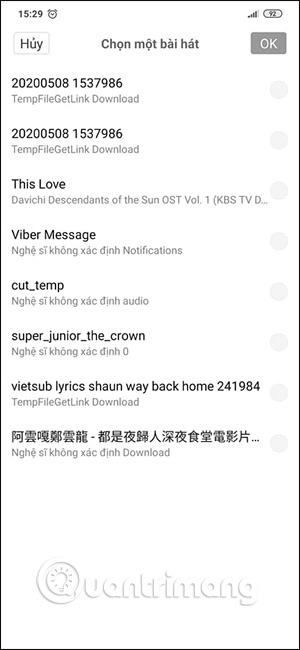
HyperOS and MIUI versions differ, and region-specific Themes apps can alter the path. Use Settings search for “ringtone” if the labels do not match.
Set a unique ringtone for one contact
Per-contact ringtones work best when the contact is stored in a Google, Samsung, or phone account. Contacts stored only on a SIM may not support the option.
Google Contacts / Pixel
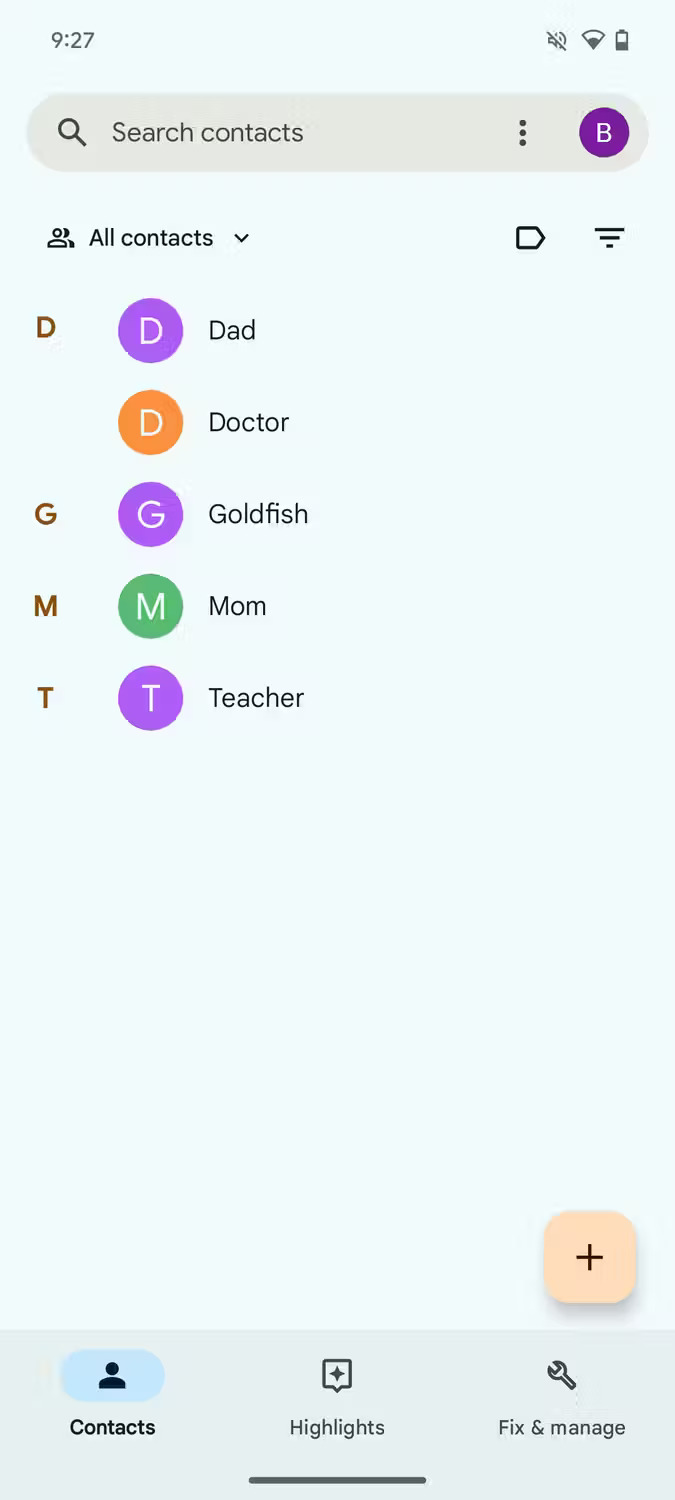
- Open the Contacts app and choose a person.
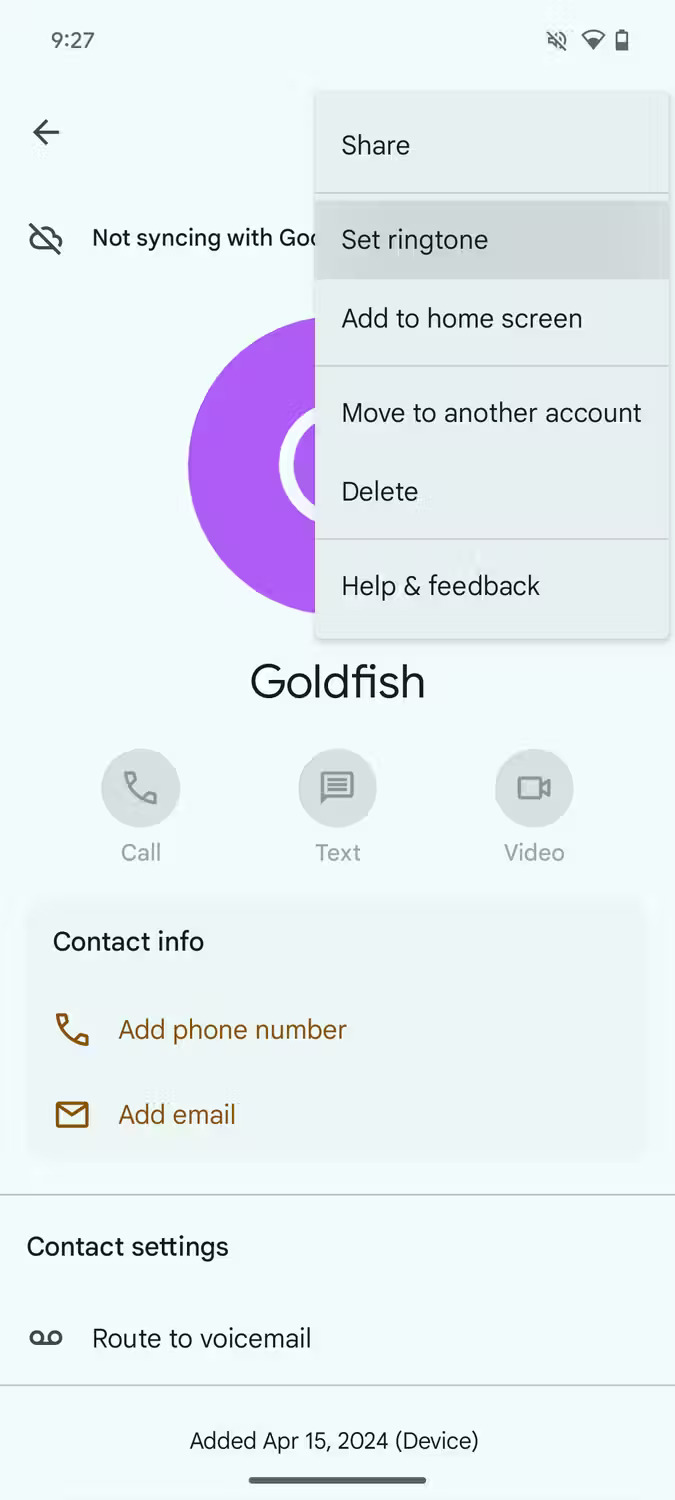
- Tap the three-dot menu.
- Choose Set ringtone.
- Select a sound and save.
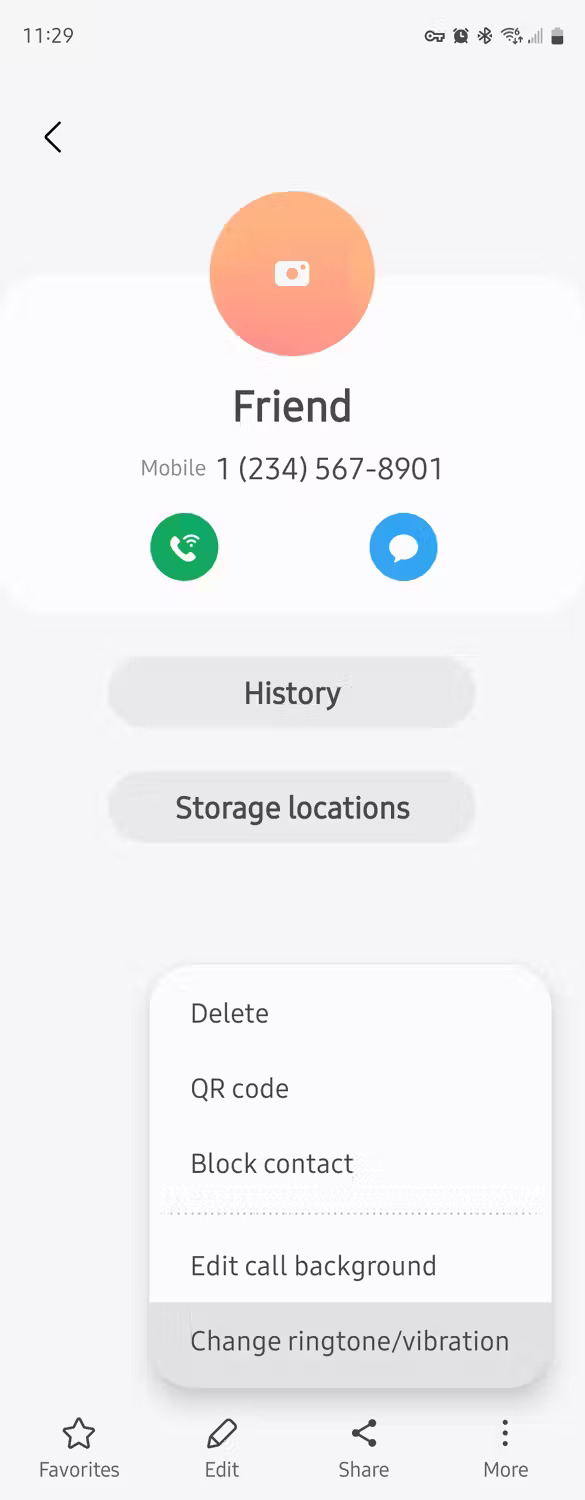
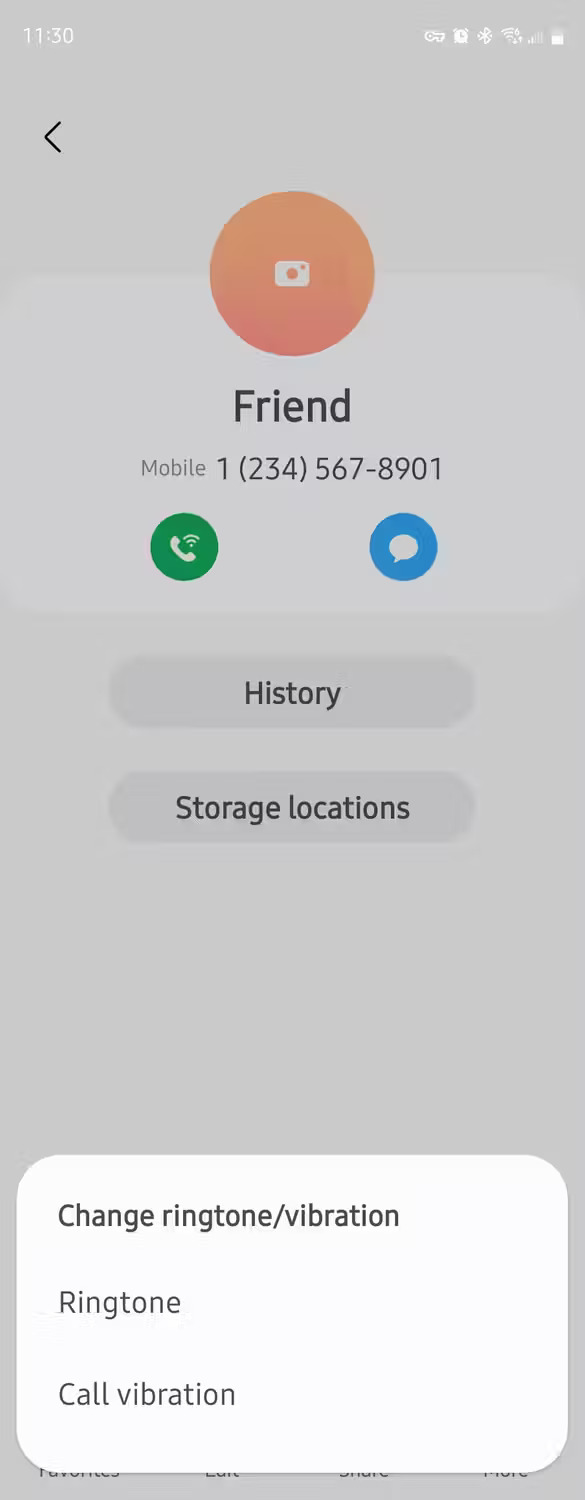
Samsung Galaxy
- Open Contacts and select the contact.
- Tap Edit, then View more if needed.
- Tap Ringtone.
- Choose a built-in sound or tap + for a local file.
- Go back and tap Save.
Xiaomi
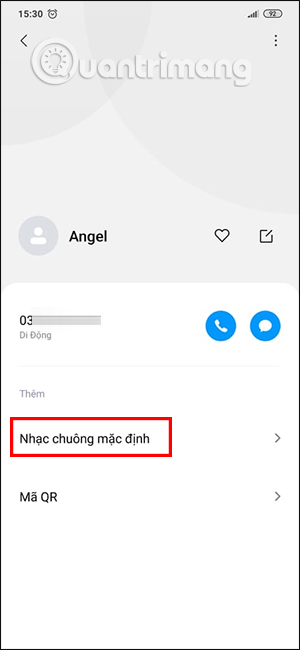
On current Xiaomi support pages, the path is Phone > three-dot menu > Settings > Contact ringtones > Add contact ringtone. Choose a contact, then follow the prompt to select the sound.
Change an app's notification sound instead
A call ringtone is separate from notification sounds. On many Android phones, open Settings > Notifications > App notifications, select the app and notification category, then choose Sound. An app can expose several categories, each with its own sound and vibration behavior.
Some messaging apps manage conversation sounds inside the app. If Android does not show a sound option, confirm that the category is not set to Silent and that the app allows customization.
If the custom ringtone does not appear
- The track is streaming-only: obtain a legitimate local audio file.
- The file is in an unusual folder: move a copy to internal storage's Ringtones folder.
- The format is unsupported: export a new MP3 or another format supported by the phone.
- The picker lacks permission: check Files and media permissions for the relevant system or music app.
- The contact is on the SIM: move it to a phone or cloud account.
- The wrong SIM was edited: verify the ringtone for each line.
If the phone still does not ring
Increase Ring & notification volume, leave Silent mode, and review Do Not Disturb schedules. Check whether Bluetooth is routing alerts to another device and whether the caller is blocked. TipsMake's guide to fixing an Android phone that does not ring covers those checks.
After changing the sound, call the phone from another number to test it. This catches silent clips, per-SIM mistakes, and contact-specific overrides before an important call arrives.
Related Articles
 How to Turn on the Call to Grow Louder on Android 102 minutes read
 How to Create Ringtones from Zing MP3 Android6 minutes read
 How to Fix Android Error Does Not Ring When a Call Is Made6 minutes read
 How to Set a Ringtone for iPhone with ITunes3 minutes read
 How to Create Ringtones on Android as You Like with Ringtone Maker6 minutes read
 How to Add Ringtone to Android Phone: Clear Instructions7 minutes read
Reader Comments 0
Sign in with email or Google to join the discussion.