Table of Contents
The Alienware 16X Aurora is a desktop-replacement gaming laptop built around a 16-inch 2560 × 1600, 240Hz display and high-power Intel and Nvidia components. It delivers strong gaming and multi-core performance, but its size, price, and modest portability make it a better fit for a fixed gaming setup than frequent travel.
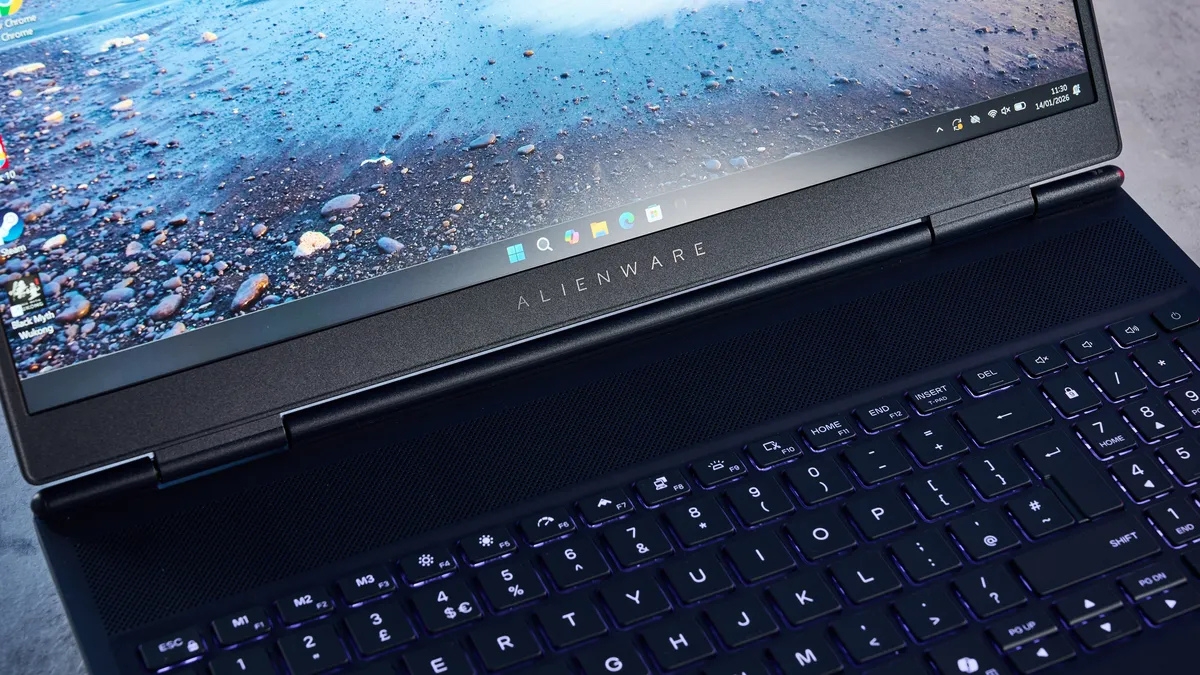
Important: Alienware sells multiple configurations. The review unit discussed here used a Core Ultra 7 255HX, GeForce RTX 5060, 32GB of memory, and a 1TB SSD. Confirm the exact CPU, GPU, display, memory layout, storage, power adapter, and warranty before comparing prices.
Tested configuration
| Ingredient | Parameter |
|---|---|
| Product | Alienware 16X Aurora |
| CPU | Intel Core Ultra 7 255HX |
| GPU | NVIDIA GeForce RTX 5060 |
| RAM | 32GB |
| Hard drive | 1TB SSD |
| Screen | 16-inch, 2,560 x 1,600, 240Hz |
| Connect | Wi-Fi 7, Bluetooth |
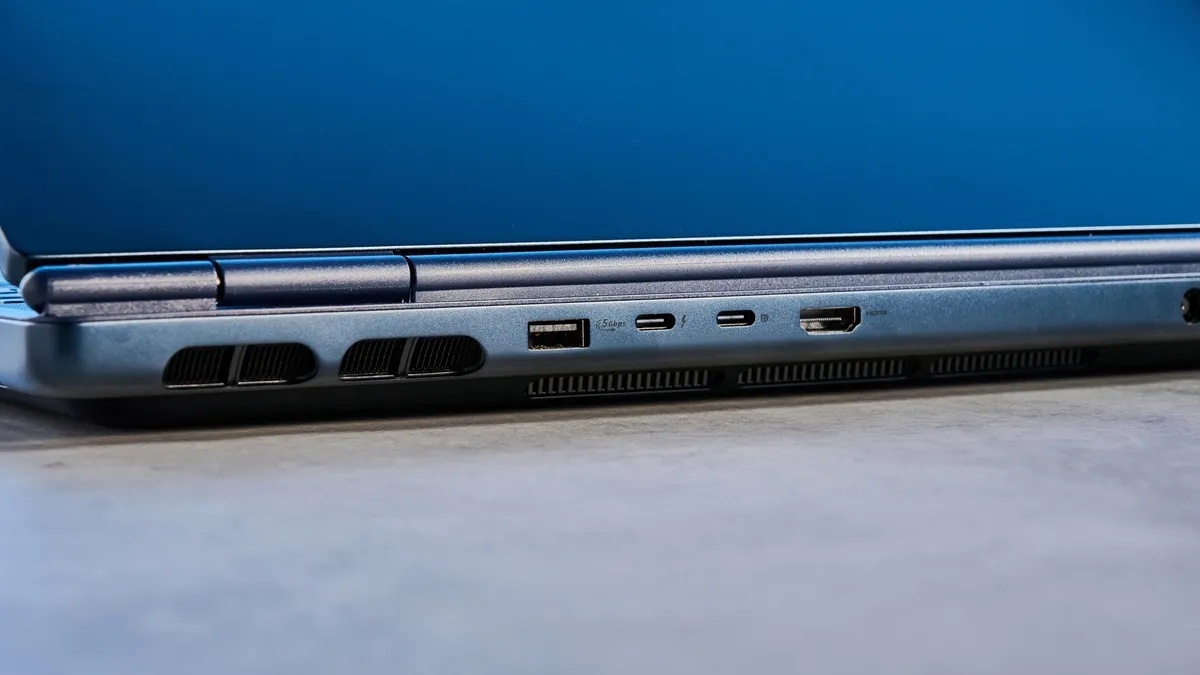
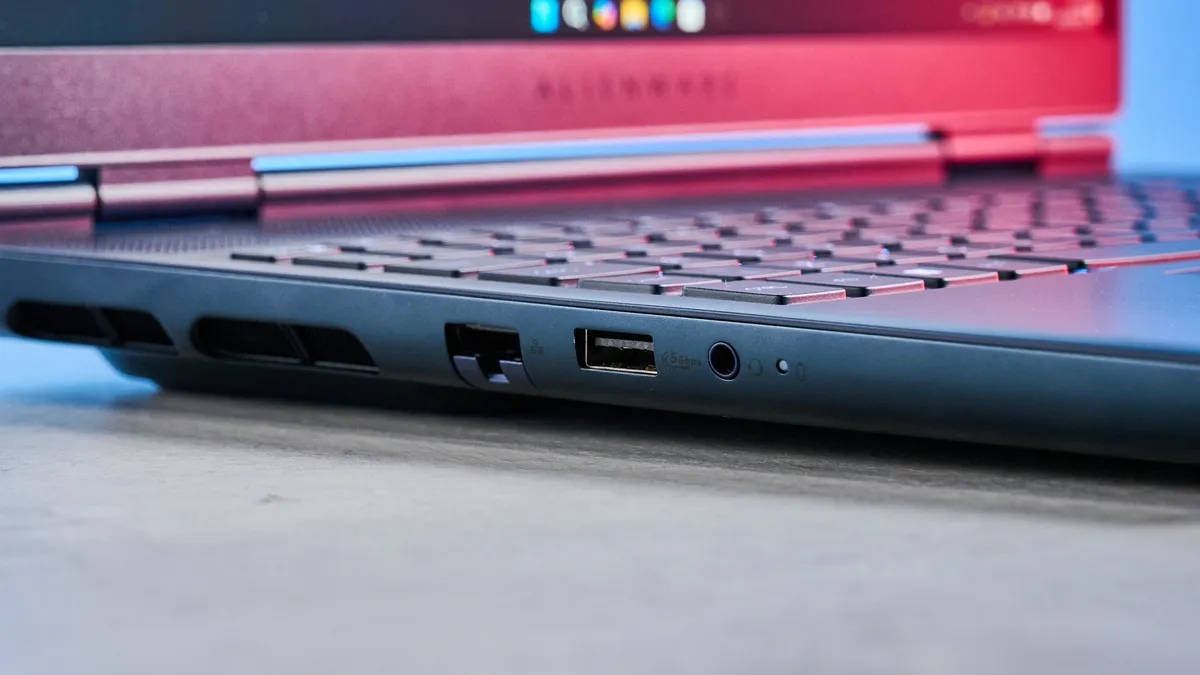
| Connection port | 2 x USB 3.2 Gen 1, 1 x USB 3.2 Gen 2, 1 x USB-C, 1 x Thunderbolt 4 (DisplayPort 2.1), HDMI 2.1, 3.5mm jack, LAN RJ45 |
| Size | 35.7 x 26.5 x 2.34cm |
| Weight | 2.56kg |
Dell's current Alienware 16X Aurora configuration page lists RTX 5060, RTX 5070, and RTX 5070 Ti options, plus multiple memory and storage capacities. Availability varies by region.
Design and everyday use
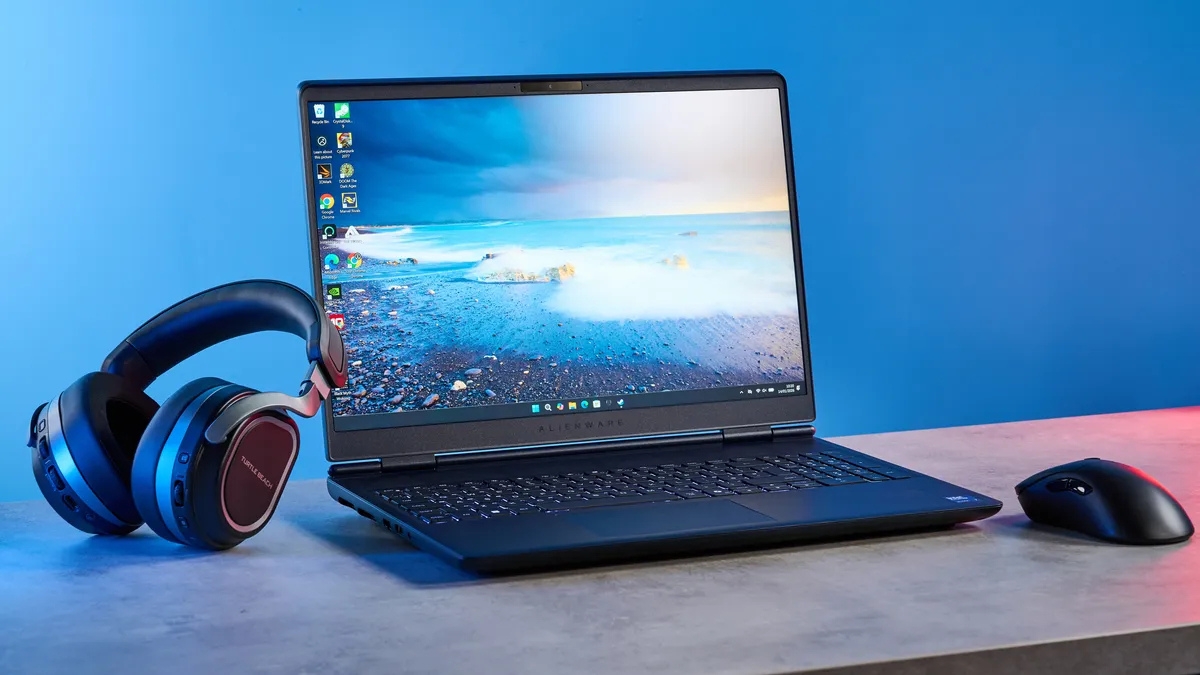
The dark Interstellar Indigo finish, aluminum construction, and Alienware logo give the laptop a recognizable gaming identity without covering every surface in lighting. The chassis feels sturdy, though a weight around 2.56kg before the power adapter limits its appeal as a daily commuter.
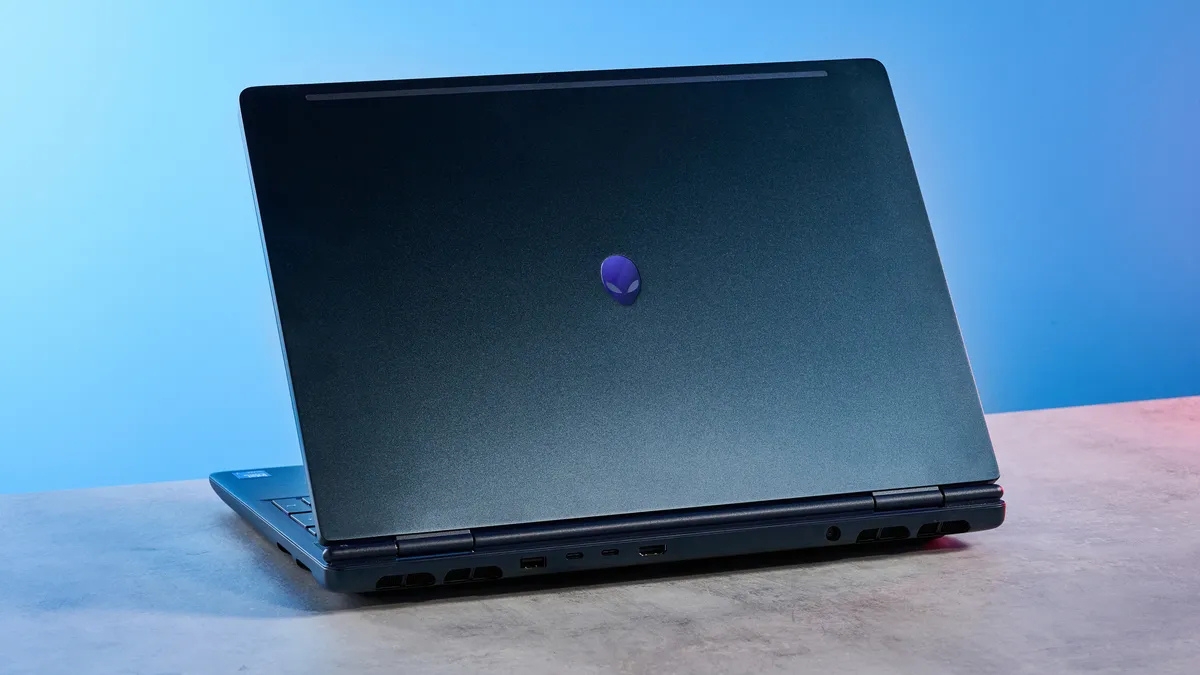
The port layout is practical for a desk. Frequently used connections include USB-A, USB-C, Thunderbolt 4, HDMI 2.1, Ethernet, audio, and power. Placing several cables at the rear helps keep them away from a mouse, while the lack of right-side ports may be convenient or limiting depending on the setup.
Keyboard and touchpad
The keyboard has comfortable spacing and a straightforward one-zone AlienFX backlight. It is pleasant for long sessions, although buyers expecting per-key lighting should check the chosen configuration. The touchpad tracks accurately, but most players will use an external mouse.

Display quality
The 16-inch WQXGA panel combines a sharp 16:10 workspace with a 240Hz refresh rate and G-SYNC support. That pairing suits fast games while leaving more vertical room for work than a 16:9 screen. Dell also lists an OLED option in some markets, so panel type should be treated as a configuration choice rather than a universal feature.
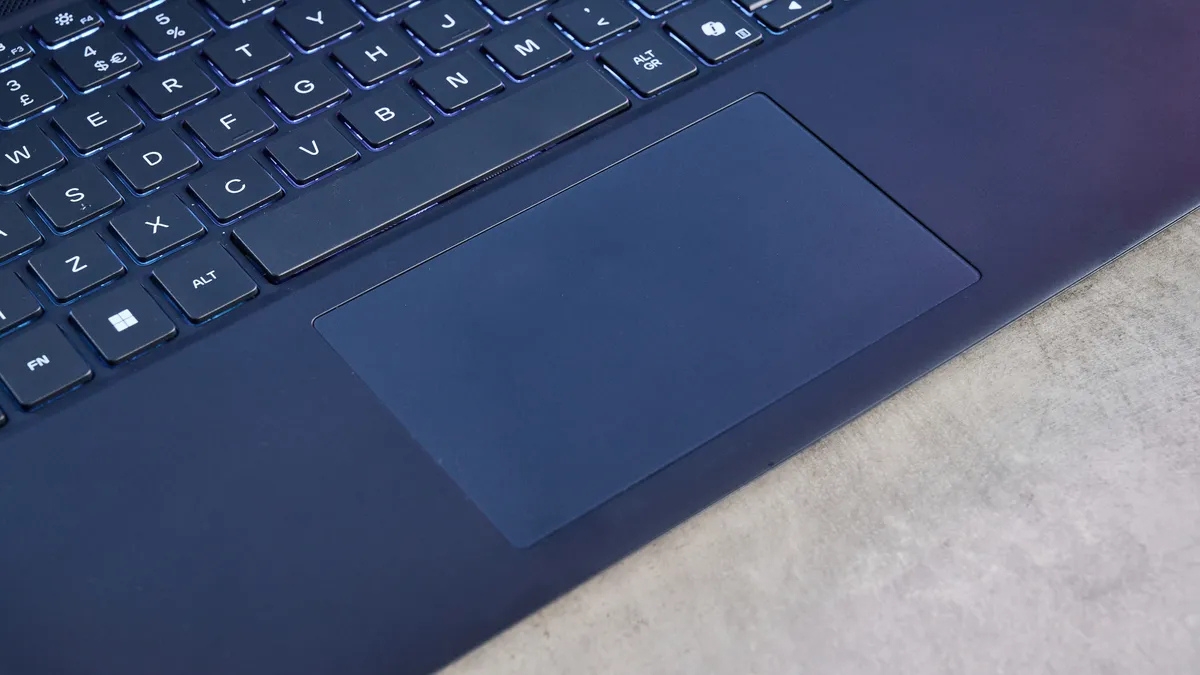
The tested IPS panel produced vivid color and smooth motion. Its high refresh rate is most useful in lighter competitive games; demanding AAA titles will not always approach 240 frames per second at native resolution.
CPU and productivity performance
The 20-core Core Ultra 7 255HX is well suited to compilation, rendering, encoding, and heavy multitasking. The original review recorded the following results. They are useful for comparing this specific unit, but benchmark scores depend on power mode, cooling, software versions, and competitor configuration.
| Company | Geekbench 6 (single-core/multi-core) | HandBrake (4K → 1080p) |
|---|---|---|
| Alienware 16X Aurora | 2,981 / 18,697 | 3 minutes 22 seconds |
| Razer Blade 16 | 2,884 / 17,461 | 2 minutes 48 seconds |
| Alienware x16 R2 | 2,452 / 13,874 | 3 minutes 33 seconds |
| MacBook Pro M5 | 4,288 / 17,986 | 3 minutes 31 seconds |
Gaming performance
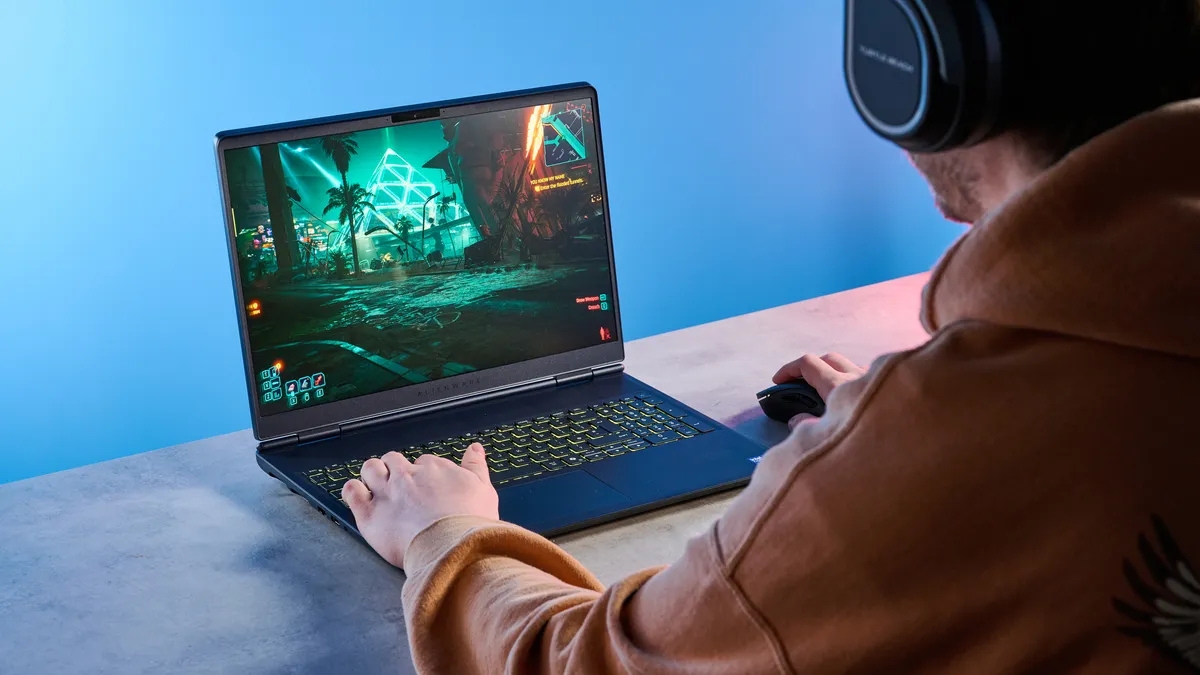
The RTX 5060 review unit handled native-resolution gaming well, but settings, upscaling, frame generation, drivers, and ray tracing can substantially change frame rates. The figures below are the original review's high-settings measurements and should not be read as guarantees for every scene or configuration.
| Game title | FPS (high settings) |
|---|---|
| Counter-Strike 2 | 235fps |
| Cyberpunk 2077 | 63fps |
| Forza Horizon 5 | 150fps |
| F1 25 | 109fps |
Counter-Strike 2 can make strong use of the 240Hz panel, while the Cyberpunk 2077 result shows the more realistic role of the display in demanding games: smooth adaptive-sync output rather than a constant 240fps.
Storage performance and upgrades
The tested 1TB NVMe SSD was fast enough for responsive boots, game loading, and large file transfers. The original measurements were:
| Company | SSD Speed (Write/Read) |
|---|---|
| Alienware 16X Aurora | 4,233 / 5,045 MB/s |
| MacBook Pro M5 | 6,068 / 6,323 MB/s |
Storage and memory capacities vary. If you plan to upgrade later, check Dell's service manual and warranty terms first. TipsMake's guide to dual-channel RAM explains why memory-module arrangement can affect performance.
What the Alienware 16X Aurora does well
- Strong CPU and GPU performance for gaming and demanding creative work
- Sharp 240Hz display with a practical 16:10 aspect ratio
- Sturdy construction and a desk-friendly rear port layout
- Configurable memory, storage, graphics, and display options
Trade-offs to consider
- The laptop and large power adapter are burdensome to carry regularly.
- Premium configurations can become expensive quickly.
- Battery operation is not the machine's main strength; gaming should be done on AC power.
- One-zone keyboard lighting is restrained compared with more elaborate gaming systems.
- Performance and display technology differ substantially between configurations.
Verdict
The Alienware 16X Aurora is a compelling high-performance laptop for someone who wants a 240Hz 16-inch screen, strong gaming results, and enough CPU power for serious work. It is less convincing for buyers who prioritize quiet operation, long unplugged use, or portability. Compare the exact configuration—not just the model name—and weigh it against similarly equipped competitors before paying the Alienware premium.
Related Articles
 The Best Gaming Laptops for Each Criterion6 minutes read
 The Notebook Supports the First Geforce Go 7900 SLI4 minutes read
 The 2012 Alienware M14x, M17x and M18x Version Use the New GPU, the Old4 minutes read
 Alienware M17x Runs Sandy Bridge Chip from $$ 1, 4993 minutes read
 Alienware M18x Is Upgraded to Ivy Bridge4 minutes read
 Alienware M11X - Gaming Laptop Under $$ 1, 0004 minutes read
Reader Comments 0
Sign in with email or Google to join the discussion.