10 PUBG Mobile Beginner Mistakes and How to Avoid Them
Avoid the PUBG Mobile habits that cause early losses, including poor crosshair placement, unsafe reloading, slow rotations, over-looting, and weak squad spacing.
Fix Windows problems, troubleshoot devices, understand AI, secure your accounts and get more from your technology with tested step-by-step guides.
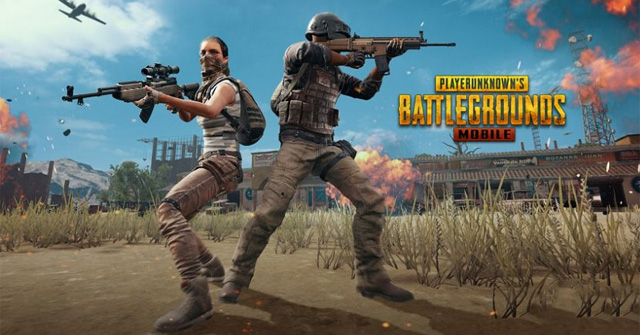
Avoid the PUBG Mobile habits that cause early losses, including poor crosshair placement, unsafe reloading, slow rotations, over-looting, and weak squad spacing.

Enable PUBG Mobile's left and right peek controls, choose Tap or Hold behavior, place the buttons, and use leaning without overexposing your character.
Fix common PUBG Mobile version, launch, screen, installation, network, voice chat, and account restriction problems without risking unlinked progress.

Learn how to installing the fire VNG game on your computer. It also highlights practical details and common issues to consider.
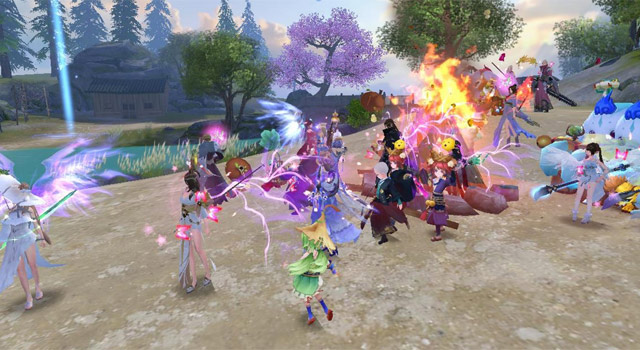
Learn how to receive a gift of the fire VNG player with gift code. It also highlights practical details and common issues to consider.
Compare GameLoop, BlueStacks, LDPlayer, and MEmu for PUBG Mobile, with safe download links, setup guidance, and important fair-play checks.
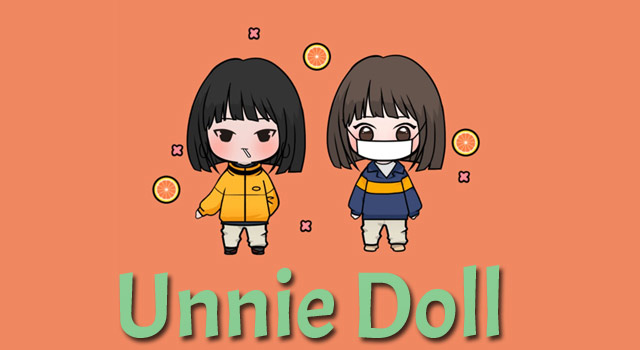
Install Unnie Doll through Google Play Games or an Android emulator, create a chibi character, export the image, and fix common PC issues.
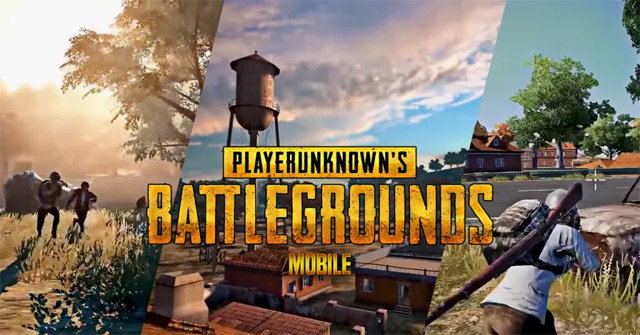
Change your PUBG Mobile character's face, hair, body settings, or gender, understand the confirmation cost, and find the controls after interface updates.

See how Legend of Solgard combines tactical matching with RPG progression, what beginners should prioritize, and where to download it safely.
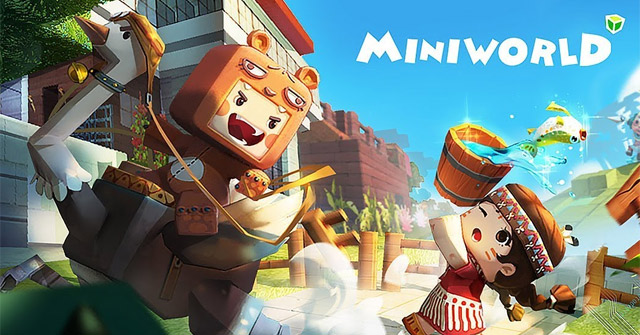
Create a Mini World multiplayer room, choose a map, set a password and permissions, invite friends, and troubleshoot common joining problems.
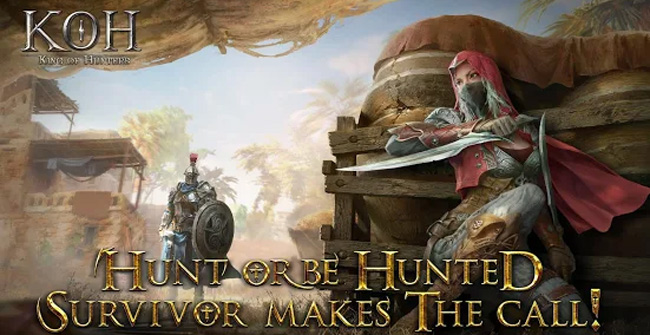
Explore king of Hunters, swordplay style game has a free mobile, including the core mechanics, useful strategies, and common mistakes to avoid.

Choose a landing spot, build a balanced loadout, rotate with cover, approach airdrops safely, and make smarter decisions in Free Fire's final zones.
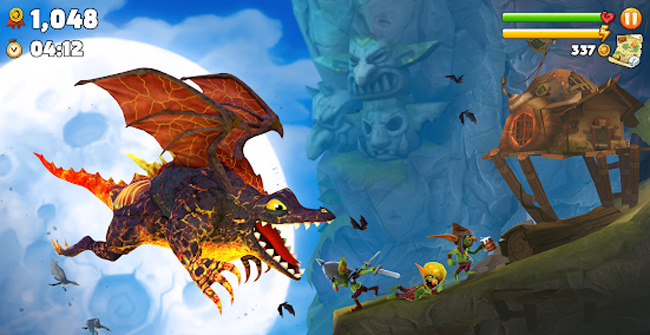
See how Hungry Dragon's score-chasing runs work, how dragons, pets, costumes, and Fire Rush affect play, and what beginners should prioritize.

Choose between VSS, SKS, AWM, and Kar98k, then improve long-range aim, positioning, follow-up shots, and weapon pairing in Free Fire.
Improve PUBG Mobile performance with safe in-game graphics settings, stable networking, thermal management, storage cleanup, and update checks—without risky GFX tools.

Find a Free Fire player by nickname or Player ID, send and accept friend requests, invite friends to a squad, and troubleshoot missing accounts.

Use Wolvesville Classic as a card replacement for an in-person group or play Wolvesville online with friends and strangers across mobile and web.
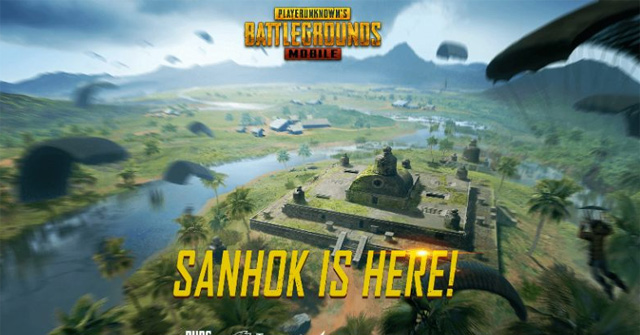
Fix PUBG Mobile when it loads on Wi-Fi but stalls on iPhone cellular data by checking app access, network settings, VPNs, updates, and carrier service.
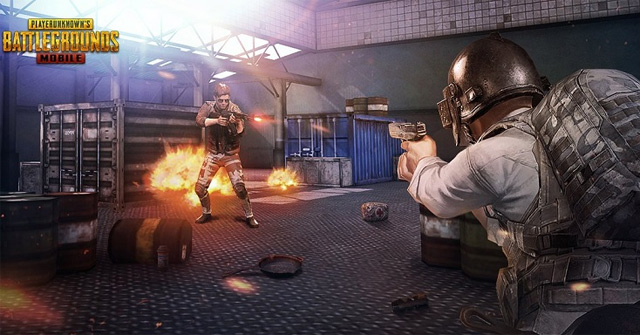
Compare Ruins, Docks, Pai Nan, Paradise Resort, and Bootcamp by loot route, combat risk, and escape options before choosing where to land on Sanhok.
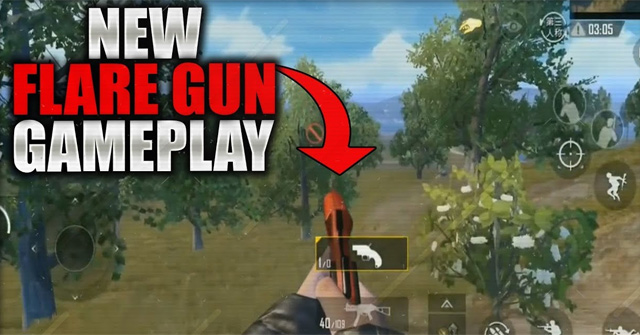
Use PUBG Mobile's rare Flare Gun correctly, understand when it calls supplies or a vehicle, and protect the drop from opponents drawn to the signal.