How to Install PUBG Mobile VN on PC with GameLoop
Install the current VNG-published PUBG Mobile version through GameLoop, sign in safely, switch to Vietnamese, and download maps and resources.
Fix Windows problems, troubleshoot devices, understand AI, secure your accounts and get more from your technology with tested step-by-step guides.
Install the current VNG-published PUBG Mobile version through GameLoop, sign in safely, switch to Vietnamese, and download maps and resources.
Prepare for early fights at Villa, Castle, Goroka, Cement Factory, Podvosto, and Volnova with practical landing, looting, and escape plans.
Restore full camera rotation in PUBG Mobile by fixing mouse capture, key mapping, resolution, updates, and GameLoop installation issues.
Use movement discipline, cover, smoke, repositioning, and the Crossbow to make attacks harder to trace without relying on misleading stealth myths.
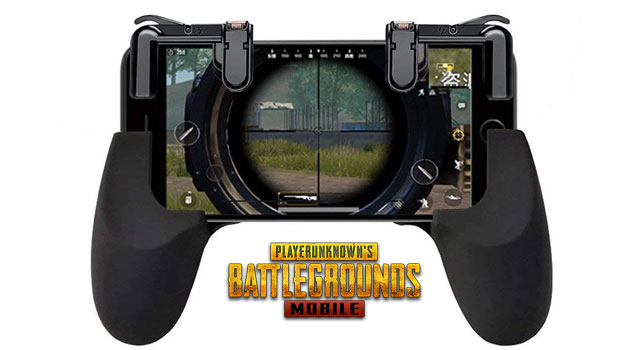
Choose practical PUBG Mobile accessories without risking account security, poor compatibility, screen damage, or tournament rule violations.
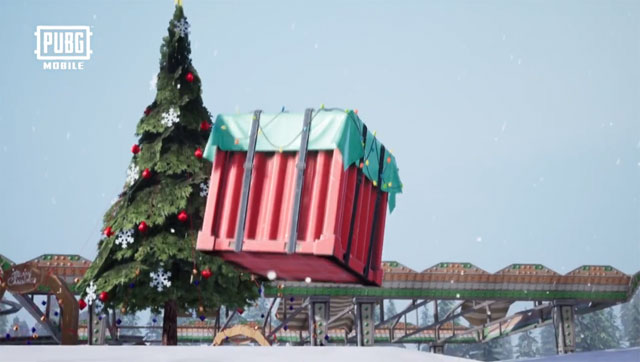
Plan safer Vikendi drops at the secret cave, Winery, Dobro Mesto, Cosmodrome, and Cement Factory while accounting for map revisions and flight paths.
A retrospective on the zombie mode, network performance, currencies, streaming, and high-frame-rate features PUBG Mobile players requested in 2019.

Compare six hard-hitting PUBG Mobile weapons, their limitations, ideal ranges, and the loadouts that make them practical.
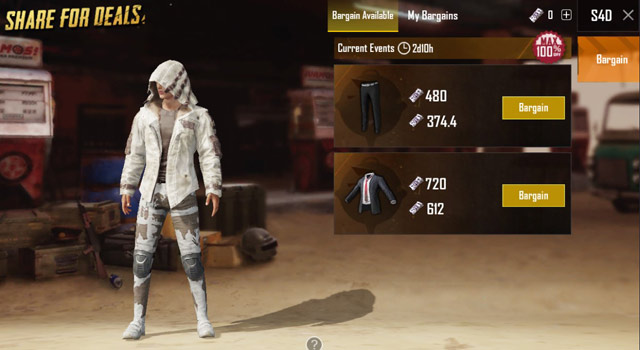
Explore PUBG Mobile: how to get free items with S4D halloween events, including the core mechanics, useful strategies, and common mistakes to avoid.
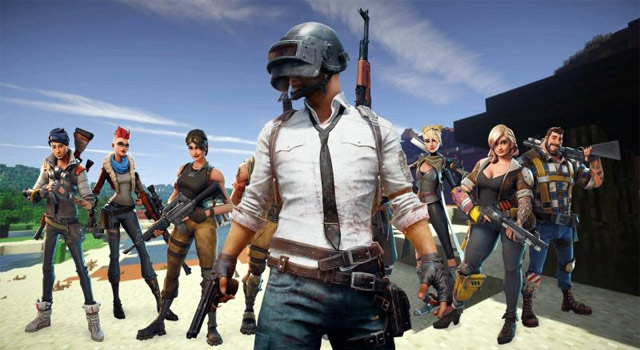
Compare four active mobile battle royale games by gameplay style, device demands, modes, and safe official download options.
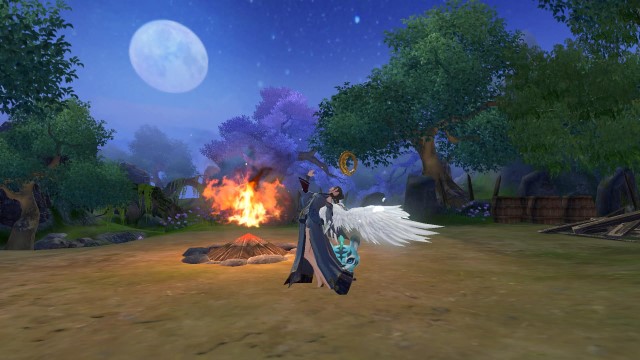
Learn how to setting up auto-fire of fire VNG. Follow clear, step-by-step instructions, review the required setup, and use practical troubleshooting tips for common problems.

Use the Fruit Garden, friend activities, event rewards, and surplus-shard recycling to earn Mini Beans without wasting valuable items.
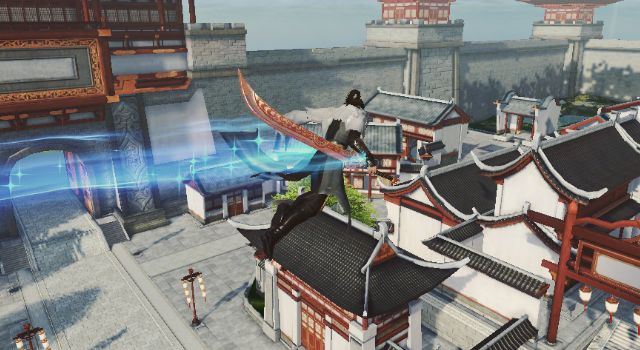
Learn how to playing martyrs VNG for newbies. Follow clear, step-by-step instructions, review the required setup, and use practical troubleshooting tips for common problems.
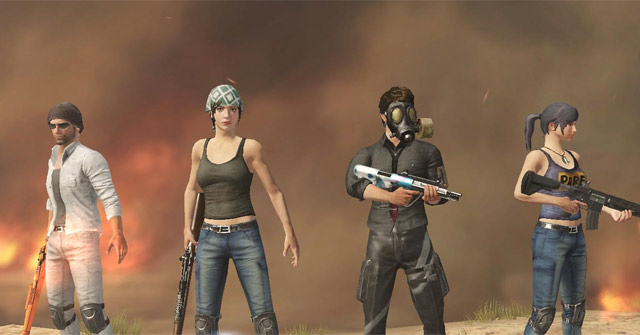
Join an active PUBG Mobile clan or create your own, then manage invitations, activity, Clan Coins, shop rewards, and common membership problems.
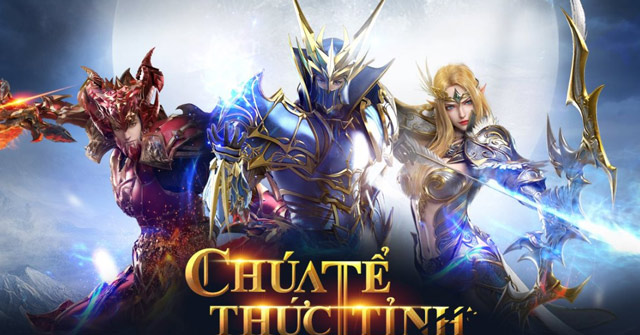
Install MU Awaken VNG on Windows through Google Play Games or a trusted Android emulator, verify the official app, restore the right server, and configure controls.
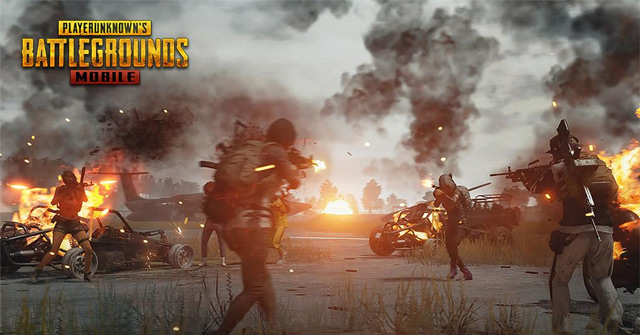
The original Erangel Night Mode was a random 2018 Classic event. Learn what actually triggered it, which common tricks were myths, and how to check current modes.
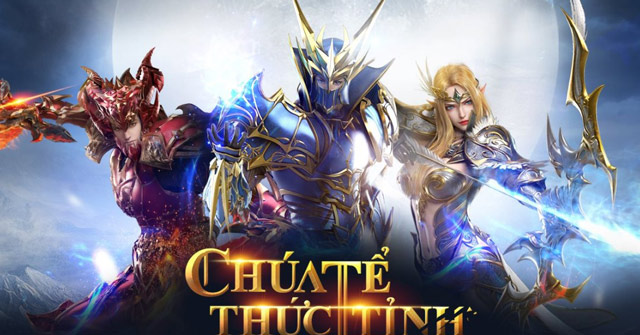
Verify MU Awaken VNG codes through official publisher channels, redeem them for the correct server and character, and troubleshoot expired or invalid offers.
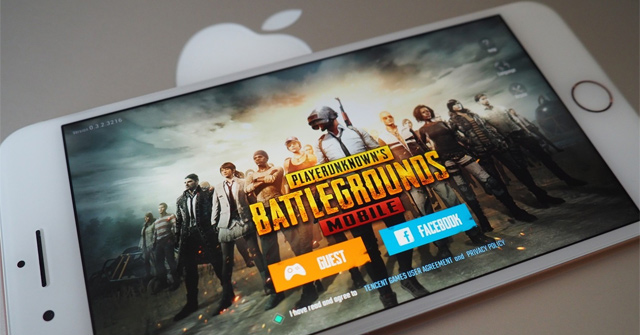
Install the official PUBG Mobile VN app or change the in-game language, then secure a guest character before switching devices or regional editions.
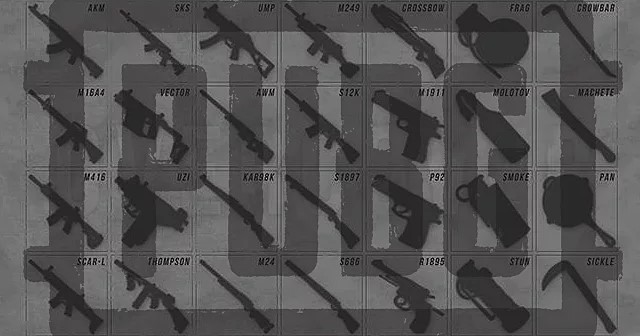
Choose scopes, muzzles, magazines, grips, stocks, and shotgun attachments by weapon class, range, recoil pattern, and shooting style.

Use Universal Mark, quick chat, and map pings to share supplies, enemy positions, vehicles, and squad destinations clearly in PUBG Mobile.