FE ONLINE 2.0: Features, Loan Terms, and Safe Download Guide
Review FE ONLINE 2.0 features, published cash-loan eligibility and cost examples, the application process, Übank integration, and checks to complete before borrowing.
Fix Windows problems, troubleshoot devices, understand AI, secure your accounts and get more from your technology with tested step-by-step guides.

Review FE ONLINE 2.0 features, published cash-loan eligibility and cost examples, the application process, Übank integration, and checks to complete before borrowing.

Create personalized letters, invitations, certificates, labels, or emails in Word by connecting an Excel list, inserting merge fields, previewing records, and generating the final documents.

Industry reports identify SK Hynix as the sole HBM3E supplier for Microsoft's Maia 200 AI accelerator. Here is what Microsoft confirmed and what remains reported.

A theoretical study predicts measurable matter–antimatter differences in selected charmed-baryon decays. Here is what the calculation found, why rescattering matters, and what experiments still need to test.

An SSD health percentage usually measures flash wear, not every possible fault. Learn which NVMe and SMART warnings matter, how to check them in Windows, and when to back up and replace the drive.
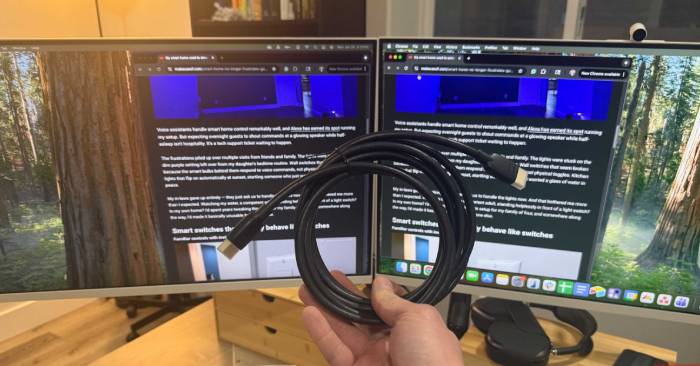
A low-cost HDMI cable can deliver the same picture as an expensive one if it carries the required signal reliably. Learn which cable category you need and how to diagnose blur, flicker, dropouts, and missing 4K modes.
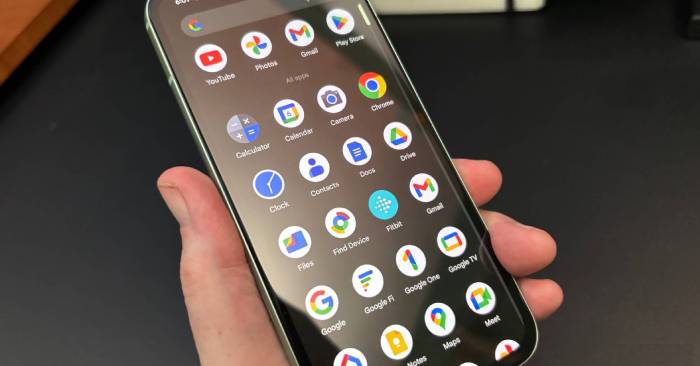
Use Snapseed on Android to correct exposure and color, crop and straighten images, make selective adjustments, remove small distractions, edit RAW files, reuse looks, and export finished photos.
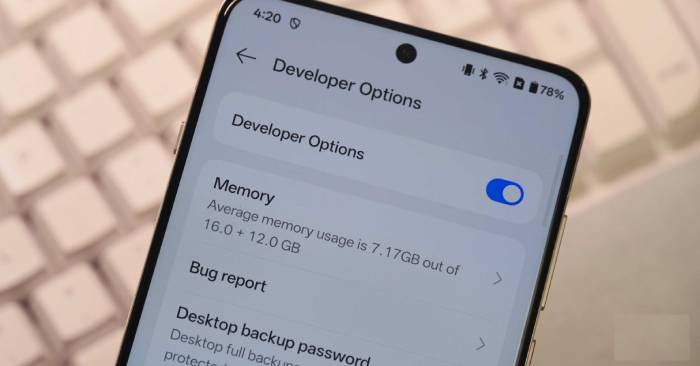
Standby drain can come from weak cellular signal, background apps, syncing, display features, or battery wear. Use Android's battery data to find the cause, then test the Mobile data always active setting only if the evidence points to the modem.
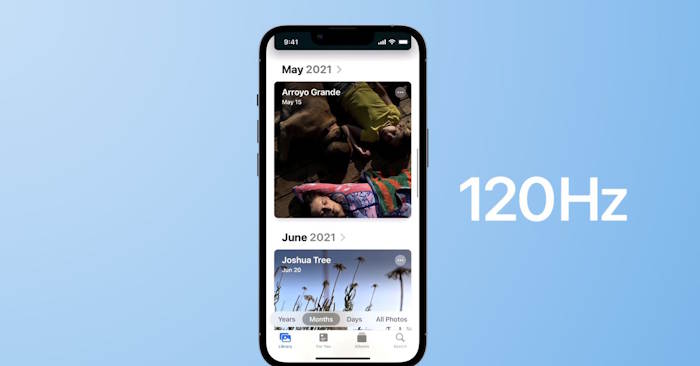
Safari can update web pages at up to 120Hz on supported ProMotion displays. Check the device refresh-rate settings, disable Safari's 60fps preference flag, and understand why some pages may still remain at 60fps.

Pin and reorder apps, change alignment, control Search and Widgets, manage tray icons, adjust grouping, configure multiple monitors, and understand which taskbar options differ between Windows 11 and Windows 10.
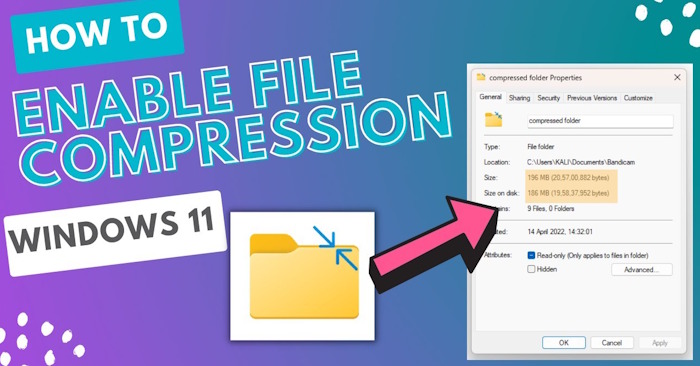
Compress selected NTFS files, folders, or a drive without creating ZIP archives. Learn what saves space, how to apply or remove compression safely, and why the fsutil setting does not decompress existing files.
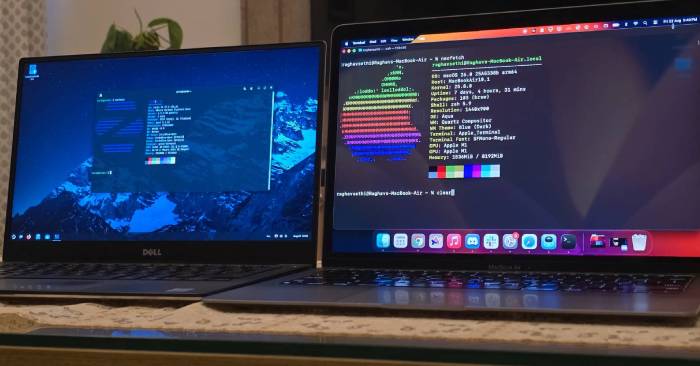
See where Linux and macOS complement each other, which tasks fit each platform, what does not transfer cleanly, and how to build a practical workflow without abandoning Windows too soon.

Configure Windows 11 to index text inside PDF files, confirm the PDF folder is included, and fix common causes such as scanned pages, incomplete indexing, or a damaged search index.

Restore access to Network and Sharing Center, separate an applet failure from a real connection or discovery problem, and apply Windows repair and network reset steps in a safe order.

Set a recurring Microsoft Defender scan with Task Scheduler, choose a sensible time and frequency, verify that the task ran, and adjust or remove your custom trigger safely.
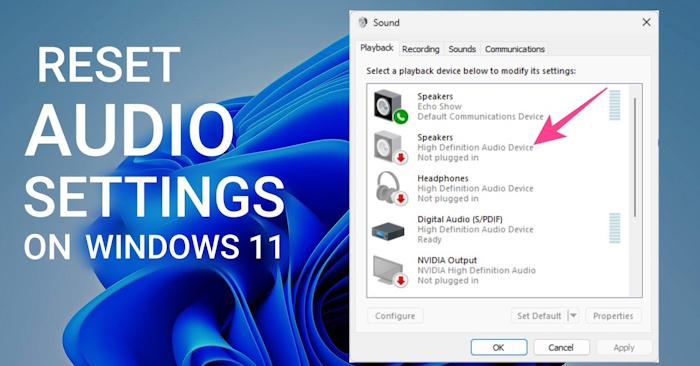
Reset per-app volume and device choices in Windows 11, then troubleshoot the correct output, audio services, enhancements, and drivers without making unnecessary system changes.

Turn on Magnifier edge smoothing in Windows 11, compare the result with smoothing off, and use the most useful zoom and view shortcuts without changing the original image.
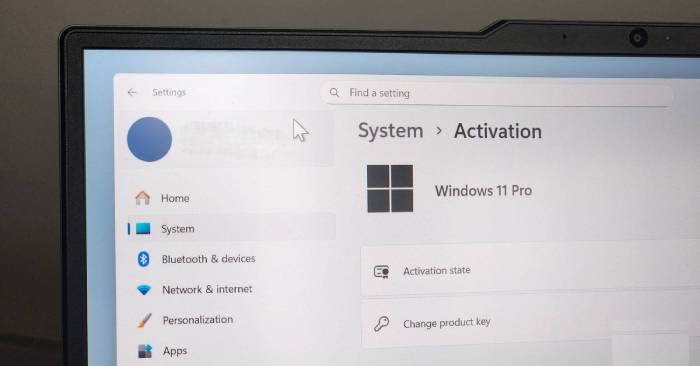
Compare the Windows 11 Pro features that can justify an upgrade—Group Policy, Hyper-V and Sandbox, and Remote Desktop hosting—along with their limits and safer alternatives.

Change Firefox from Bing to another search provider, restore the home page, remove an unwanted extension, and stop settings from changing back without reinstalling the browser.

Use Lens and Wear OS for clearer walking directions, organize destinations in saved lists, and highlight wheelchair-accessibility details before you travel.