Table of Contents
FE ONLINE 2.0 is FE CREDIT’s mobile app for applying for eligible finance products and managing cash loans, credit cards, installment loans, payments, contracts, and an integrated Übank account. An application can be completed online, but approval, the available amount, and the final cost depend on the applicant and the contract offered.
Borrowing warning: A consumer loan creates a repayment obligation. Check the interest calculation method, total amount payable, fees, optional insurance, late-payment charges, and early-settlement terms before accepting an electronic contract. Do not borrow based only on the advertised maximum limit or approval speed.
What the app includes
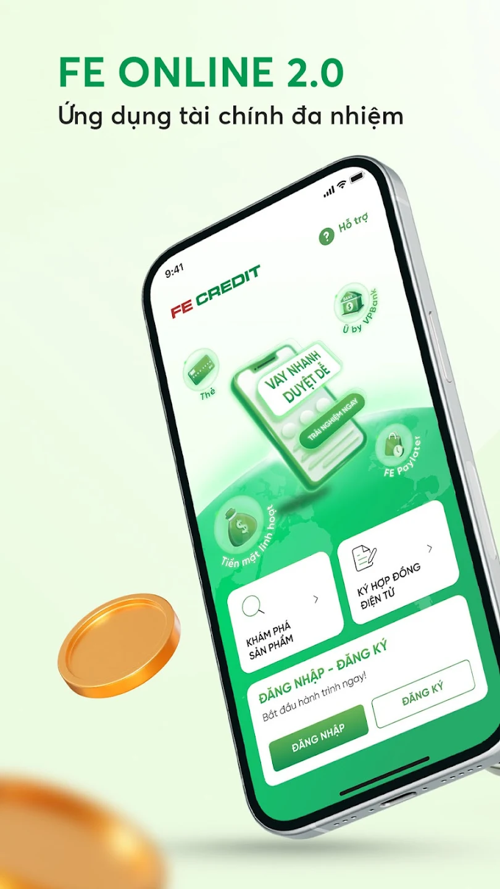
- Apply for eligible cash, credit-card, motorcycle, electronics, or phone-financing products.
- View loan and credit-card information, payment schedules, and stored contracts.
- Make supported FE CREDIT payments through the integrated Übank account.
- For eligible existing customers, complete selected repeat-loan steps with an electronic signature.
- Use facial verification, Smart OTP, and tokenized card details for supported account or transaction flows.
Feature availability can differ by account, product, device, and app release. A feature shown in the app does not mean that every applicant qualifies for it.
Published cash-loan eligibility and terms
The official app listing publishes the following general conditions. They are not an approval promise, and the offer displayed to an individual may be different.
| Item | Published information |
|---|---|
| Nationality | Vietnamese |
| Age | 20–60 |
| Income | From VND 3,000,000 per month |
| Cash-loan amount | VND 10,000,000–70,000,000 |
| Term | 12–36 months |
| Published interest range | 15%–35% per year, depending on the customer profile and calculated on original principal |
Rates and eligibility can change. Treat the signed contract and the pre-contract disclosure shown for your application as authoritative. If a fee or charge is unclear, contact FE CREDIT through a contact channel listed on its official website before accepting.
Understand the repayment example
The official listing gives an example of a VND 10,000,000 loan for 12 months at 28% per year, with a stated monthly payment of about VND 1,066,667 and total repayment of VND 12,800,000. That example illustrates interest calculated on the original principal. It is not a quote for every customer and may not include every charge that could apply to a particular contract.
Compare offers using the total amount payable, not only the monthly installment. Confirm that the payment still fits your budget if income falls or another expense arises.
Übank and account management
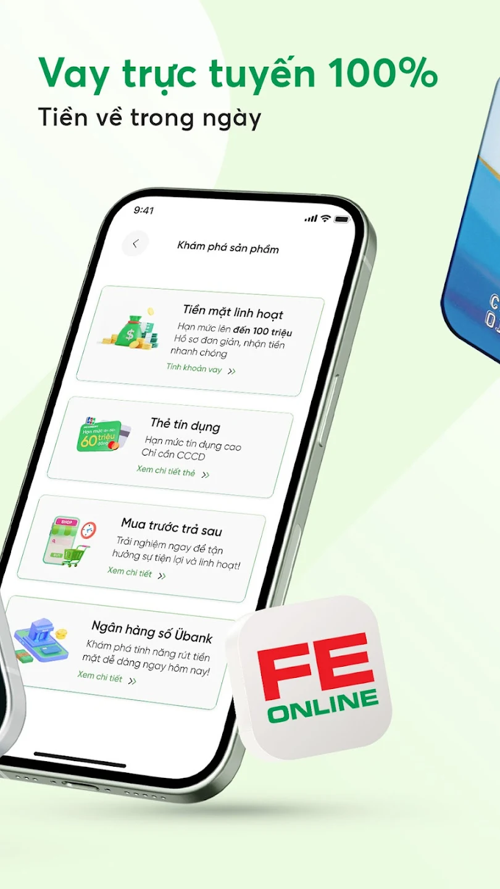
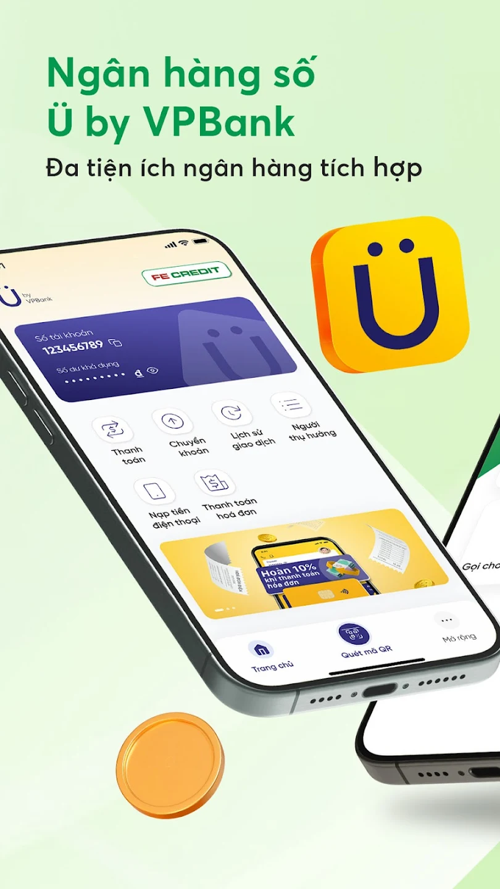
The app integrates Übank for opening a payment account, receiving eligible loan disbursements, transferring funds, and paying FE CREDIT obligations. The official listing describes account opening and interbank transfers as free, but users should review the current Übank fee schedule and account terms before relying on any “free” service claim.
How to download the genuine app
- Start from FE CREDIT’s official website or the verified Google Play listing for package
com.fecredit.feonline. - Check the app name, publisher information, privacy details, update history, and destination URL before installing.
- Do not install a “mod,” cracked version, or FE ONLINE APK sent through a message or unofficial download page.
- Keep Play Protect or the device’s equivalent app-security service enabled.
Finance apps are frequent impersonation targets. The guide to spotting fake Android apps explains what to check when similar names and icons appear.
Typical online application process
- Register: Install the official app and create or access an account using your own phone number.
- Verify identity: Follow the in-app eKYC prompts for a valid chip-based Citizen ID and facial verification.
- Request an offer: Enter accurate information and choose an amount and term only within your repayment capacity.
- Review disclosures: Check the approved amount, rate basis, installment schedule, total repayment, every fee, insurance selection, and consequences of late payment.
- Sign only if acceptable: An electronic signature is binding. Save the contract and repayment schedule.
- Verify disbursement: Check the destination account and confirm receipt in the app or account statement. Timing is not guaranteed merely because an application was submitted.
Security and privacy checks
- Never disclose an OTP, password, PIN, or screen-sharing access code to a caller or chat contact.
- Do not pay an advance “approval” or “release” fee to a personal bank account.
- Grant camera or identity permissions only while completing a legitimate in-app step, and review access afterward. See how to review app permissions.
- Use contact details displayed in the official app or on the FE CREDIT website, not numbers supplied in unsolicited messages.
- If information in an advertisement conflicts with the contract, pause and obtain written clarification before signing.
FE ONLINE 2.0 can simplify account management and applications, but convenience should not replace a full cost and affordability review. Approval is not guaranteed, and a rejected application or adverse credit history should not be addressed by falsifying information or using an unofficial intermediary.






Reader Comments 0
Sign in with email or Google to join the discussion.