Table of Contents
This practical guide explains how to unlock endings in poppy playtime chapter 2 with clear steps and useful context. It also covers common requirements, potential problems, and the details that can help you get better results.
Poppy Playtime is famous for its jumpscare and bizarre character creation, not only that, but it also offers hidden endings that many people miss. In this article, let's learn how to unlock the hidden ending in Poppy Playtime Chapter 2.
Poppy Playtime Chapter 2's Usual Ending
In the regular ending, the player must take all 4 train codes and their order. These codes are provided by Poppy. Gamers must complete puzzles and defeat bosses to get these codes.
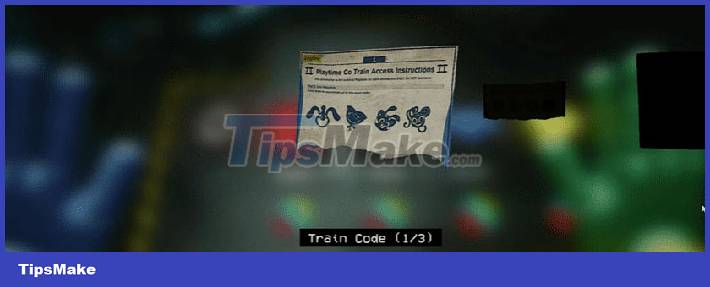
Once all the puzzles are solved and the bosses are defeated, Poppy will provide the train code and the order. After that, people can board the train, enter the train code, the code to start the train and leave the Playtime Co toy factory.
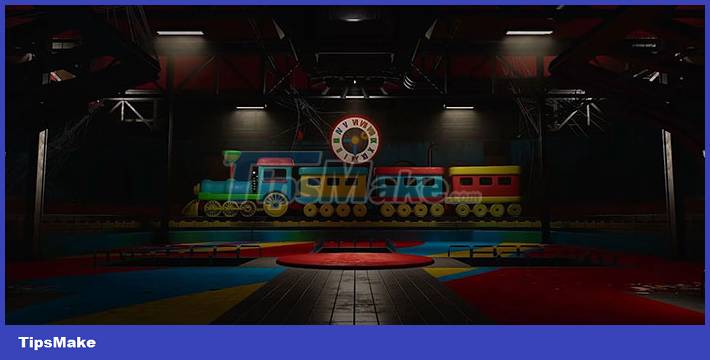
But when the player is on the train and about to exit the tunnel, Poppy will change her mind and change route. This increases the speed of the train and the player has to press the emergency brake to stop but the train overturns and the game is over.
That's the normal ending that the player gets when he completes the entire game and collects each train code from Poppy.
Poppy Playtime Chapter 2's Secret Ending
By playing the game again with a different strategy, a difference was discovered and that was the order of the codes on board. If you play from the beginning, go to the train station area instead of the statues and Whack-A-Wuggy, you can board the train. But people need all the codes and the order of the codes to start the train.
Train code, the symbols are the same and the order is the same, but to choose the order of the symbols after placing them on the train is different. The normal ending code is 2314 but if played this way the code is invalid and the train won't start.
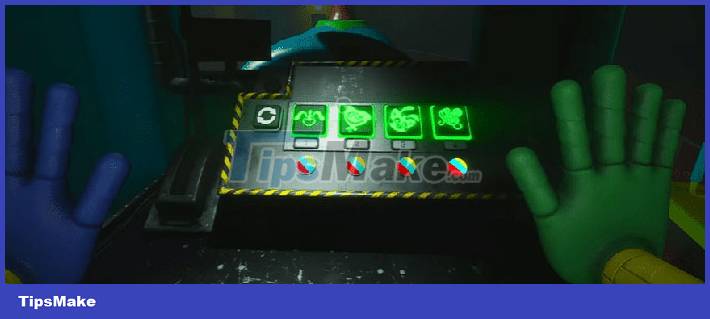
Instead, the correct order for this play is 4312. At this point the train will start without everyone exiting Whack-A-Wuggy and Mommy Long Legs.
The end of this chase will be the same no matter which way everyone takes it. All of Poppy's lines about not letting us leave and flipping the ship are the same, even though the player hasn't received the ship code from Poppy and hasn't defeated the main boss - Mommy Long Legs.
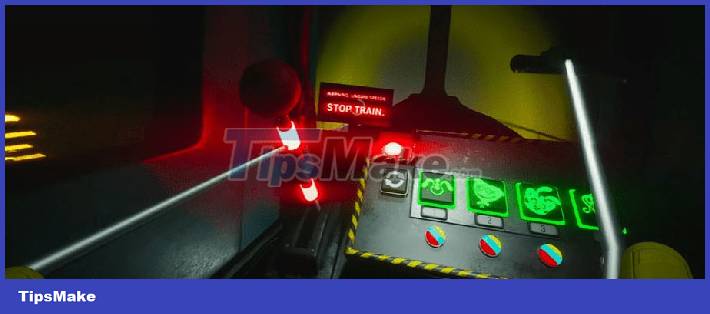
Only thing that has changed is, if the player already knows the train code in the regular ending, it won't work. Players have to guess and try countless different combinations or complete the whole game and get a code from Poppy.
This can be considered a speedrun way because half of the game has been skipped and it only takes about 25 minutes to complete the entire Poppy Playtime Chapter 2. Therefore, this method is only for those who have completed the game by The usual way not to miss the game's unique content.
Conclusion
Understanding Poppy Playtime Chapter 2 makes it easier to compare options, avoid common mistakes, and apply the information in this guide more effectively. Review the relevant requirements before making changes or choosing a solution.
FAQ
How do you unlock endings in poppy playtime chapter 2?
Follow the steps in this guide in order, confirm the required settings or tools, and verify the result before making additional changes.
Is it safe to unlock endings in poppy playtime chapter 2?
It is generally safe when you follow the recommended instructions, use trusted tools, and avoid changing settings you do not understand.
What should you do if the process does not work?
Recheck the requirements, restart the device or application when appropriate, and review each step for missed settings or compatibility issues.
Related Articles
 When Will Poppy Playtime Chapter 3 Come Out?4 minutes read
 Poppy Playtime Chapter 2: Complete Guide: Musical Memory Puzzle4 minutes read
 Location of Cutouts in Poppy Playtime Chapter 25 minutes read
 Instructions to Overcome the Bosses in Poppy Playtime Chapter 26 minutes read
 Poppy Playtime Chapter 2: How to Find and Locate All VHS Tapes5 minutes read
 Poppy Playtime Chapter 2: Complete Guide6 minutes read
Reader Comments 0
Sign in with email or Google to join the discussion.