Table of Contents
Yes. Connecting your computer through your phone's cellular hotspot can give it a different public IP address from your home connection. The change comes from using a different internet connection, not from the hotspot creating a VPN.
However, turning airplane mode on and off does not guarantee a new address. A carrier may reuse the same address, and changing an IP does not remove account restrictions, cookies or other identifiers.
Public IP and local IP are different
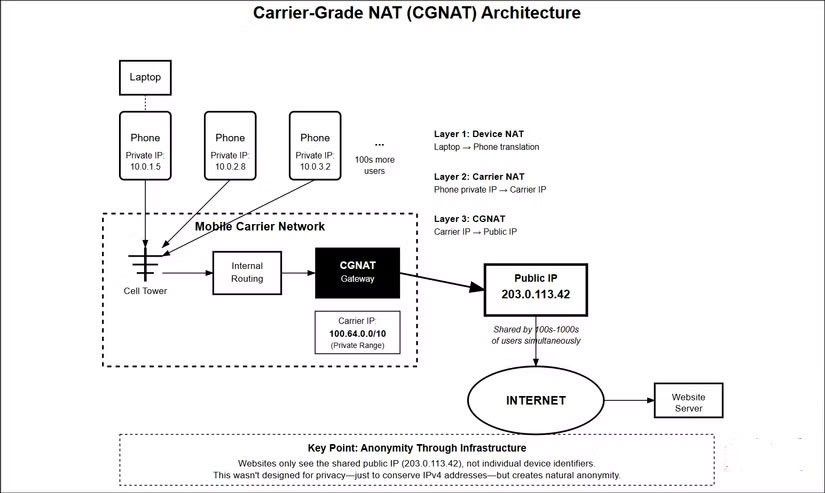
Your laptop has a local address on the hotspot network. Websites generally see the public address used to reach them through the carrier. Changing the laptop's local Wi-Fi address does not necessarily change that public address.
Many providers share public IPv4 addresses among customers using carrier-grade network address translation, or CGNAT. Network designs vary, and IPv6 connections can work differently. Sharing an IPv4 address is not an anonymity service: accounts, browser data and network records can still identify activity.
Use a mobile hotspot to test another connection
This can help diagnose whether a website failure is specific to your home network, or provide temporary access when your usual connection is unavailable. Check that your mobile plan permits tethering and has enough data before starting large downloads.
- On the phone, confirm that mobile data works without relying on home Wi-Fi.
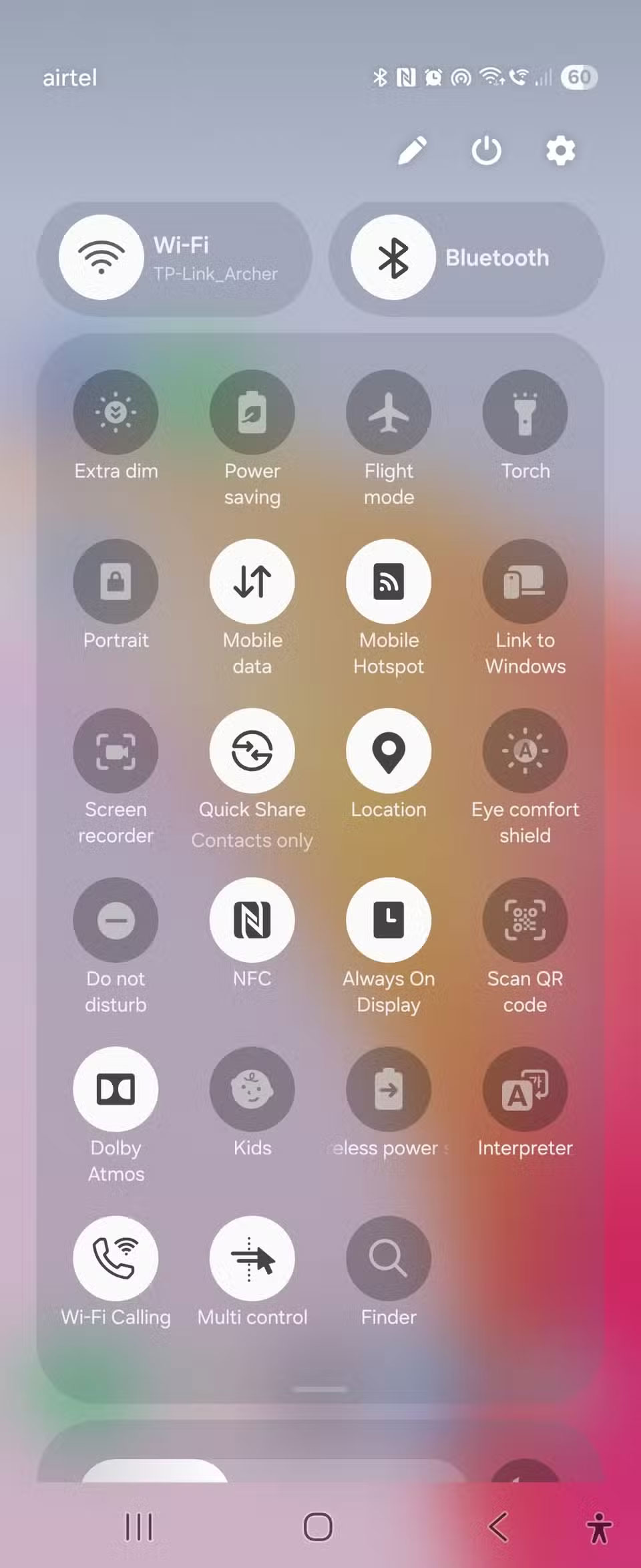
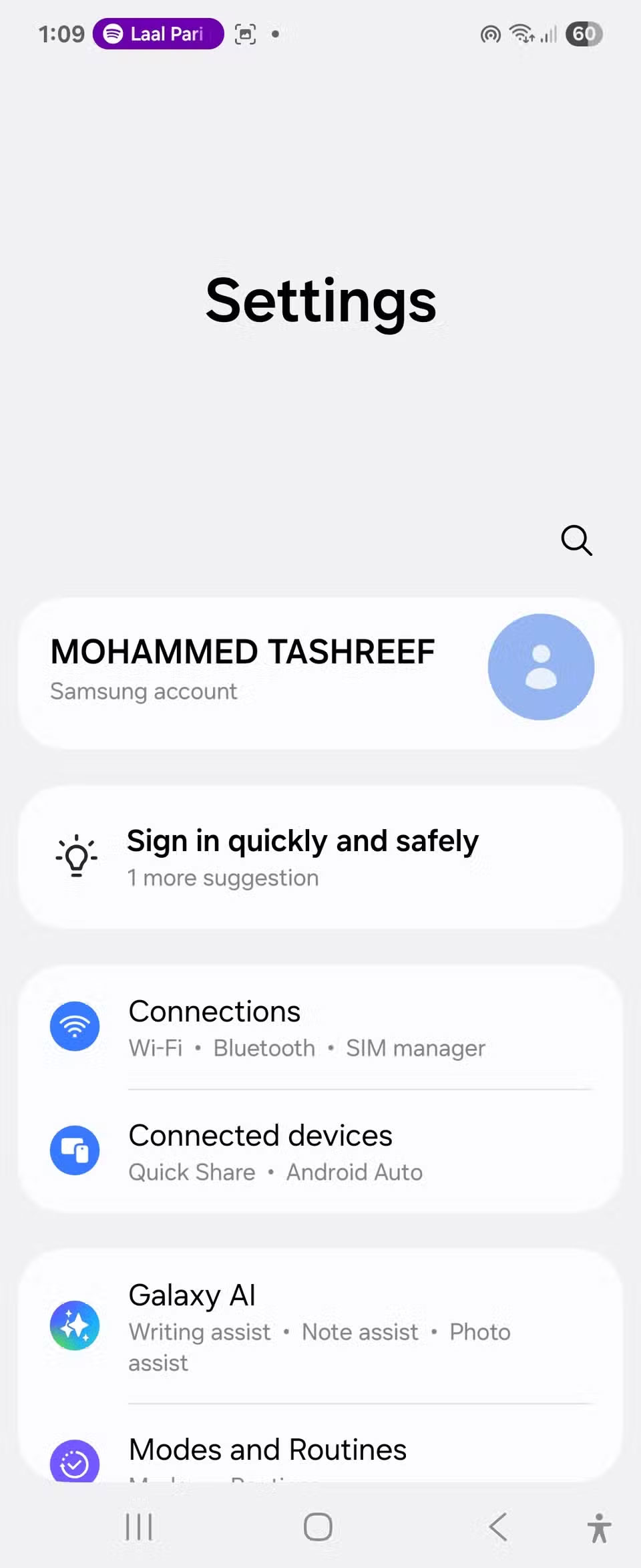
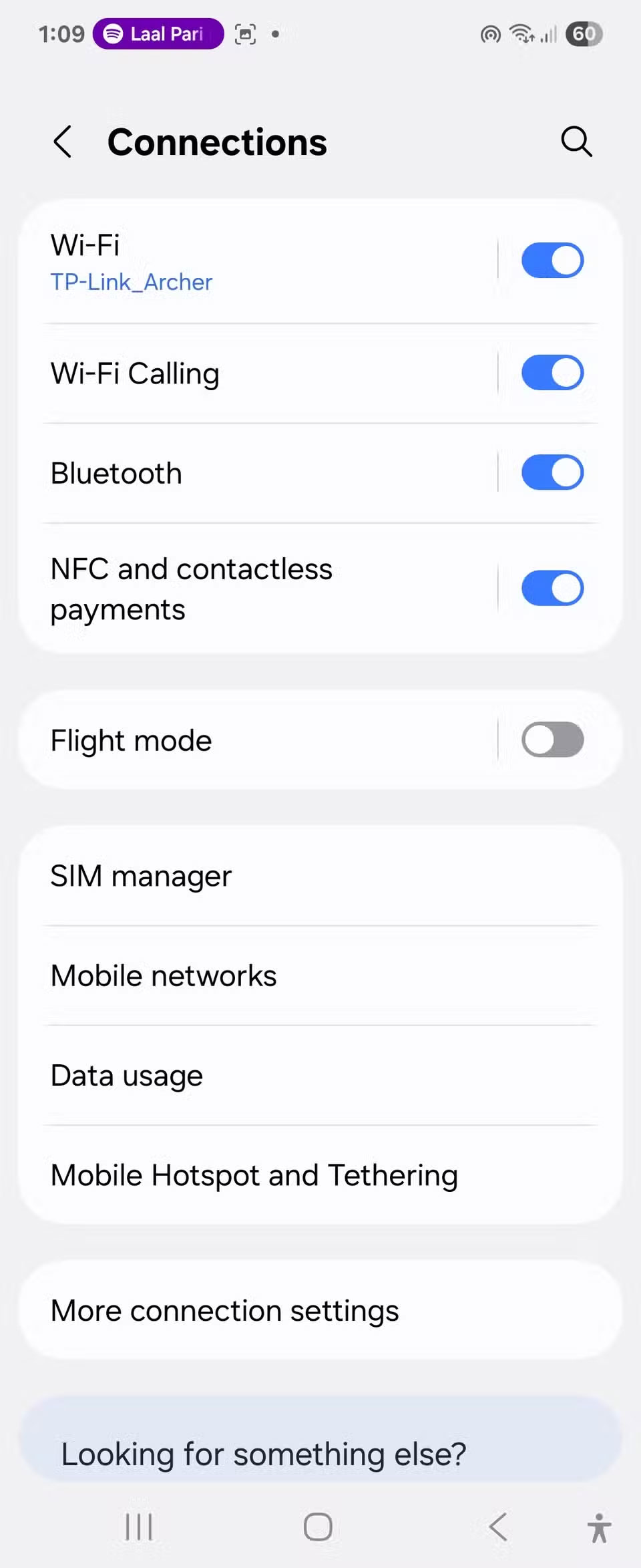
- On Android, open Settings and look for Hotspot & tethering or Mobile Hotspot. The name varies by manufacturer. Enable the hotspot with a strong password and supported Wi-Fi security.
- On iPhone, open Settings > Personal Hotspot, or Cellular > Personal Hotspot, and enable Allow Others to Join. Follow Apple's connection instructions if the option differs.
- Connect the computer to the phone's hotspot and confirm that it is using that connection rather than Ethernet or your home Wi-Fi.
- Repeat the original connection test, then turn off the hotspot when finished.
Compare public addresses using the same IP-checking service before and after switching networks. Compare like with like: an IPv4 result and an IPv6 result are different address families.
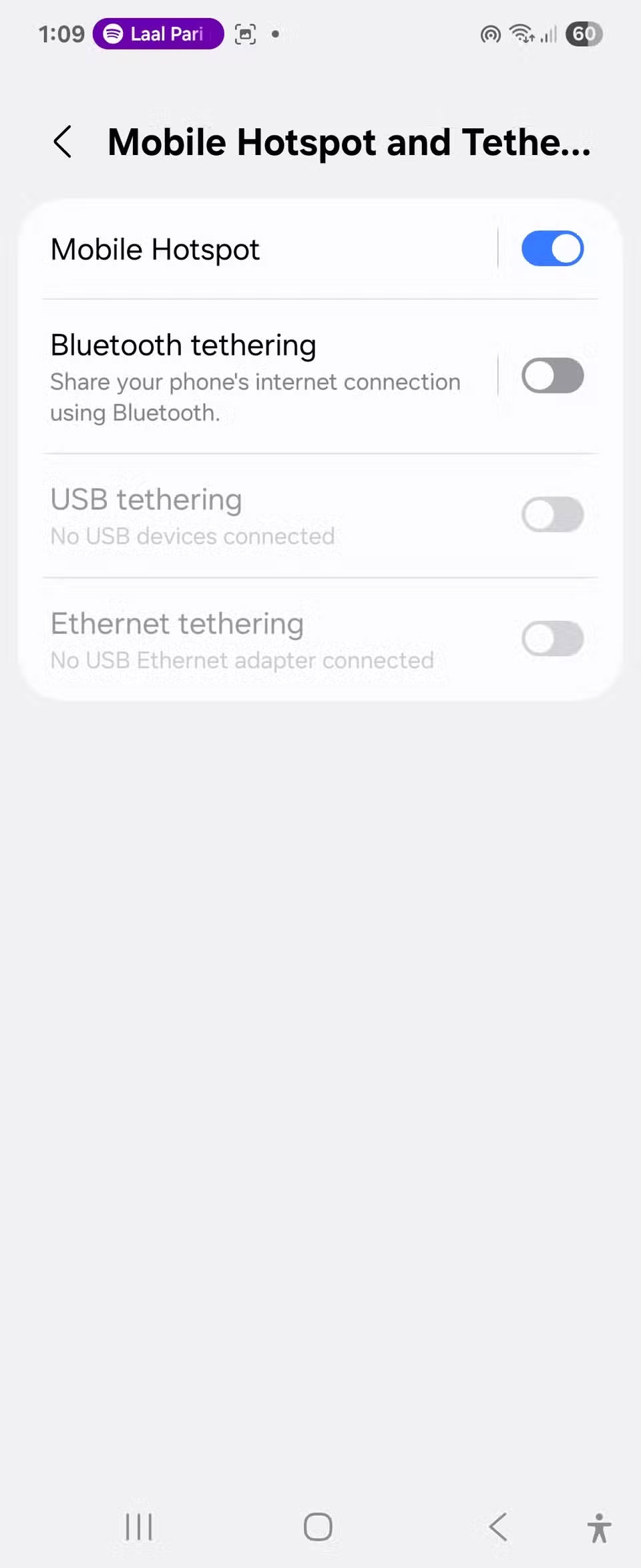
Why reconnecting may leave the address unchanged
The carrier decides how addresses are assigned. Airplane mode interrupts the connection and may disconnect hotspot clients, but a later connection can receive the same public address. There is no universal number of reconnections that forces a change.
Similarly, restarting a home router may leave its public address unchanged. If a legitimate service needs a different or dedicated address, ask the provider about its options instead of changing random network settings.
What this does not solve
A different IP is not equivalent to encryption, a new identity or a different country. Websites can recognize a signed-in account, cookies or browser fingerprinting signals. Shared carrier addresses can also encounter restrictions caused by other users.
If a service blocks your account or imposes a usage limit, use its appeal or support process and respect its rules. For connection faults that continue across networks, investigate the device or service itself; our Windows connection troubleshooting guide covers related device-side checks.
Related Articles
 11 tips to solve Math simple but extremely interesting
 10 tips 'can't be lost' because it's too useful you may not know
 14 simple tips to help your kitchen always be neat and clean
 How to rename Facebook on the computer
 How to change Google Chrome wallpaper on computer extremely simple
 Instructions to change voice in video with CapCut extremely simple
Reader Comments 0
Sign in with email or Google to join the discussion.