Table of Contents
This guide provides a clear overview of stolen iphone? don't delete it from your apple account!, including how it works, key details, and practical considerations that can help you use the information effectively.
Losing your iPhone is stressful enough, let alone the risk of it being stolen. If your device is ever lost, it's essential to keep it linked to your Apple account - not only to protect your data, but also to make sure the thief can't profit from it.
Criminals Could Trick You Into Deleting a Lost iPhone from Your Apple Account
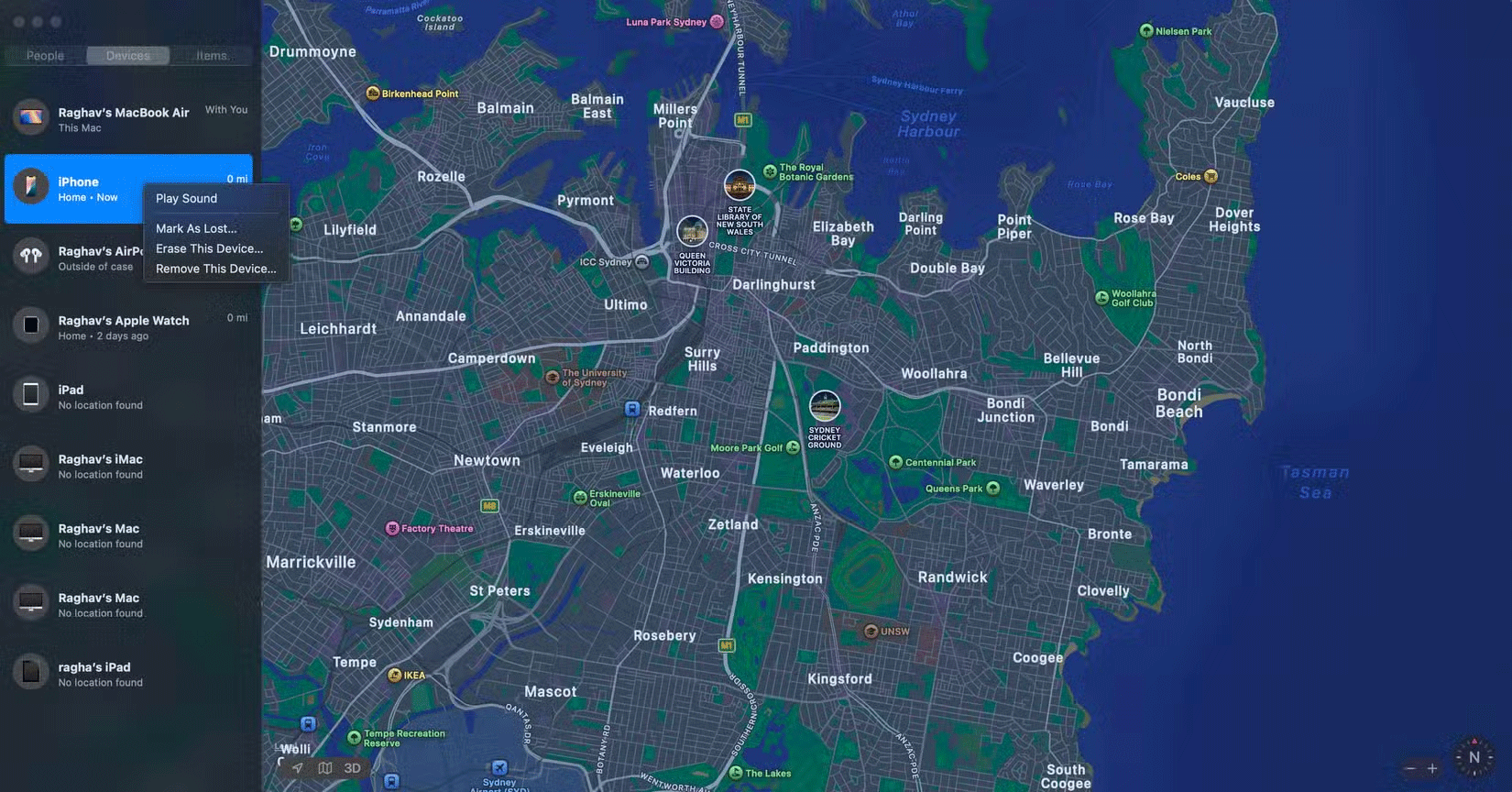
When you turn on Find My on your iPhone, it not only helps you track your device, but it also turns on Activation Lock. This feature links your iPhone to your Apple account, making it unusable without your Apple account password.
Even if someone factory resets your phone, they won't be able to get past the setup screen, rendering the device useless and unsaleable. Meanwhile, you can still track it through Find My.
The first thing you should do if your iPhone is stolen or lost is turn on Lost Mode. This mode lets you add your alternate contact information to your iPhone's home screen if someone finds your phone and tries to return it. However, keep in mind that this information can also be used against you.
Scammers may contact you impersonating Apple to try to pressure you into deleting your iPhone from your Apple account, claiming that your data is at risk. They may also use intimidation tactics like threatening to sell your data or even sending you death threats, as some people have shared in the Reddit posts below.
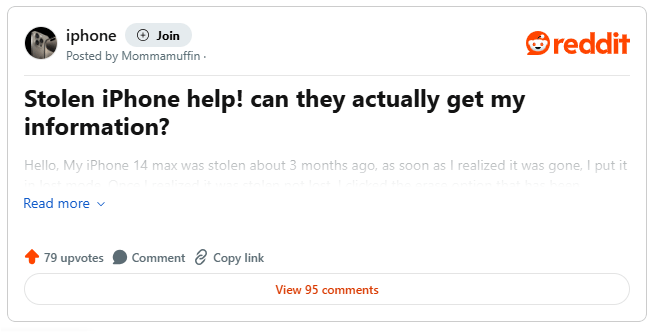
Why You Should Never Delete a Lost iPhone from Your Apple Account?
Apple will never ask you to remove a device from your Apple account, so don't fall for the scam. If your iPhone has a strong passcode, there's no reason to worry.
However, if the scammer has access to your passcode and shares a screenshot of your personal data, immediately remotely erase your iPhone using the Find My app. This will protect your data while still allowing you to track the device.
In most cases, stolen iPhones are sent to countries like China to be sold for parts. However, if Find My shows that your iPhone is still nearby, contact local law enforcement to increase your chances of finding it. For added security, the article also strongly recommends turning on stolen device protection to protect your iPhone when it's in an unfamiliar location.
With iOS 18, iPhone theft is even less appealing to criminals. Individual components are now linked to your Apple account, making them harder to sell for parts.
While you may not be able to recover your iPhone, ignoring phishing attempts can protect your private data. Being more aware of these tactics also reduces the appeal of having your iPhone stolen altogether.
FAQ
What is Don Delete Stolen iPhone From Apple Account?
It is the main topic covered in this guide, including the relevant tools, settings, features, or steps connected with stolen iPhone? Don't Delete It from Your Apple Account!.
Why is Don Delete Stolen iPhone From Apple Account useful?
It can make stolen iPhone? Don't Delete It from Your Apple Account! easier to understand, compare, configure, or troubleshoot by organizing the most important information in one place.
What should I check before using this guide?
Confirm that the instructions match your device, software version, region, and intended use, then back up important data before making major changes.
Related Articles
 How to Protect Your Icloud Account from Being Stolen13 minutes read
 How to Delete an Apple ID Account5 minutes read
 3 Ways to Delete Apple ID Account on iPhone, iPad3 minutes read
 How to Delete the Link Device, Turn Off Find My iPhone / iPad / Mac6 minutes read
 How to Delete an Apple ID: Step-by-Step Guide13 minutes read
 How to Permanently Delete Tik Tok Account on the Phone4 minutes read
Reader Comments 0
Sign in with email or Google to join the discussion.