Where to Find Conduit Crystal in Subnautica 2
Find Conduit Crystals below the Alien Power Plant, follow the Angel Comb route, harvest nodes with the Sonic Resonator, and collect enough for current upgrades.
Fix Windows problems, troubleshoot devices, understand AI, secure your accounts and get more from your technology with tested step-by-step guides.
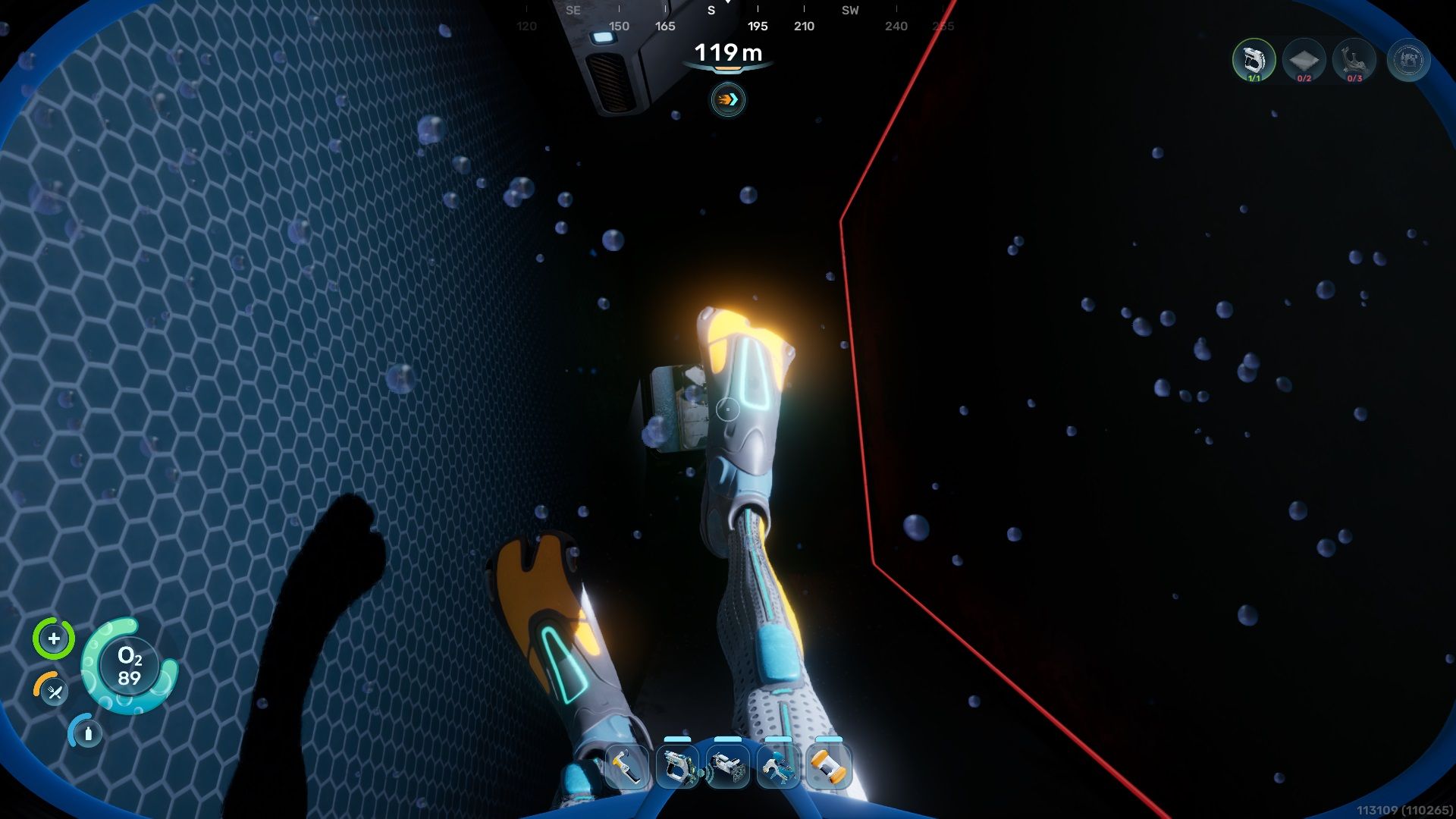
Find Conduit Crystals below the Alien Power Plant, follow the Angel Comb route, harvest nodes with the Sonic Resonator, and collect enough for current upgrades.
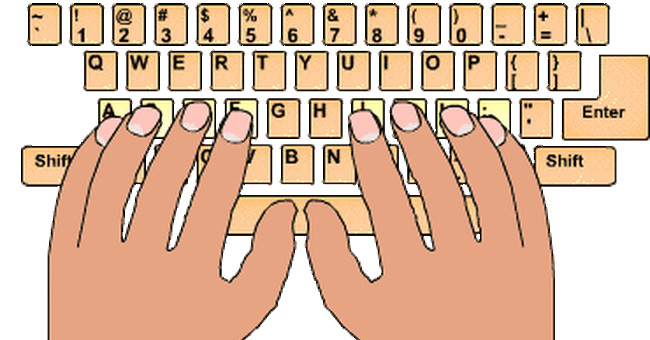
Learn the home-row position, correct finger assignments, posture, and a four-stage practice plan that builds touch-typing accuracy before speed.
Compare eight ways to explore Windows in a browser, from real x86 emulation and interface simulators to a cloud Windows VPS, with limitations and safety notes.

Compare Wan 2.2, HunyuanVideo 1.5, LTX-2.3, Mochi 1, and CogVideoX1.5 by task, hardware, ecosystem, and licensing limits.
Compare four AI agent platforms for automation, conversational workflows, voice experiences, and customer support, including current pricing models and tradeoffs.

A structured list of five legal, free AI resources covering neural networks, practical deep learning, mathematical foundations, agents, and responsible deployment.
Customize Genially's Secret Clue Game template, write effective clues and distractors, verify every interactive path, and share a tested view-only link.
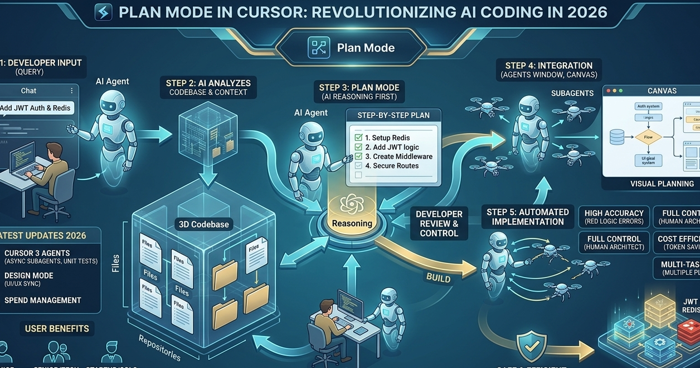
Use Cursor Plan Mode to research a codebase, clarify requirements, review an implementation plan, and build changes with fewer surprises.
AI can reduce coordination work and help smaller teams move faster, but businesses still need human judgment, accountability, debate, and trust.

Compare five AI app-building platforms by workflow, code access, deployment options, technical demands, and the types of projects each suits.
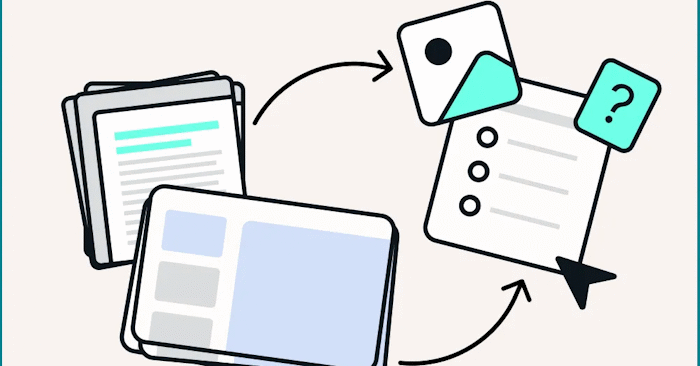
Use the Brisk Teaching browser extension to add grade level, learning objectives, scaffolding, and output requirements to a basic Gemini prompt.
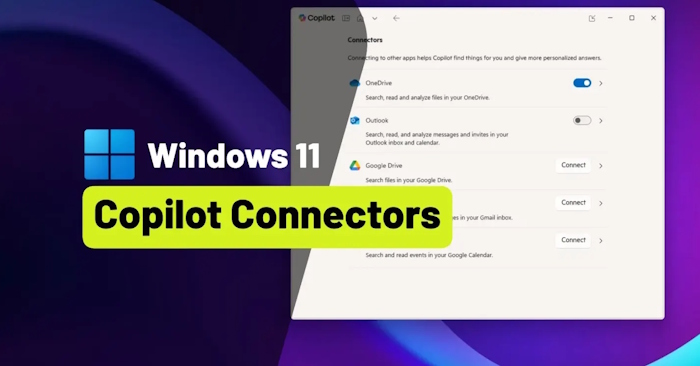
Connect supported mail, calendar, and cloud-storage services to Microsoft Copilot, manage them per conversation, and remove access when it is no longer needed.
Cancel Copilot Pro through the service that bills you, then remove conversation history or saved memory without unnecessarily closing your Microsoft account.
Split names, dates, scores, and other combined values with Flash Fill, Text to Columns, TEXTSPLIT, or Power Query, while protecting the original data.

Remove an editable watermark with a PDF editor, or carefully reconstruct a flattened document while protecting layout, privacy, and document authenticity.

Forza Horizon 6 delivers a dense Japanese open world, more than 550 cars, improved progression, and strong PC options, though its familiar formula will not suit everyone.
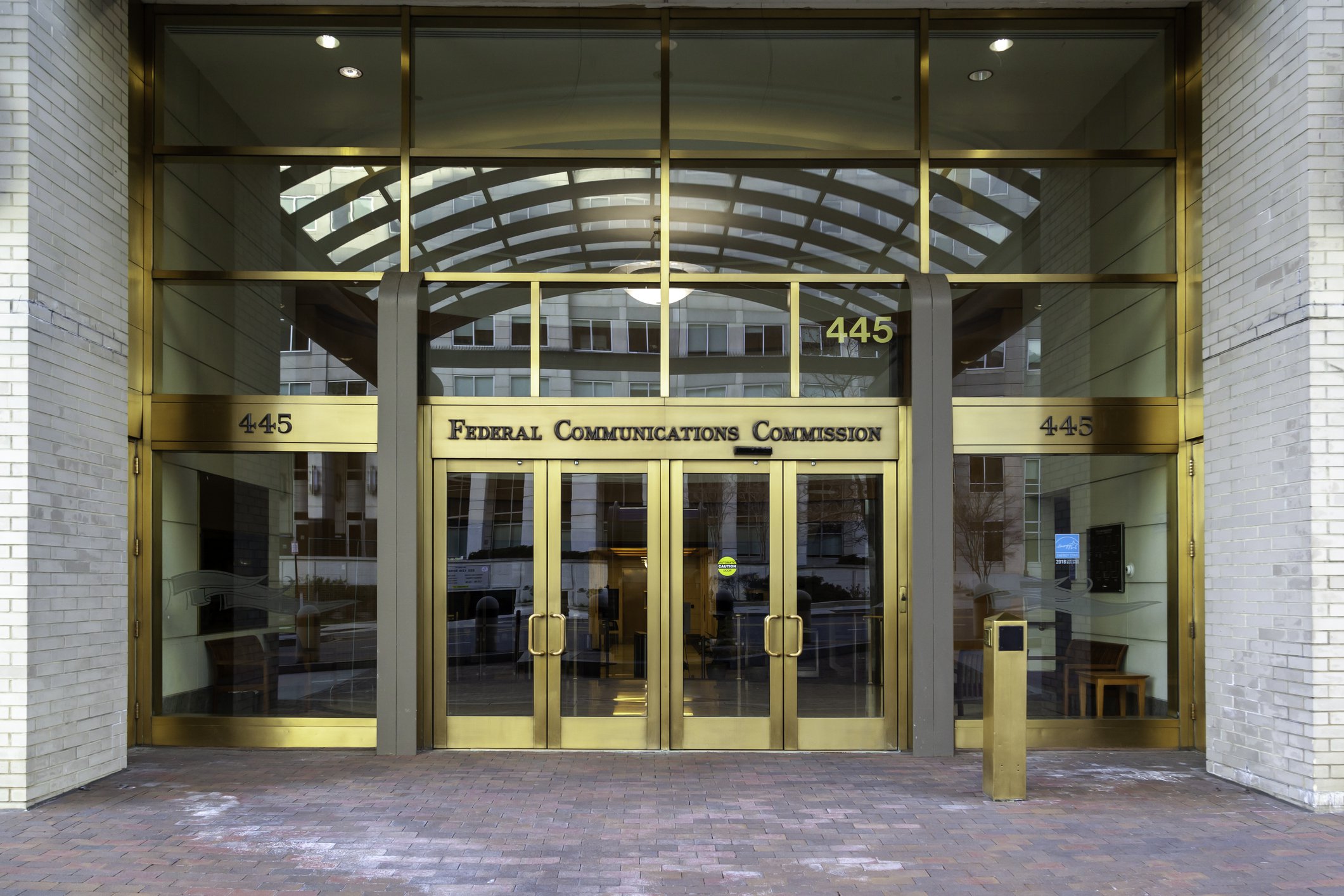
The FCC approved Verizon's purchase of former UScellular spectrum licenses from Array, and the $1 billion transaction closed on June 1, 2026.

AI slop is mass-produced content that looks polished but offers little value. Learn why it spreads, how to evaluate it, and what publishers should do instead.
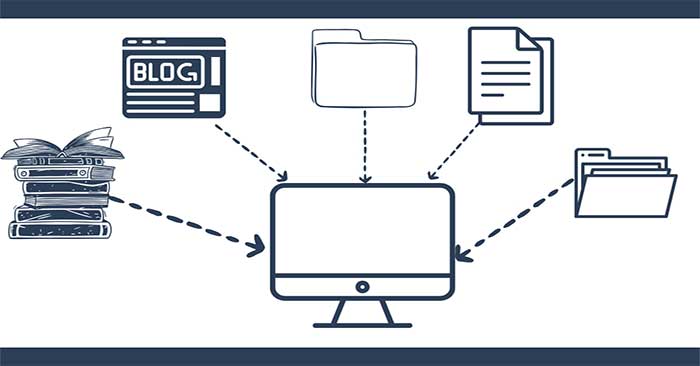
Design a RAG knowledge base with curated sources, permission-aware metadata, sensible chunking, hybrid retrieval, citations, evaluation, and an update process.
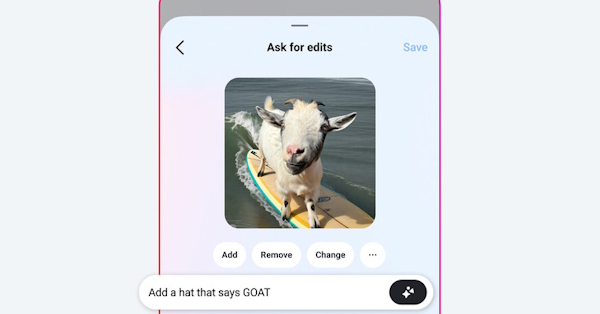
Open a photo in Meta AI on Messenger, describe what to add, remove, or change, refine the result, and save a copy without overwriting the original.