Table of Contents
You can remove a watermark from a PDF when you own the document or have permission to edit it. The cleanest method is the watermark command in the application that created it. If the mark has been flattened into the page, conversion or AI cleanup may damage text, images, and layout. Do not remove copyright, licensing, confidentiality, draft, or ownership marks from documents you are not authorized to alter.
Before editing the PDF
- Save an untouched backup and work on a copy.
- Check whether the PDF is digitally signed; editing can invalidate signatures.
- If the file is password-protected, obtain the permissions password from the owner.
- Do not upload confidential, legal, financial, medical, or student records to an online service without approval.
- After editing, compare every page with the original and confirm that searchable text, links, forms, and accessibility tags still work.
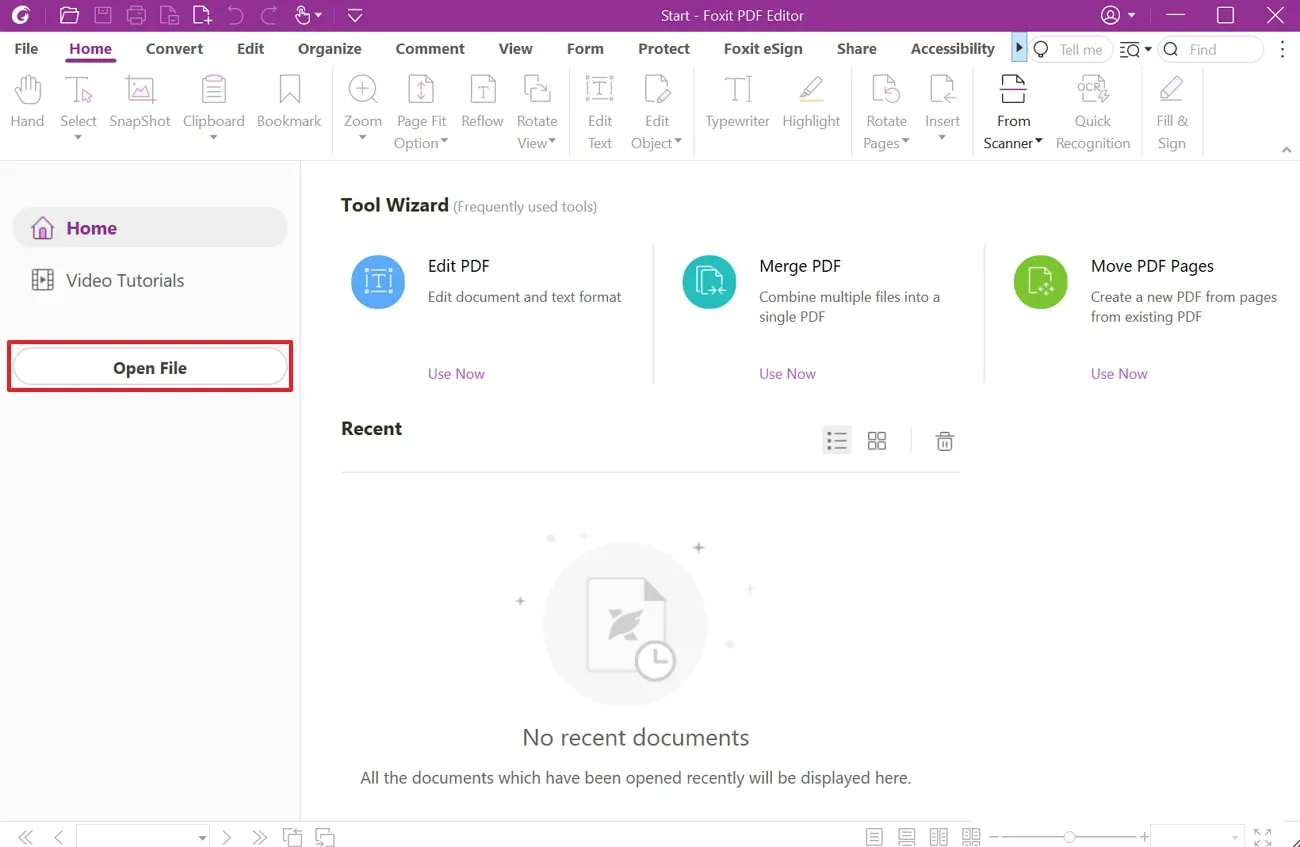
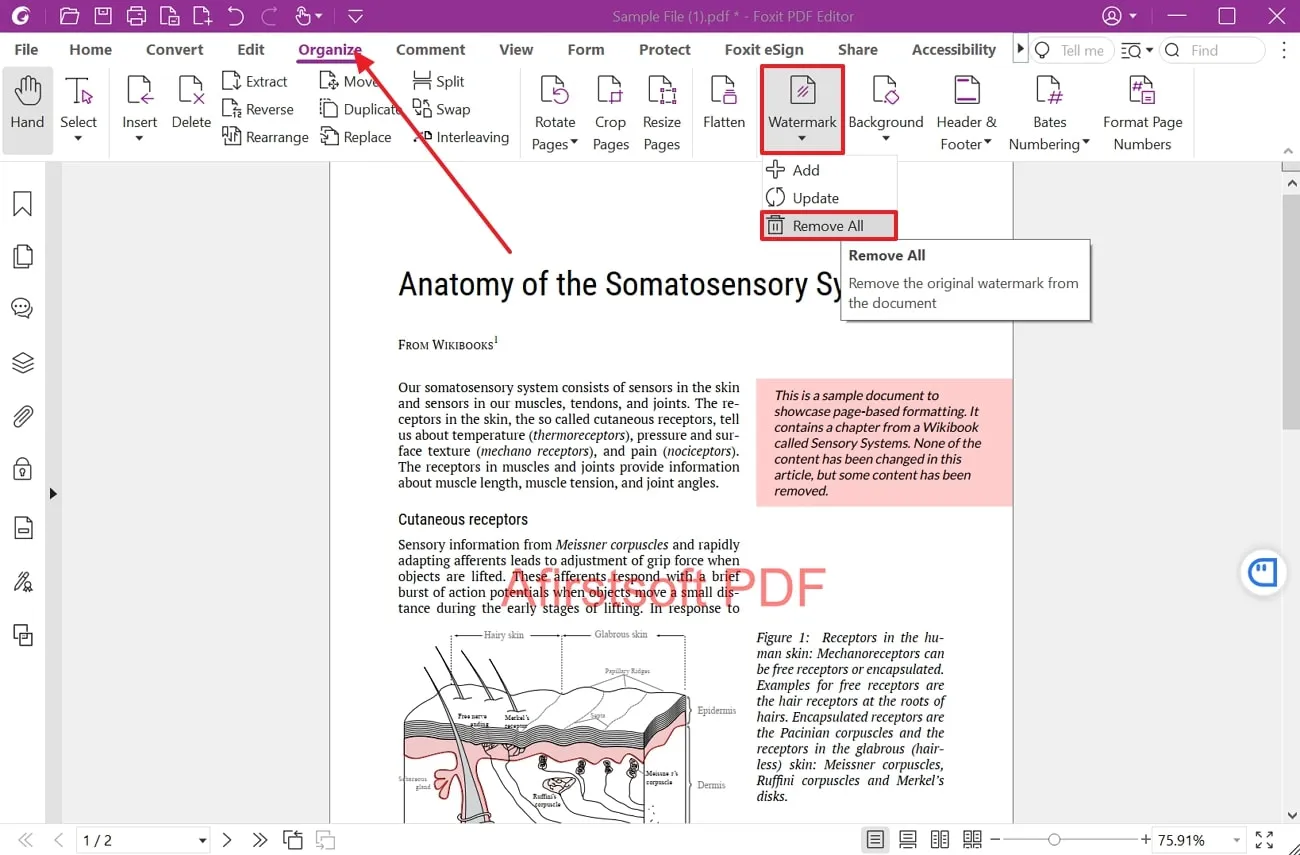
1. Remove an added watermark in Foxit PDF Editor
For a watermark stored as a PDF page mark, open the document and choose Organize > Watermark > Remove All, then confirm. Save the result under a new filename. Foxit's official documentation uses this path, although wording may vary by platform and version.
2. Remove a watermark in Nitro PDF Pro
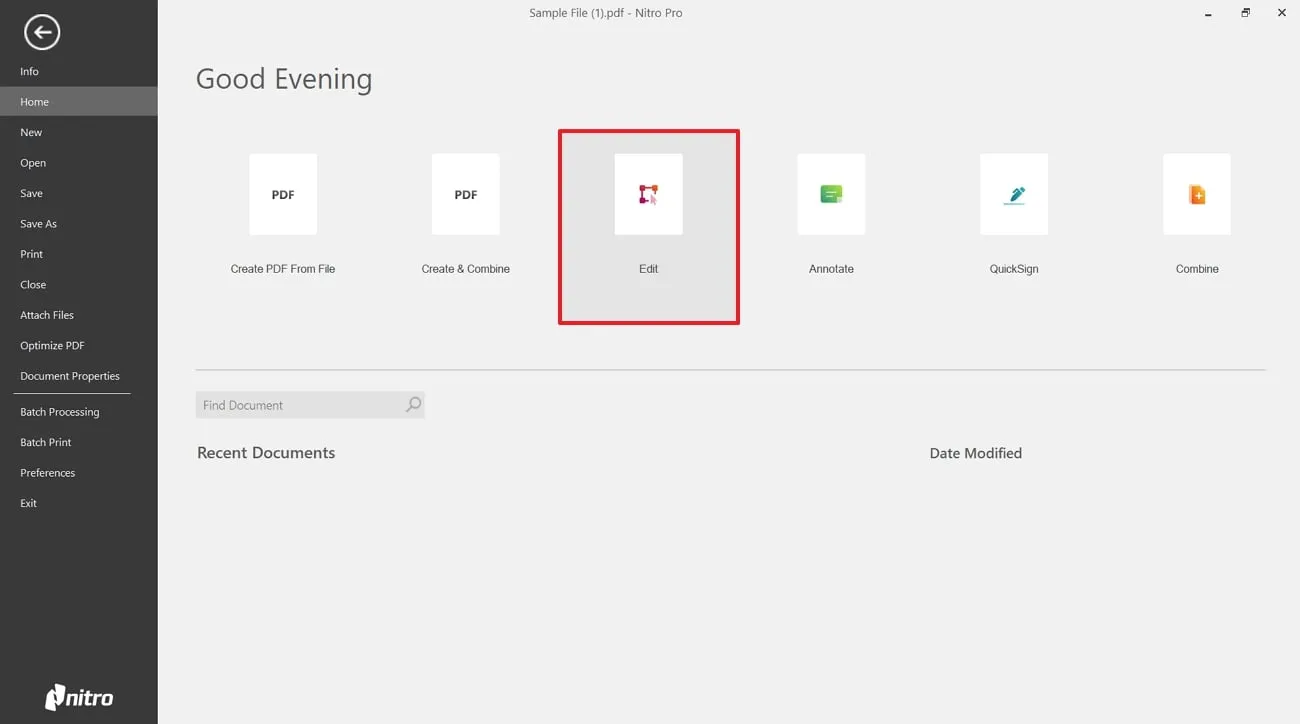
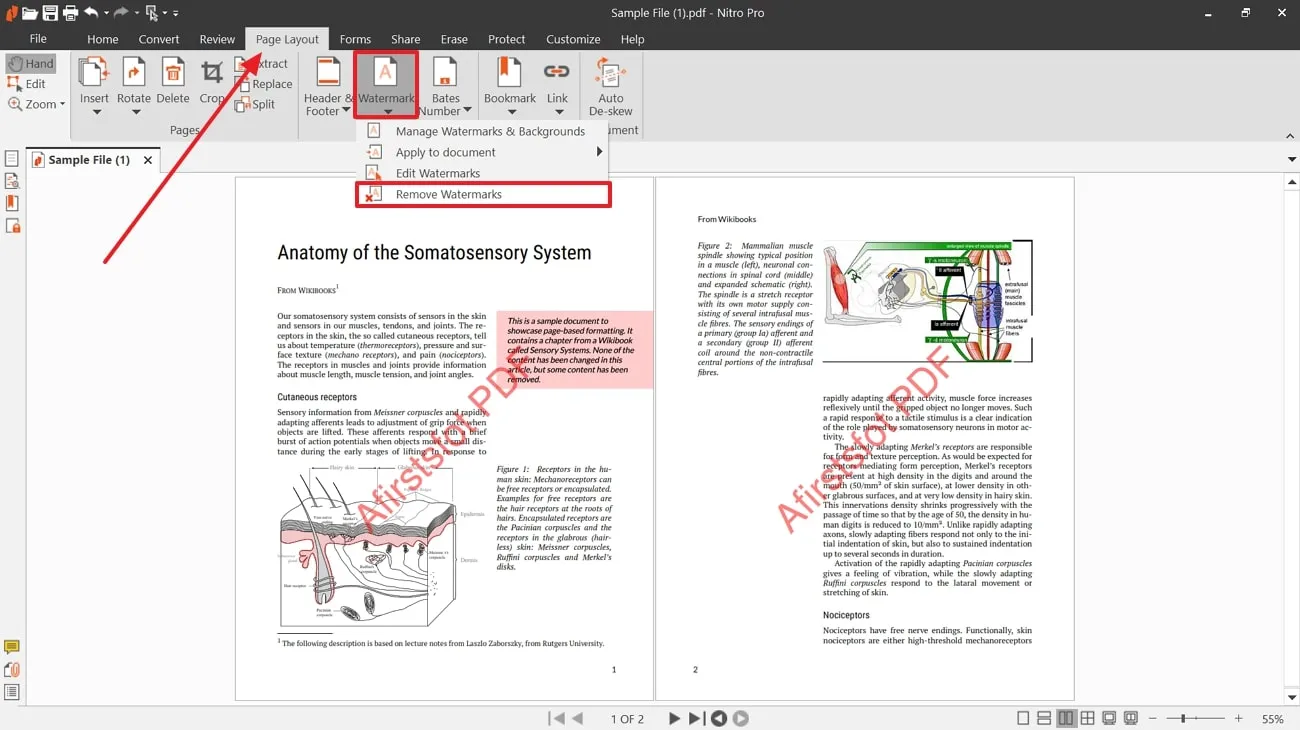
Open the authorized PDF, go to Page Layout, open the Watermark menu, and choose Remove Watermarks. Confirm the operation and inspect the pages before saving. Nitro notes that a single selectable watermark may also be deleted with the Edit tool.
3. Use Adobe Acrobat for a native PDF watermark
Acrobat's current desktop workflow is Edit a PDF > Watermark > Remove. This works for watermarks added as recognized watermark objects. If the mark is part of a scanned image or flattened page artwork, the command may not detect it.
Do not use ordinary white rectangles to hide sensitive data; that content may remain recoverable. Use a true redaction tool when the goal is permanent removal of confidential information.
4. Convert the PDF with Microsoft Word
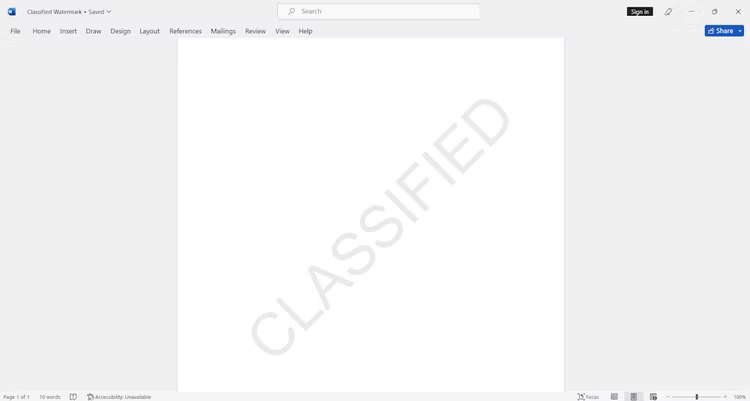
Word can open a PDF by converting a copy to an editable document:
- In Word, choose File > Open and select the PDF.
- Accept the conversion notice.
- If the watermark becomes a selectable object, header item, or background, remove only that element.
- Review page breaks, tables, fonts, and images, then export a new PDF.
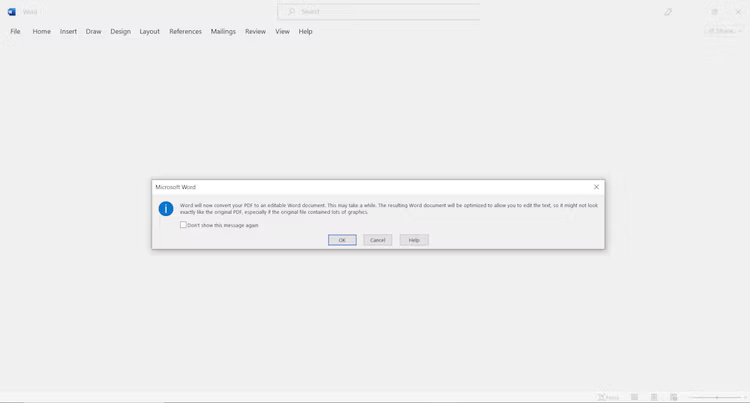
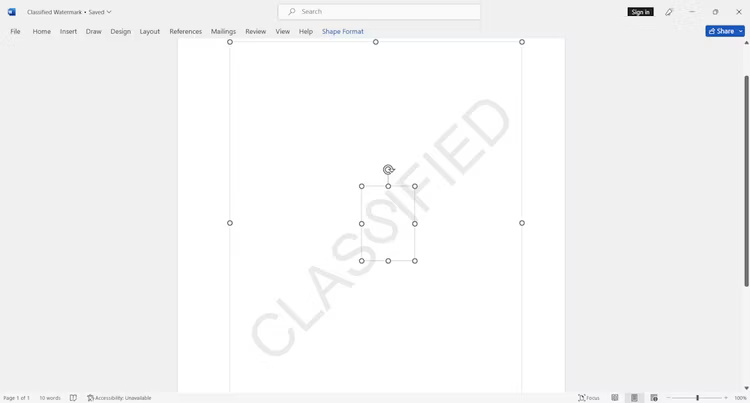
Microsoft says conversion works best for documents that are mostly text and may not preserve the original layout. Avoid this method for complex forms, brochures, or files that must remain pixel-perfect.
5. Edit an imported PDF in Canva
Canva can import some PDFs as editable designs. Upload the file, open the page, and try selecting the watermark. Delete it only if it is a separate element, then download the edited design as PDF.
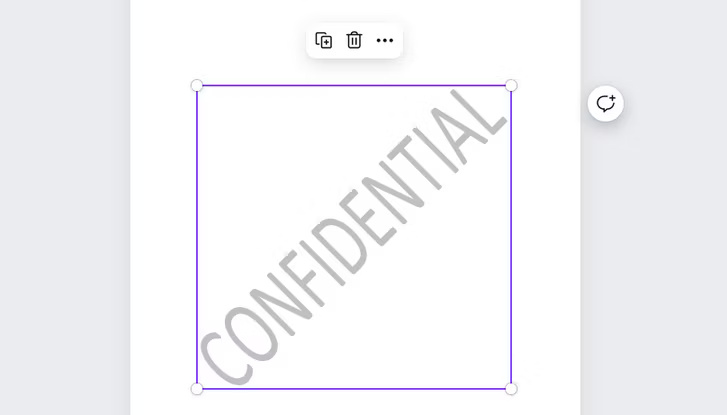
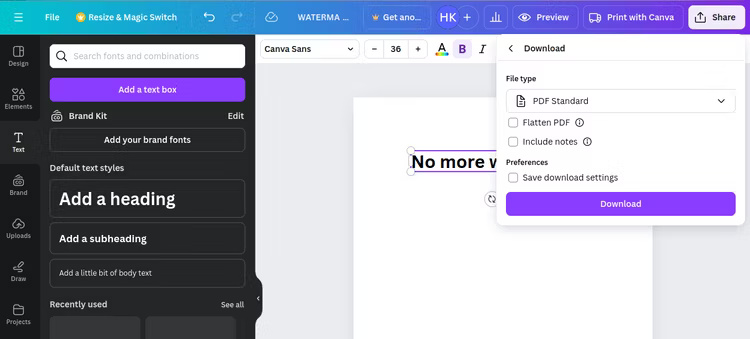
A watermark merged into a page image will not behave like a separate Canva layer. Rebuilding or covering it can also alter the document, so compare the export with the source. Check Canva's current upload, page, and download limits before beginning a large file.
6. Try Google Docs after conversion
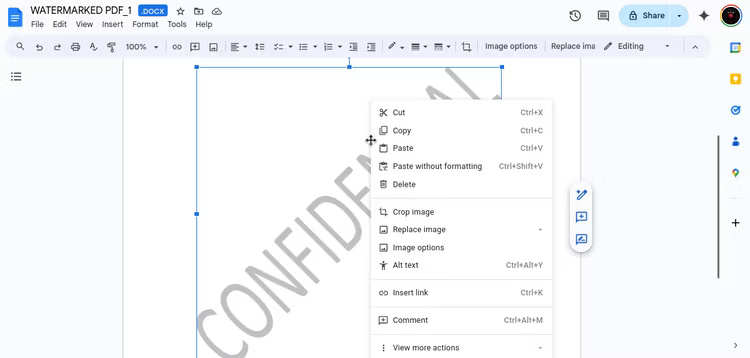
Google Docs is not a full PDF editor. For a simple, text-heavy document, convert an authorized PDF to DOCX, upload the DOCX to Google Drive, and open it in Google Docs. Remove the watermark if it appears as an editable image or header, then download the document as PDF.
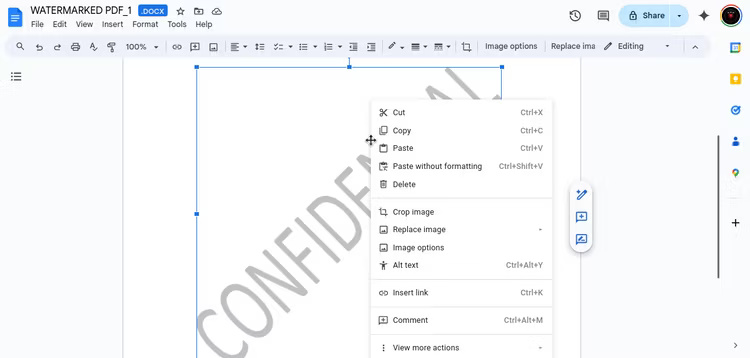
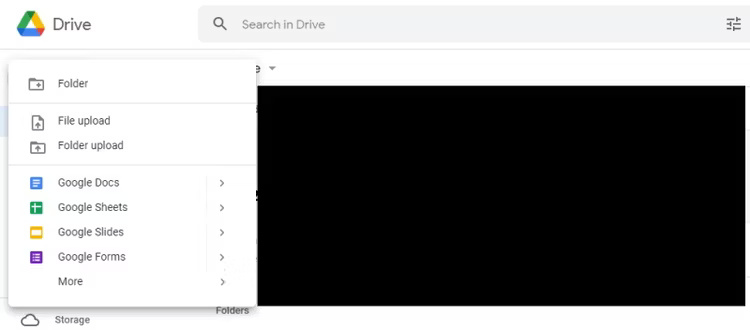
This multi-step conversion can change fonts, tables, columns, and pagination. It also sends the file to cloud services, which may be unsuitable for sensitive material.
7. Use PDFgear offline
If PDFgear's desktop editor recognizes the watermark, open the document and use the watermark or page-editing control shown in the current version. Save to a new file and inspect the result.
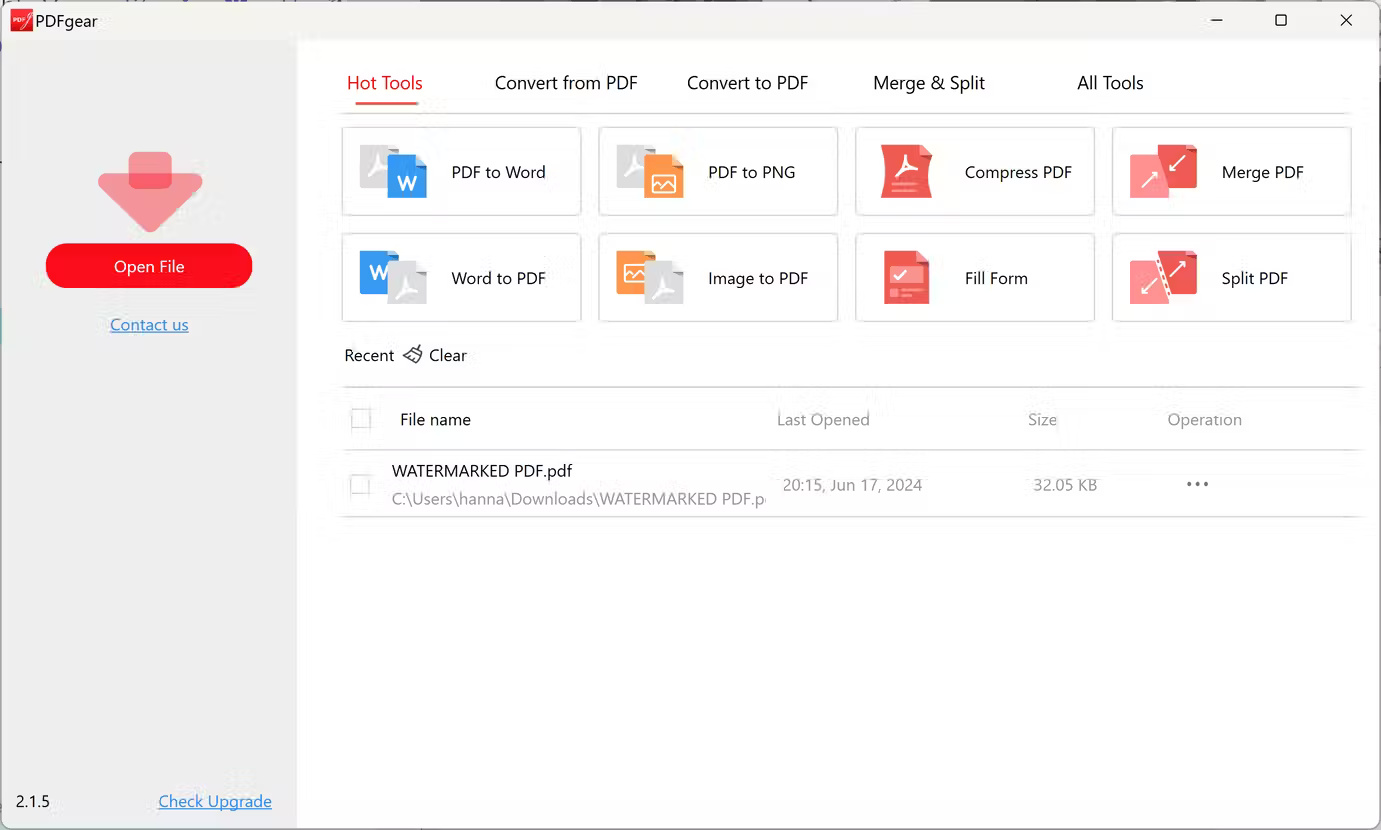
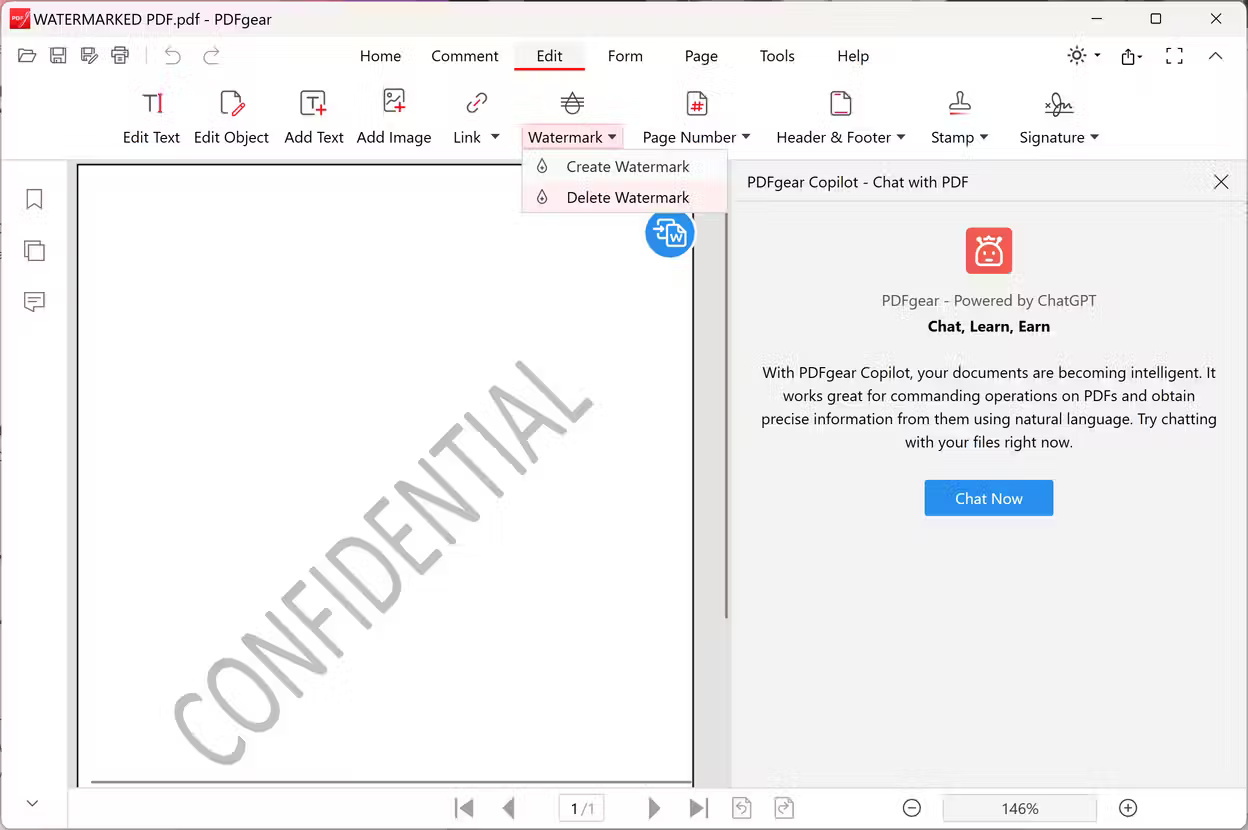
Offline processing avoids uploading the file to a web form, but it does not guarantee that a flattened watermark can be removed cleanly. Confirm the application's license and feature availability for your operating system.
8. Use Dewatermark for a flattened mark
Dewatermark offers an automated PDF cleanup workflow. The interface shown here lets users upload a PDF, preview processing on the first page, and request a full result.
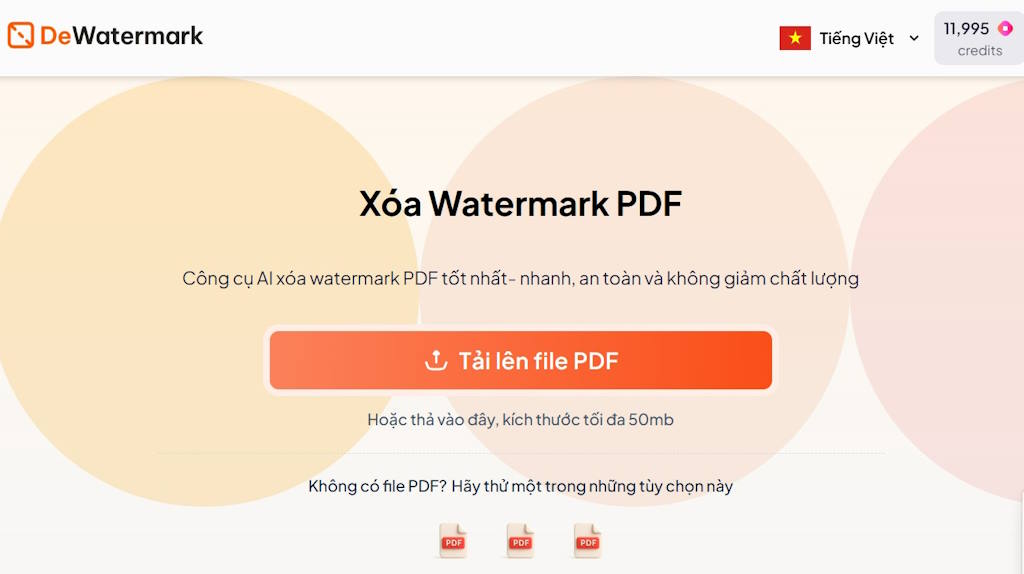
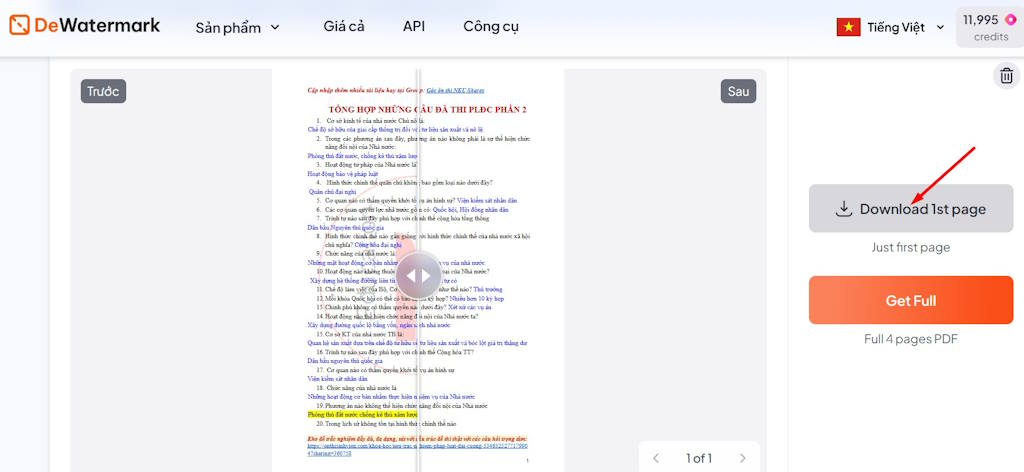
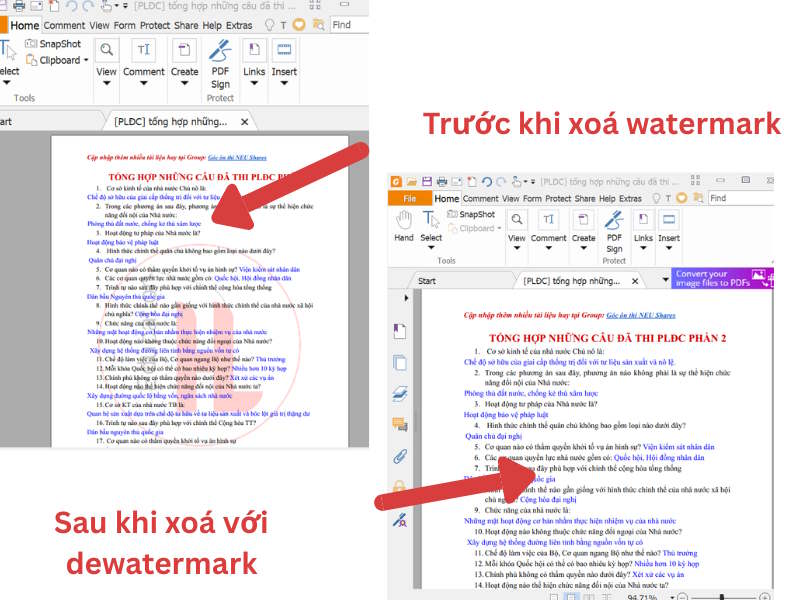
Use this only for non-confidential files you are authorized to edit. Automated removal can erase nearby letters, lines, stamps, or artwork. A first-page preview does not prove that every page will be correct.
9. Use pdfFiller's watermark controls
After uploading an authorized document to pdfFiller, open its watermark editing controls. If the watermark is an editor-added layer, disable or remove it, save the changes, and download a copy.
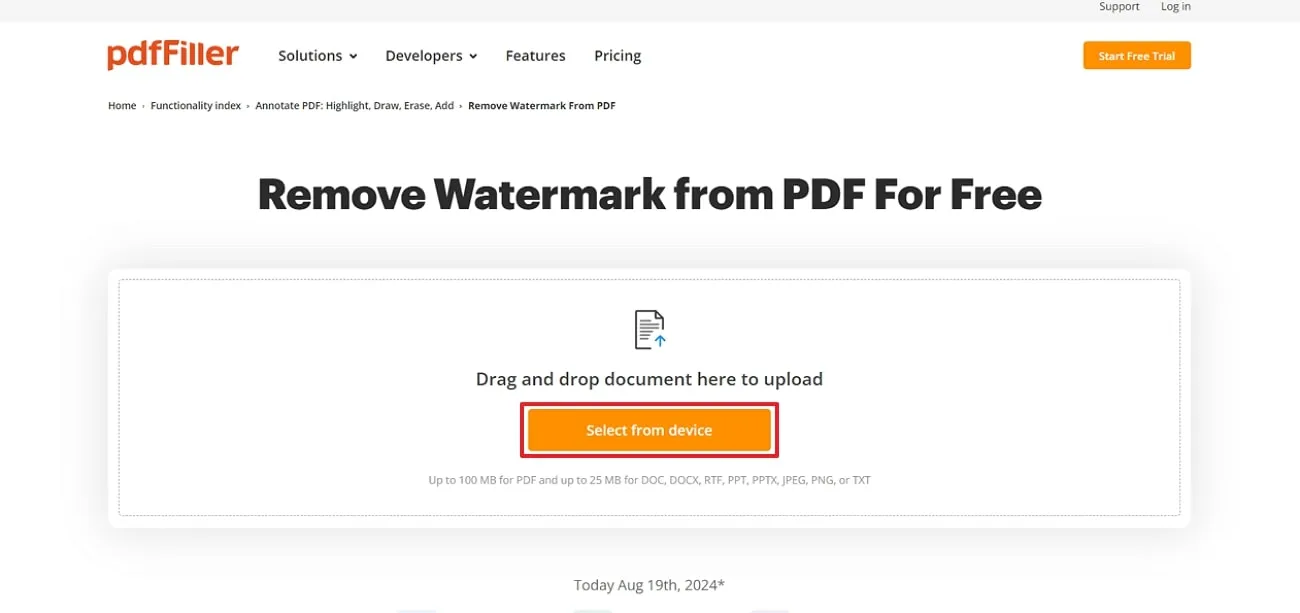
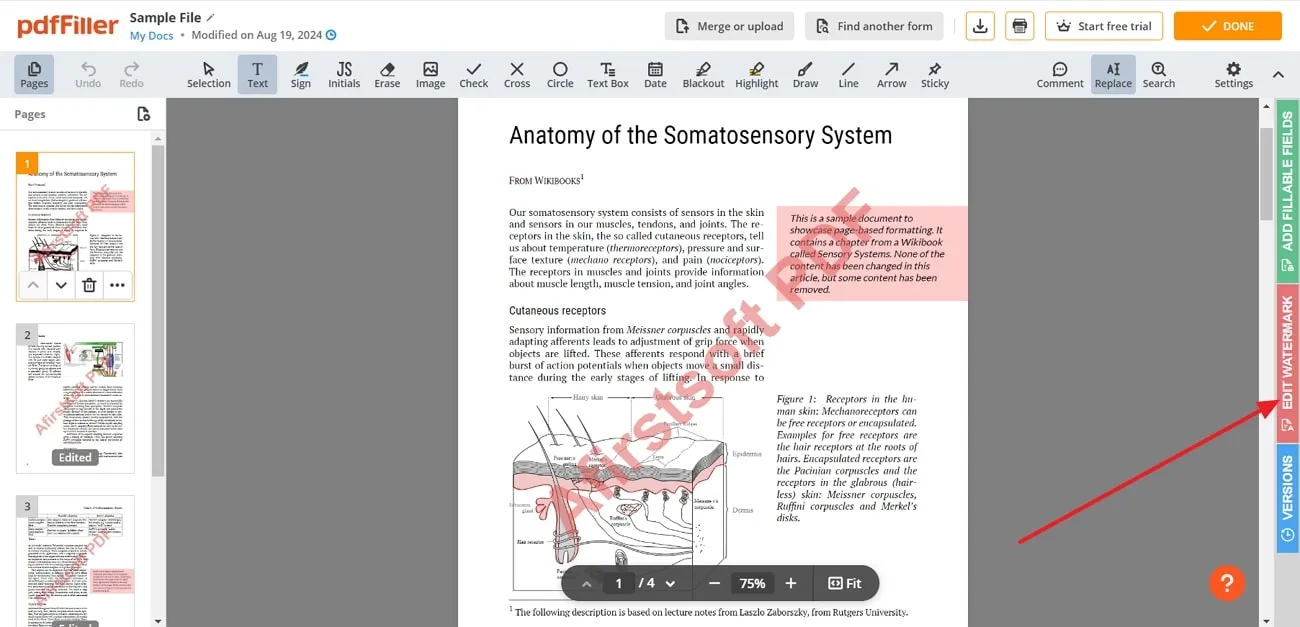
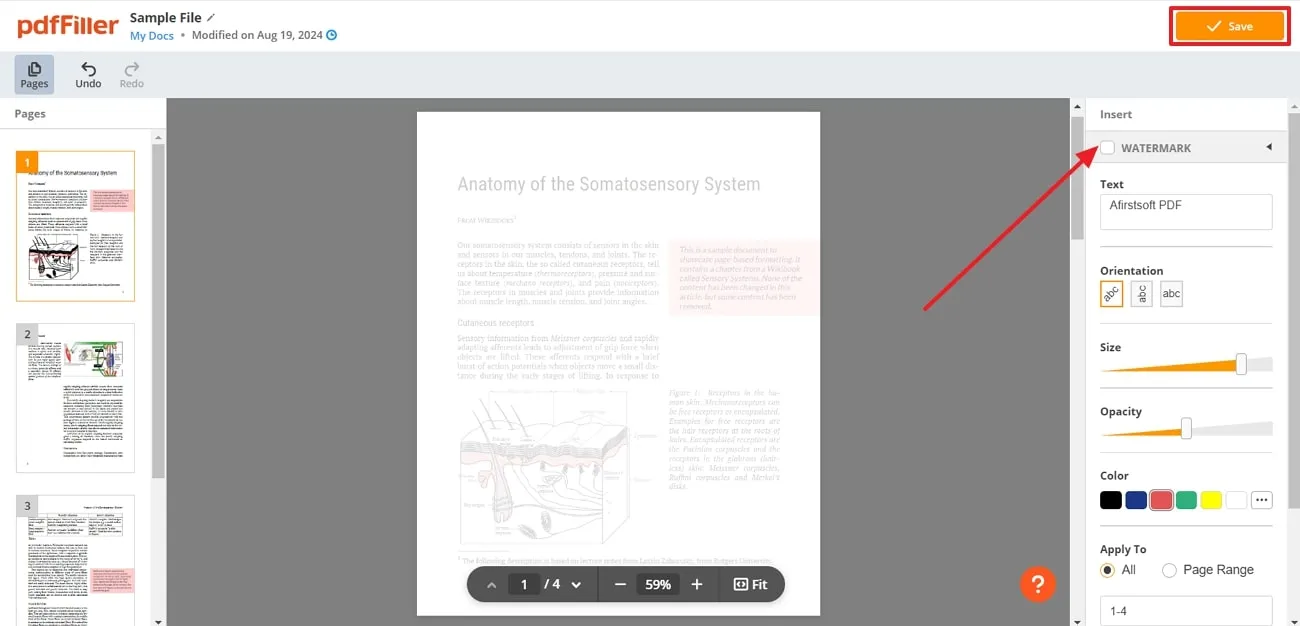
Review the current subscription, export, retention, and deletion terms before uploading. An editor control cannot reliably remove a watermark that is baked into a scanned page.
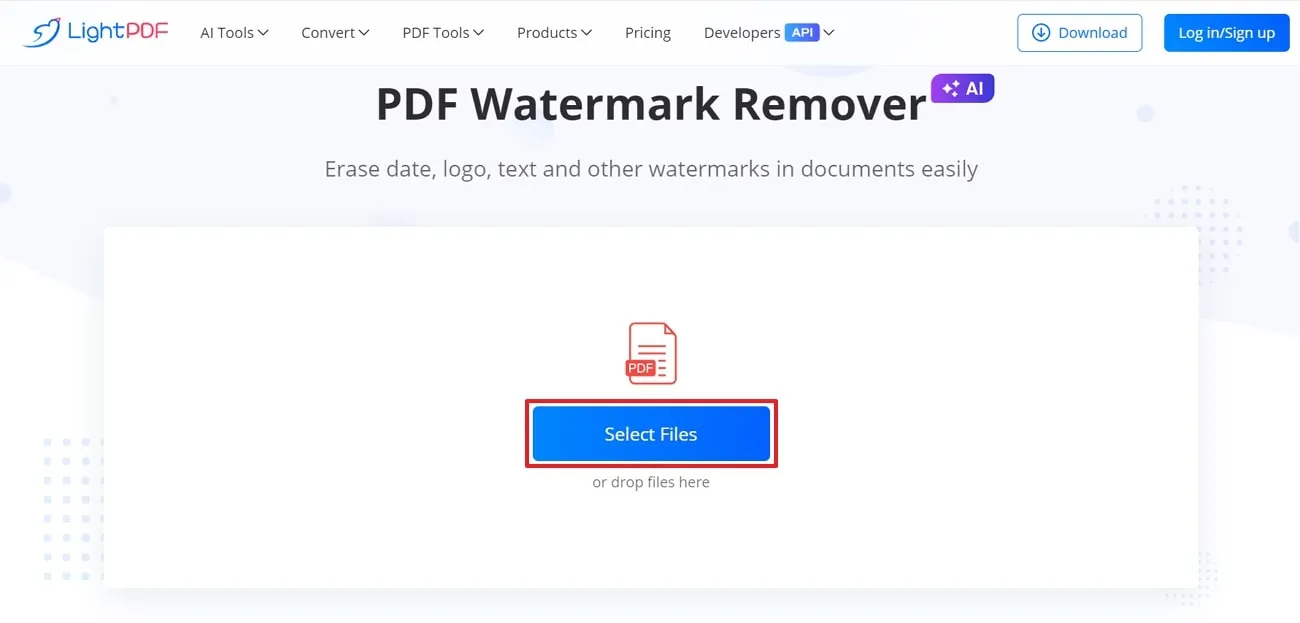
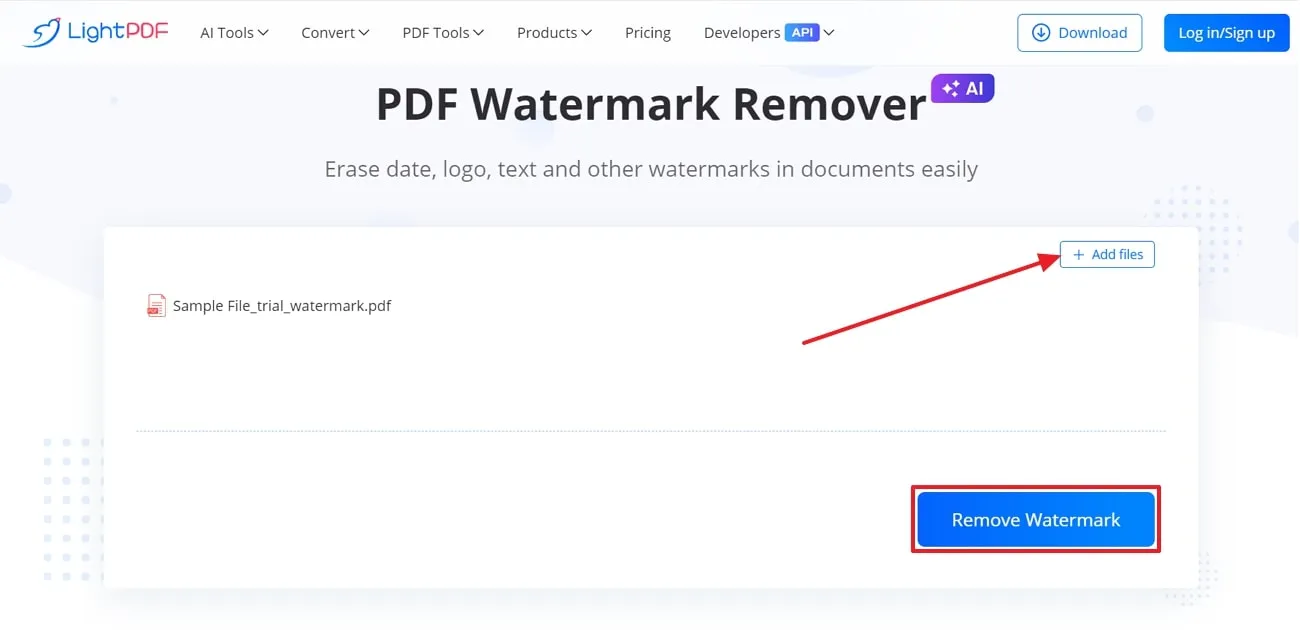
10. Try LightPDF's watermark remover
LightPDF's web interface may offer an automated watermark-removal tool: select the file, run removal, preview the result, and download the processed PDF.
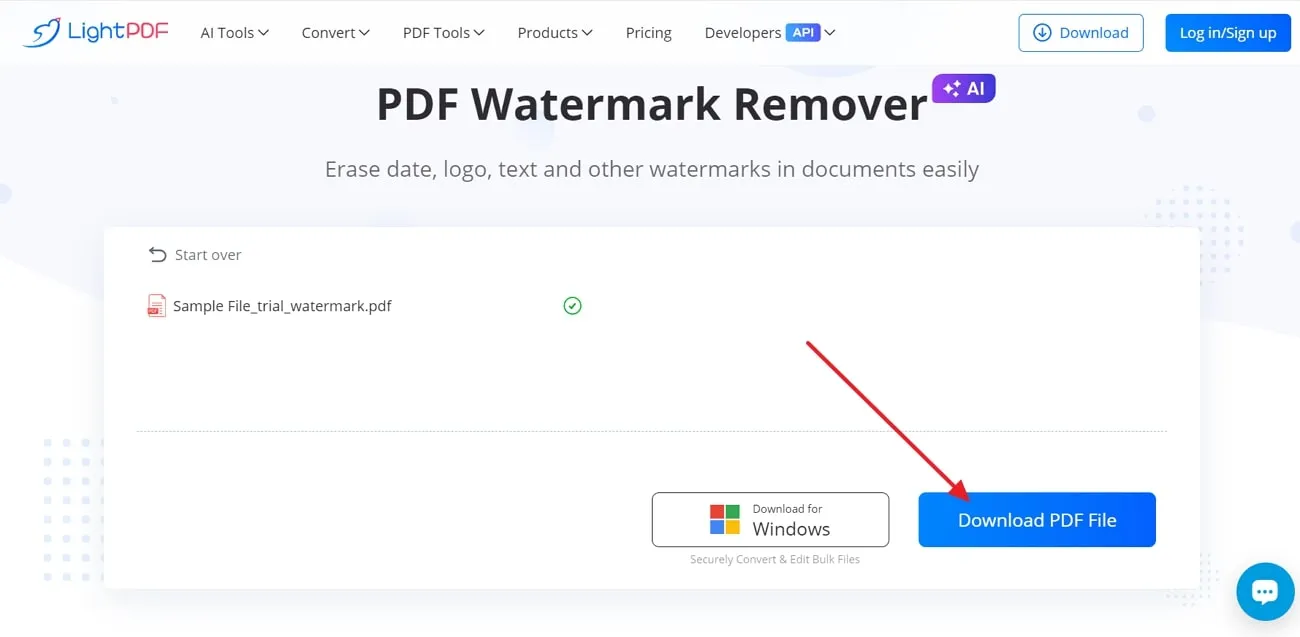
Do not treat an AI-generated reconstruction as an exact copy. Check small text, charts, signatures, page numbers, and areas where the watermark crosses important content.
11. Remove a watermark in WPS Office or a mobile app
In versions of WPS Office that include PDF editing, open the PDF, choose the Watermark control, and select the delete option. The available tool and whether it requires payment can vary by device and plan.
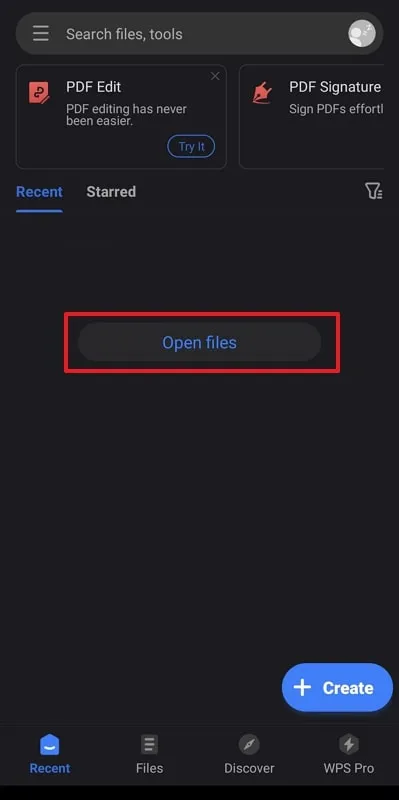
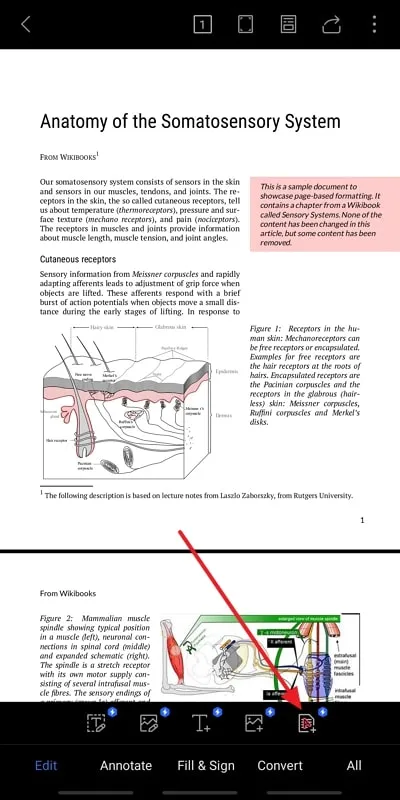
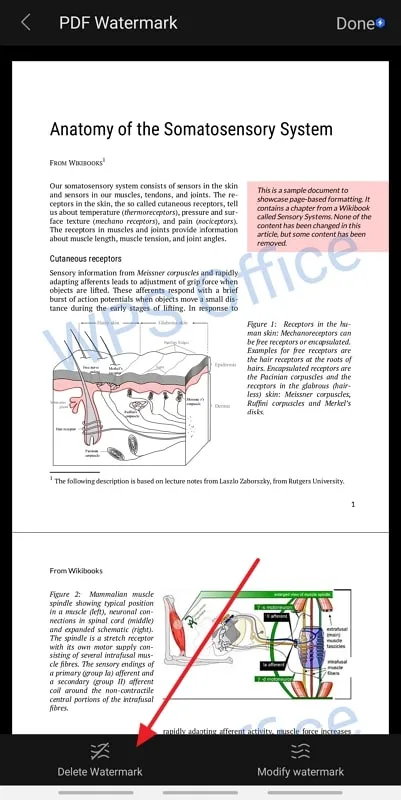
A dedicated mobile “PDF Watermark Remover” app may expose a similar upload-and-remove workflow:
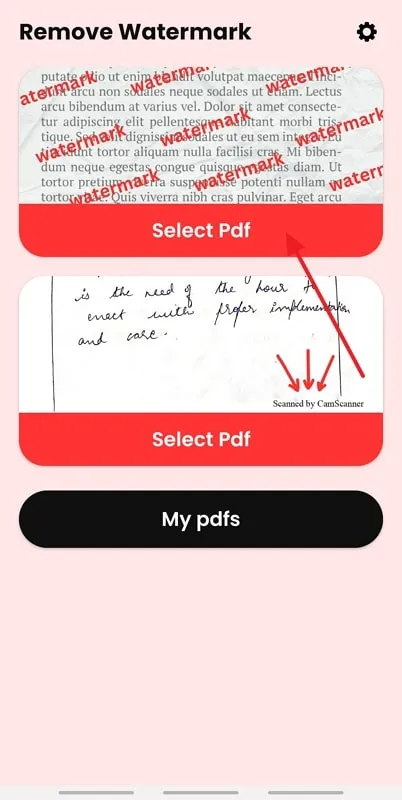
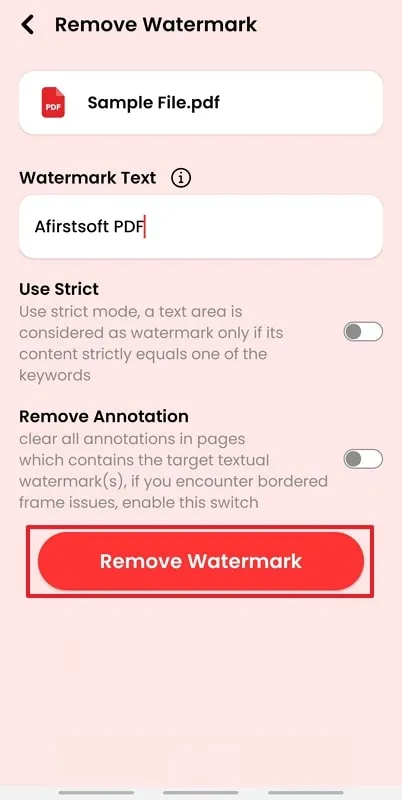
Before using a little-known mobile app, inspect its developer, permissions, privacy policy, storage behavior, and recent reviews. Avoid granting access to an entire photo or file library when a single-document picker is available.
Why a watermark may not be removable
A PDF watermark can be a separate page object, ordinary text or artwork, part of a background, or pixels inside a scanned image. Dedicated editors can usually remove only objects they can identify. Flattened pages require reconstruction, retouching, or access to the original source document, and the last option is usually safest.
If the watermark is a legitimate “draft,” “confidential,” stock-photo, trial-software, or rights-management mark, ask the owner for an unwatermarked copy or obtain the proper license. Removing the visible mark may not remove metadata, usage restrictions, or legal obligations.
For verified desktop workflows, consult the official guides for Foxit watermarks, Nitro watermarks, Adobe Acrobat, and opening PDFs in Word.
Related Articles
 Software to Remove Logos, Words on Videos and Usage3 minutes read
 Please Refer and Download the Beautiful Font from the Big Brand Logo3 minutes read
 How to Remove Logos from AI Videos Using Magic Eraser5 minutes read
 How to Remove Logos in PDF Files: Delete PDF File5 minutes read
 How to Remove the NPSK Ransomware and Decrypt. Npsk Files8 minutes read
 Remove Stubborn Files on the Computer - 100% Successful4 minutes read
Reader Comments 0
Sign in with email or Google to join the discussion.