Table of Contents
A good gaming setup balances comfort, clear desk space, reliable power, and the equipment you actually use. The gallery below preserves the setup photos from the original article. Use them for inspiration, then plan your own layout around your room, budget, and devices rather than copying a photo exactly.
Gaming setup gallery


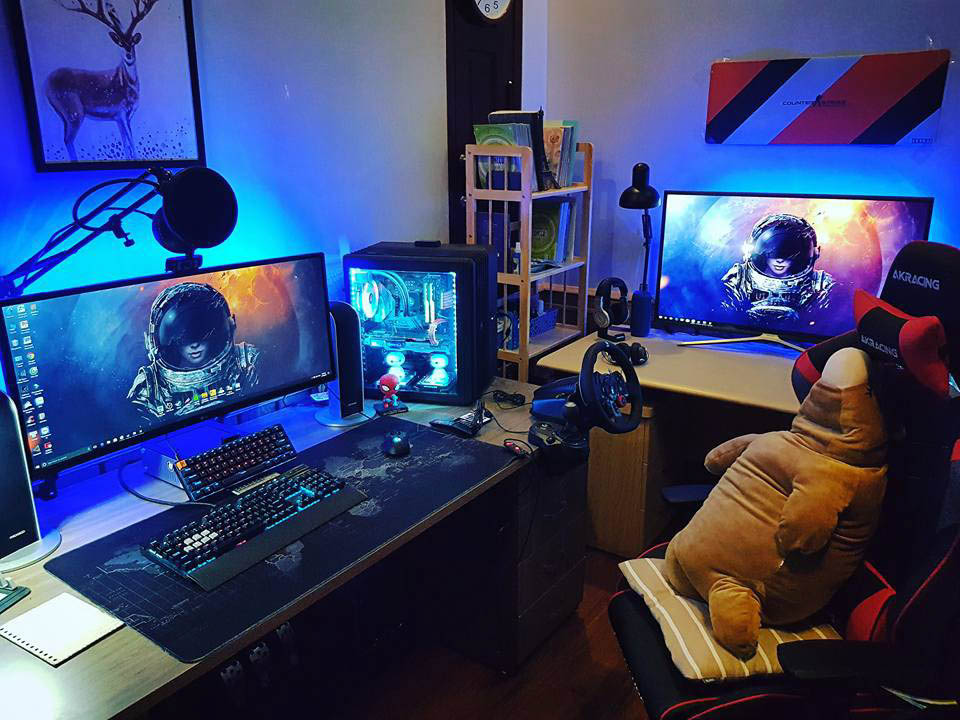
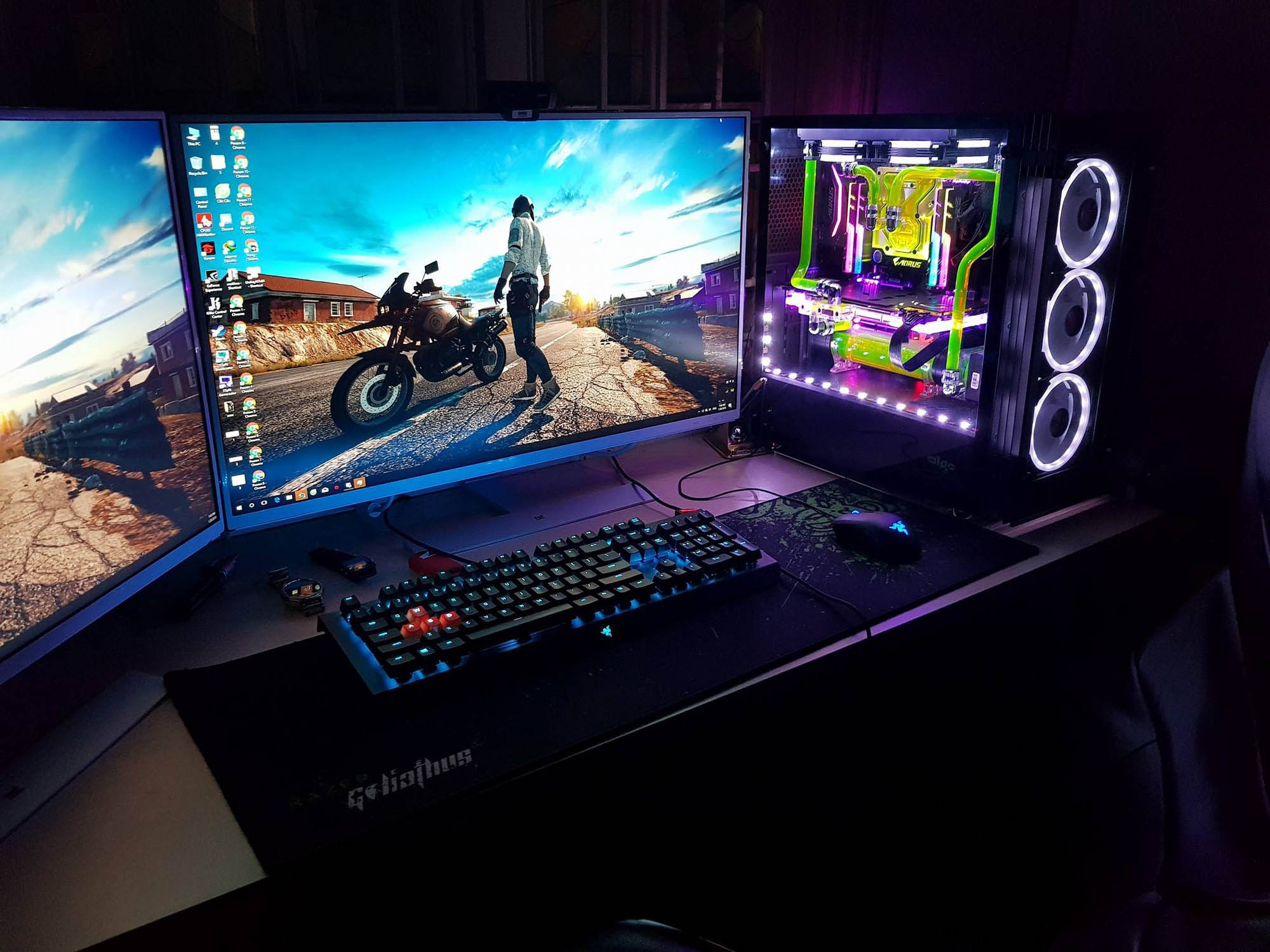
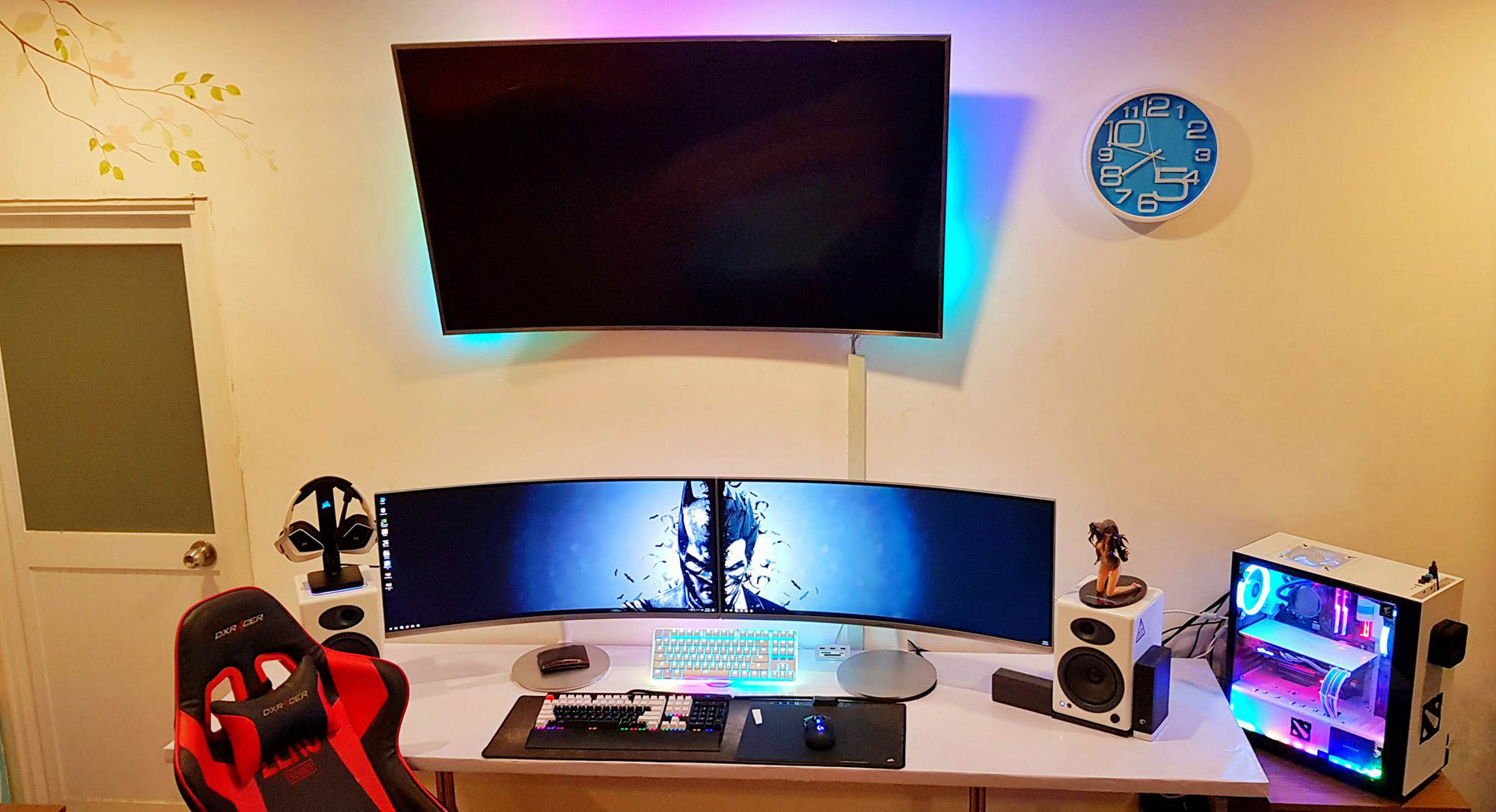
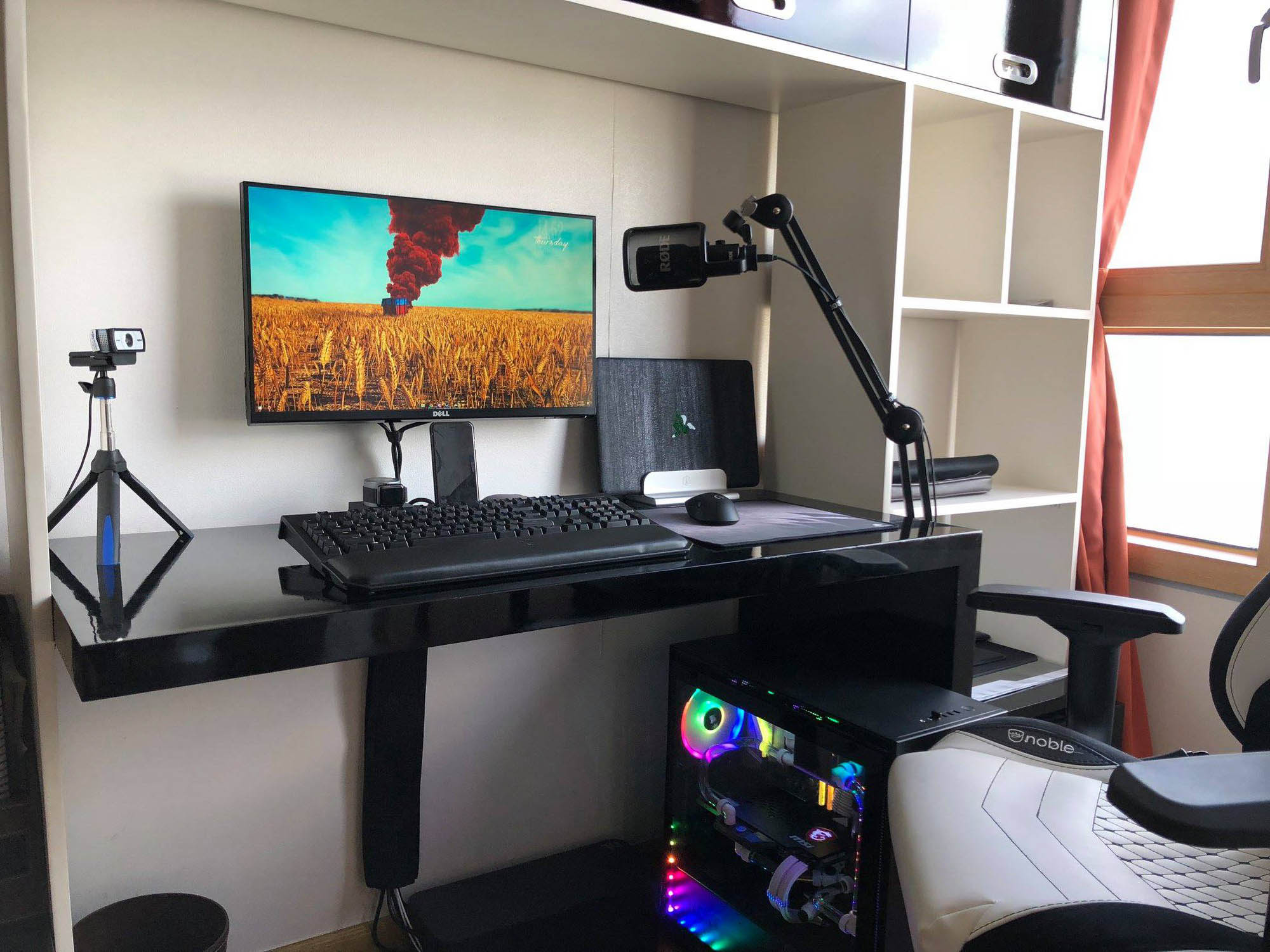
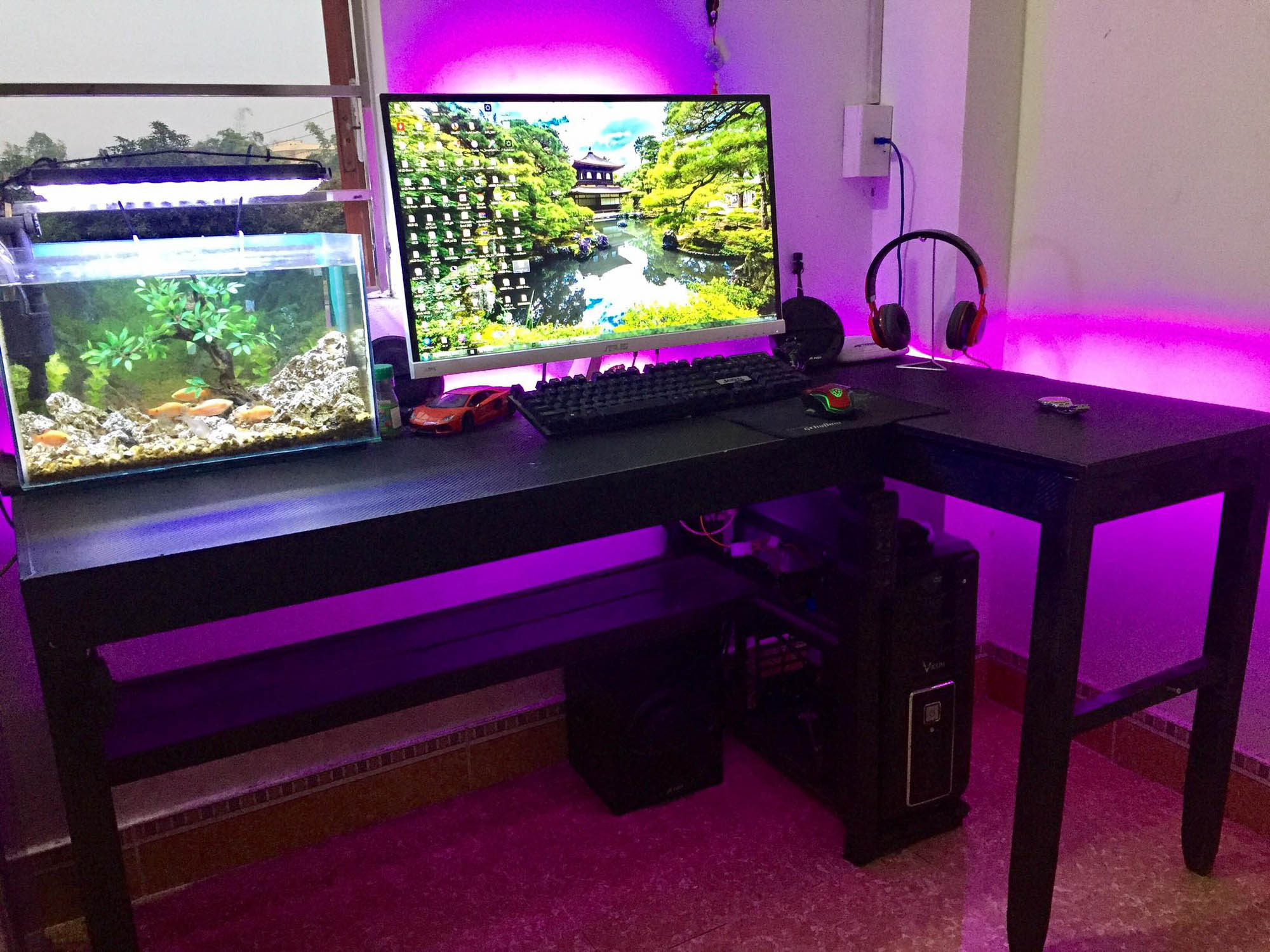
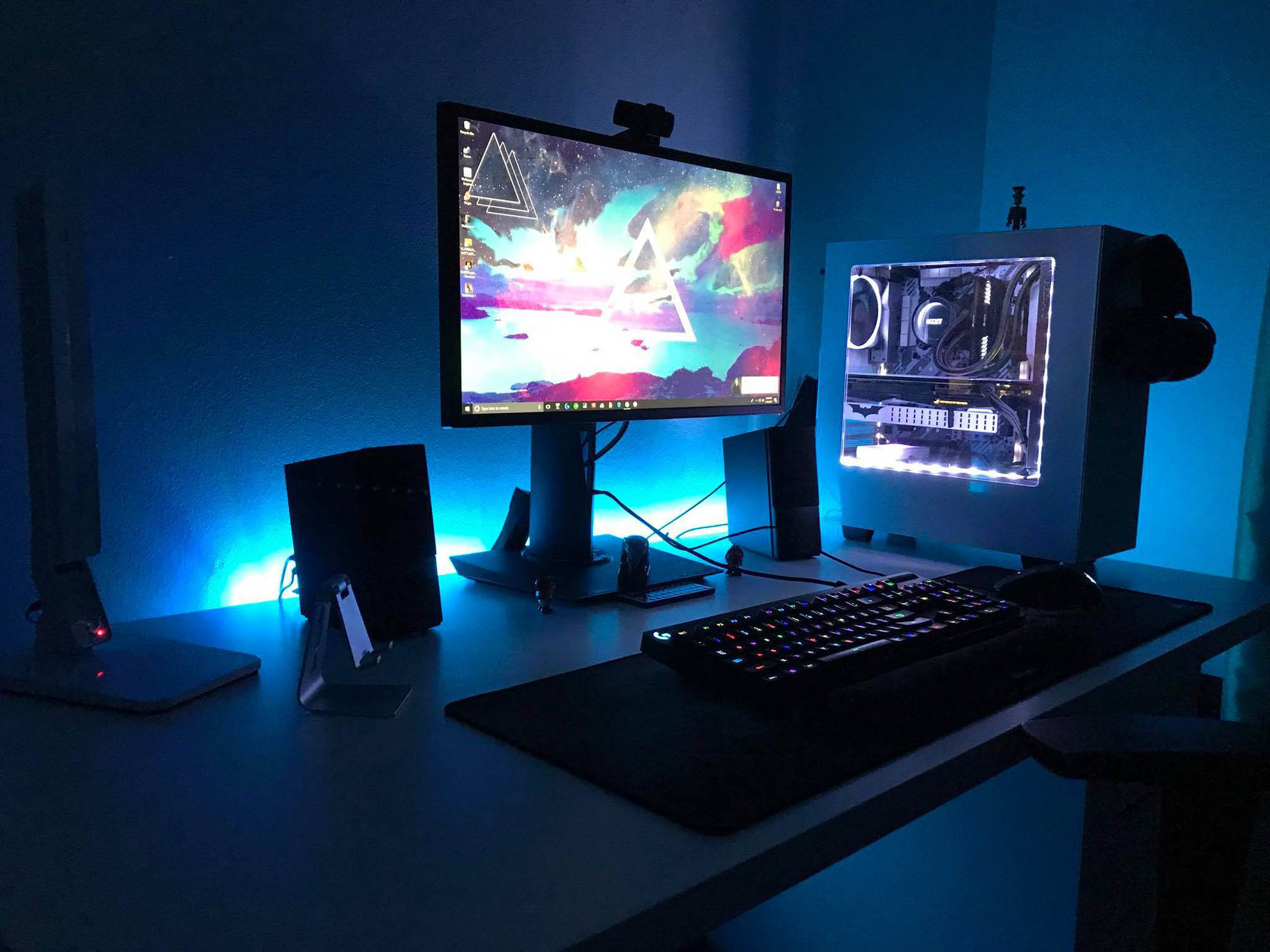
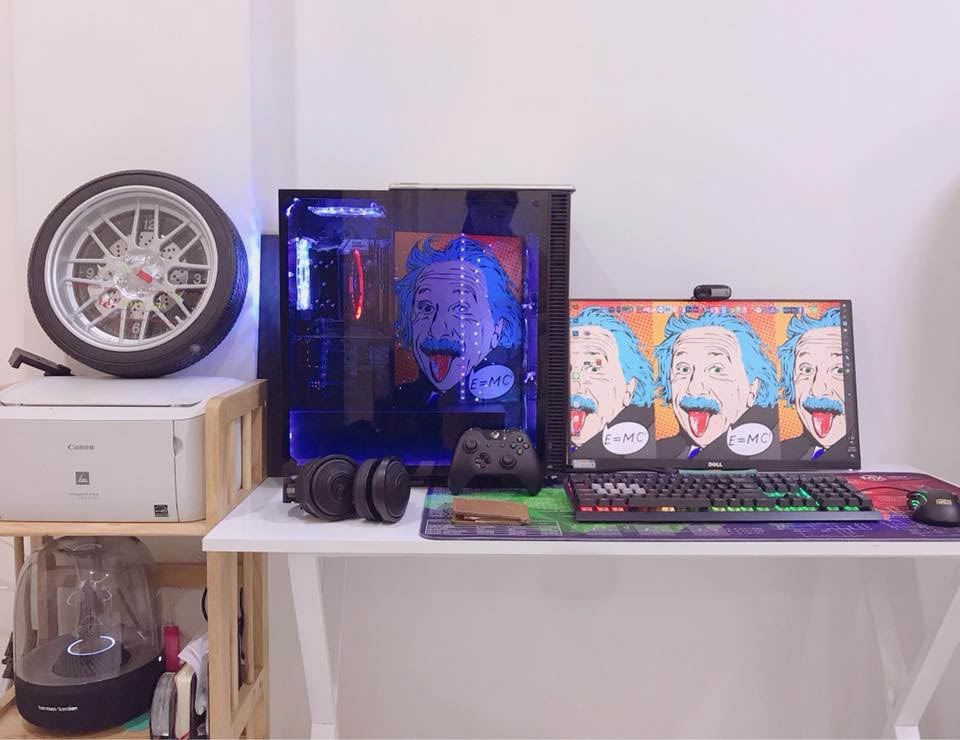
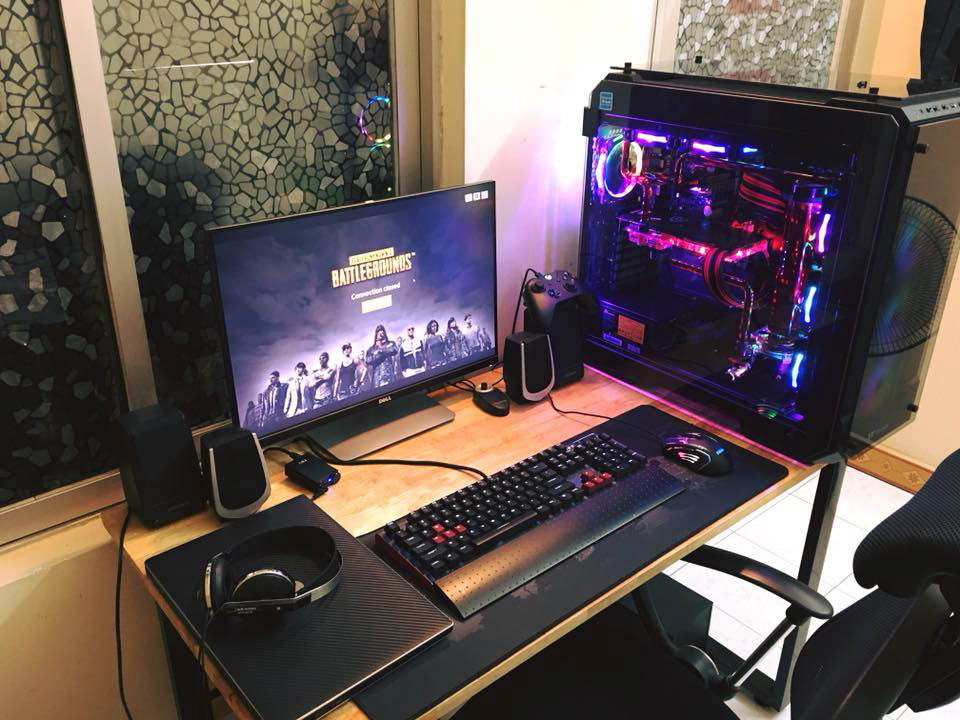
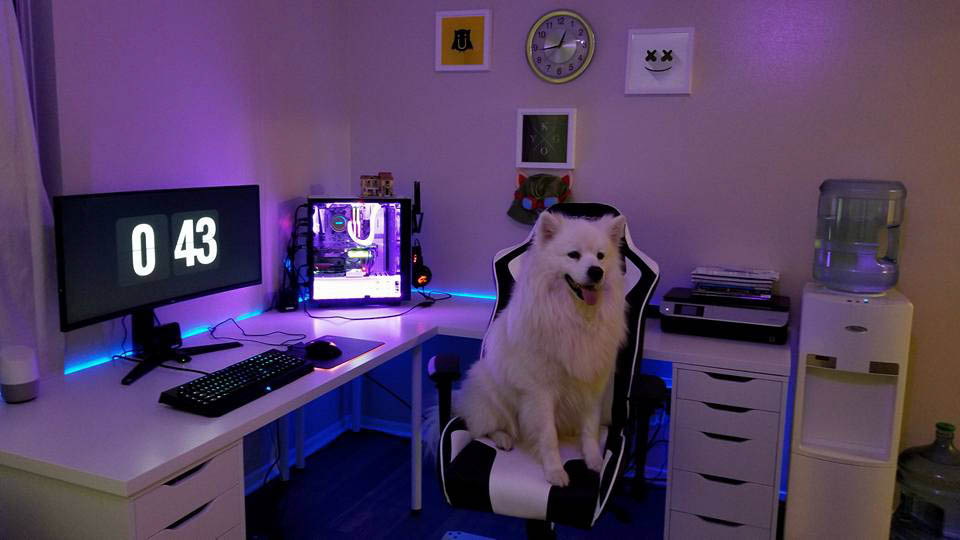
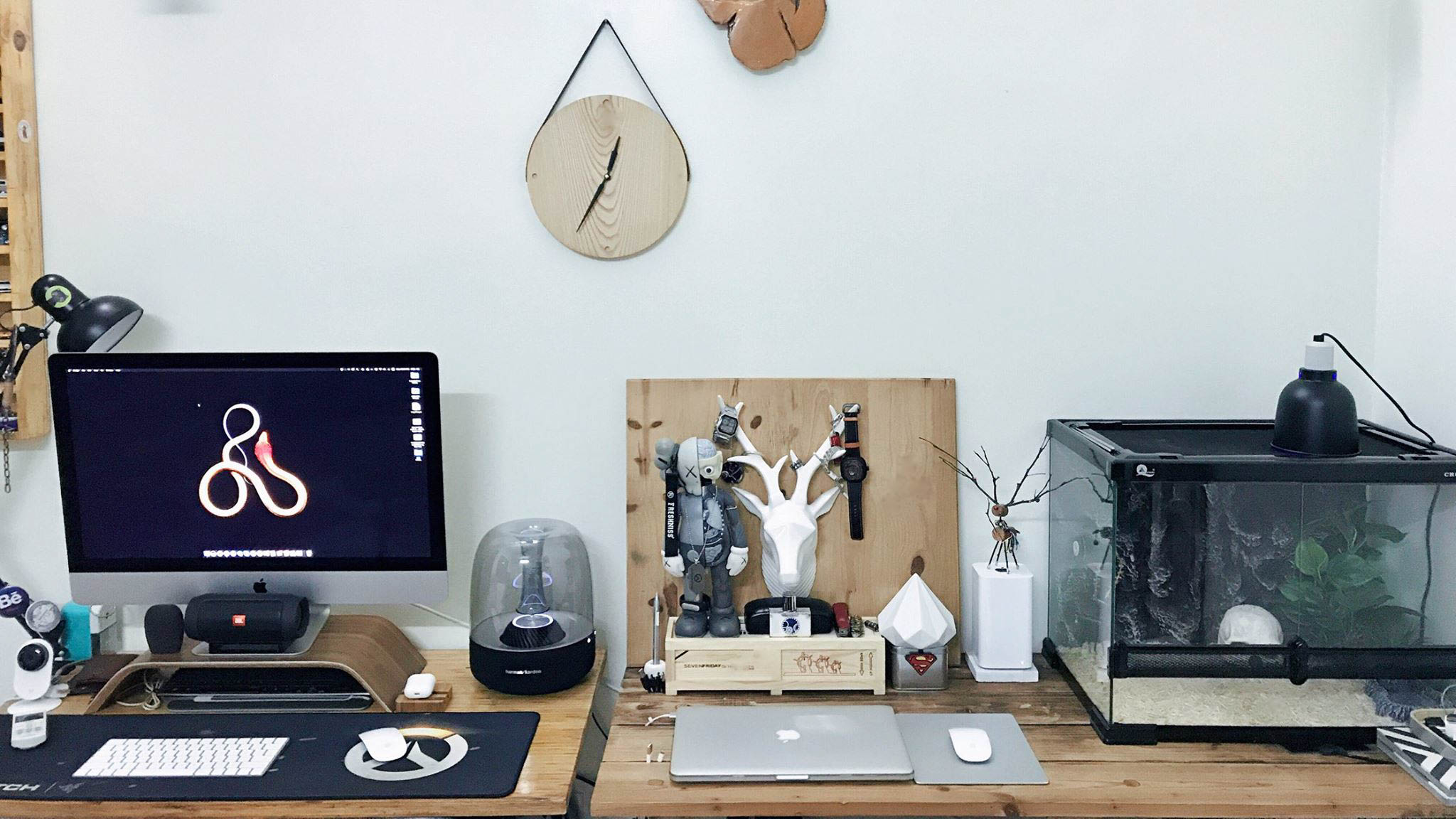
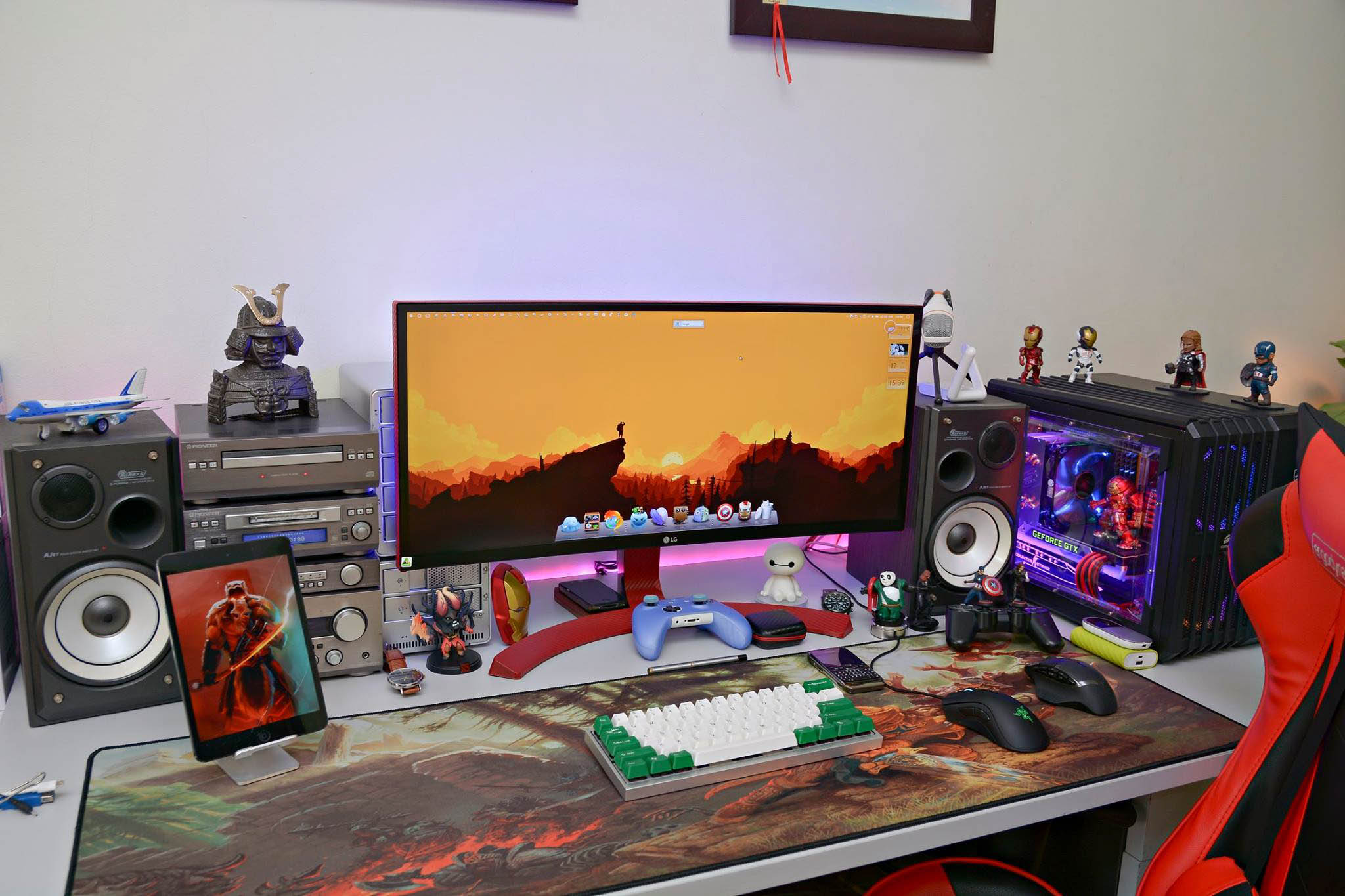

Plan a setup that works day to day
- Start with the desk and chair: leave enough surface area for the keyboard, mouse, and anything else you use. Choose furniture that fits the room and allows a comfortable seated position.
- Place the monitor: position it where you can view the screen without constantly turning your neck. Adjust height and distance to suit your posture and display size.
- Route cables before adding decoration: identify power and data connections, keep cords away from walkways, and leave room to unplug or service devices.
- Use lighting for visibility: avoid glare on the screen and keep bright accent lights from shining directly into your eyes.
- Match accessories selectively: a consistent color palette can make the area feel cohesive, but function and compatibility matter more than matching LEDs.
- Check power needs: use properly rated outlets and power strips, and avoid overloading a circuit.
Before buying upgrades
Measure the desk and monitor footprint, list the equipment you need to connect, and set a budget. Change one part of the setup at a time so you can tell whether it improves comfort or usability.
Related Articles
 How to install Hot Corners for Windows 10
 Cornering steps in AutoCAD trong
 Youtube is gradually changing the rounding of video corners for all platforms
 Steam officially supports Vietnamese language, please activate
 Top 7 Vietnamese computer typing software on the most effective and download link
 How to Change League of Legends PBE to Vietnamese
Reader Comments 0
Sign in with email or Google to join the discussion.