Table of Contents
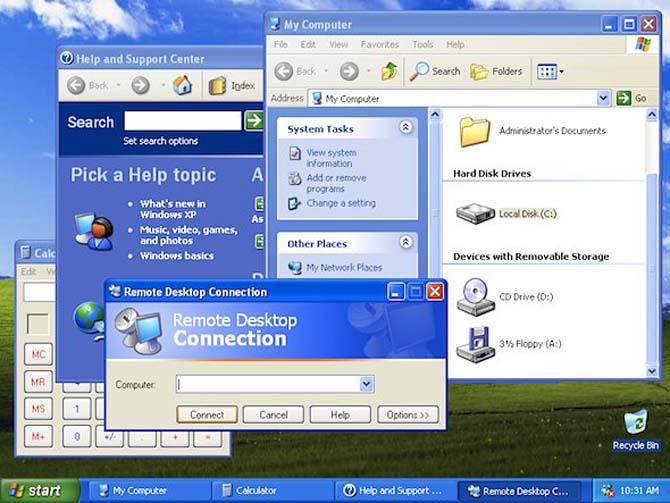
Windows XP still turns up where a particular program, peripheral, or industrial controller depends on it. It can also be useful for retro computing. Microsoft ended extended support for the standard desktop editions on April 8, 2014, so XP is unsuitable for everyday browsing, email, and other work on the open internet.

Why XP was a major release
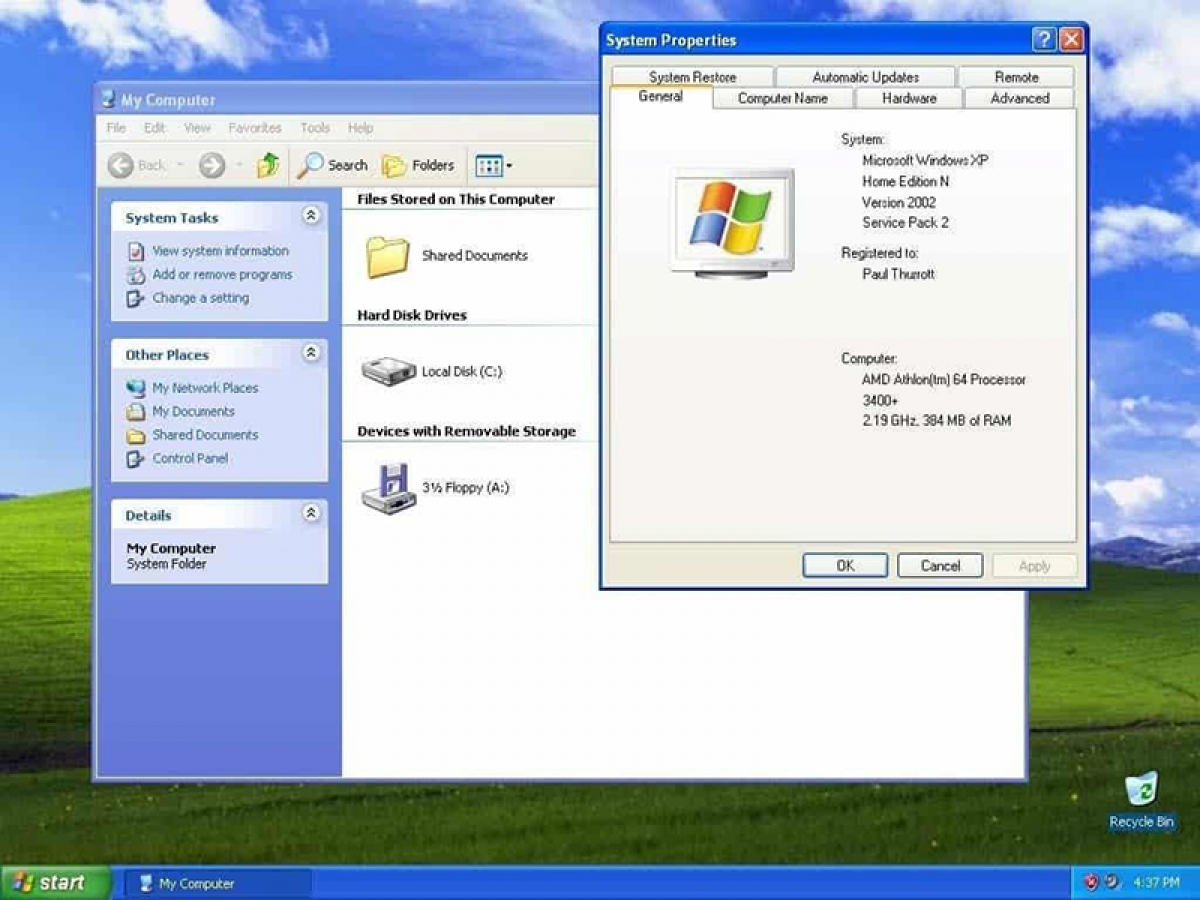
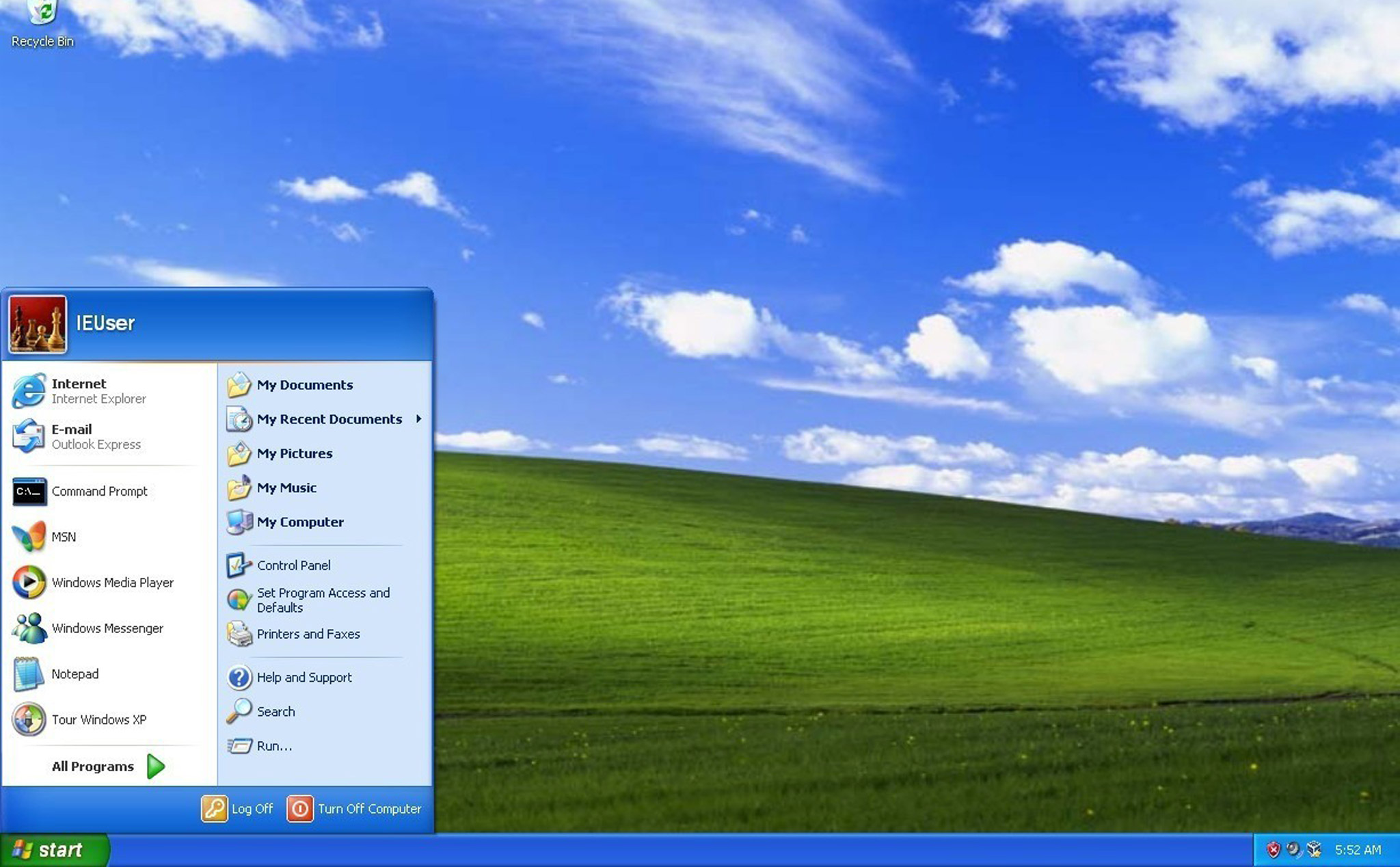
Released in 2001, XP brought the Windows NT foundation to a broader home audience. Its Home and Professional editions made the interface familiar while offering a different foundation from Windows 95, 98, and Me. The standard versions many people used were 32-bit, and Microsoft also released separate 64-bit editions.
Why an XP system may still be running
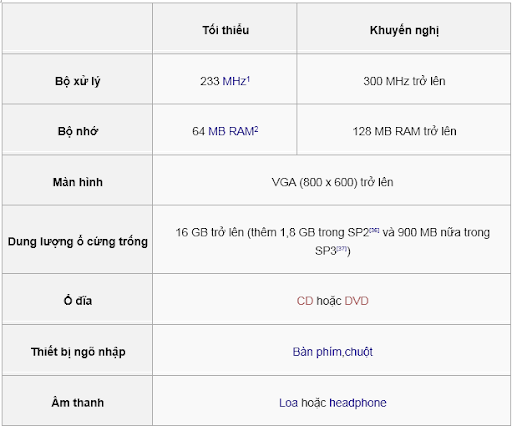
A business may have an old application, measurement device, or add-in card that lacks a modern replacement. A hobbyist may want to run software designed for hardware of that era. XP’s modest resource needs help on period hardware, but drivers and software compatibility usually explain why someone keeps the whole system.

What the end of support changes
The Microsoft lifecycle page lists end dates for XP’s editions and service packs. A current security product cannot supply missing operating-system fixes. Modern browsers, services, and hardware may also fail to work with XP.
Keep legacy use separate from daily computing
If you need XP for one task, restrict it to that job. Keep it offline or isolate it according to your organization’s requirements, and make independent backups of the files and installers. A licensed, isolated virtual machine may run an old program. If the program requires a physical card or peripheral, confirm that it can work in a VM before retiring the original PC.
Related Articles
 How Can Zero-Trust Security Prevent Ransomware Attacks?
 Why You Shouldn't Trust AI to Generate Personalized Content?
 How to fix iPhone error does not show Trust This Computer
 Should we trust financial advice from AI tools like ChatGPT and Bard?
 Configure Windows Server 2008 to remotely access SSL VPN Server (Part 4)
 Why You Shouldn't Trust Your ISP's Wi-Fi Router?
Reader Comments 0
Sign in with email or Google to join the discussion.