Table of Contents
This article examines Secrets Behind Google Incognito Mode (Incognito). It presents the main facts, practical implications, and key points in a clearer, easier-to-follow format.
Understanding Secrets Behind Google Incognito Mode (Incognito)
Advertising is the answer to that question. Too unexpected right, let's find out the reason through the article below!
Advertising nature
Google is an advertising company. And to find out about you, Google reads every search keyword, places you visit on Maps, emails sent/received on your Gmail.
 Advertising is Google's source of life.
If you have just searched for the keyword 'best SSD', and have just watched a series of video reviews of products like the Evo 860 or WD Blue 500GB, then Google will know that you are in need of buying SSDs. By going through the 'Google account', Google can know that you are the one who has just taken the two actions.
In addition, when you go to an e-commerce site to find SSDs, cookies - small packets of information about users sent and received by each website will create portraits of your needs.
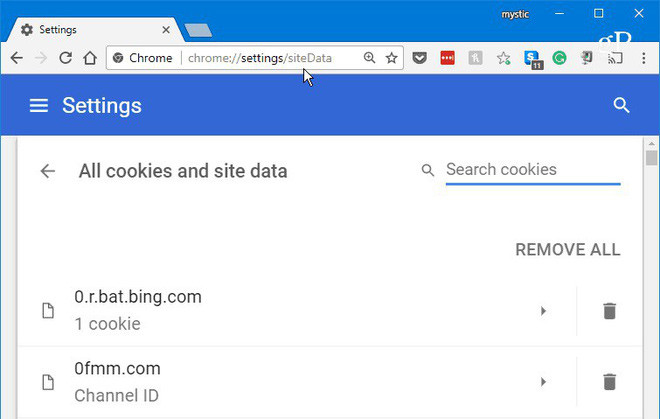
Google will connect all of the above information to provide accurate information about your shopping needs to offer the most relevant advertising.
Without incognito mode
Without an incognito mode, users will have to delete the browsing history data after accessing sensitive content sites so that they don't have to receive relevant ads.
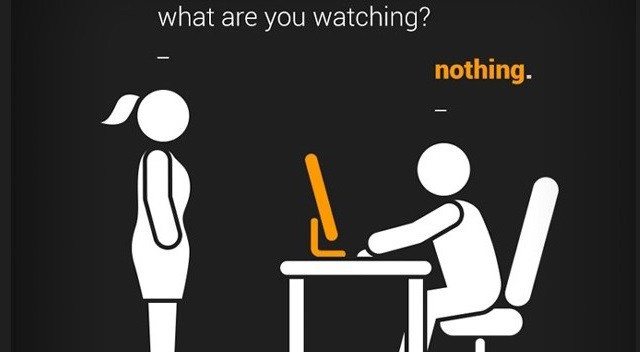
Users who delete browsing history will also cause cookies to disappear. This makes it impossible for advertisers to know the needs of users. Which needs to delete the user's browsing history is huge. Therefore, the anonymous browser was born. Just press Ctrl + Shift + N, the user will be switched to a mode that does not save visited websites without having to delete the browsing history and advertisers will still understand you.
Not only does the anonymous browser, but many other Google features are created, come from the same motivation. For example, the ability to synchronize browsing history between different devices of a single user. It is really useful for users but of course Google also benefited greatly. This feature makes it possible for Google to understand you when identifying Google history without spending a long time collecting cookies.
That's it, behind meeting user needs always comes with benefits for companies.
FAQ
What is the main point of Secrets Behind Google Incognito Mode (Incognito)?
Advertising is the answer to that question. Too unexpected right, let's find out the reason through the article below!
Why is Secrets Behind Google Incognito Mode (Incognito) important?
Secrets Behind Google Incognito Mode (Incognito) matters because it can affect how readers understand, choose, use, or respond to the subject discussed in the article.
What should readers verify about Secrets Behind Google Incognito Mode (Incognito)?
Check the date, product or software version, compatibility, and any current guidance before acting, especially when technology, security, health, or pricing is involved.
Related Articles
 Google Maps Adds Incognito Mode to the Incognito Mode3 minutes read
 How to Turn on Incognito Mode on Google Maps4 minutes read
 6 Threats That Incognito Mode Can't Protect You from8 minutes read
 Simple Tips to Help You Stop Using Incognito Mode on YouTube7 minutes read
 How to Enable Incognito Mode: Step-by-Step Guide9 minutes read
 Incognito Mode in the Browser Is Not as Safe as You Think8 minutes read
Reader Comments 0
Sign in with email or Google to join the discussion.