Table of Contents
This guide provides a clear, practical overview of Microsoft suddenly launched Windows 11 vms exclusively for, with useful context, important details, and straightforward takeaways for everyday readers.
The download link for Windows 11 Enterprise VMs has suddenly appeared on a page that was previously reserved for the developer version of Windows 10. Page titles and captions are still for Windows 10, but the download links for Windows 10 VMs are gone and have been replaced with Windows 11 VMs.
Download Windows 11 Enterprise VMs here.
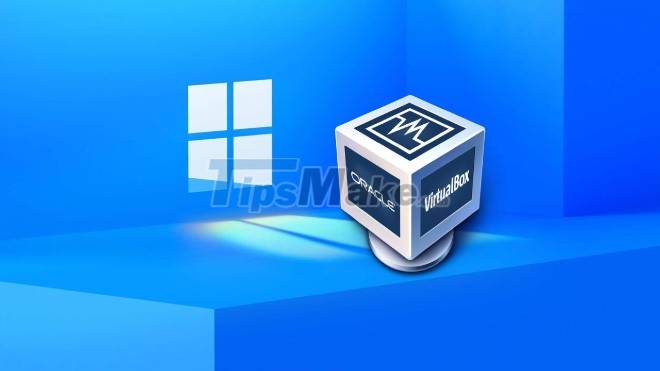
Windows 11 Enterprise VMs will be available for VMware, Hyper-V, VirtualBox and Parallels. The tools developers need to build Windows 11 apps, from coding environments and templates to SDKs are bundled in Windows 11 Enterprise VMs.
Specifically, Windows 11 Enterprise VMs will include Windows 11 Enterprise, Windows 10 SDK, Visual Studio, Visual Studio Code, Windows Subsytem for Linux (WSL), and Windows Terminal. Developer mode is also enabled by default allowing developers to install apps that have not been approved for testing.
The main thing to note is that Windows 11 VMs will expire on January 9, 2021 so developers have only a few weeks to research. Then perhaps a new set of virtual machines will be released by Microsoft.
Microsoft did not explain why it quietly launched Windows 11 Enterprise VMs. Besides, the launch of Windows 11 Enterprise VMs at this time is also a bit late, why Microsoft does not say why late.
Although not completely conquered users, Windows 11 will become the most used platform in the future. Therefore, developers need to urgently optimize software and build new applications for Windows 11. Windows 11 Enterprise VMs will help developers do this job more easily.
Key Takeaways
Use the information above as a practical reference for Microsoft suddenly launched Windows 11 vms exclusively for. Review each step carefully, confirm any requirements, and choose the option that best fits your situation.
FAQ
What does this guide explain about Microsoft Suddenly Launched Windows 11 Vms Exclusively for?
It explains the main concepts, practical considerations, and useful steps related to Microsoft suddenly launched Windows 11 vms exclusively for without requiring advanced knowledge.
Who can benefit from learning about Microsoft Suddenly Launched Windows 11 Vms Exclusively for?
This information is useful for readers who want a clear overview, practical guidance, and reliable steps related to Microsoft suddenly launched Windows 11 vms exclusively for.
What should I check before applying this information?
Review the requirements, confirm that your device, software, or situation matches the instructions, and back up important data before making major changes.
Related Articles
 Nvidia Launched an AI Computer Exclusively for Developers, Manufacturers and Researchers, for $996 minutes read
 Microsoft Releases Windows ML: A Unified AI Platform for Windows 11: Key Facts3 minutes read
 Microsoft Makes a U-Turn, Suddenly Asking Windows 11 Users to Return3 minutes read
 Microsoft Suddenly Launched a Video Reminiscent of Windows 1.02 minutes read
 Microsoft Released .NET 5 Preview 1 for Global Developers3 minutes read
 Hot: Microsoft Suddenly Launches Free Version of Office4 minutes read
Reader Comments 0
Sign in with email or Google to join the discussion.