Table of Contents
This guide provides a clear, practical overview of Windows 11 officially launched: copy many features from, with useful context, important details, and straightforward takeaways for everyday readers.
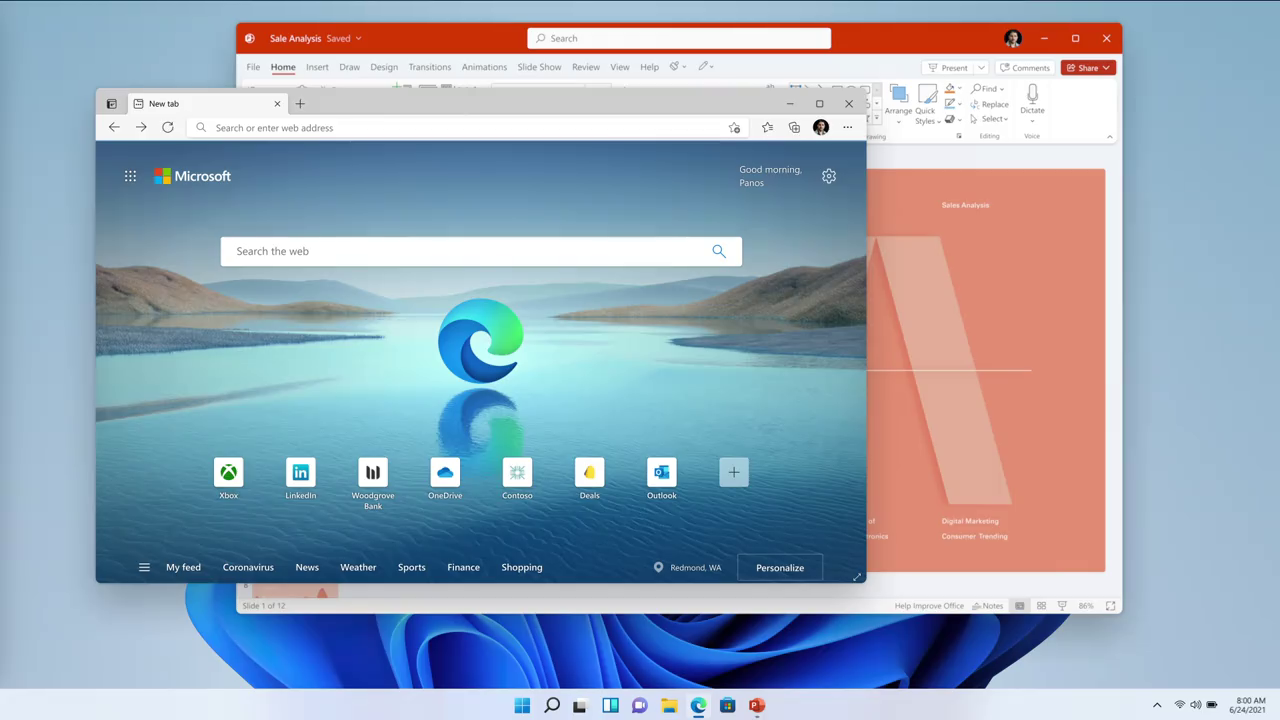
Windows 11's window corners are rounded, very similar to current macOS.
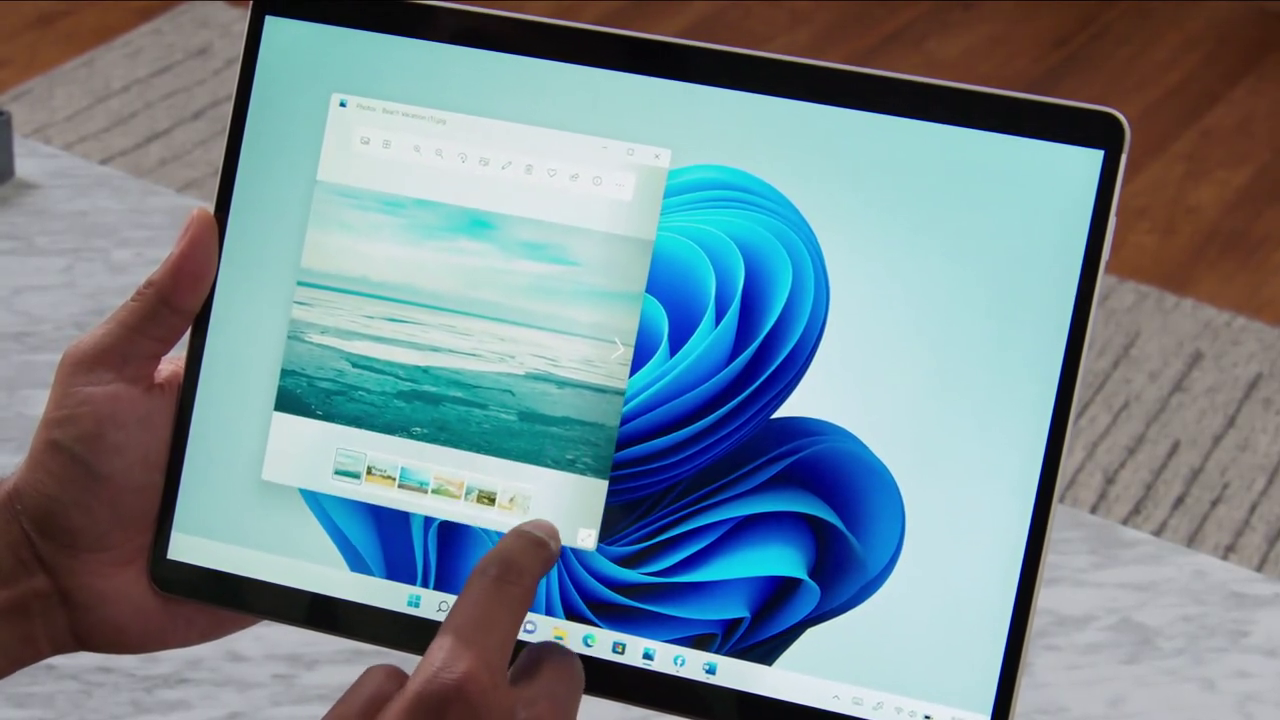
Windows 11 has also been tweaked to be more touch-friendly.
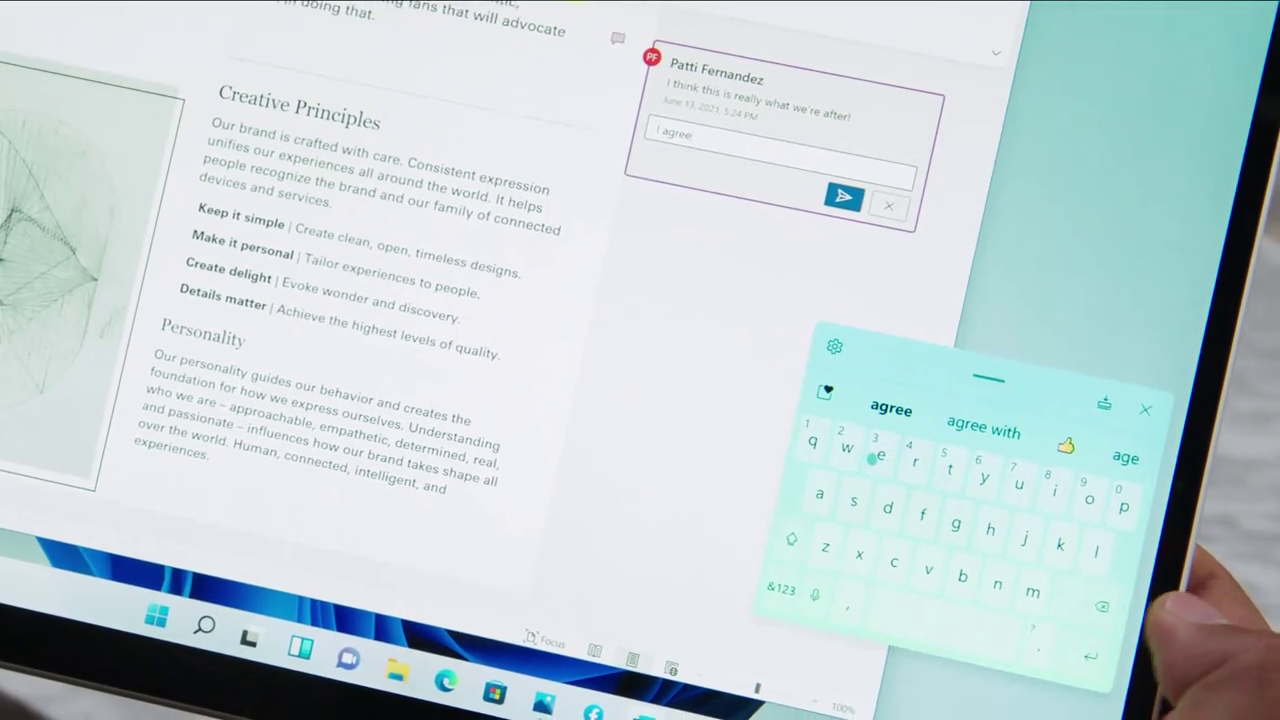
One of them is the presence of a virtual keyboard that users can move anywhere. This keyboard has a design quite similar to the keyboard on the current iPadOS.
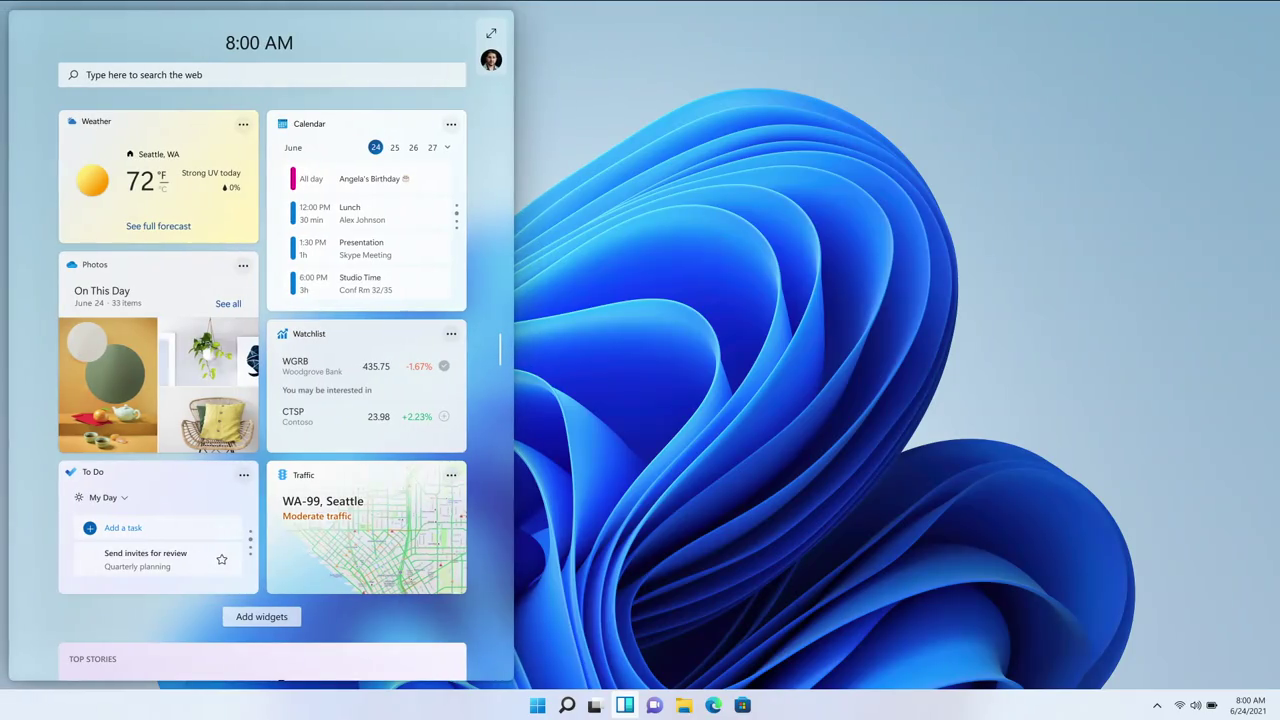
Windows 11 is equipped with a new widget page, which quickly displays some information about the weather, calendar, photos, maps, notes, news . This is also a feature copied from macOS Big Sur.
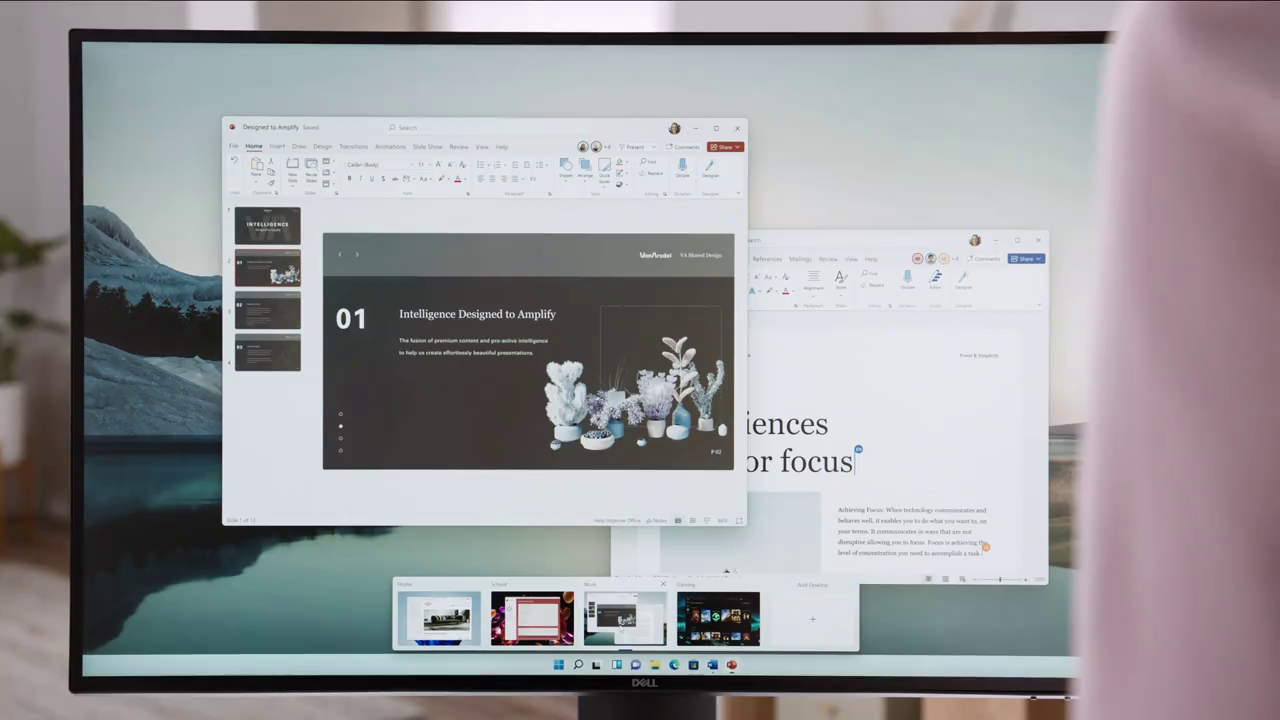
One more feature that Windows 11 copied from Apple is the virtual desktop. Windows 11 allows users to create different desktops, with each desktop having its own wallpaper.
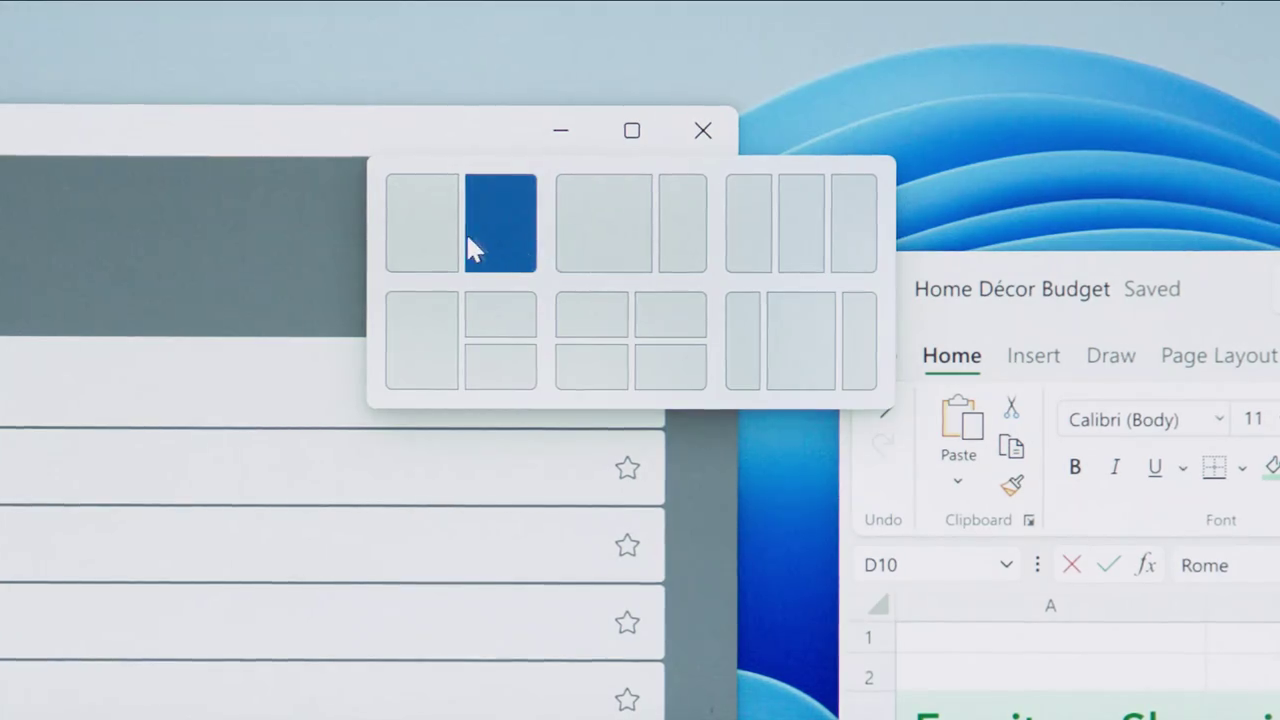
The first new feature of Windows 11 is "Snap layout", which allows users to easily arrange windows according to layout.
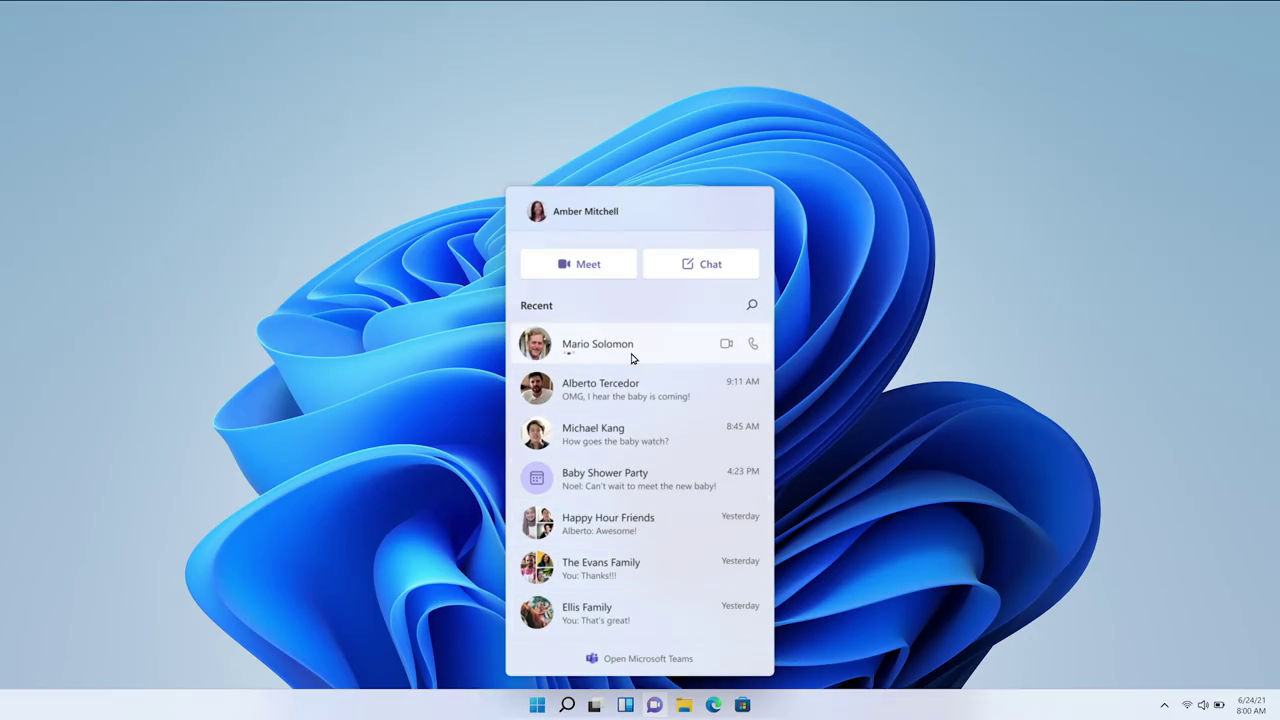
The Microsoft Team communication tool is integrated directly into the operating system.
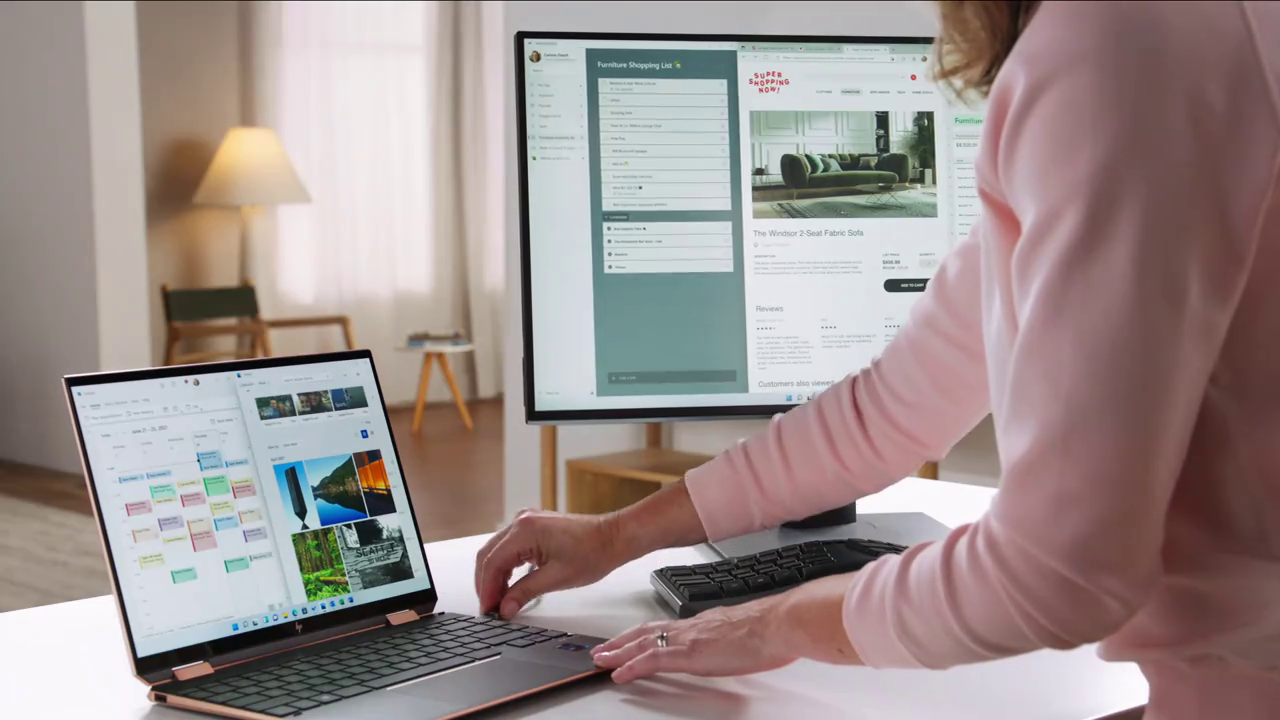
A small feature of Windows 11 that will surely make many users happy is the ability to automatically restore the window to its previous state when connecting the laptop to an external monitor.
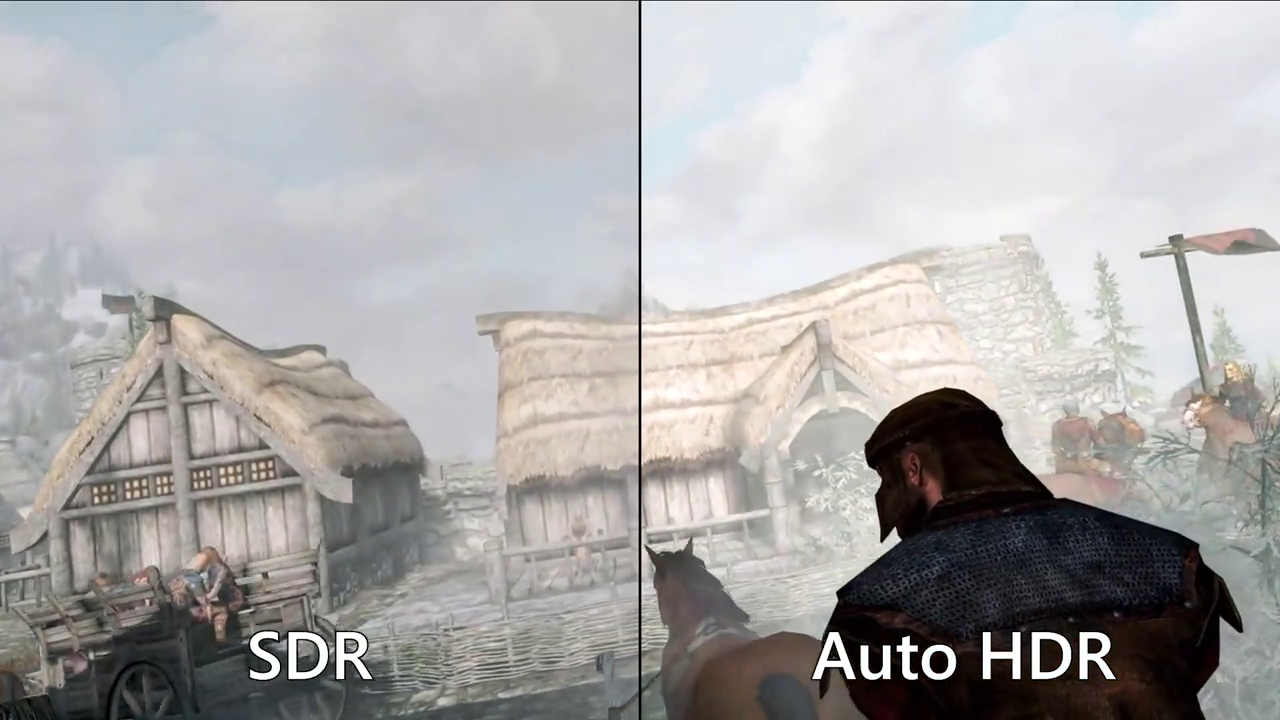
The game experience on Windows 11 is also better thanks to Auto HDR technology to make images more vivid, or DirectStorage technology inherited from Xbox to help reduce game load time.
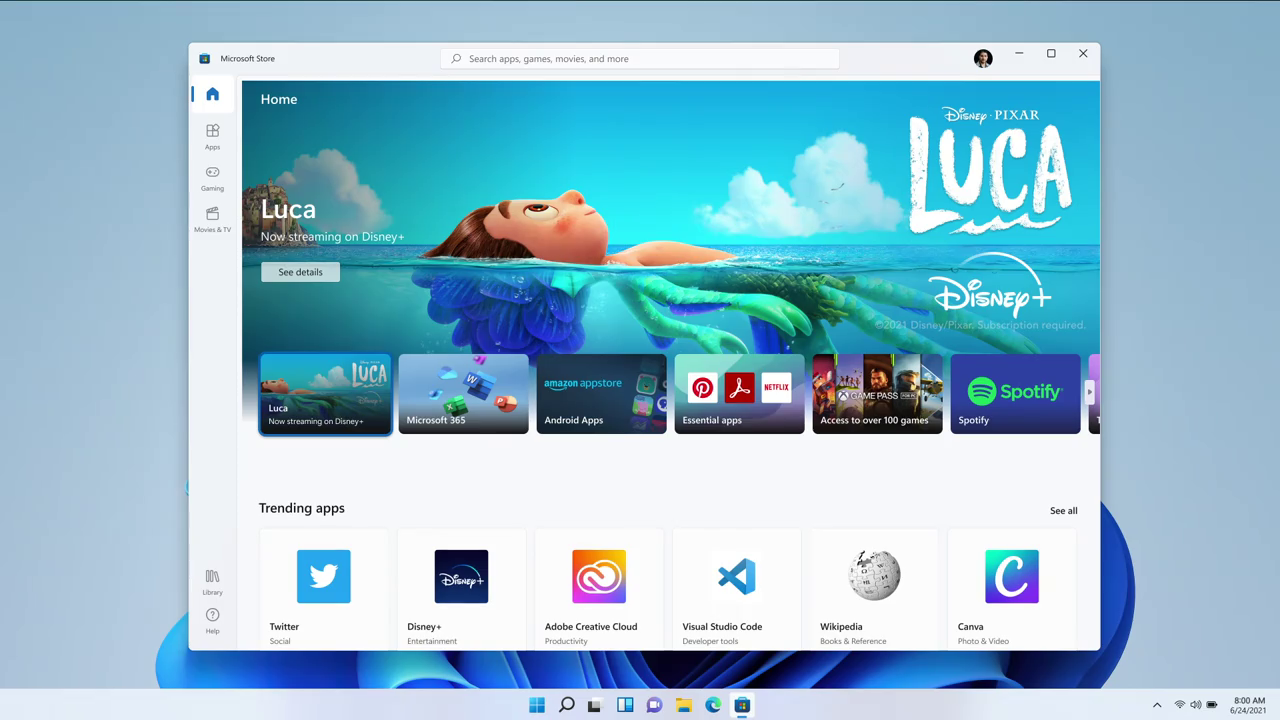
The Windows Store app store is also refreshed with a more beautiful interface.
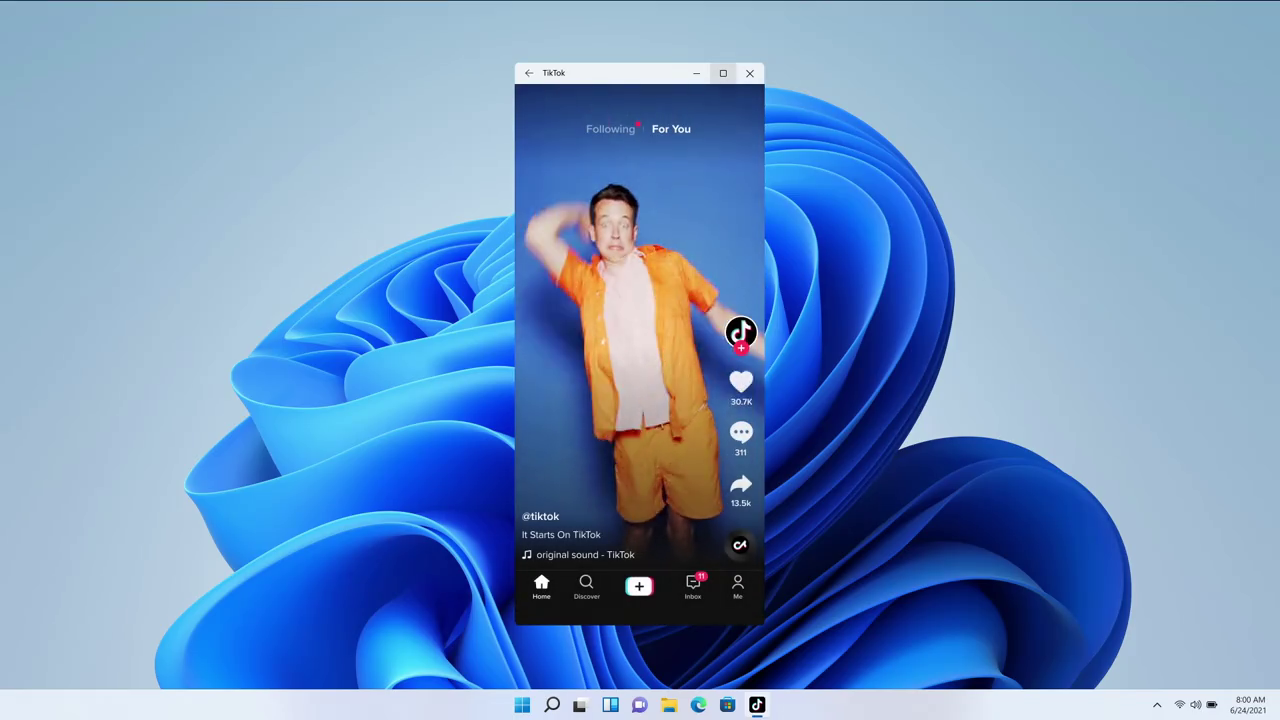
But most importantly, Windows 11 will be able to run Android apps directly, such as TikTok. Microsoft says this is possible thanks to Intel Bridge technology and the Amazon App Store.
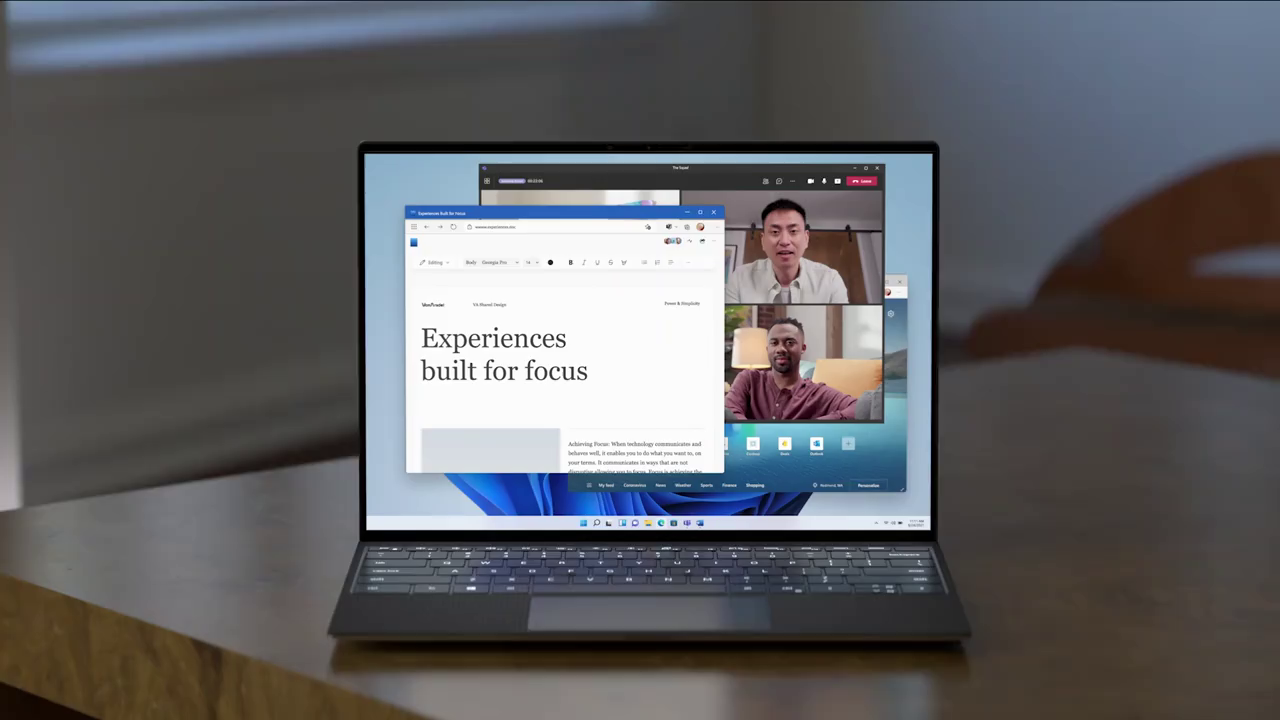
Windows 11 will be officially released by Microsoft later this year and is a free update.
Key Takeaways
Use the information above as a practical reference for Windows 11 officially launched: copy many features from. Review each step carefully, confirm any requirements, and choose the option that best fits your situation.
FAQ
What does this guide explain about Windows 11 Officially Launched: Copy Many Features from?
It explains the main concepts, practical considerations, and useful steps related to Windows 11 officially launched: copy many features from without requiring advanced knowledge.
Who can benefit from learning about Windows 11 Officially Launched: Copy Many Features from?
This information is useful for readers who want a clear overview, practical guidance, and reliable steps related to Windows 11 officially launched: copy many features from.
What should I check before applying this information?
Review the requirements, confirm that your device, software, or situation matches the instructions, and back up important data before making major changes.
Related Articles
 How to Update Apps on Mac5 minutes read
 macOS 13 Ventura: New Features, Supported Devices, and Release Date6 minutes read
 This Is How Android Apps Work on Windows 115 minutes read
 Google Has Allowed Developers to Force Users to Update Android Apps3 minutes read
 Apple Officially Released macOS 10.14 Mojave, Invite You to Update3 minutes read
 List of Phones Eligible for Android 12 Beta Upgrade from5 minutes read
Reader Comments 0
Sign in with email or Google to join the discussion.