Table of Contents
This guide provides a clear overview of chat and have fun with 6 fun imessage games, including how it works, key details, and practical considerations that can help you use the information effectively.
If you want to have fun with opponents from all over the world, you can try interesting iMessage games, in many various genres. Users will download the game directly to iMessage and play it right in the application, similar to when you install an application or game on iPhone. And when you want to play the game, Simply open the options on iMessage iPhone. The following are instructions for playing games on iMessage iPhone.
How to Play Games on Imessage iPhone
Step 1:
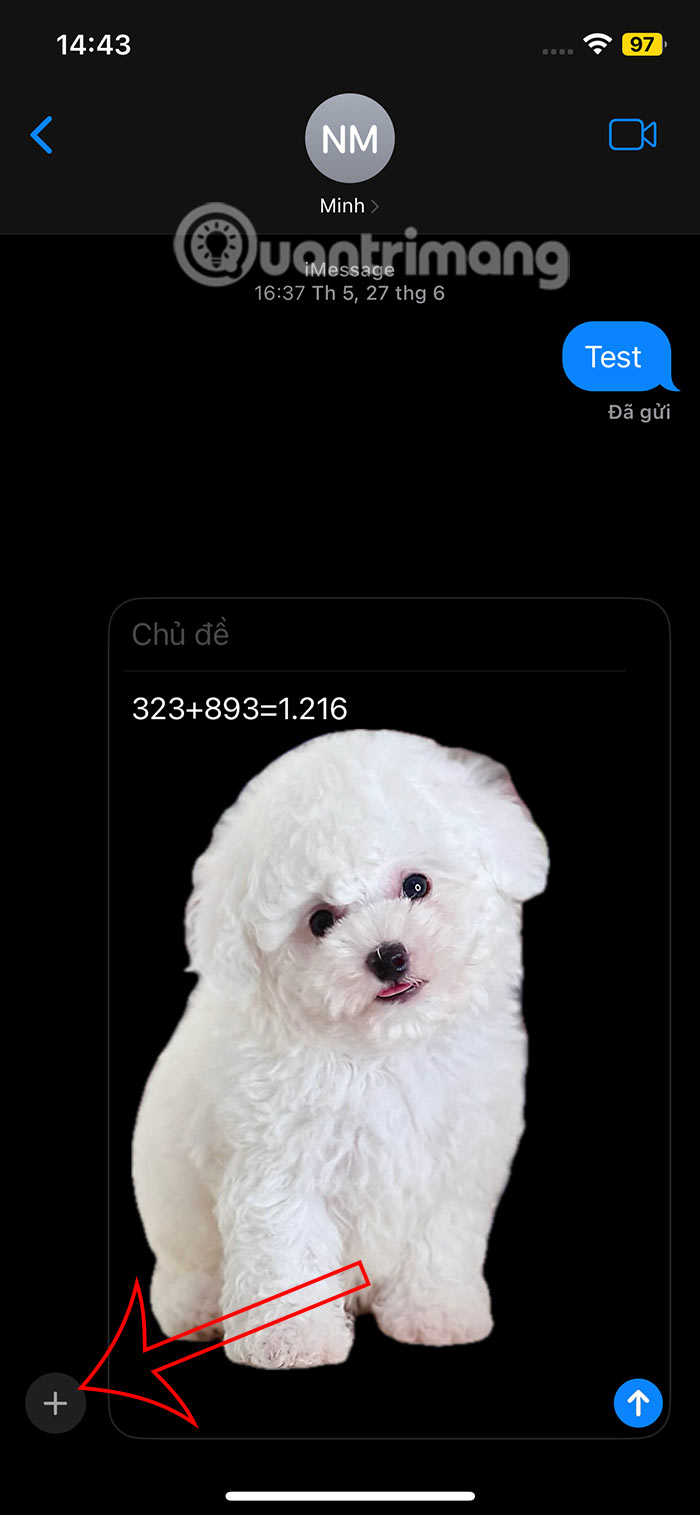
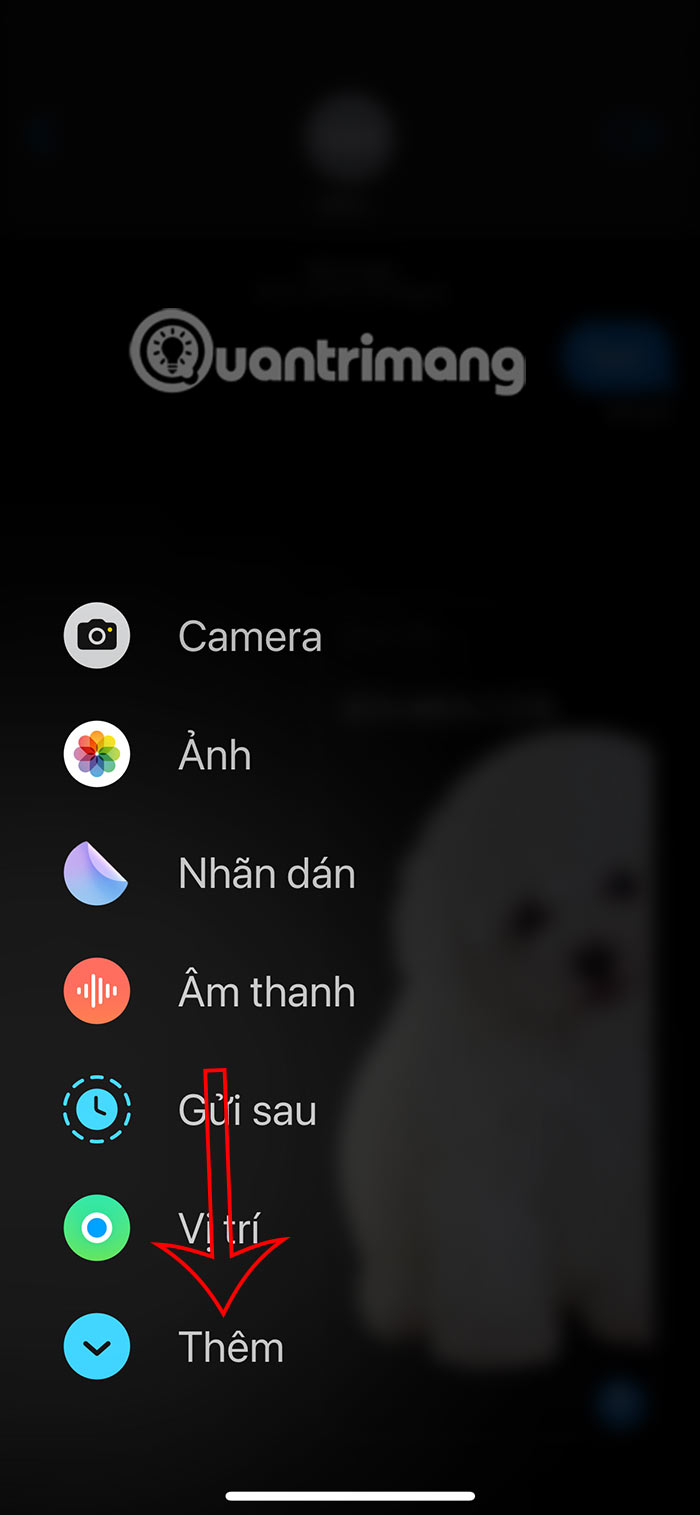
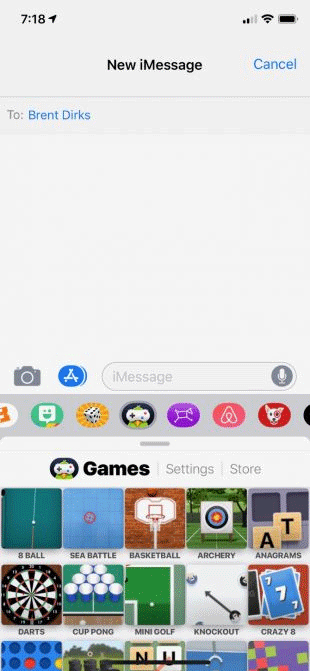
At the iMessage interface, we click on The plus icon Below. To display the options interface, click on The Add item Below.
Step 2:
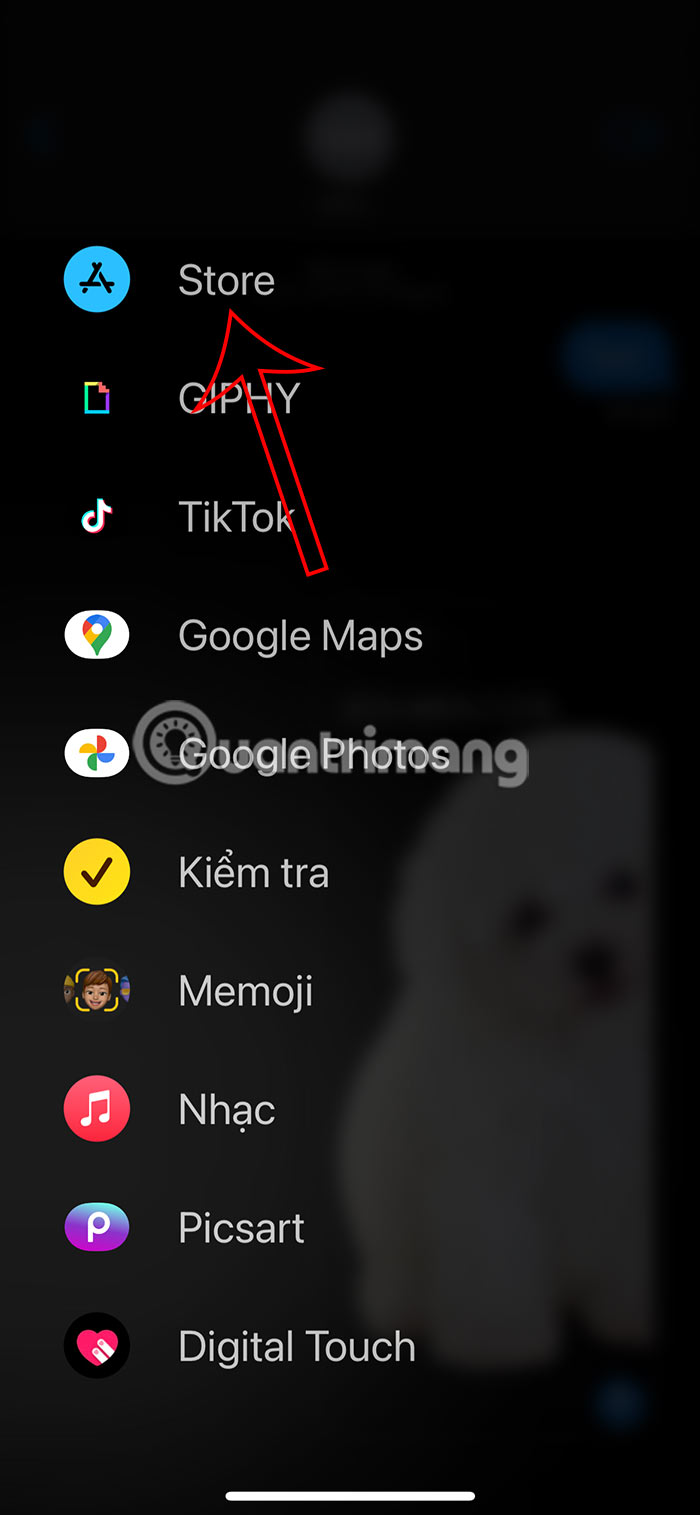
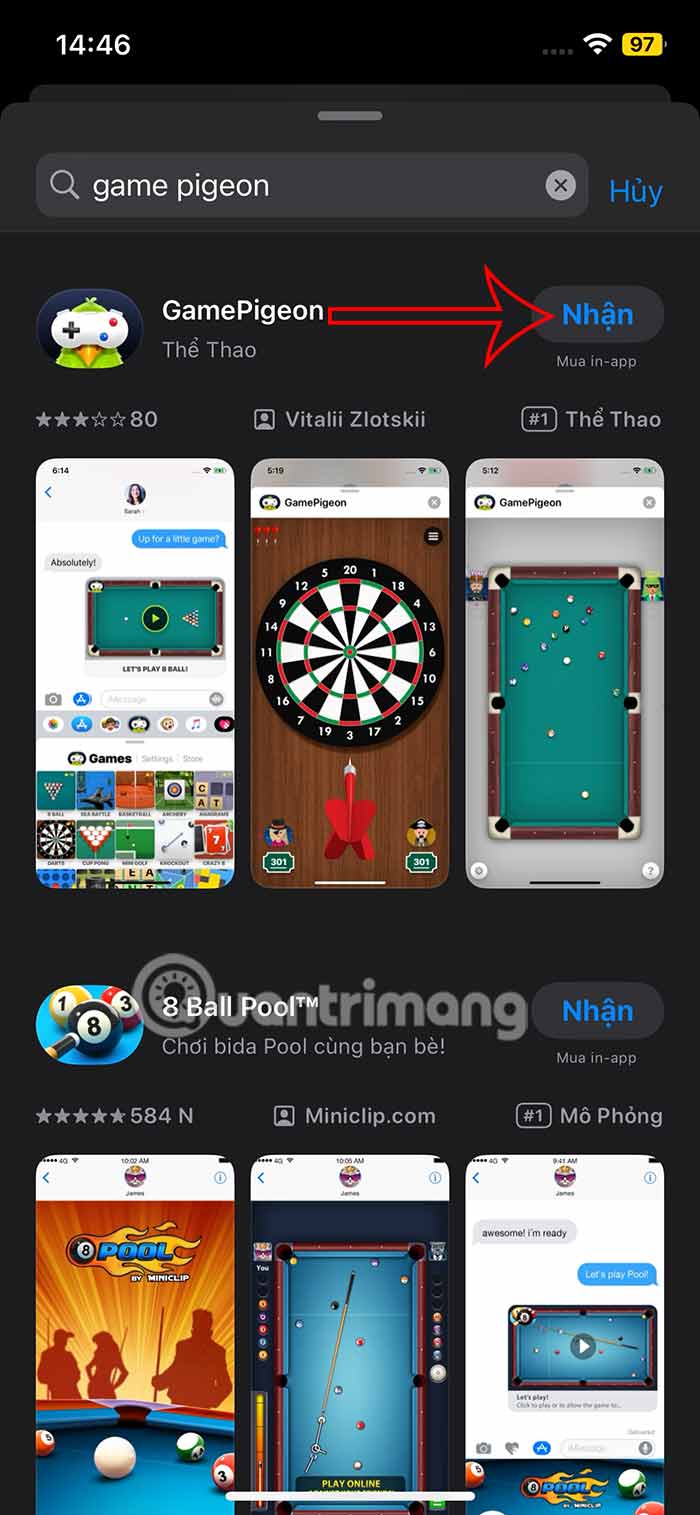
Expand the options for messages, you Click on App Store To search for games. This will display the interface for you to search for games, such as The GamePigeon utility To access many games in the application. We proceed to download the application as usual.
Step 3:
After downloading, return to the iMessage application interface, then Tap the plus sign and select Add . Click on The GamePigeon application to open the game . As a result, we will see the games in GamePigeon.
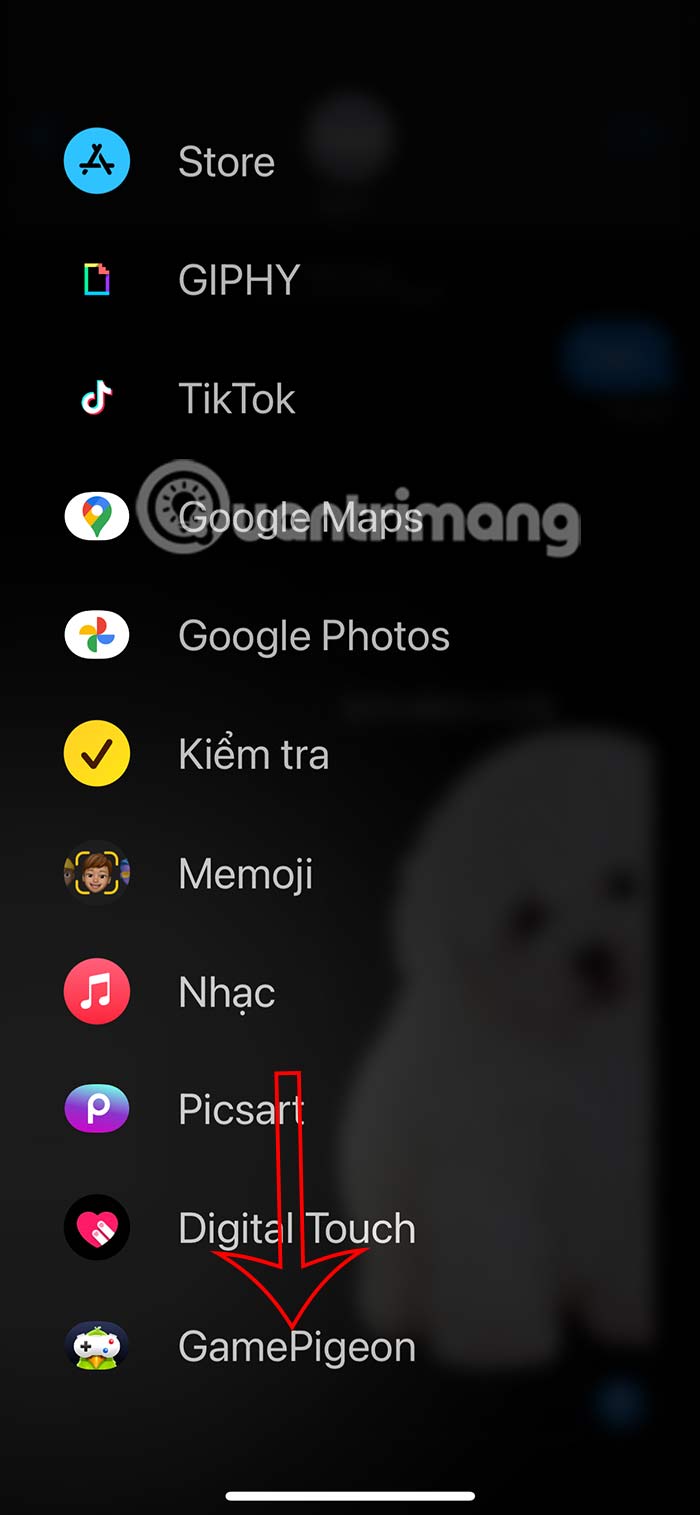
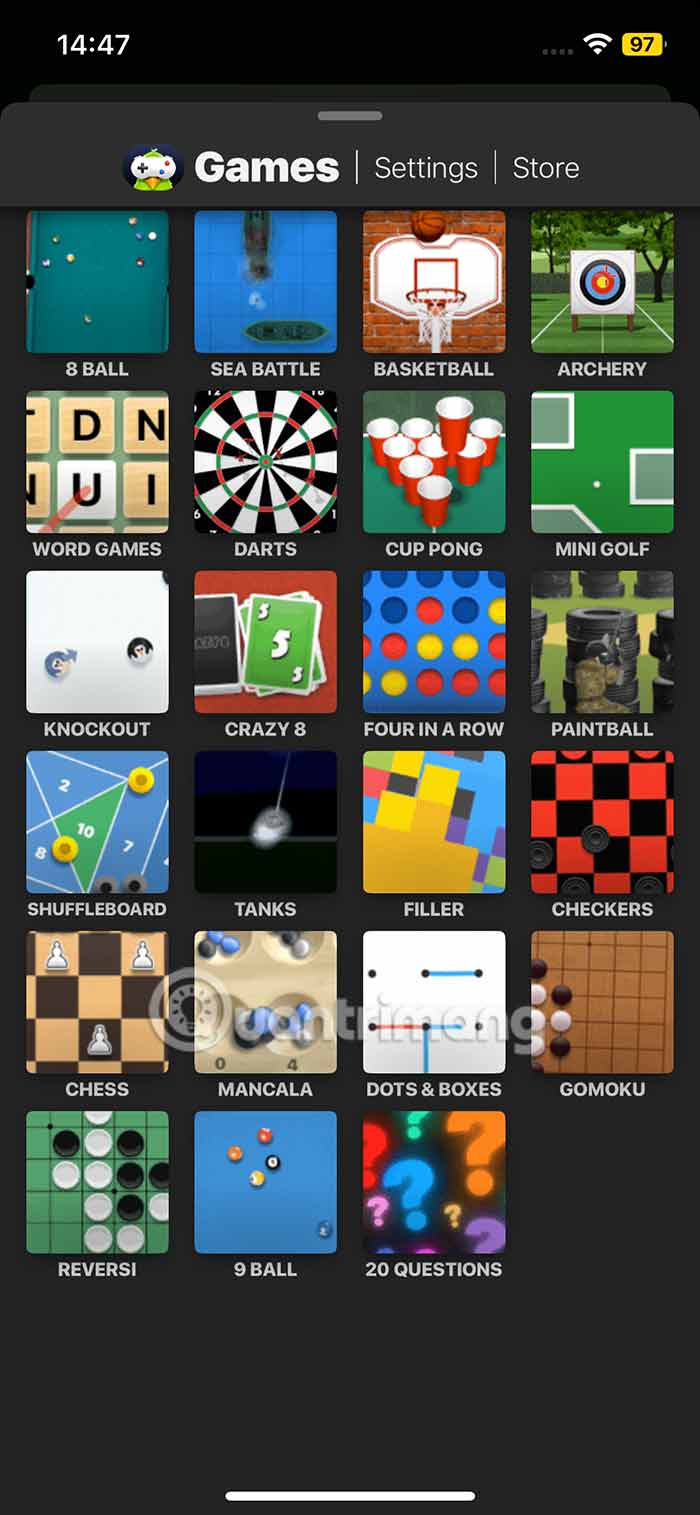
Step 4:
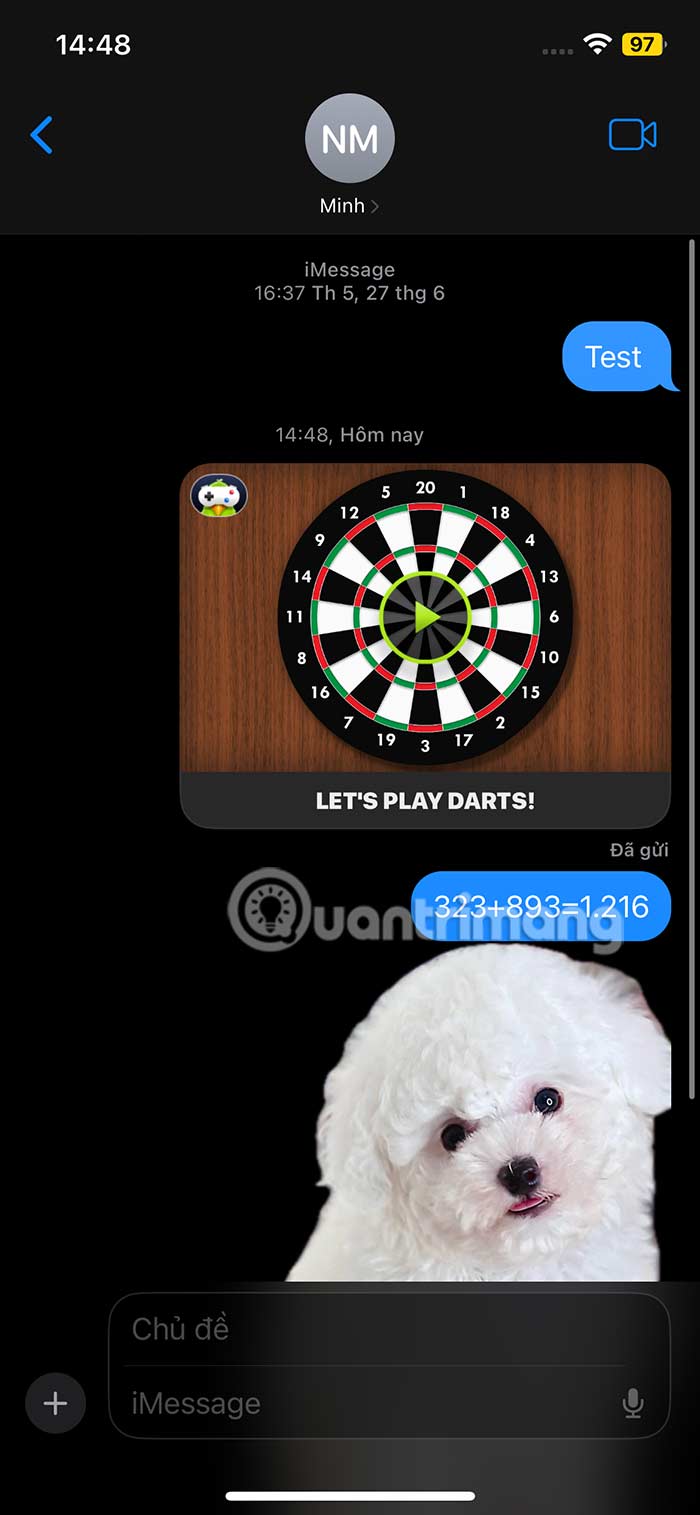
You Choose the game You want to try in iMessage. The game will appear in the messaging interface as shown with some options.
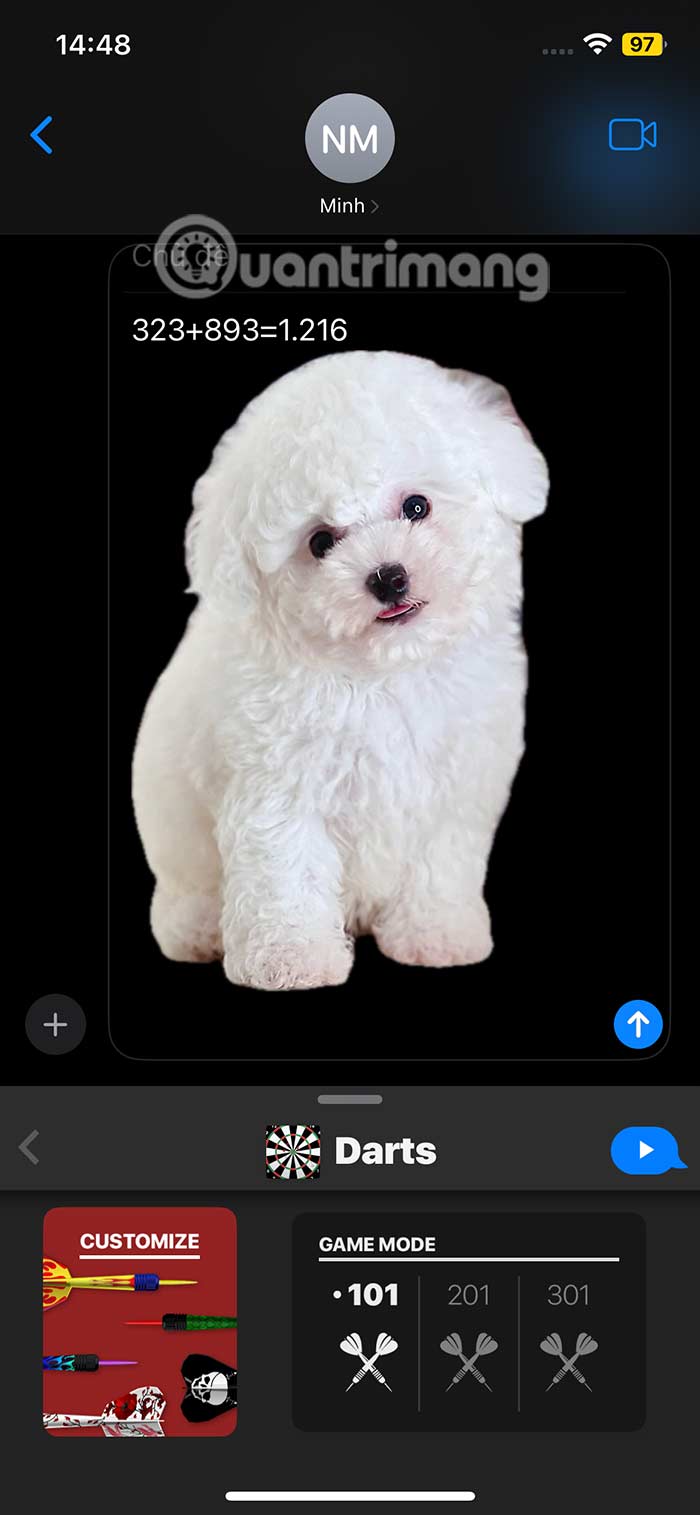
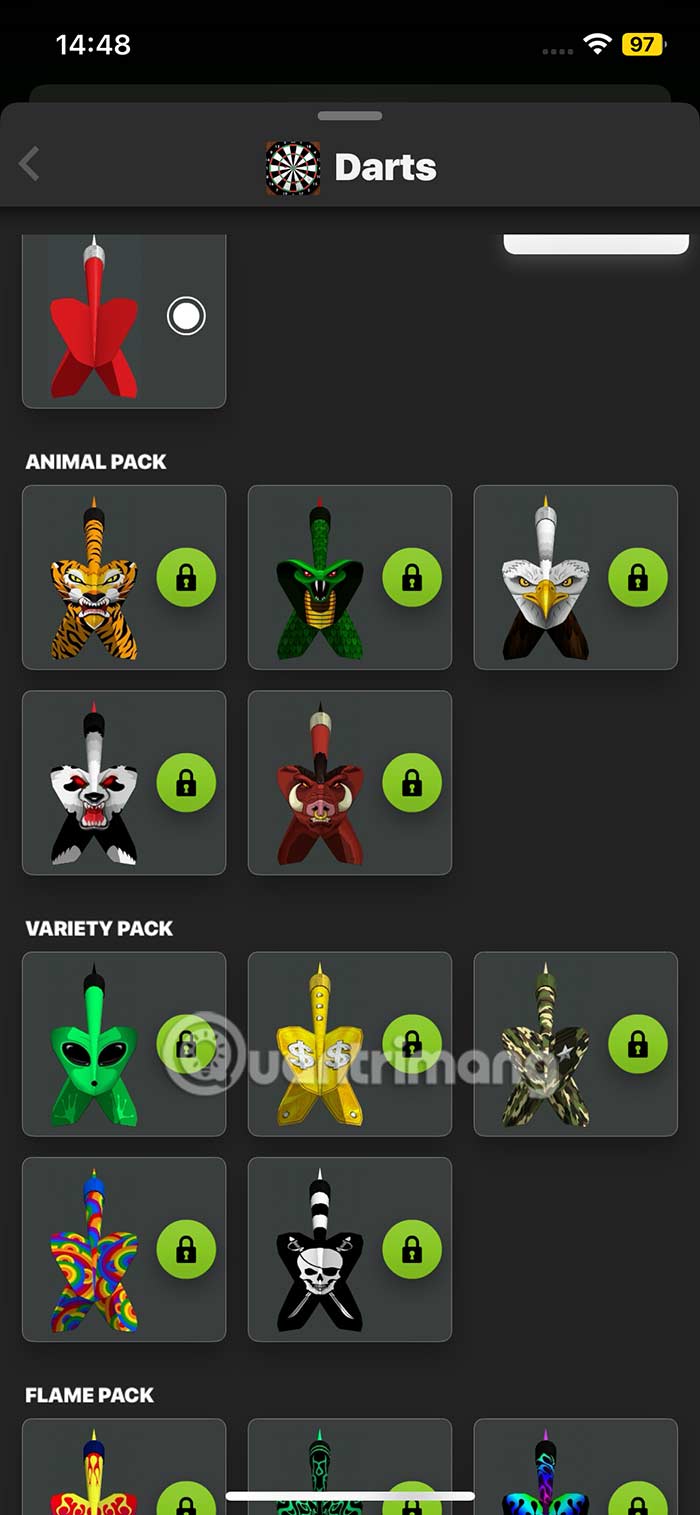
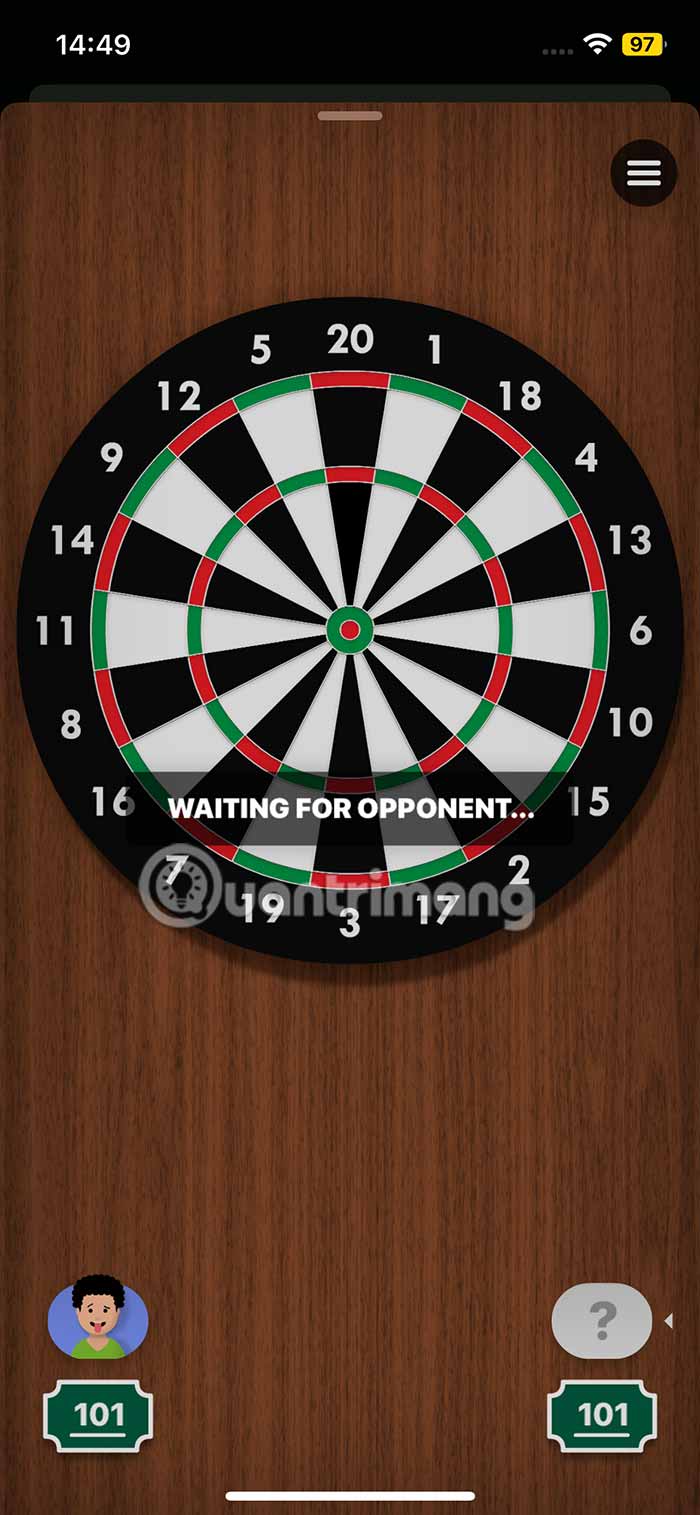
Depending on the game, there will be various settings. Then we send the game message and then wait for the player to join. When the opponent accepts the invitation to join, the race will start.
6 Imessage Games on iPhone You Should Try
Gamepigeon Game
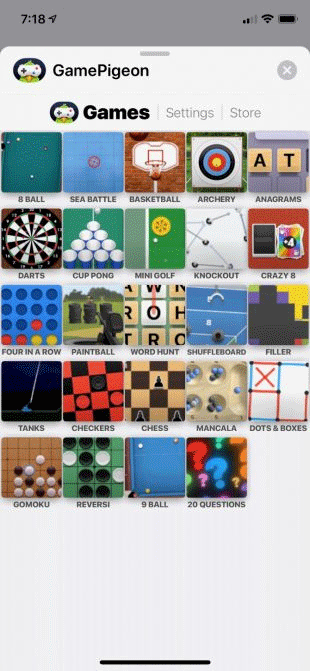
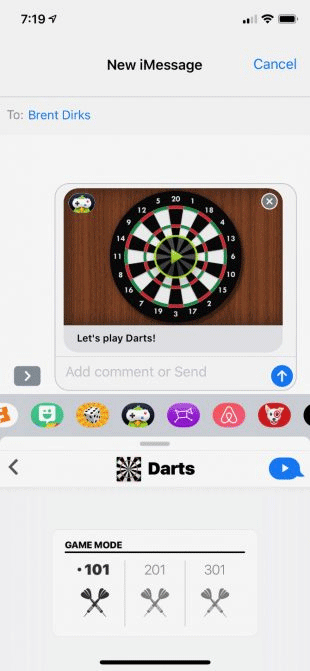
If you're looking for two-player games on iMessage, you can't go wrong with GamePigeon. The app has 26 various multiplayer games. You'll find everything from Crazy 8, checkers, shuffleboard, and more. Once you open the app in iMessage, simply select a game from the list to get started.
Letter Fridge Game
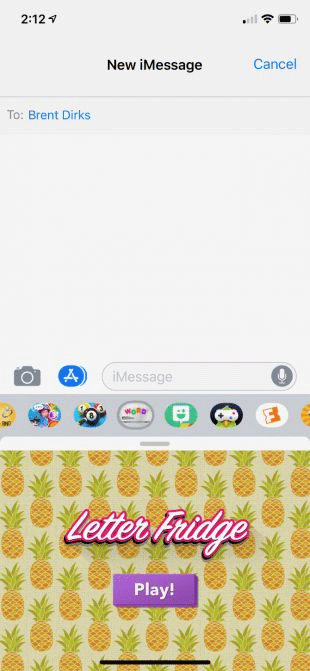
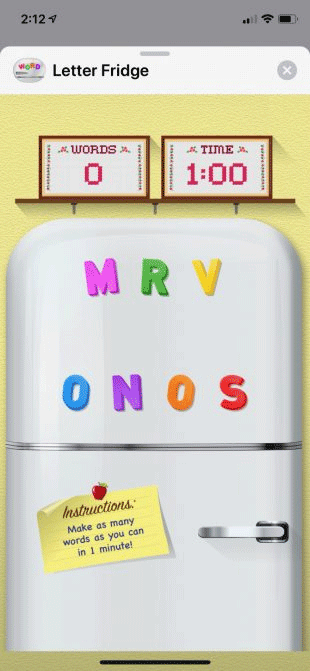
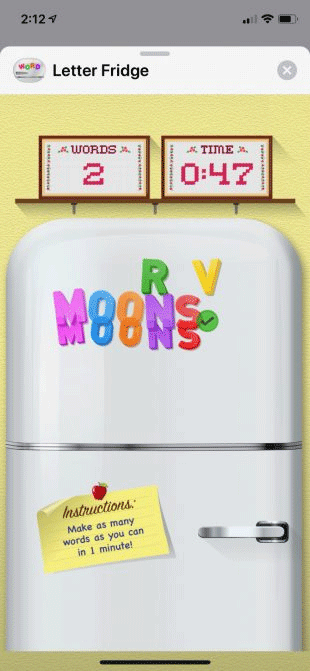
Letter Fridge is a word puzzle game but it is fun and easy to play for all ages. You will start with a number of various letters on the refrigerator. In one minute you have to make as many words as you can with those letters, then compare to see who can make more words.
When playing outside of iMessage, you will have various levels, pass each level by solving crossword with given letters.
Yahtzee with Buddies Dice Game
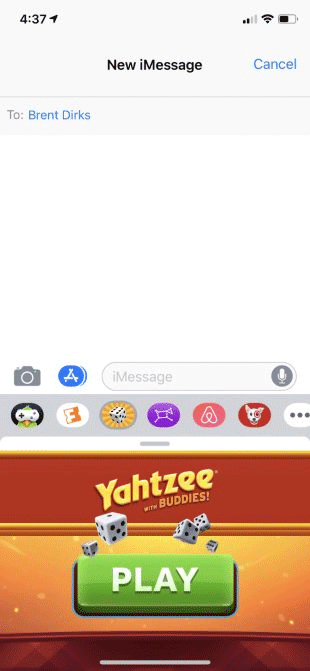
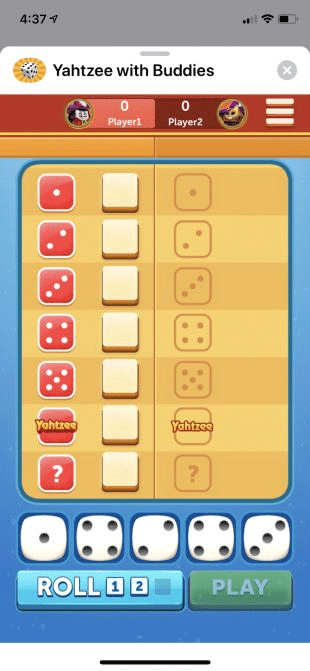
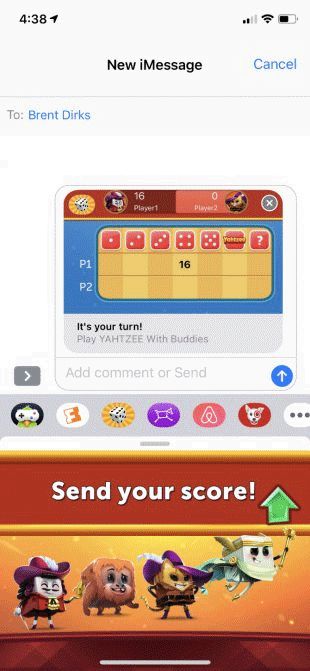
This is one of the best classic board games on the App Store. In the game you need to use dice to get high scores along with smart strategies to win.
Outside of iMessage, it's easy to play a solo match against computer dice masters or other real players from around the world.
8 Ball Pool Game

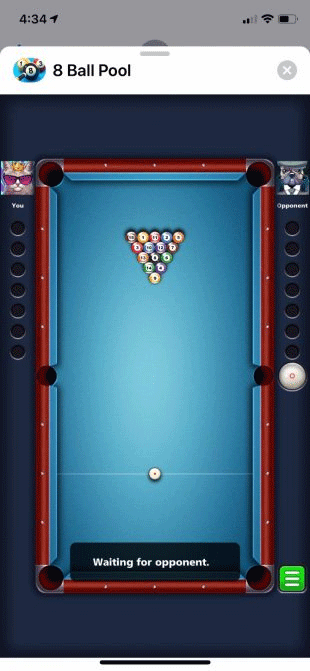
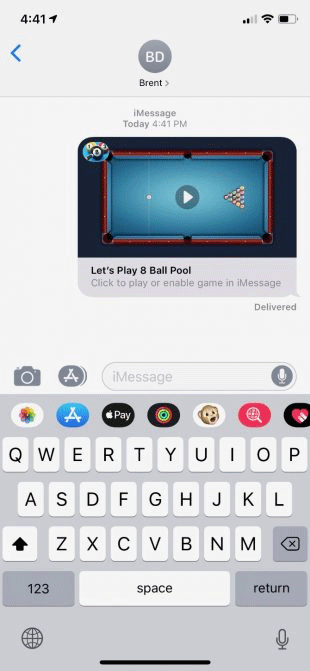
If you love billiards, you should not miss this game. And if your friend is also a billiards addict, it is great because you two can play right on iMessage. Before starting the match, you can use this app normally on your iPhone or iPad to practice.
If you don't want to play one-on-one, you can join an eight-player tournament. While playing, you can earn coins to buy unique beer balls.
Bubble Witch 3 Saga Game
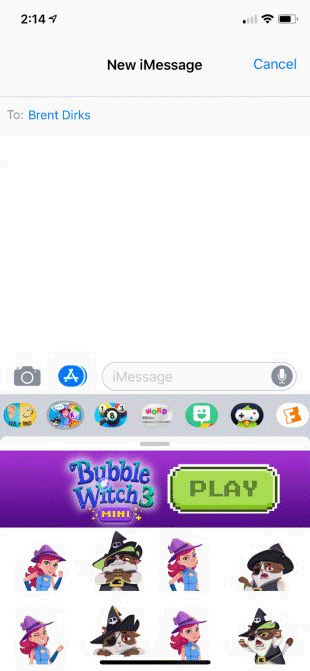
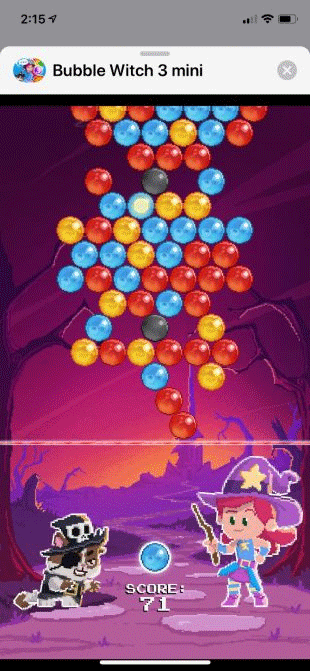
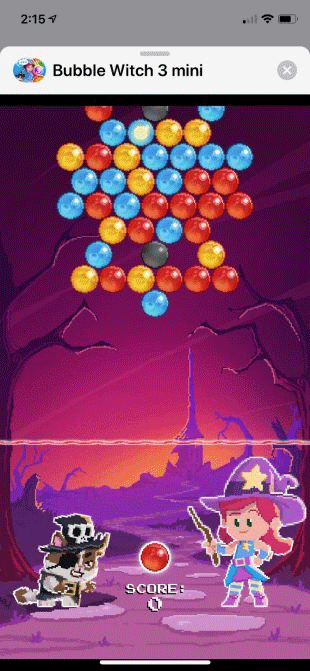
Even the typical single-player bubble shooter becomes a battle royale in Bubble Witch Saga. In the iMessage version, you try to collect as many points as possible by shooting as many bubbles of the same color as possible. Other people will then try to beat your score. When not playing via iMessage, the game has hundreds of various levels for you to try.
Pictword Game

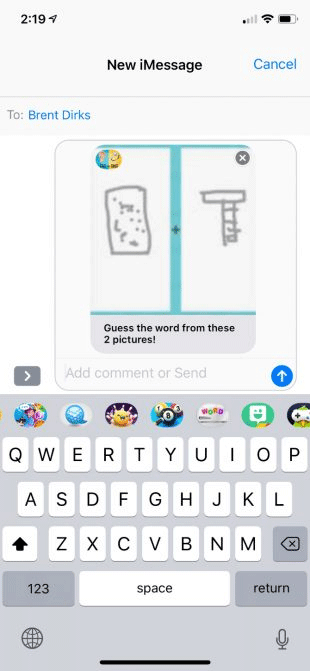
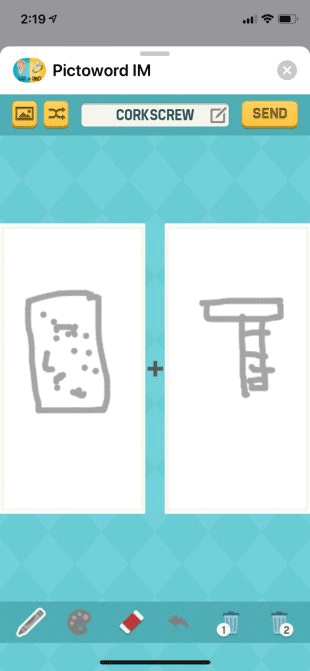
FAQ
What is play games on iMessage?
It is the main topic covered in this guide, including the relevant tools, settings, features, or steps connected with chat and Have Fun with 6 Fun Imessage Games.
Why is play games on iMessage useful?
It can make chat and Have Fun with 6 Fun Imessage Games easier to understand, compare, configure, or troubleshoot by organizing the most important information in one place.
What should I check before using this guide?
Confirm that the instructions match your device, software version, region, and intended use, then back up important data before making major changes.
Related Articles
 Just 'Chat Chit' Just Entertained with 9 Interesting Imessage Games8 minutes read
 12 Interesting Things You Can Do with the Imessage App on iPhone9 minutes read
 How to Delete the Chat History of Imessages on Mac OS X2 minutes read
 Common Imessage Errors and How to Fix It8 minutes read
 6 iMessage Apps for Group Chats4 minutes read
 How to Rename the Chat Group on IMessage: Step-by-Step Guide2 minutes read
Reader Comments 0
Sign in with email or Google to join the discussion.