Table of Contents
Explore win11debloat -- an open-source tool to remove bloatware from Windows 11.
What is Win11Debloat?
Win11Debloat is an open-source tool for deleting pre-installed Windows applications and telemetry data. It also configures system-wide settings on Windows 11.
Privacy comes first, no questions asked
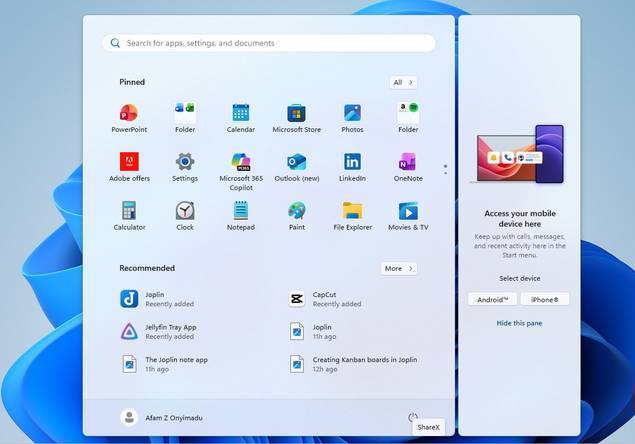
The first thing you'll notice after running Win11Debloat is that Windows runs much smoother. In just one controlled run, it disabled diagnostic data, activity history, application launch tracking, and targeted advertising. If you've ever tried disabling these settings, you'll understand how difficult it is to find them in the many scattered menus. And you don't always find them all, even after trying your best.
The main difference between Win11Debloat and tools like ShutUp10++ is that it makes consistent system-wide changes, such as disabling advertising tips or prompts. Preventing Microsoft's usage reporting is more important than toggling any privacy settings.
Regain control of pre-installed applications
Delete things you never asked for
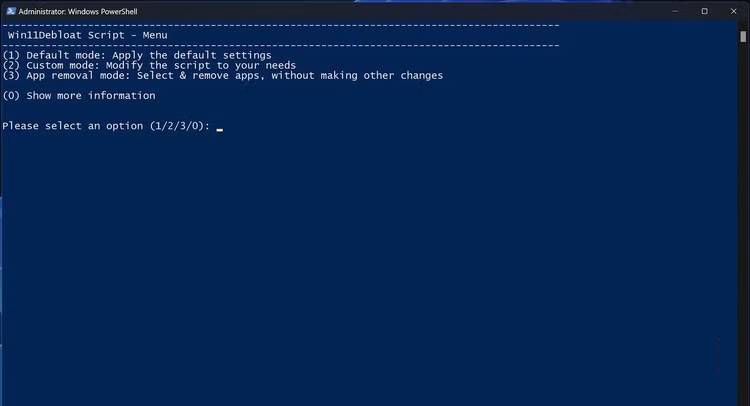
The Start menu on my work computer is incredibly cluttered. It has a folder containing Amazon and Spotify, along with several pinned apps, including Adobe deals. Worse still, the Taskbar constantly displays notifications you don't care about. Many UI elements look like brochures. For example, the lock screen has a Facts and Tips section, and the search bar has a Highlights section.
The Win11Debloat script addresses this by removing pre-installed applications and those pinned to the Start menu. But what impresses people is how the script performs the deletion. It accurately displays what is being removed. By default, it applies a less aggressive approach, assuming you don't want to remove all unnecessary applications at once. Many people appreciate this caution because they can monitor how the system performs after running the script and reinstall any applications they feel are necessary.
Troubleshoot the Windows components you interact with daily
Behavior of the Taskbar, Start menu, and File Explorer
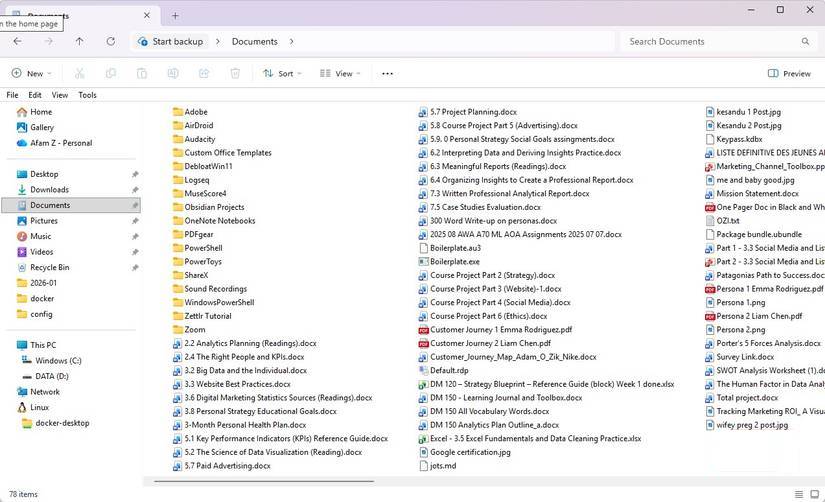
After removing unwanted applications, Win11Debloat focuses on the behavior of Windows 11 and brings some real improvements, cleaning File Explorer, the Start menu, and the Taskbar all in one go.
Previously, you had to manually disable Start menu suggestions and hide certain elements on the Taskbar. Many people also configured how Taskbar buttons work on different screens. But now, Win11Debloat will do this automatically for you. You also don't need to worry about enabling the End task option directly from the Taskbar anymore. These small improvements make a big difference if you frequently multitask, and now, by running a single script, you get all these productivity improvements.
Customize without being visually overwhelming
Proper personalization improves usability
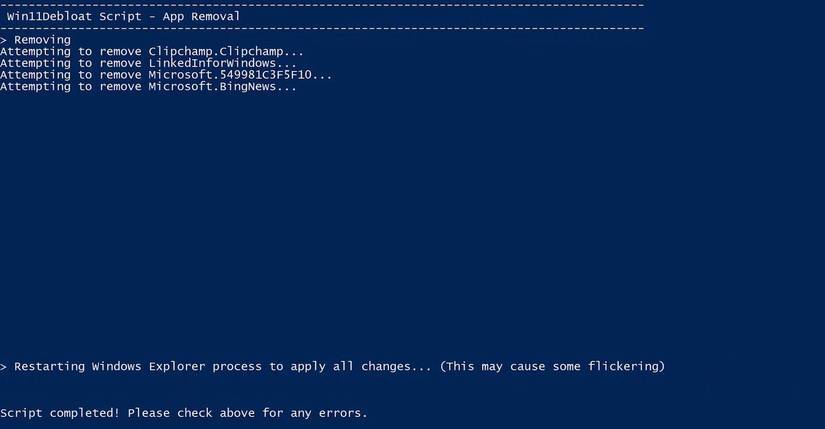
Win11Debloat comes with practical customization options. These options don't focus on aesthetics, like changing the Windows theme or applying visual effects, but rather target changes that reduce distractions and improve usability. Commonly used options include enabling system-wide dark mode, disabling transparency, animations, and mouse acceleration—things that previously had to be done manually.
However, Win11Debloat's consistency is what makes it most useful. It applies these customizations in a predictable way, without mixing registry edits with toggle switches in Settings or searching through nested menus. It can even apply small changes, such as disabling Sticky Keys shortcuts, a setting that helps avoid interruptions while working.
Built for real computers, not just temporary tweaks
Default settings, security, and advanced deployment options
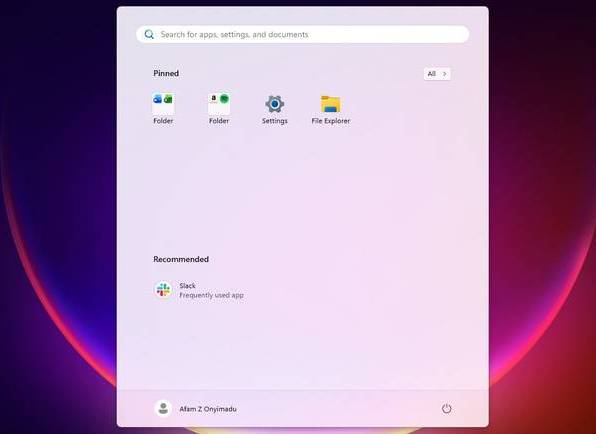
Win11Debloat's greatest strength lies in its ability to extend beyond a single use case. The default mode handles cleanup quickly without overwhelming you. However, it also has a lite mode for situations where you need to be more cautious. This mode will apply system tweaks but won't delete any applications, and you can run both options from the same single-line PowerShell command.
Essentially, Win11Debloat avoids damaging the operating system. It might disable Fast Startup or reduce network activity in Modern Standby to save battery, but all of these changes are reversible.
Final Thoughts
Understanding win11debloat -- an open-source tool to remove bloatware from windows 11 makes it easier to evaluate the information and apply the most relevant recommendations. Focus on the key points above and verify details that may change over time.
FAQ
What is win11debloat -- an open-source tool to remove bloatware from windows 11?
Explore win11debloat -- an open-source tool to remove bloatware from Windows 11.
What key points does this article cover?
The article focuses on What is Win11Debloat?, Privacy comes first, no questions asked, Regain control of pre-installed applications, with practical explanations and examples.
How can you use this information in practice?
Use the explanations to compare options, verify important details, and make a more informed decision. Apply the recommendations that best match your goals and situation.
Related Articles
 3 Disadvantages of Removing Bloatware on Windows 11: Practical Guide5 minutes read
 What Is Bloatware? How to Remove Bloatware?12 minutes read
 3 Reasons Why You Need to Remove Bloatware from Windows Immediately8 minutes read
 How to Remove Bloatware on Android Does Not Need Root Access8 minutes read
 How to Quickly Remove Bloatware from Windows 11: Complete Guide8 minutes read
 Bloatware List Can Be Uninstalled or Safely Deleted from Android Device Synthesized by Androidsage11 minutes read
Reader Comments 0
Sign in with email or Google to join the discussion.