Table of Contents
AI image generators differ more in workflow, editing control, privacy, and usage rights than in their marketing claims. This list covers five distinct options: an open-source project, two art-focused services, OpenAI's current image generation, and a community platform. Free access and generation limits change frequently, so check the current plan before committing to a project.
Quick comparison
| Tool | Best for | Main limitation |
|---|---|---|
| Pixray | Technical users and local experimentation | Older project with a command-line setup |
| starryai | Guided art creation on web or mobile | Credit and plan limits |
| ChatGPT Images | Conversational generation and targeted edits | Usage limits vary by plan |
| Dream by WOMBO | Fast style-based artwork | Many advanced options are premium |
| Deep Dream Generator | Model experimentation and community sharing | Credits and public-sharing defaults need review |
1. Pixray: open-source text-to-image experimentation
Pixray is an open-source image-generation system that can run from Python or the command line. It combines several earlier generation approaches and exposes technical settings that hosted consumer tools often hide.
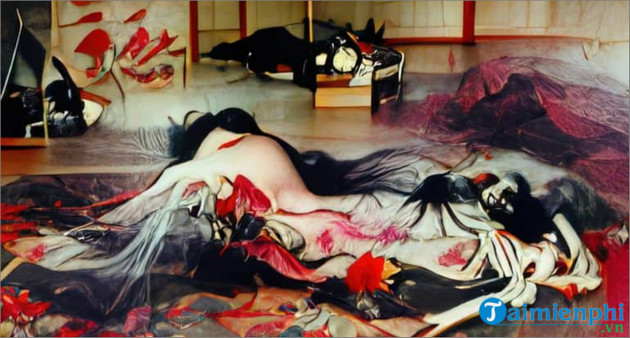
Choose it when: you are comfortable with Python environments and want to inspect or modify an older open-source workflow.
Consider first: the project is not a simple replacement for a modern browser generator. Setup, model downloads, hardware requirements, and generation speed depend on how you run it. Use the repository documentation instead of unverified installers.
2. starryai: guided styles and image references
starryai accepts text prompts, images, and sketches, and provides a library of models and styles. It works through the web and mobile apps, making it more accessible than a command-line tool.
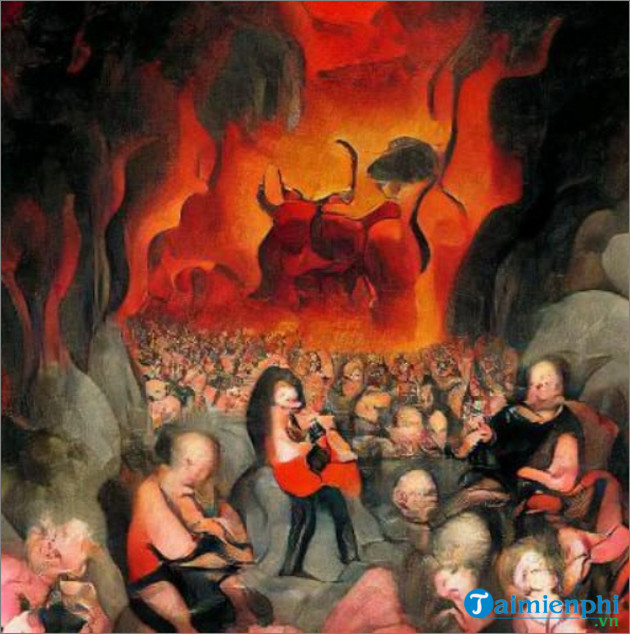
Choose it when: you want style presets and a guided interface rather than detailed local setup.
Consider first: free generations, credits, model access, and licensing terms can change. Confirm whether a result will be public and what rights apply before uploading a client's photo or creating commercial assets.
3. ChatGPT Images: generation and editing in conversation
DALL·E 2 was important historically, but the screenshot and launch claims in the original article are outdated. OpenAI's current image tools can create images from instructions and edit uploaded or generated images. For developers, the official OpenAI image-generation guide documents generation and editing through the API.
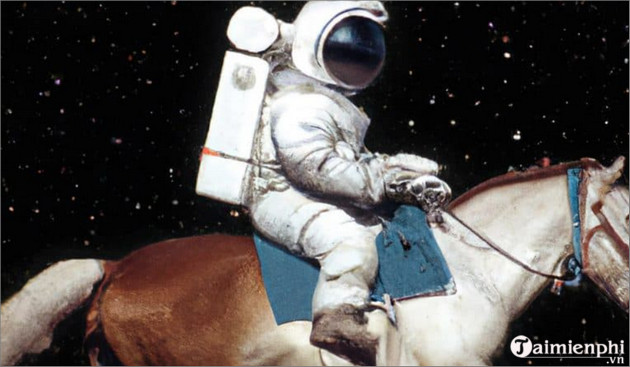
Choose it when: you want to refine a visual through follow-up instructions, add legible text, change part of an existing image, or request a transparent background.
Consider first: do not treat a generated image as proof of an event or an accurate representation of a real person. Review output for factual, cultural, and brand errors before publishing it.
4. Dream by WOMBO: fast art from a prompt and style
Dream by WOMBO creates images from text prompts and a selected visual style. It is available on the web and through mobile apps, and it can also use an uploaded image as a starting point in supported workflows.
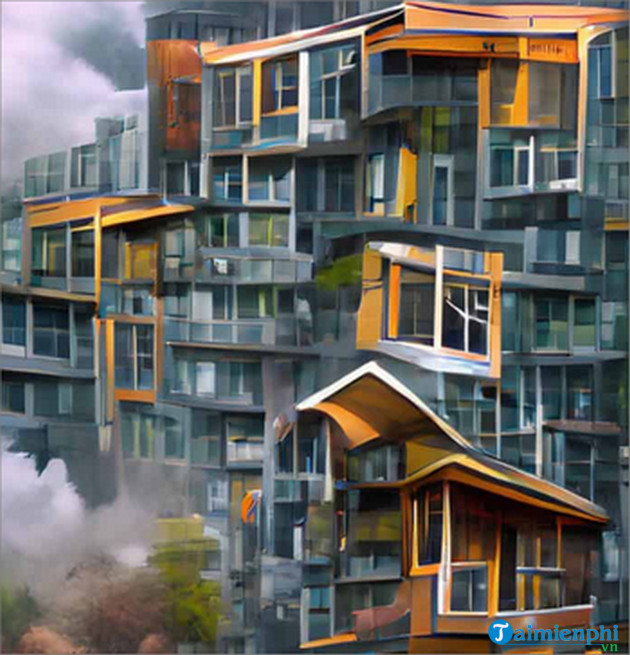
Choose it when: you want a fast, art-oriented result with minimal setup.
Consider first: style presets can dominate a vague prompt. Describe the subject, composition, lighting, and important constraints before choosing a style. Check plan restrictions for high-resolution output or advanced editing.
5. Deep Dream Generator: model choice and community exploration
Deep Dream Generator now offers text-to-image, image transformation, and AI video features across several models. It also has a public creative community, so review visibility settings before submitting private source material.
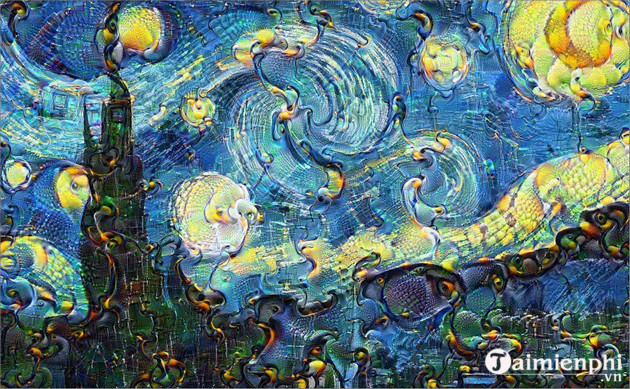
Choose it when: you want to compare different artistic models or explore work shared by other creators.
Consider first: the service is not a Google product, despite the historical connection of the phrase “DeepDream” with research published by Google. Credits and model access vary by plan.
How to get a more useful result
- State the purpose: product mockup, editorial illustration, game concept, social graphic, or another concrete use.
- Describe the composition: subject, action, environment, viewpoint, and aspect ratio.
- Specify visual constraints: palette, lighting, material, medium, and any required text.
- Review details: hands, labels, logos, reflections, and background objects often need correction.
- Check rights and privacy: use source images you may legally upload and read the tool's current commercial-use terms.
No generator is automatically “best” for every project. Use Pixray for technical control, starryai or Dream for fast styled art, ChatGPT Images for iterative instruction and editing, and Deep Dream Generator for model exploration.
For another paid option, read the guide to creating images with Midjourney. To compare tools that may offer limited free access, see free alternatives to Midjourney.
Related Articles
 Extract Text from Images (OCR)13 minutes read
 Top 6 Top Tools to Erase Text on Photos Today: Top Picks and Buying Guide10 minutes read
 How to Create a YouTube Thumbnail with ChatGPT8 minutes read
 TOP AI Tools for Creating Realistic Videos from Photos8 minutes read
 How to Integrate Images into Text on Photoshop5 minutes read
 How to Write Text on Images in Google Docs4 minutes read
Reader Comments 0
Sign in with email or Google to join the discussion.