Table of Contents
Camtasia can turn a short video clip or screen recording into an animated GIF. The essential workflow is to import or record the footage, trim it on the timeline, and export the selected section as a GIF. GIF files do not contain audio, so concentrate on the visual action and keep the clip brief.

Prepare the clip in Camtasia
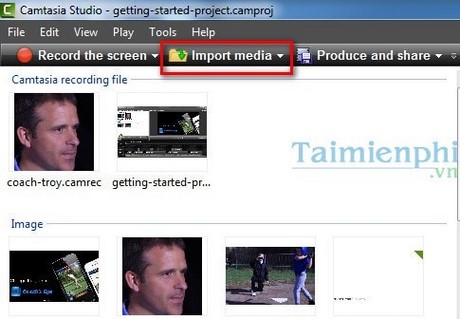
- Add the source video. Open Camtasia and choose Import Media, or use the recorder to capture the action you want to show.
- Edit on the timeline. Remove pauses and keep only the useful segment. A short clip with limited movement usually produces a smaller, clearer GIF.
- Set the canvas size. Resize or crop the recording before export. Large dimensions can make a GIF unnecessarily heavy.
Export an animated GIF in current Camtasia versions
Open Export > Local File, select GIF as the output format, and choose a destination. Depending on the Camtasia release and operating system, GIF may appear directly in the format list or under advanced export settings. Review the dimensions and frame-rate options before exporting. TechSmith's current export guide confirms that Local File supports GIF output.
Steps for older Camtasia Studio versions
The screenshots below show the legacy Produce and Share wizard. Use these steps only if your installation has this older interface.
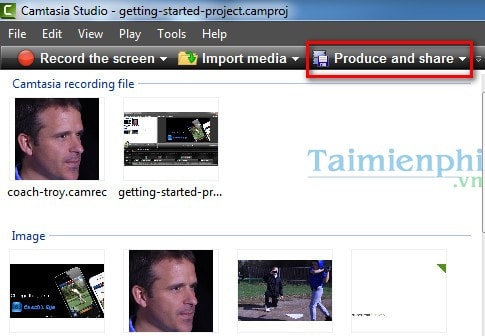
- After editing the clip, click Produce and Share.
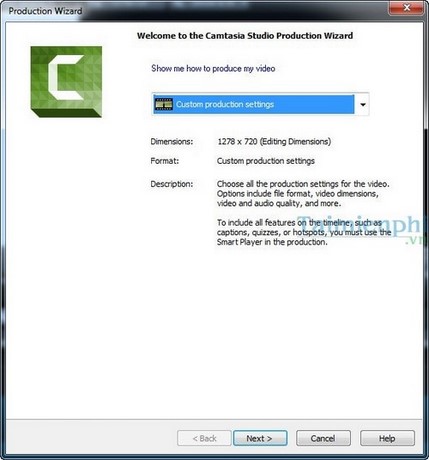
- Select the custom production option, then click Next.
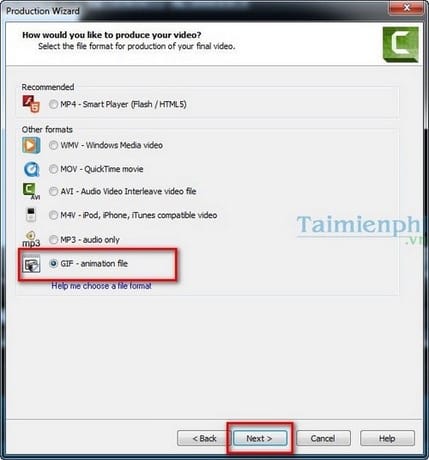
- Choose GIF - animation file as the output type and continue.
- Adjust color and frame settings if necessary. Lower settings reduce file size but can also make motion less smooth or colors less accurate.
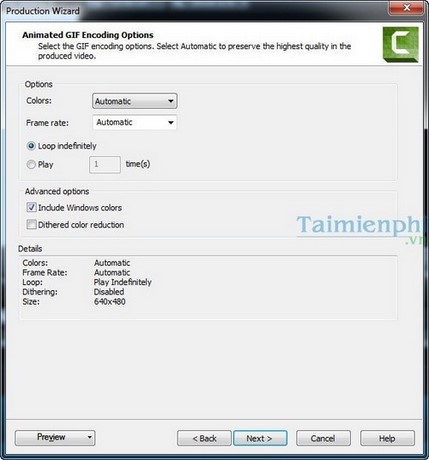
- Choose the output dimensions. Avoid enlarging the clip beyond its original size.
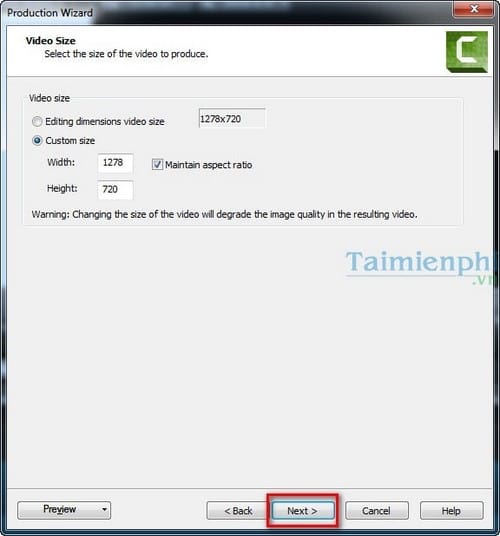
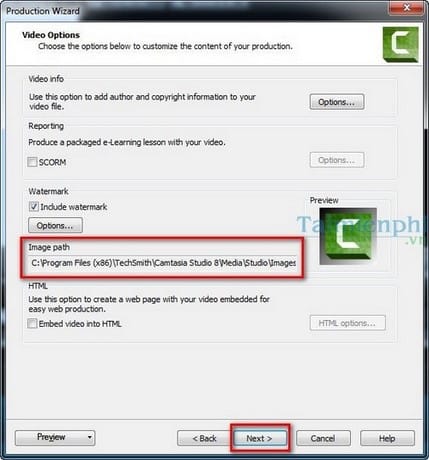
- Enter a file name and select the destination folder.
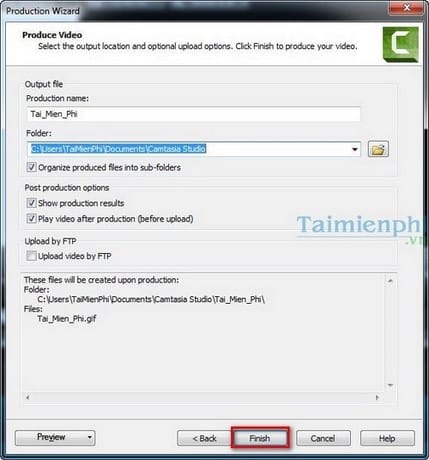
- Review the summary and click Finish to render the GIF.
Keep the GIF practical
- Trim the clip to the shortest sequence that communicates the action.
- Use moderate dimensions and remove frames that do not add information.
- Preview the exported file to confirm that text remains readable and the loop is not distracting.
- If Camtasia is unavailable, try a browser-based option from TipsMake's guide to creating GIFs online or compare more online GIF makers.
Related Articles
 How to Create Animations from Videos Using Camtasia Software7 minutes read
 How to Pair 2 Videos into 1 Using Camtasia Studio9 minutes read
 Shortcuts in Camtasia Studio6 minutes read
 How to Create Animations from Videos on Camtasia4 minutes read
 How to Use Camtasia Studio, Shooting and Editing Videos3 minutes read
 How to Adjust Video Audio on Camtasia Studio10 minutes read
Reader Comments 0
Sign in with email or Google to join the discussion.