Table of Contents
The best online GIF maker depends on the source material and how much editing you need. Ezgif is a strong choice for precise conversion and optimization, while Canva and Kapwing suit designed graphics with text and templates. For a quick reaction GIF from a video, GIPHY, Imgflip, or Adobe Express may be faster.
Online tools require you to upload media to a third-party service. Do not upload confidential recordings, and confirm that you have permission to use any video or images you did not create.
1. Ezgif: best all-purpose GIF utility
Ezgif combines an image-to-GIF maker with video conversion, resizing, cropping, optimization, frame splitting, text, effects, and format conversion. Its simple interface is less design-oriented than some competitors, but it gives you direct control over common GIF operations.
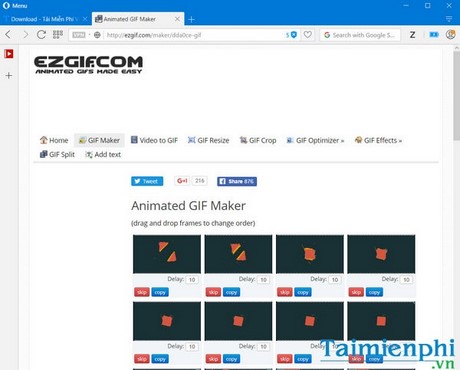
Choose it for: trimming, resizing, compressing, repairing, or adding captions to an existing animation.
2. GIPHY GIF Maker: best for quick social GIFs
GIPHY GIF Maker accepts images or video and adds captions, stickers, filters, and drawing elements. It is convenient when you intend to publish or share through GIPHY, but check the publishing and privacy choices before submitting personal media.
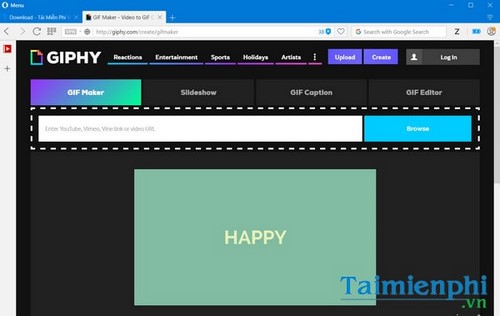
Choose it for: reaction GIFs and content intended for social sharing.
3. GIFPAL: best for webcam and stop-motion capture
GIFPAL can build an animation from photos, a phone or computer camera, stop-motion capture, or recorded video. It includes effects and timeline editing in a compact browser interface.
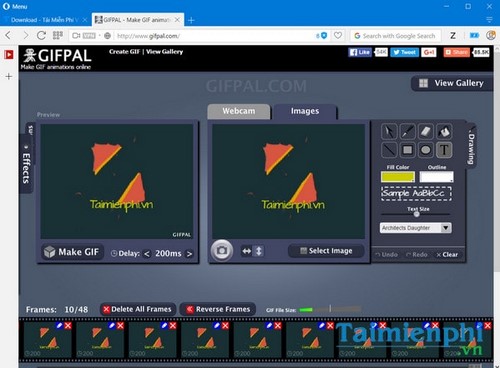
Choose it for: simple webcam animation or stop-motion made from captured frames.
4. Imgflip GIF Maker: best for memes and detailed timing
Imgflip creates animations from uploaded videos, video URLs, or a sequence of images. It offers controls for trimming, size, frame rate, speed, looping, captions, cropping, rotation, drawing, and optimization. Free output may include an Imgflip watermark and lower limits than paid output.
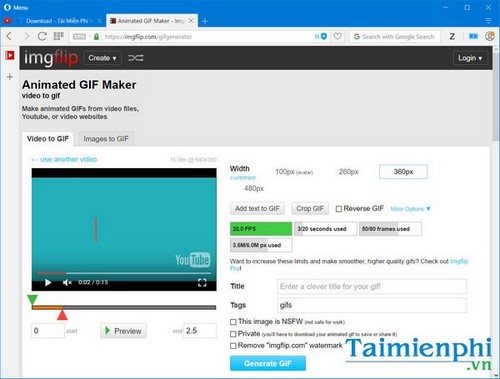
Choose it for: meme-style GIFs and users who want more timing controls in one page.
5. MakeAGIF: best for choosing among many source types
MakeAGIF provides separate workflows for pictures, uploaded video, webcam recordings, and supported video-platform links. Premium features and account requirements may apply to some output options.
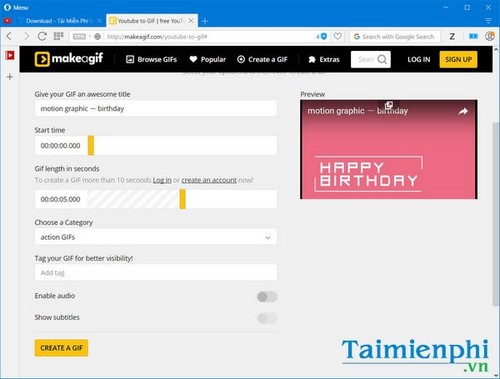
Choose it for: switching between images, local clips, webcam footage, and supported video links.
6. Adobe Express: best for a straightforward video conversion
Adobe Express Video to GIF is a focused converter. Upload a video, trim the useful moment, select the size and aspect ratio, and download the GIF or continue editing in Adobe Express.
Choose it for: turning a short local video into a GIF with minimal setup.
7. Canva GIF Maker: best for templates and branded graphics
Canva's GIF maker supports images and video in a drag-and-drop design editor. It is particularly useful when an animation needs templates, typography, stickers, transitions, or reusable brand elements. Some assets and resizing features require a paid plan.
Choose it for: promotional graphics, animated posts, and layouts that need more design than conversion.
8. Kapwing GIF Maker: best for collaborative browser editing
Kapwing converts images and video within a browser-based editor, where you can trim media and add text or other layers. Account, export, and watermark policies can change, so review the current options before beginning a large project.
Choose it for: a layered edit or a workflow that may continue in a fuller online video editor.
9. Gickr: best for a basic image slideshow
Gickr has a dated interface but remains useful for a very simple animation made from uploaded pictures. Its controls cover output size and frame delay, and it also lists Flickr and YouTube sources.
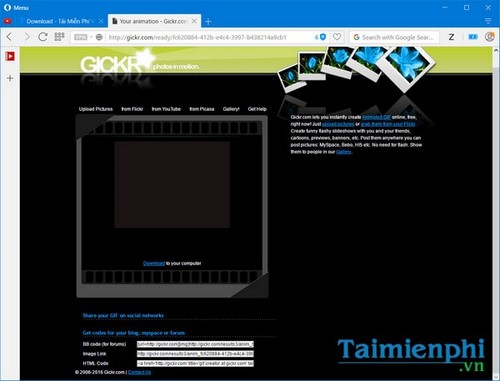
Choose it for: a small slideshow when you do not need captions or detailed frame editing.
10. Gifcap: best for recording a browser or desktop window
Gifcap records a shared browser tab, application window, or screen and converts the capture to GIF. The processing is described as client-side, which avoids uploading the recording to a conversion server, although browser screen-sharing permission is still required.
Choose it for: a quick interface demonstration without installing a desktop recorder.
Older services shown in the original comparison
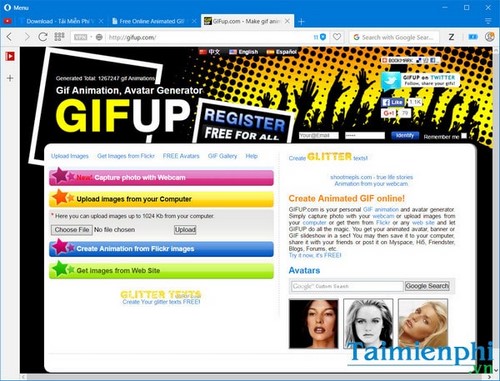
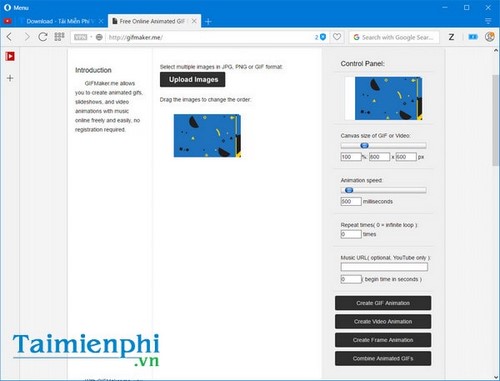
The following screenshots document services included in an earlier version of this list. They are no longer primary recommendations here because availability, security, or maintenance could not be confirmed consistently. Do not disable browser warnings or install unexpected extensions to access an old GIF site.
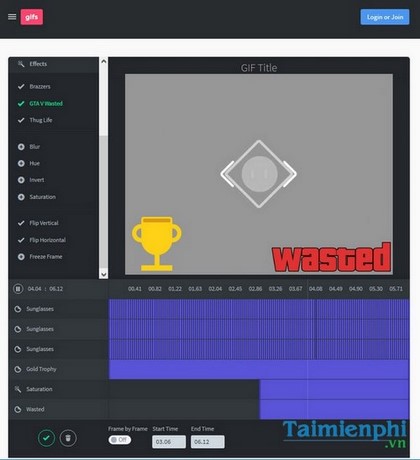
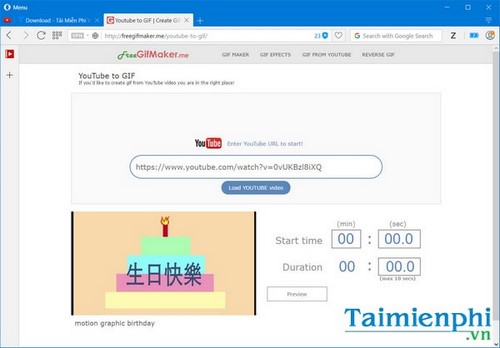
How to choose
- Need optimization or repair: start with Ezgif.
- Need a meme or reaction GIF: try GIPHY or Imgflip.
- Need a designed social graphic: use Canva or Kapwing.
- Need only video conversion: Adobe Express is the most focused option in this list.
- Need screen capture: use Gifcap or a maintained desktop recorder.
For a step-by-step workflow, read how to create a GIF online. If you want to work locally instead, compare TipsMake's desktop GIF creation software.
Related Articles
 Create Animated Images Online Using Gickr4 minutes read
 The Simplest Way to Quickly Create Gifs and Animated Images Using GIF Movie Gear3 minutes read
 Instructions for Creating GIF Images on YouTube Do Not Need Software7 minutes read
 Add Text to GIF Images, Add Text to Animated Images5 minutes read
 Create Animated Images Online Using Makeagif1 minutes read
 Create Animated Images Online with PictureStudio3 minutes read
Reader Comments 0
Sign in with email or Google to join the discussion.