Table of Contents
Consensus can help you find and summarize academic papers from a plain-language question. It is useful for exploring a topic and identifying relevant studies, but its generated answer should be a starting point: open the cited papers and verify that their methods and conclusions support your own claim.
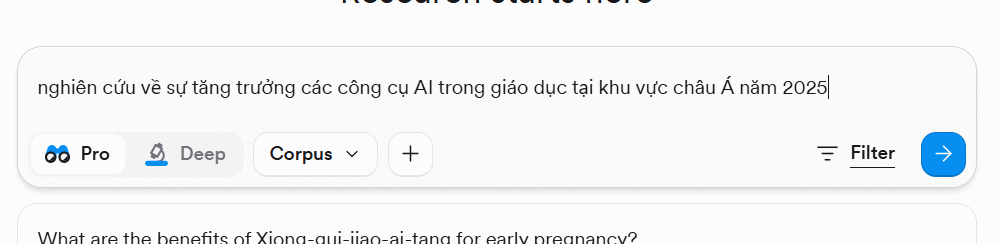
1. Open Consensus and define the question
Visit Consensus and sign in if the current version requires an account for the features you want to use. The interface and plan limits may change, so follow the options displayed in your account.
Before searching, turn a broad subject into a specific question. Include the population, intervention or factor, outcome, place, or period only when those details matter. For example:
How does classroom use of generative AI affect feedback quality for secondary-school students?A focused question produces a more useful set of papers than a request such as “research AI in education.” Avoid building the desired conclusion into the query.
2. Read the answer and its references separately
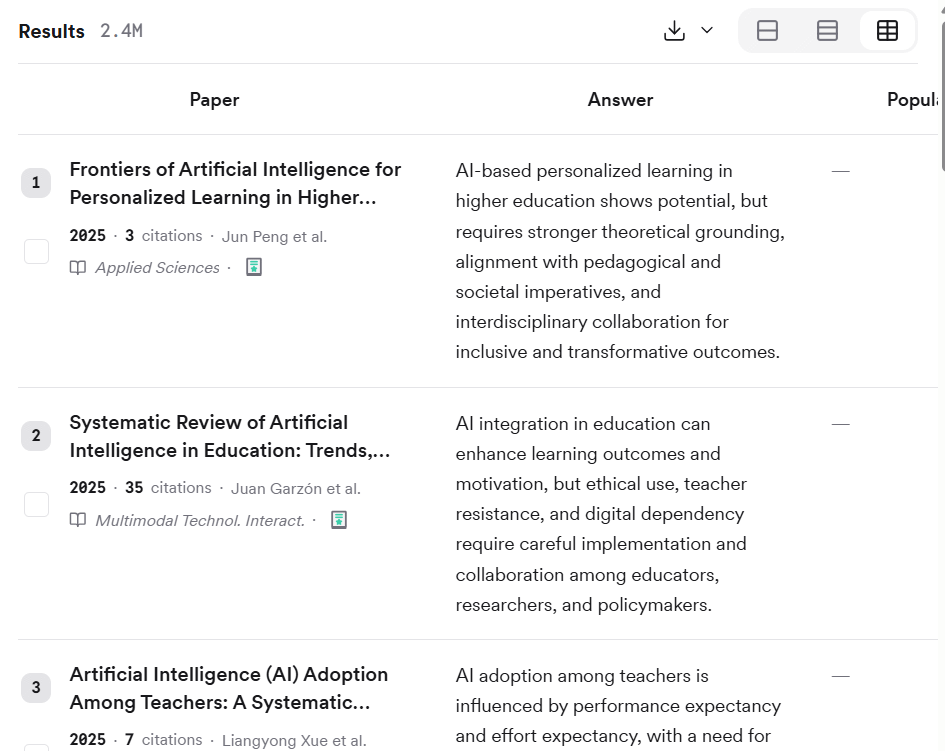
Consensus may present a synthesized response alongside papers related to the query. Treat these as two different things: the answer helps you orient yourself, while the references are the evidence you need to inspect.
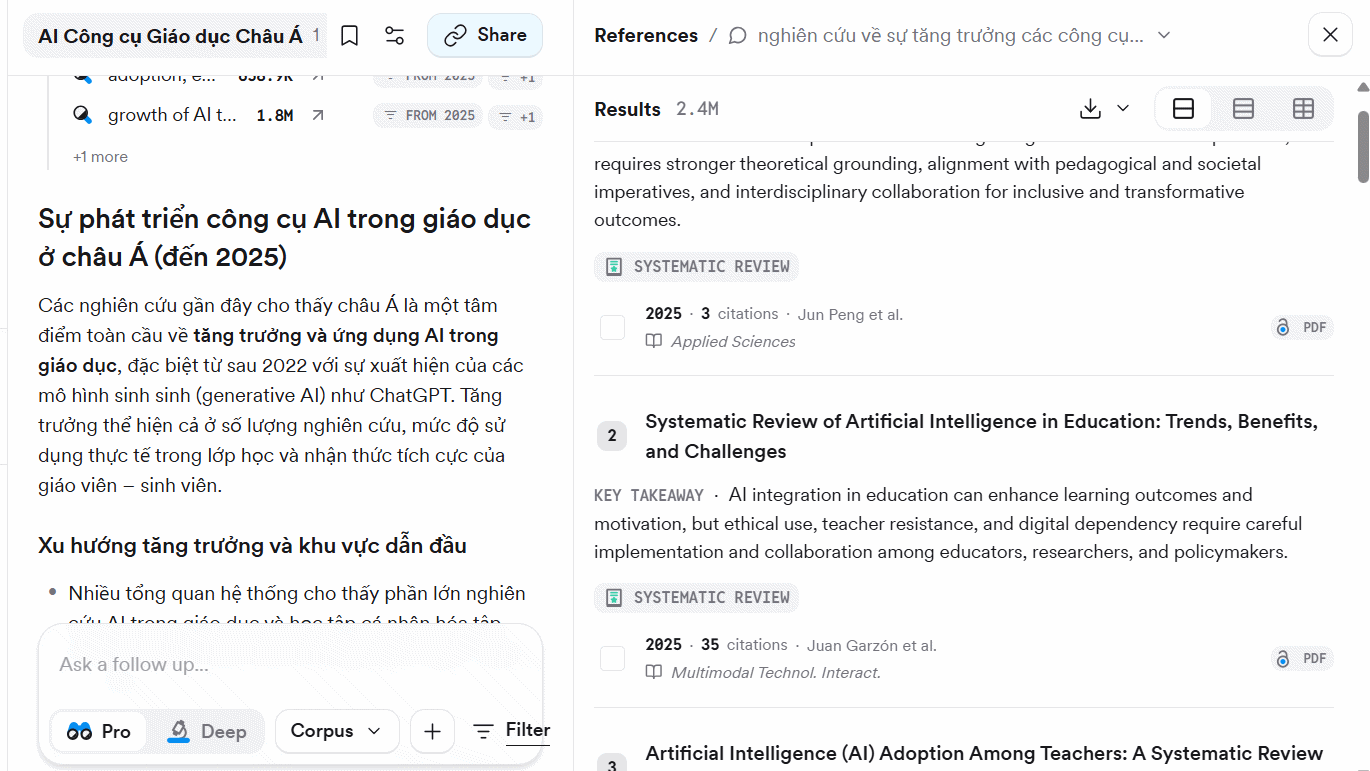
Scan titles, publication details, and available abstracts. Save promising papers, but do not assume every search result directly answers the question. TipsMake's comparison of AI tools for in-depth research can help if you also want to check another literature-search service.
3. Trace statements to the cited paper
When a generated passage includes numbered references, select a citation to see the corresponding source information. Check whether the paper studies the right population and outcome, and distinguish an abstract's conclusion from evidence in the full text.
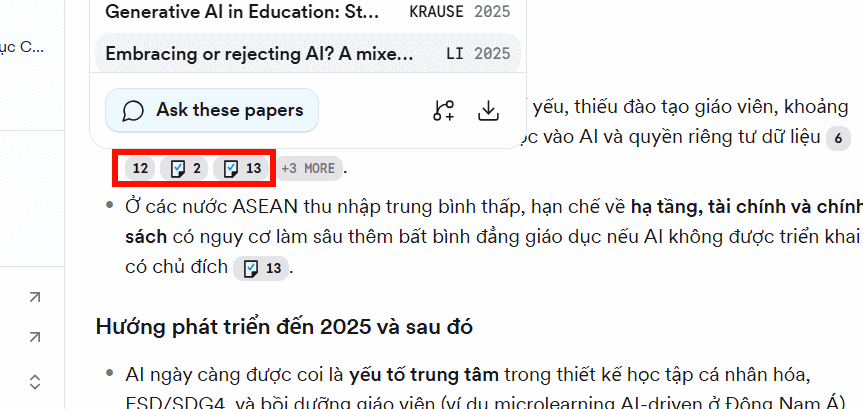
For important claims, open the original paper through the publisher, journal, or repository. Look at the study design, sample, comparison group, limitations, and publication date. A confident summary can still omit qualifications or combine findings that are not directly comparable.
4. Use filters to narrow the evidence
Select Filter and apply only criteria that serve the research question, such as publication year or study type. Filtering too aggressively can hide relevant evidence; document the filters you use so the search can be repeated.
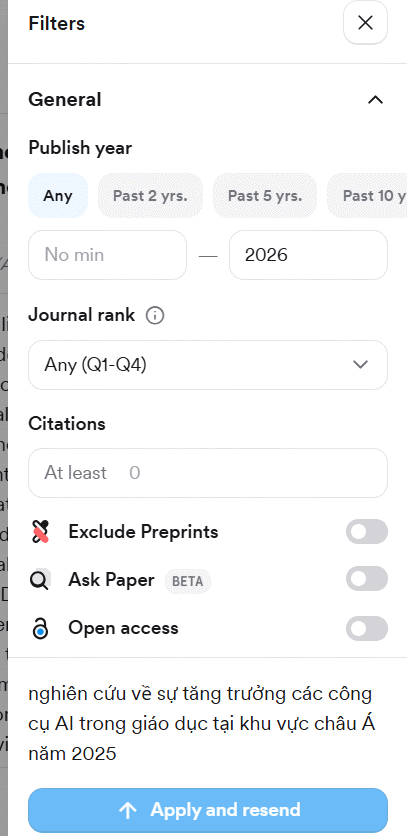
Run at least one alternative query with different terminology. Academic fields often use terms that differ from everyday language, and a single wording may miss part of the literature. For more general web-based workflows, see these AI tools for web research.
5. Build an evidence-based outline
Organize notes by claim rather than copying the generated answer. For each section, record the source, the finding you plan to use, the study context, and any limitation that affects interpretation. Separate results that agree, conflict, or address different populations.
A useful outline might contain the research question, definitions, search method, evidence by theme, disagreements or gaps, limitations, and a conclusion that matches the strength of the evidence.
6. Export and verify the references
Use the document or export control shown in the current interface and choose an available format that fits your reference manager or writing workflow.
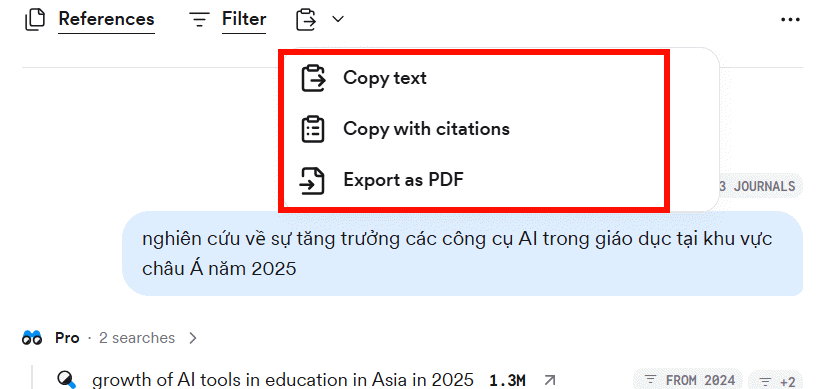
Before submitting or publishing the research, confirm authors, title, journal, year, DOI or URL, and citation formatting against the original record. Do not cite Consensus as though it were the study itself, and do not include a paper you have not checked.
Related Articles
 Top AI Tools for in-Depth Research11 minutes read
 38% of Content on the Internet Has 'Disappeared' in the Past3 minutes read
 Guide to Building AI Workflows6 minutes read
 Top AI Tools to Support Essay Writing and Scientific Research9 minutes read
 Link Building: Complete Guide7 minutes read
 According to Google, This Is the Key of an Effective Working Group4 minutes read
Reader Comments 0
Sign in with email or Google to join the discussion.