Table of Contents
Do not copy a Google Labs session response or access token into a browser extension, automation template, or third-party website. A signed-in session token is a credential, not a public “Nano Banana token.” Anyone who obtains a valid bearer credential may be able to act with the access it grants.
The supported way to automate Nano Banana image generation is the official Gemini API, authenticated with a key created for a Google Cloud project in Google AI Studio. Store that key on a trusted backend, restrict it, monitor its use, and rotate it if exposed.
Nano Banana is a model family, not a session token
Google uses Nano Banana as the name for native image-generation and editing models in the Gemini API. Current options include models optimized for efficiency, general production work, or higher-end creative control. Model IDs and lifecycle status change, so select one from Google's current model directory rather than copying an old identifier from a tutorial.
The original Nano Banana model has the API ID gemini-2.5-flash-image. Google currently recommends newer Nano Banana 2 variants for new workloads, including gemini-3.1-flash-image for a general balance of quality, cost, and speed. Confirm this on the official Gemini image-generation page before deploying.
Why the session-extraction method is unsafe
A workflow that asks you to sign in to Google, open an internal session endpoint, copy the entire JSON response, and paste it into an extension is handling an account credential outside its intended flow. Using a VPN to reach a feature that is unavailable to your account or region also does not create supported API access.
The following screenshots document the unsafe pattern from the earlier tutorial. They are retained here so readers can recognize it; do not follow these steps or copy any value shown by a session endpoint.
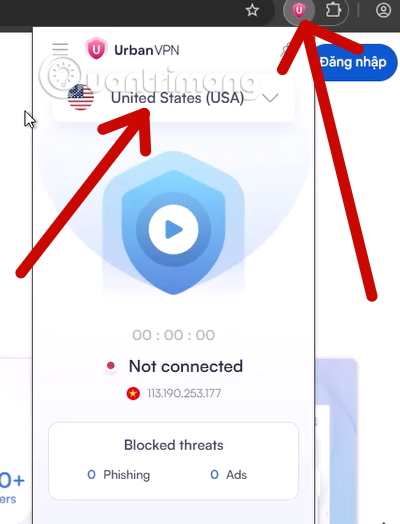
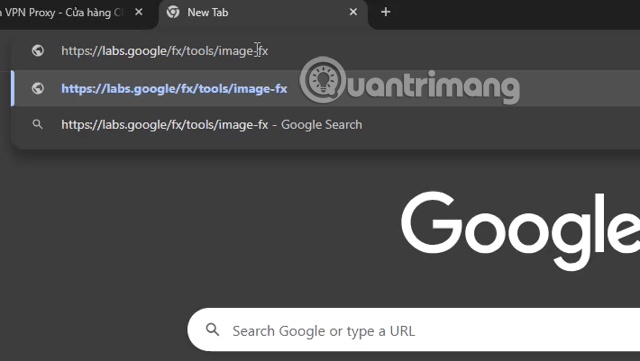
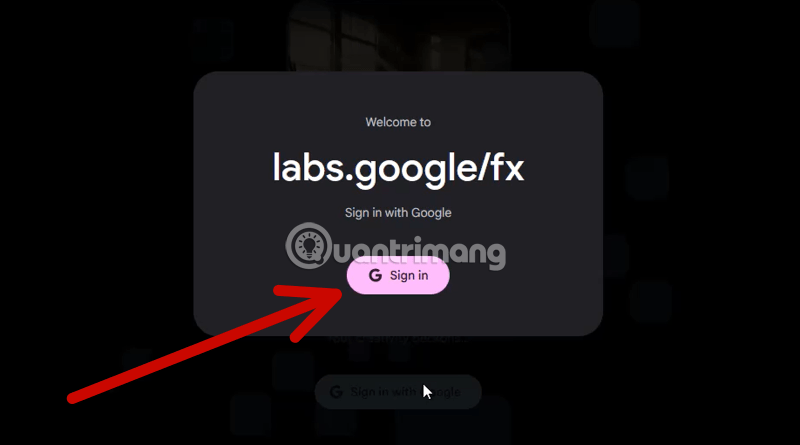
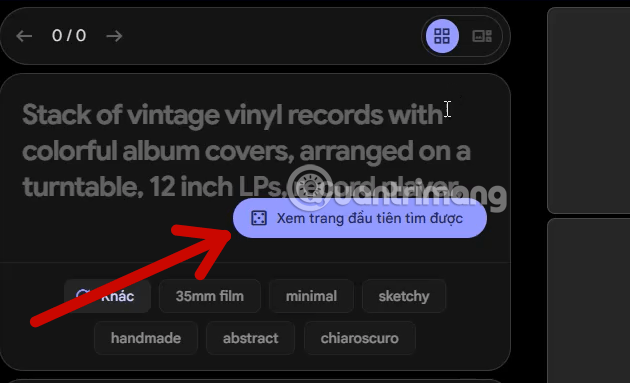
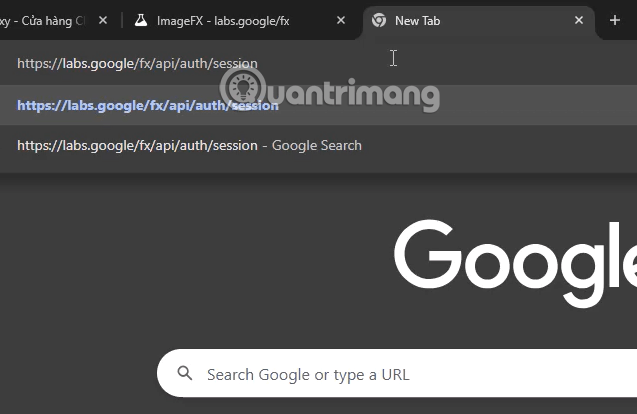
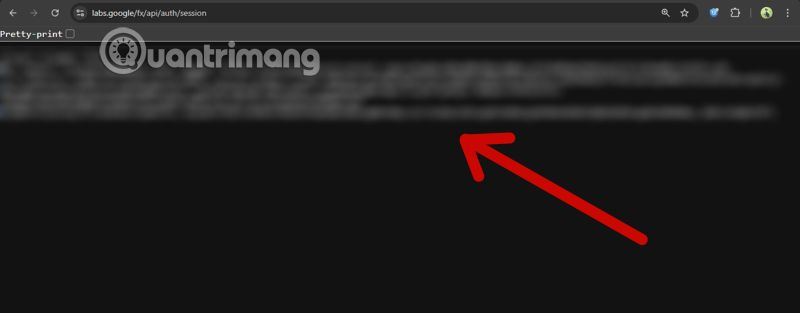
There are several warning signs:
- The value comes from a signed-in browser session rather than a documented developer console.
- The user is told to copy an entire response that may contain more information than the requested token.
- A third-party extension receives a credential associated with the user's Google account.
- The process depends on geographic circumvention or undocumented endpoints.
- The credential expires unpredictably and requires repeated extraction.
- There is no project-level quota, billing, audit, or revocation design for the automation.
Browser extensions can read or change data within the permissions they request. Review unfamiliar software carefully; this article on malicious Chrome extensions removed from the Chrome Web Store illustrates why installation source alone is not a complete security guarantee.
The supported setup: create a Gemini API key
1. Use a dedicated Google Cloud project
Create or select a project for the application. Keeping production, development, and unrelated services separate makes quotas, billing, permissions, and incident response easier to manage. In an organization, ask the project administrator for the minimum role required rather than using a personal owner account.
2. Create the key in Google AI Studio
Open the API Keys area in Google AI Studio, import the intended Cloud project if necessary, and create a key. Google is transitioning the Gemini API from standard API keys to authorization keys bound to service accounts. New keys created in AI Studio are currently authorization keys, and older standard keys should be migrated according to Google's latest instructions.
Follow the current Gemini API key guide; do not copy credentials from a Labs session, browser developer tools, cookies, or network logs.
3. Store the key outside the code
For local development, set the key as an environment variable named GEMINI_API_KEY or GOOGLE_API_KEY. For production, use a managed secret store and let the server retrieve the value at runtime.
- Never commit a key to Git or paste it into an issue, chat, screenshot, or shared workflow.
- Never put the key in client-side JavaScript, a public mobile bundle, or browser local storage.
- Route browser and mobile requests through a backend that enforces authentication, quotas, and allowed operations.
- Use separate keys or projects for environments with different risk and billing needs.
The same principles apply to other model providers; the section on securing an API key in a Claude integration provides additional server-side examples.
4. Restrict and monitor the key
Limit the key to the Gemini API and apply supported origin or network restrictions appropriate to the deployment. Use least-privilege service-account permissions for authorization keys. Set billing alerts and review project usage so a sudden spike is noticed quickly.
Generate an image with the official Python SDK
Install the current Google Gen AI SDK and an image library in a virtual environment. The following example assumes GEMINI_API_KEY is already available to the process. It does not place the secret in source code.
from google import genai
import base64

client = genai.Client()

result = client.interactions.create(
    model="gemini-3.1-flash-image",
    input=(
        "Create a clean 3:2 editorial illustration of a small team "
        "reviewing an accessibility checklist. No logos or text."
    ),
)

if not result.output_image:
    raise RuntimeError("The response did not contain an image.")

image_bytes = base64.b64decode(result.output_image.data)

with open("accessibility-checklist.png", "wb") as output_file:
    output_file.write(image_bytes)
Use the model ID documented for your project and SDK version. Validate the response instead of assuming that every request returns image data. Record a request ID and error category for troubleshooting, but never log the API key or raw sensitive prompts.
Production controls for automated image creation
- Authenticate users: Do not expose a public endpoint that lets anyone spend your quota.
- Set limits: Cap requests by user, project, time window, output count, and permitted model.
- Validate input: Limit prompt and upload size, supported file type, and number of reference images.
- Handle safety responses: Treat blocked or empty output as an expected state, not a reason to disable safeguards.
- Use timeouts and bounded retries: Retry only transient failures, add backoff, and prevent duplicate jobs.
- Track cost: Monitor requests, images, storage, and downstream processing by environment.
- Protect source images: Apply retention, access, and deletion rules to uploads and generated assets.
- Review rights and policy: Confirm that prompts, references, output use, and distribution comply with applicable terms and law.
Google applies rate limits at the project level, and limits vary by model and account tier. A queue should slow or pause when it reaches a limit rather than spawning uncontrolled retries.
If you already shared a session token or API key
- Stop the workflow and remove the token from the extension, automation, logs, clipboard manager, screenshots, and shared documents where possible.
- Disable or uninstall the untrusted extension or app.
- Open Google Account Security Checkup, review recent activity, signed-in devices, and third-party access, and revoke anything you do not recognize.
- If an API key was exposed, create a replacement, update the application, verify it, then disable or delete the compromised key.
- Review Gemini API usage and billing for unexpected activity.
- Change the Google Account password if there are signs of account compromise, and enable two-step verification.
- Contact the relevant Google support or organizational security team if suspicious activity, unexpected charges, or managed data is involved.
Do not post the suspected credential to a forum for diagnosis. Google's account security checklist covers Security Checkup, software updates, unique passwords, and removing unnecessary apps or extensions. TipsMake also explains why each account needs a strong, unique password.
AI images and SEO
Generating an image does not automatically improve search rankings. An illustration is useful only when it clarifies the article or supports the reader's task. Review generated output for factual errors, misleading product details, distorted text, branding issues, and inaccessible information.
- Use a descriptive filename and concise alt text that explains the image's purpose.
- Do not stuff keywords into alt text.
- Resize and compress the image without making important details unreadable.
- Include a caption or surrounding explanation when context is not obvious.
- Do not use a generated product, medical, scientific, or news image in a way that suggests it is documentary evidence.
- Retain provenance or disclosure information where policy or context requires it.
The safe distinction is simple: a session token belongs to a signed-in user session, while an API key belongs to a controlled developer project. Use the official API, keep its credential server-side, and design the automation so cost, access, errors, and generated content can all be reviewed.
Related Articles
 How to Use Nano Banana to Create Effective AI Images3 minutes read
 10 Best Photo Creation Prompts Using Google Gemini's Nano: Key Takeaways8 minutes read
 How to Create High-end Fashion Campaigns Using AI with Nano Banana Pro7 minutes read
 Embrace Cinematic Realism in AI Photography with Nano Banana Pro6 minutes read
 Detailed Instructions for Using the ChatGPT Images 2.0 Image Creation Tool10 minutes read
 Top Free AI Image Creation Tools in 20268 minutes read
Reader Comments 0
Sign in with email or Google to join the discussion.