Table of Contents
The best free AI image generator depends on the output you need. Chat-based tools are convenient for creating and revising a picture through conversation; design platforms add controls for typography, vectors, brand styles, and layout. “Free” usually means a limited quota, slower processing, public outputs, restricted models, or narrower usage rights, so check the current plan before using an image commercially.
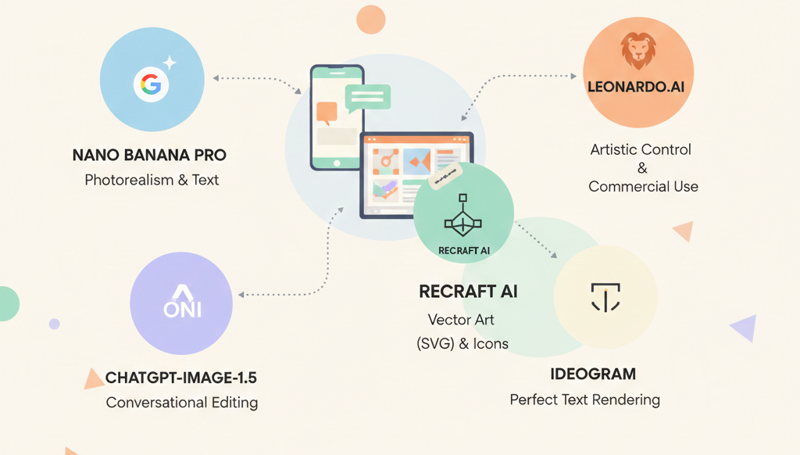
Quick recommendations
| Tool | Best fit | Free-access caveat |
|---|---|---|
| Google Gemini | Fast generation, image editing, text-heavy visuals, and combining references | Limited free quotas; the model may change after the quota is used |
| ChatGPT Images | Conversational creation, targeted edits, transparent backgrounds, and iterative refinement | Available on the Free tier with stricter rate limits than paid tiers |
| Microsoft Copilot | Simple prompt-based generation and quick styles without a specialist editor | Availability and usage limits can depend on account, app, and region |
| Leonardo.Ai | Style exploration, references, presets, and creator-focused controls | Free creations are public; current token limits and asset terms apply |
| Recraft | Icons, illustrations, brand-style assets, and editable vector output | Free work is public and the free plan is intended for personal use |
| Ideogram | Posters, labels, and layouts where rendered text matters | Free generations are limited and may be slower |
| Adobe Firefly | Generating and editing assets inside an Adobe workflow | The free plan has limited generations or credits |
Free quotas and plan terms change frequently. Treat the table as a workflow comparison, then verify the limit shown in your account on the day you create the work.
Google Gemini: strong for image understanding and text-rich visuals
Google's Nano Banana family supports image generation and editing inside Gemini. Nano Banana Pro emphasizes complex composition, legible multilingual text, and high-control work, while newer Flash-oriented variants prioritize speed. A free account receives limited access; the exact model and quota can vary.

Choose Gemini when: you want to combine reference images, revise an existing picture, create an infographic draft, or place readable text in a visual. Google's Nano Banana 2 overview describes the current generation's emphasis on speed, subject consistency, and production-oriented output.
Watch for: model changes after a free quota is exhausted, generated-content markings, and factual errors in diagrams. A polished infographic still needs every label, number, and relationship checked manually.
ChatGPT Images: best for conversational editing
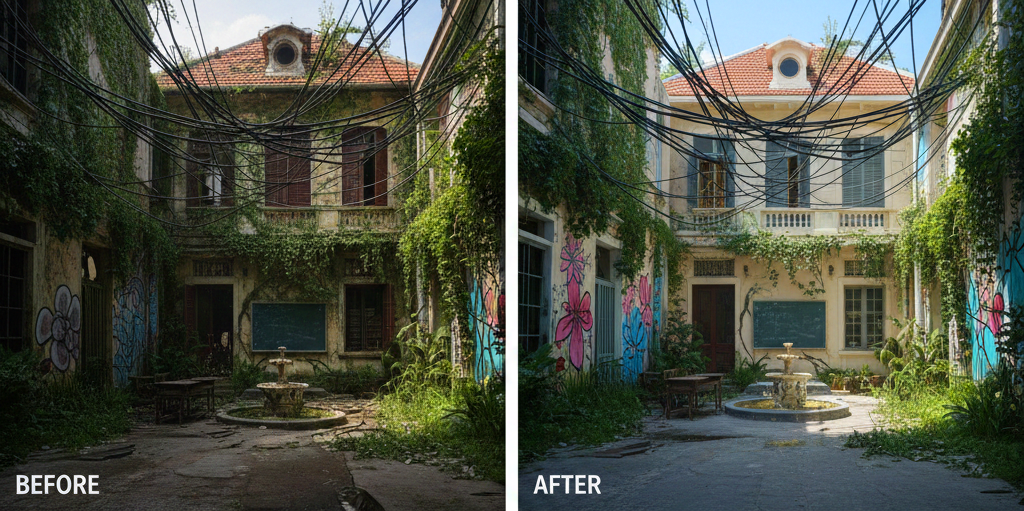
ChatGPT Images can create a picture from a prompt, edit an uploaded image, revise a selected region, add text, change aspect ratio, and produce transparent backgrounds. The main advantage is continuity: you can describe what to preserve and request focused changes in the same conversation.
Choose ChatGPT Images when: the work will take several rounds, such as changing a product color, removing an object, adapting one composition to another aspect ratio, or refining a mockup without rebuilding the prompt each time.
OpenAI's Images in ChatGPT guide confirms that image creation and editing are available across tiers. Free users have separate usage limits, and the interface reports when access will reset. Avoid hard-coding an assumed “images per day” figure because it can change.
Microsoft Copilot: the simplest starting point
Microsoft Copilot provides free prompt-based image creation and supports conversational revisions and common visual styles. It is a practical choice for users who want a quick concept, background, illustration, or social post without learning a dedicated generation interface.
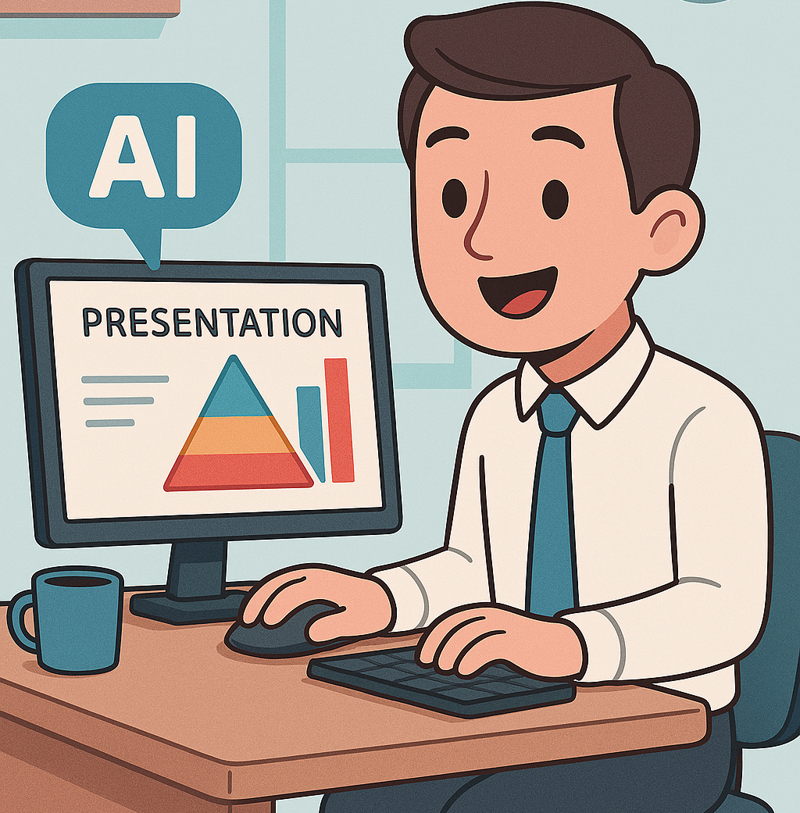
Choose Copilot when: convenience matters more than detailed generation controls. Microsoft's image creation guide describes the free text-to-image and editing workflow.
Watch for: differences among Copilot, Microsoft 365 Copilot, Designer, and Bing Image Creator. They can expose different features or account requirements even when their purposes overlap.
Leonardo.Ai: more controls for style exploration
Leonardo.Ai combines prompting with presets, image guidance, canvas tools, and collections. It is useful when you want to test several visual directions or guide a result from an existing sketch or reference rather than work only in a chat.
The current Leonardo.Ai pricing page lists a free plan with daily tokens and public creations. Leonardo states that free-plan users may use generated assets commercially, but the platform owns those public assets as between the user and Leonardo, and other users can view or use them. Read the current terms before uploading confidential client material or creating exclusive brand assets.
Recraft: the best option here for vector workflows
Recraft is designed around graphic-design outputs such as icons, illustrations, logos, and vector assets. Its current models can create editable SVG files as well as raster formats, making it more relevant than a photo-first generator when the result must scale or be adjusted in design software.
Choose Recraft when: you need vector output, a coordinated icon set, or graphics that follow a consistent palette. Recraft's free-plan documentation says free outputs are public and generation is limited. Its pricing terms state that the free plan is for personal use, so use a suitable paid plan for commercial deliverables.
Ideogram: useful for posters and rendered text
Ideogram focuses on image generation and editing with strong attention to text and graphic composition. It is worth testing for posters, title cards, packaging concepts, signage, and thumbnails where typography is part of the image.
The Ideogram plan documentation lists both free and paid options. Free generations use a limited, slower allocation. Even when text rendering looks convincing, proofread every word and recreate important text as editable type in a design application when accuracy matters.
Adobe Firefly: convenient inside an Adobe workflow
Firefly is most useful when generation is only one step in a broader Photoshop, Illustrator, Express, or Firefly workflow. Text to Image and Generative Fill can create or replace material, while the surrounding editor handles masks, layers, type, and export.
Adobe's Firefly plans include a free tier with limited generations. Model access and credit cost can differ by feature. Review content credentials, asset-source requirements, and the license for the exact Adobe service and model used.
TipsMake's guide to AI tools for Photoshop beginners explains where generation and editing fit into a conventional image workflow.
How to choose without testing every platform
- Name the deliverable. A blog illustration, editable icon, product mockup, poster, and photorealistic portrait need different tools.
- Check the required format. If you need SVG, transparent PNG, layers, or a precise print size, verify export support before prompting.
- Decide whether the input can be public. Free plans may publish prompts or outputs. Do not upload confidential products, unreleased campaigns, personal photos, or client assets without permission.
- Read usage rights. “Free to generate” does not automatically mean exclusive ownership or commercial permission.
- Run one controlled test. Give two or three tools the same brief, then compare prompt adherence, editability, text accuracy, consistency, and the time needed to fix the result.
For a broader catalog, see TipsMake's list of AI tools that create images from text.
A prompt structure that is easier to revise
Describe the request in separate parts:
- Purpose: where the image will be used.
- Subject: the people, objects, or scene.
- Composition: camera angle, framing, placement, and empty space.
- Style and medium: photo, vector, collage, watercolor, or another visual language.
- Lighting and color: time of day, contrast, palette, and mood.
- Output constraints: aspect ratio, background, text, and elements to avoid.
Example: Create a 16:9 editorial illustration for a blog header: a small team reviewing a dashboard on a wall display, three-quarter view, clean geometric vector style, navy and coral palette, generous empty space on the left for a headline, no logos, no embedded text.
Checks before publishing
- Inspect hands, faces, reflections, shadows, small objects, and repeated patterns.
- Verify every word, number, chart, map, interface element, and technical detail.
- Confirm that reference images and uploaded assets were authorized for this use.
- Avoid misleading depictions of real people or events; disclose synthetic imagery when context requires it.
- Keep the prompt, source assets, chosen output, edits, and license or plan terms with the project record.
An AI generator can accelerate ideation, but the finished asset still needs human art direction, factual review, accessibility checks, and a clear usage-rights decision.
Related Articles
 Icon Creation Software: The Best Free Icon Creation Tools13 minutes read
 Top free AI tools you should try in 202611 minutes read
 Invite to Download Website X5 Start 15, Website Creation Tool for $4 minutes read
 Consistent AI Character Creation App5 minutes read
 The Best Methods for Creating Free AI Images with Stable Diffusion14 minutes read
 How to Create Themed Images Based on Clothing Using Microsoft AI Tools3 minutes read
Reader Comments 0
Sign in with email or Google to join the discussion.