Table of Contents
To make a Nano Banana Pro image look more photographic, describe a coherent scene: where the light comes from, how the subject is framed, what the materials look like, and which details should stay in focus. Then revise visible problems one at a time. Adding “cinematic” or “4K” alone does not fix inconsistent shadows, distorted anatomy, or artificial-looking skin.
Google identifies Nano Banana Pro as Gemini 3 Pro Image. Its official prompting guidance recommends concrete details about subject, composition, action, setting, and style. The examples below apply that approach to fashion imagery.
Start with a clear visual brief
Choose the subject, outfit, location, and mood before adding effects. Keep the first prompt focused. A request for snow, warm sunlight, wet pavement, and studio lighting can work only if the relationships are clear.
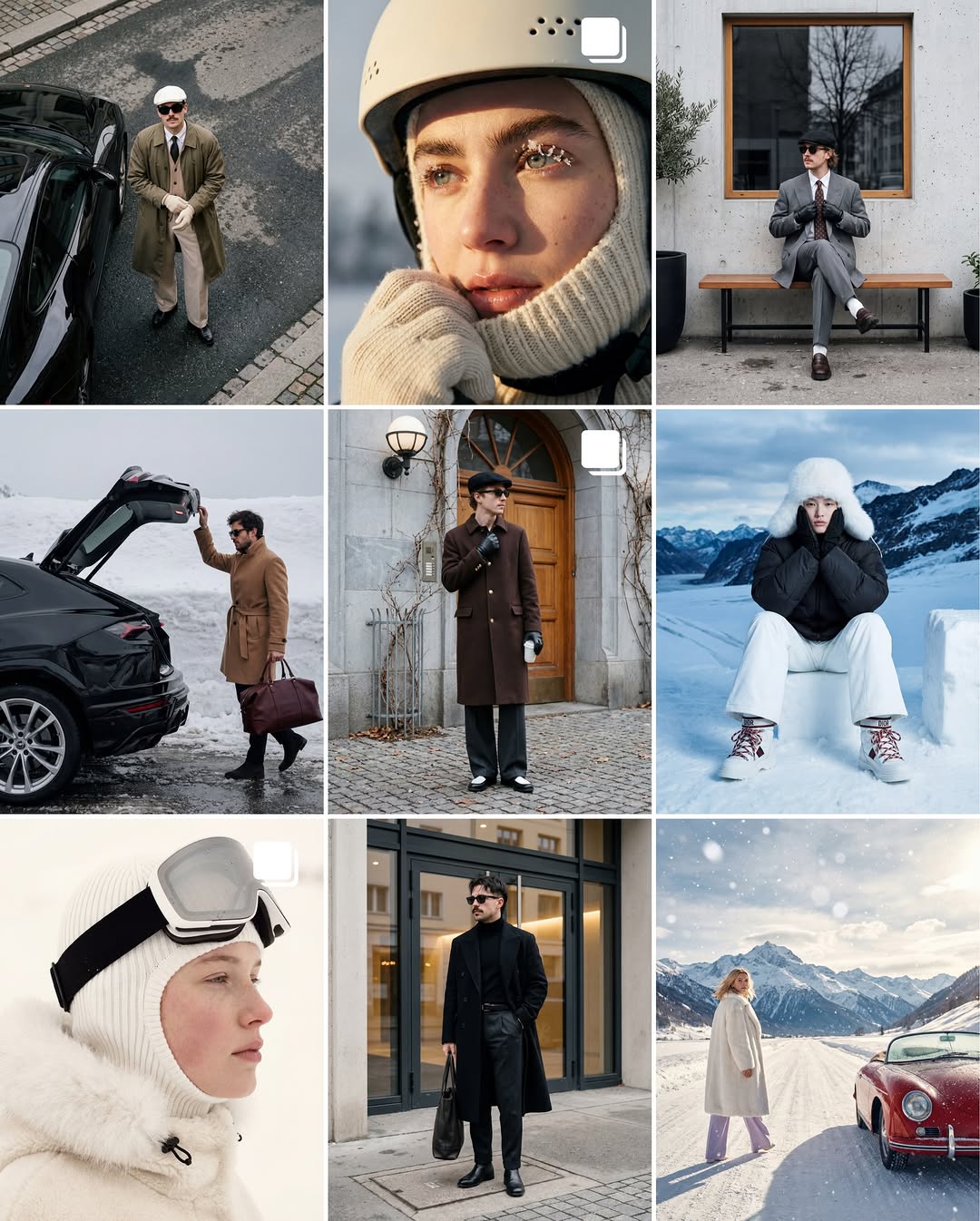
Use material descriptions such as coarse wool, matte fabric, or lightly worn leather. Inspect the result for believable seams, folds, reflections, and contact between clothing and the body.
Make the lighting consistent
Specify the direction and softness of the light. Warm low sunlight and soft overcast light create different shadow patterns. Moisture or skin highlights should follow the scene rather than act as a universal “realism” effect.
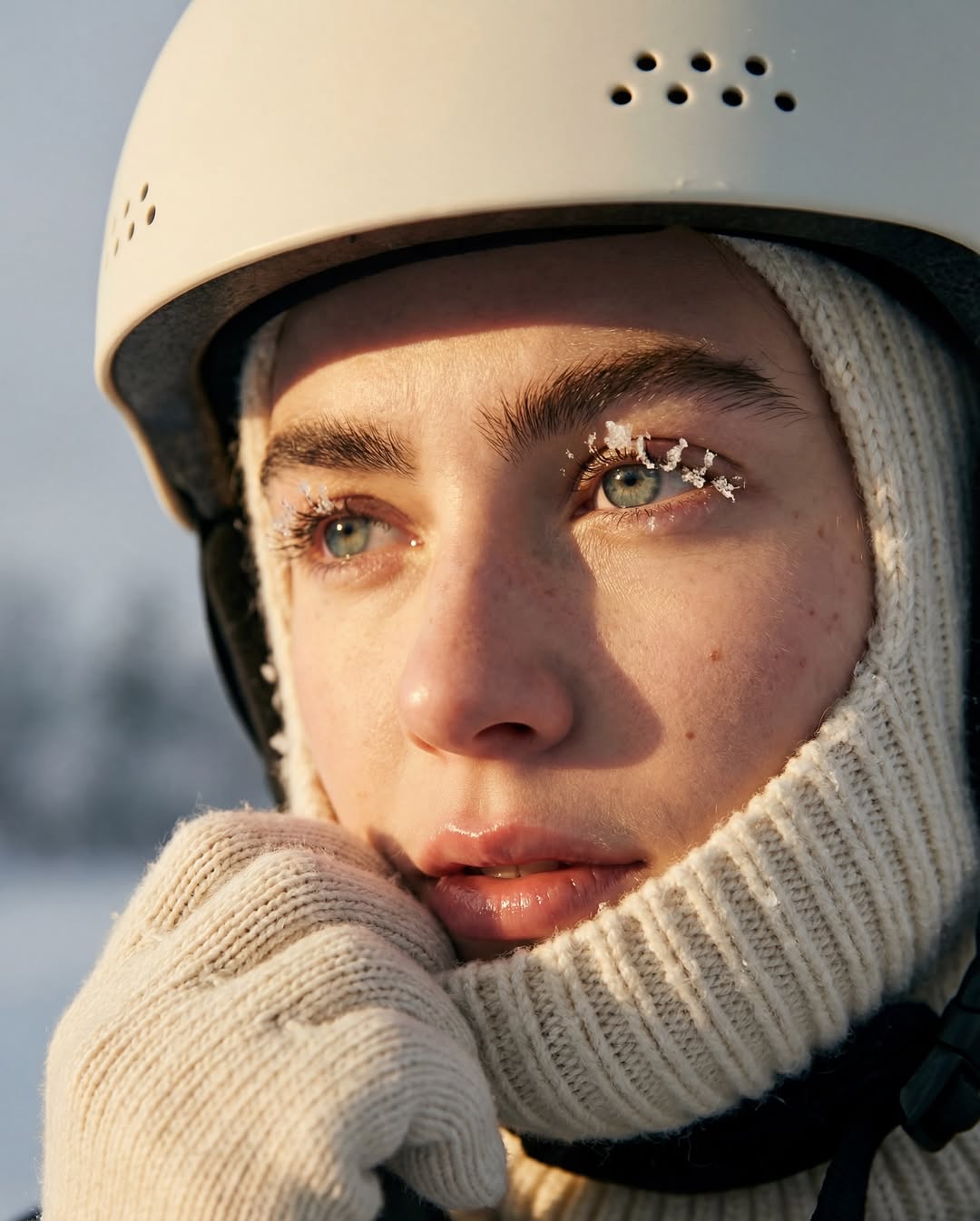
Create a cinematic close-up portrait of an adult woman wearing a cream knitted hood and a matte white ski helmet. Fine frost rests on her eyelashes. Low, warm sunlight comes from camera left. Preserve natural skin texture, soft shadow transitions, and believable fabric detail.Check whether the face, helmet, and clothing receive light from the same direction. If one surface looks disconnected, request a focused lighting correction.
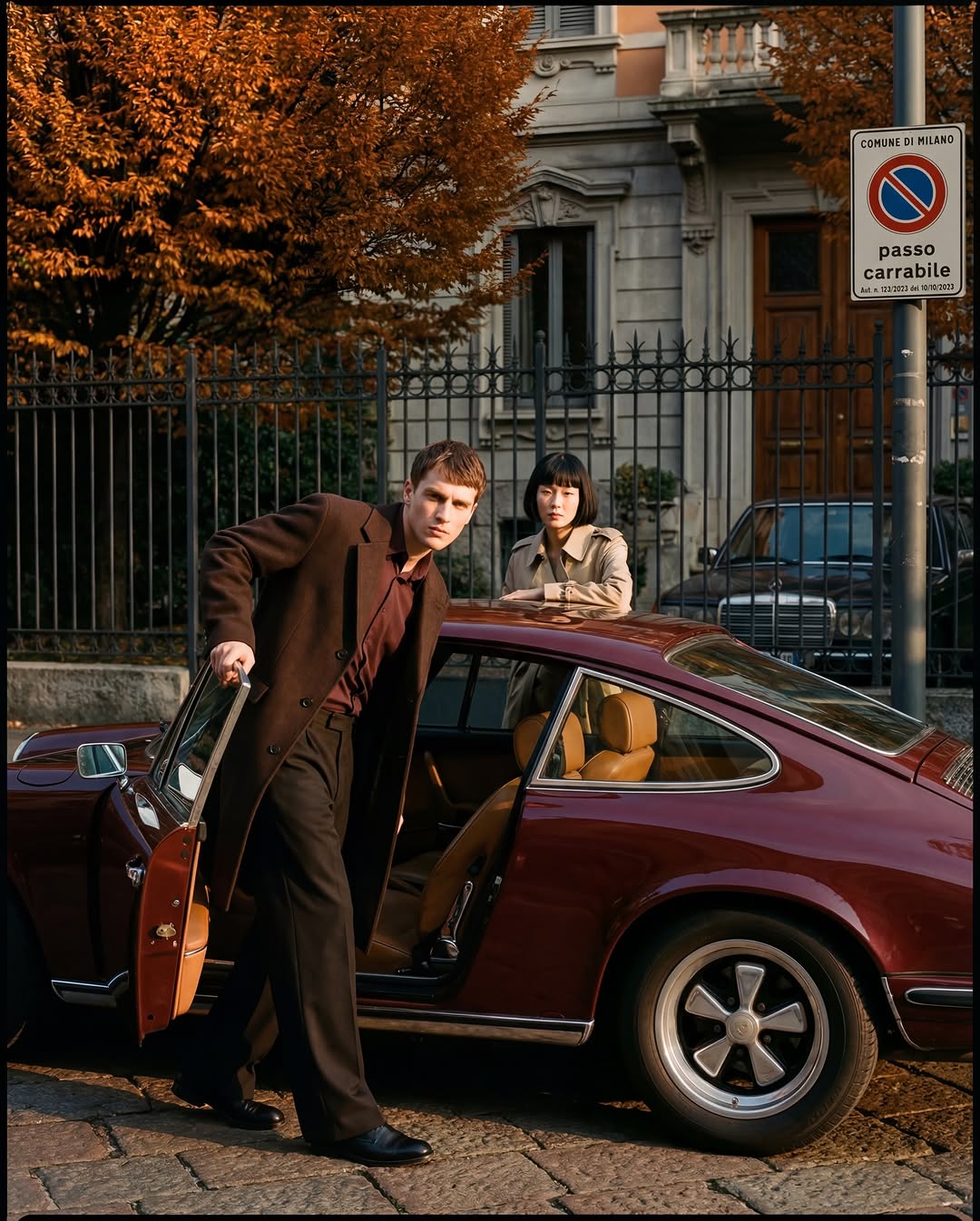
Create an editorial fashion scene on a street in Milan in autumn. An adult man steps out of a brown vintage car while an adult woman stands behind it. Yellow leaves line the street. Use soft late-afternoon light with consistent shadows and restrained reflections on the car.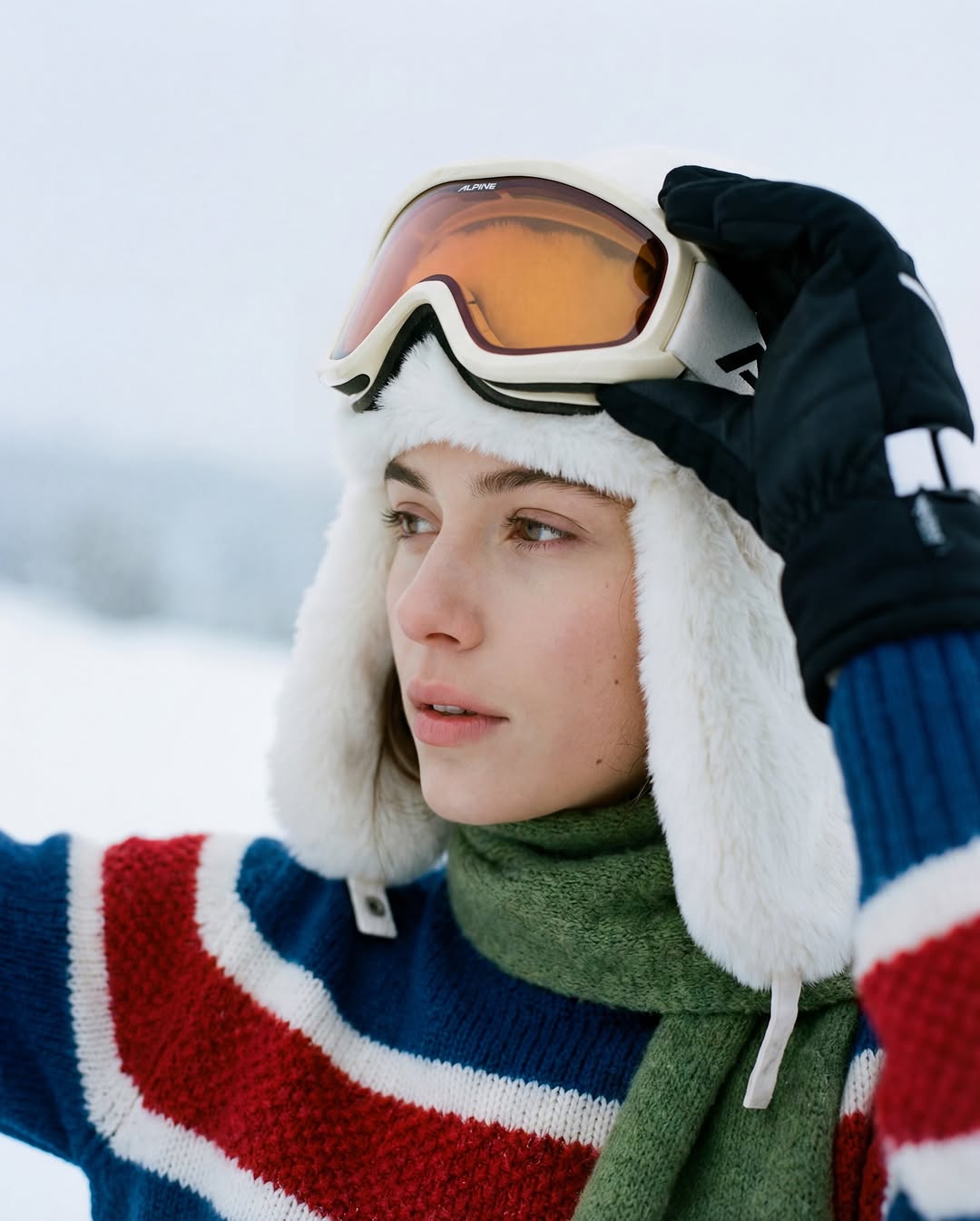
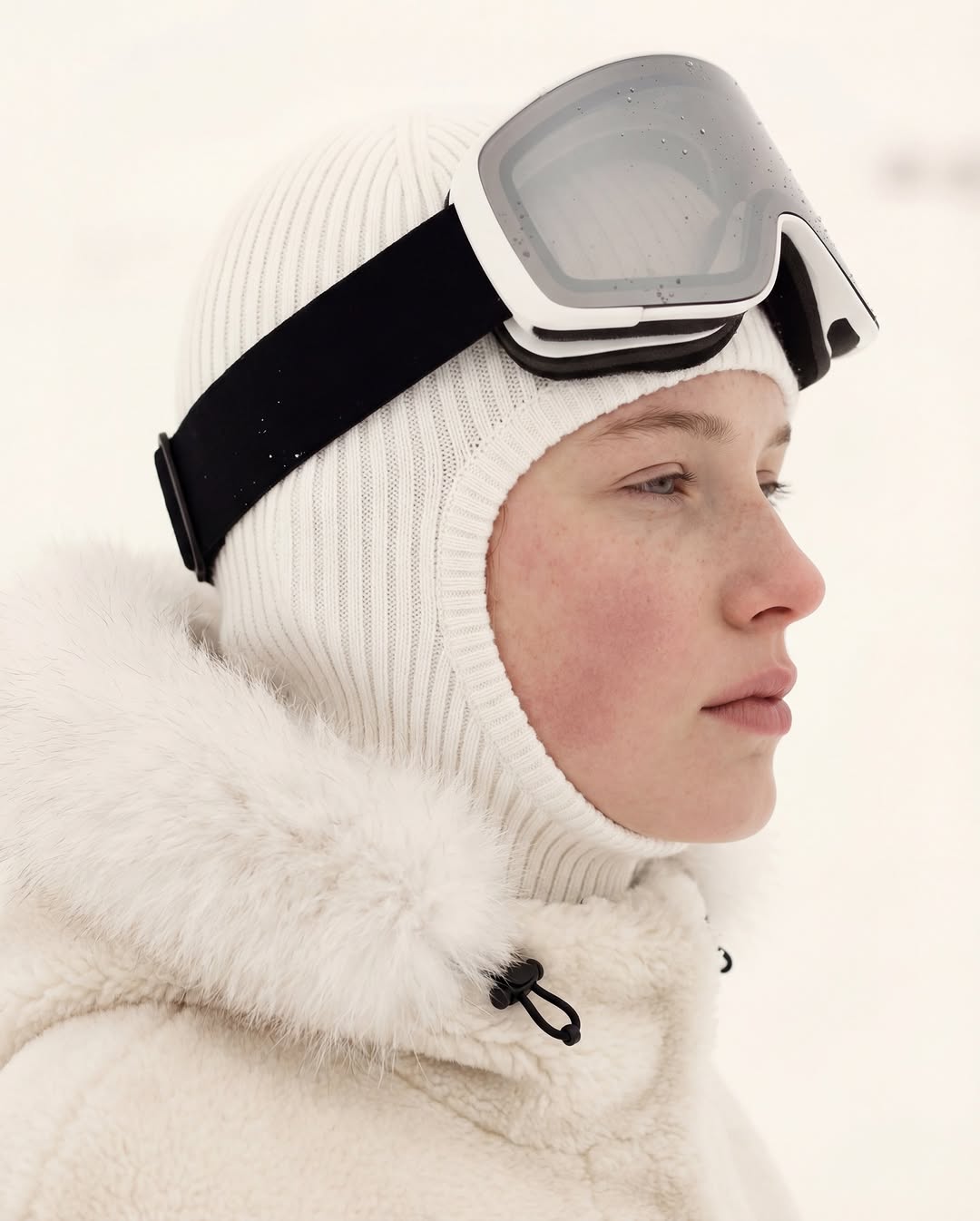
Create a side-profile winter portrait of an adult blonde woman with freckles and rosy cheeks. She wears a white knitted hood, white ski goggles, and a white fur-textured coat. Use soft natural light and enough tonal separation to distinguish the clothing from the snow.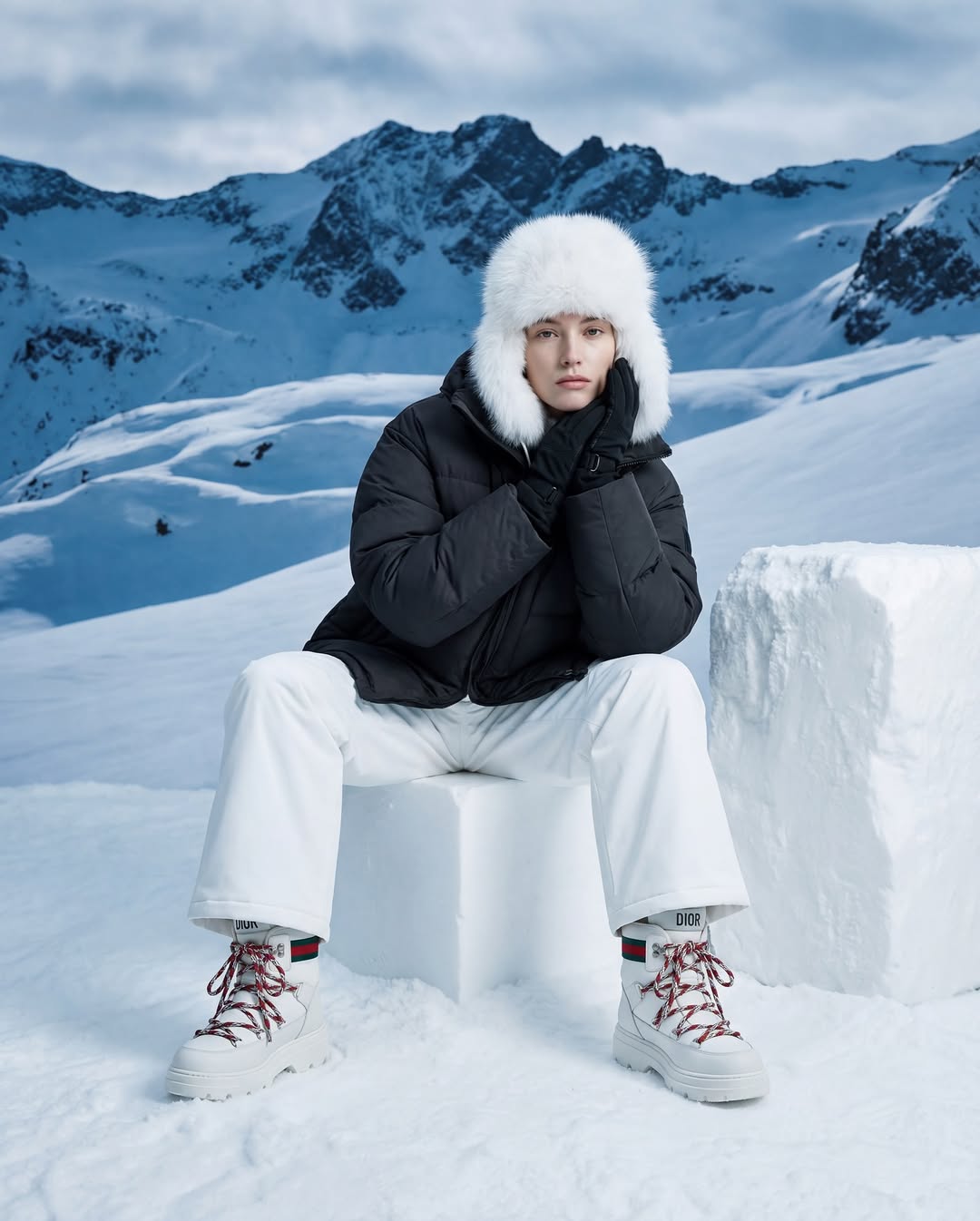
Create a full-body editorial image of an adult woman in a black ski jacket, white trousers, snow boots, and a white fur-textured hat, with snow-covered mountains behind her. Show realistic garment folds, balanced posture, and contact shadows beneath the boots. Avoid invented logos.Describe framing and focus, not just a lens number
Lens language can suggest a photographic look, but it is not a physical camera setting inside the model. In real photography, depth of field depends on aperture, focal length, focus distance, and framing. An 85mm lens does not always produce a blurred background.
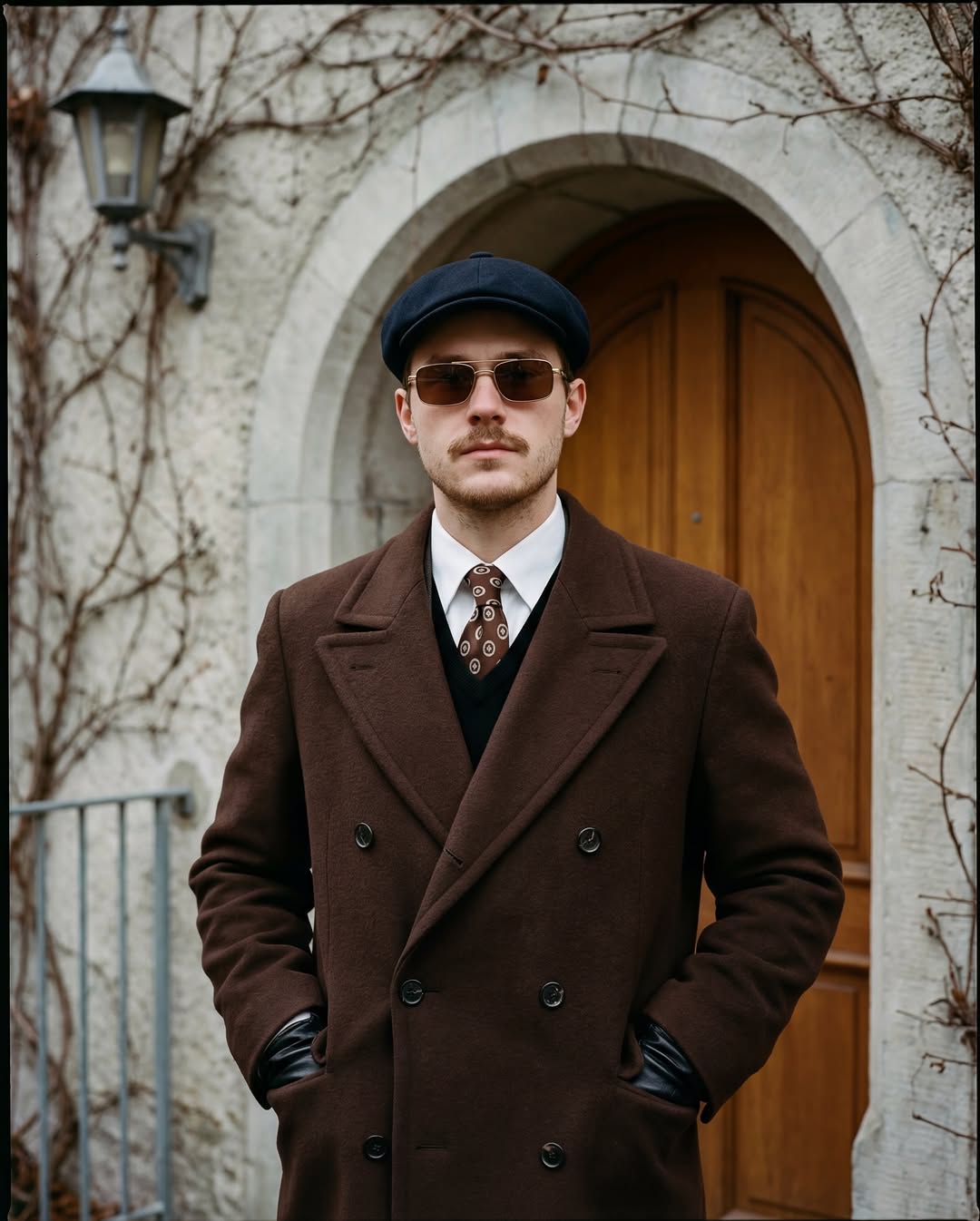
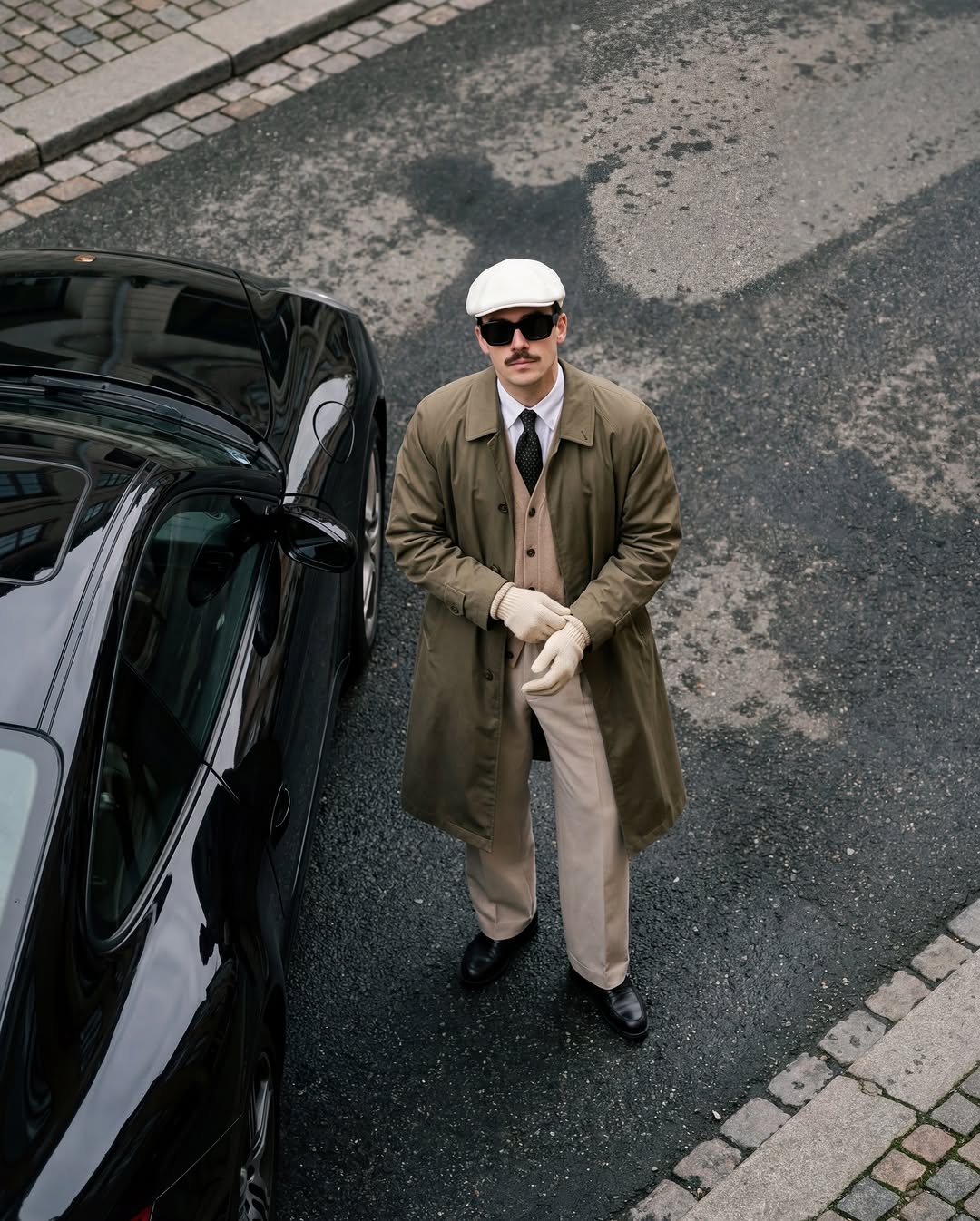
Create a chest-up portrait of an adult man with a moustache and short goatee, dark brown sunglasses, and a navy cap. He wears a dark brown wool coat, white shirt, patterned tie, and black gloves. Keep his face and coat texture sharp, with a gently blurred background.For a wider environmental composition, explain which surroundings must remain readable. Do not ask for extreme background blur if the location is part of the story.
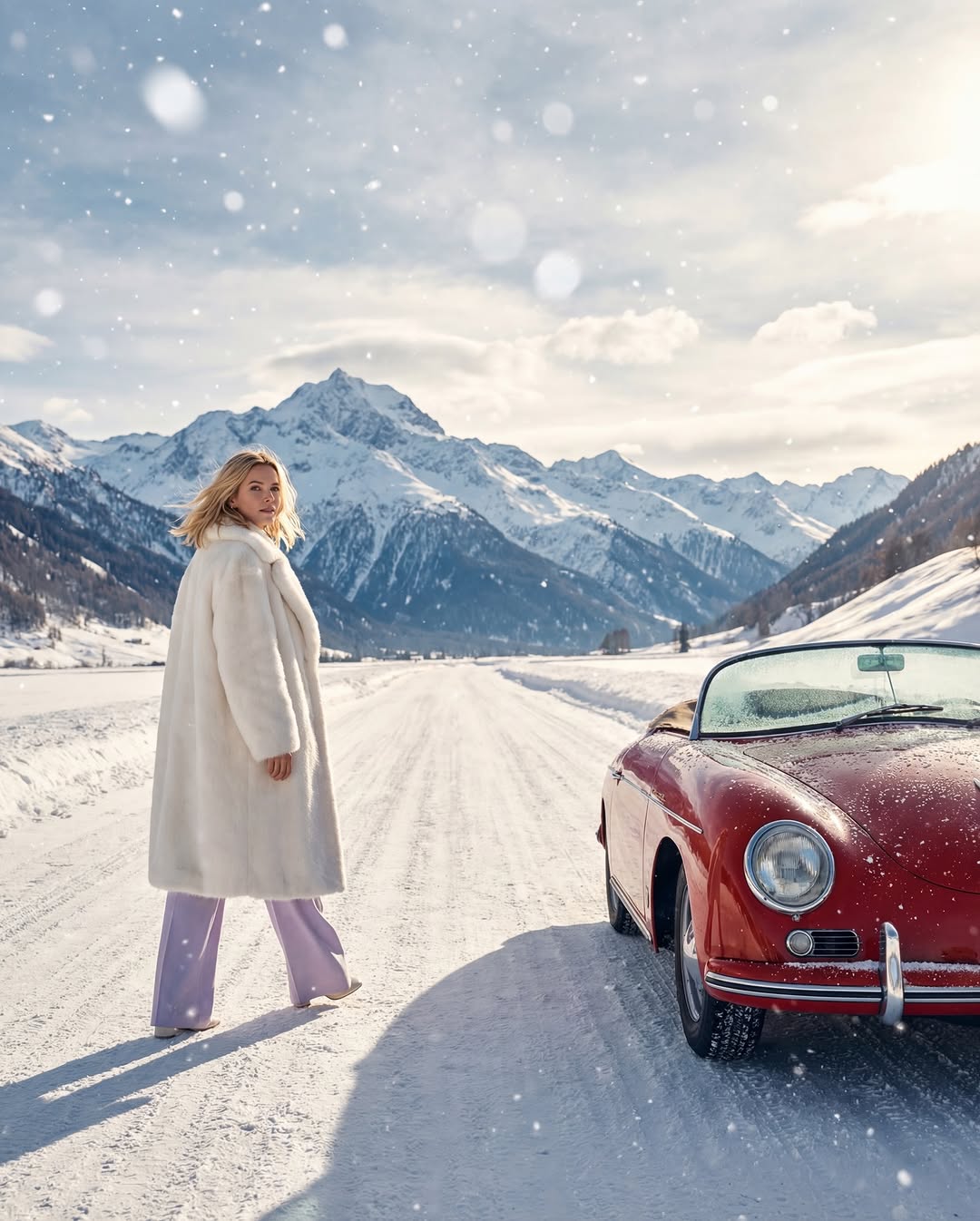
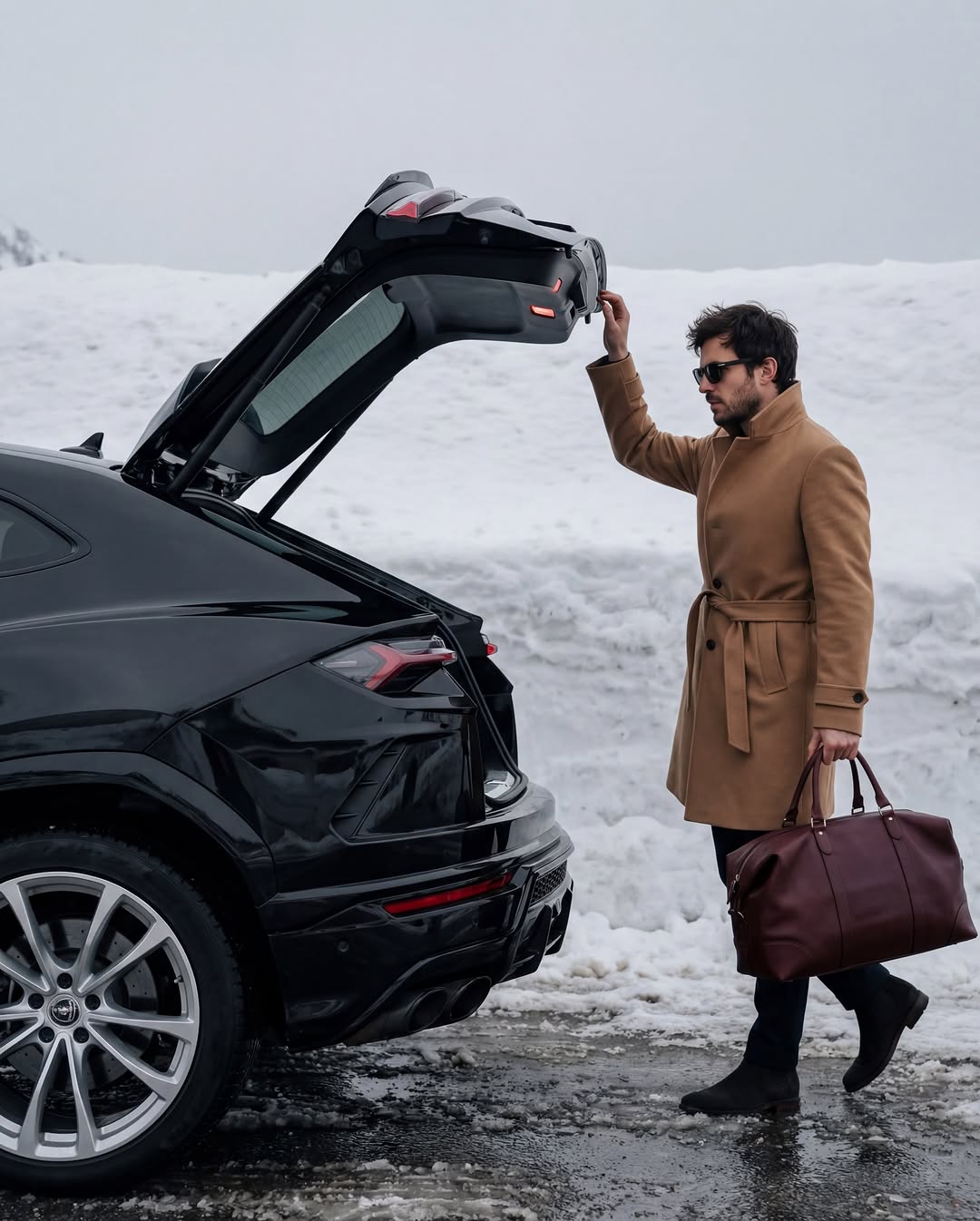
Create an environmental winter fashion photograph of an adult man closing the trunk of a black sports car while holding a dark red leather travel bag in his other hand. He wears a beige coat and dark sunglasses. Keep the car, bag, and snowy setting recognizable. Check that both hands interact naturally with the objects.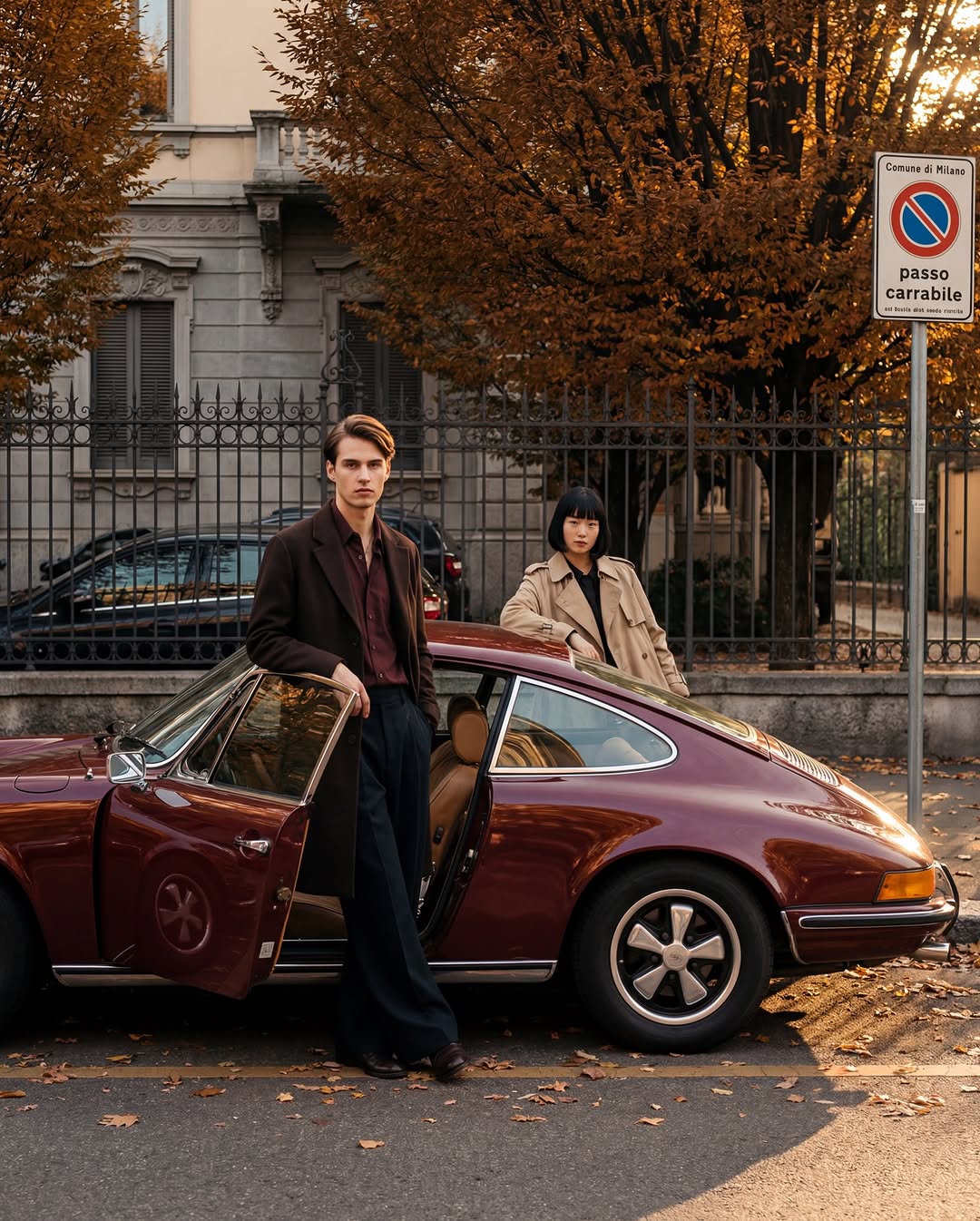
Use texture to support the scene
Describe a few important textures rather than making every surface equally sharp. White clothing against white snow needs differences in tone, shadow, or texture to remain visible; matching colors do not automatically create contrast.
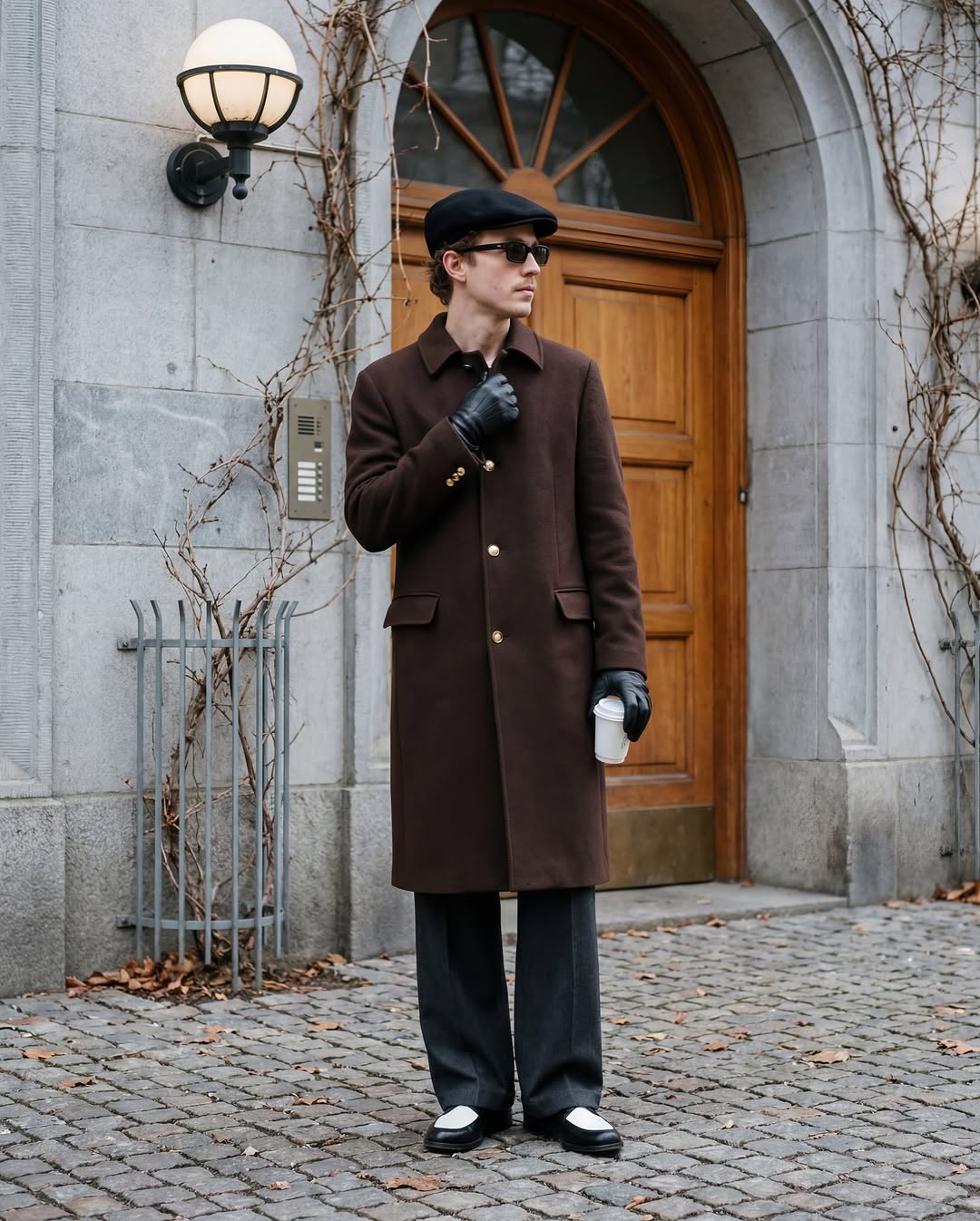
Create a street-style photograph of an older man with curly brown hair. He wears a dark brown wool coat with gold-colored buttons, a black cap, black leather gloves, wide charcoal trousers, and black-and-white loafers. Use natural daylight and show the different textures without excessive sharpening.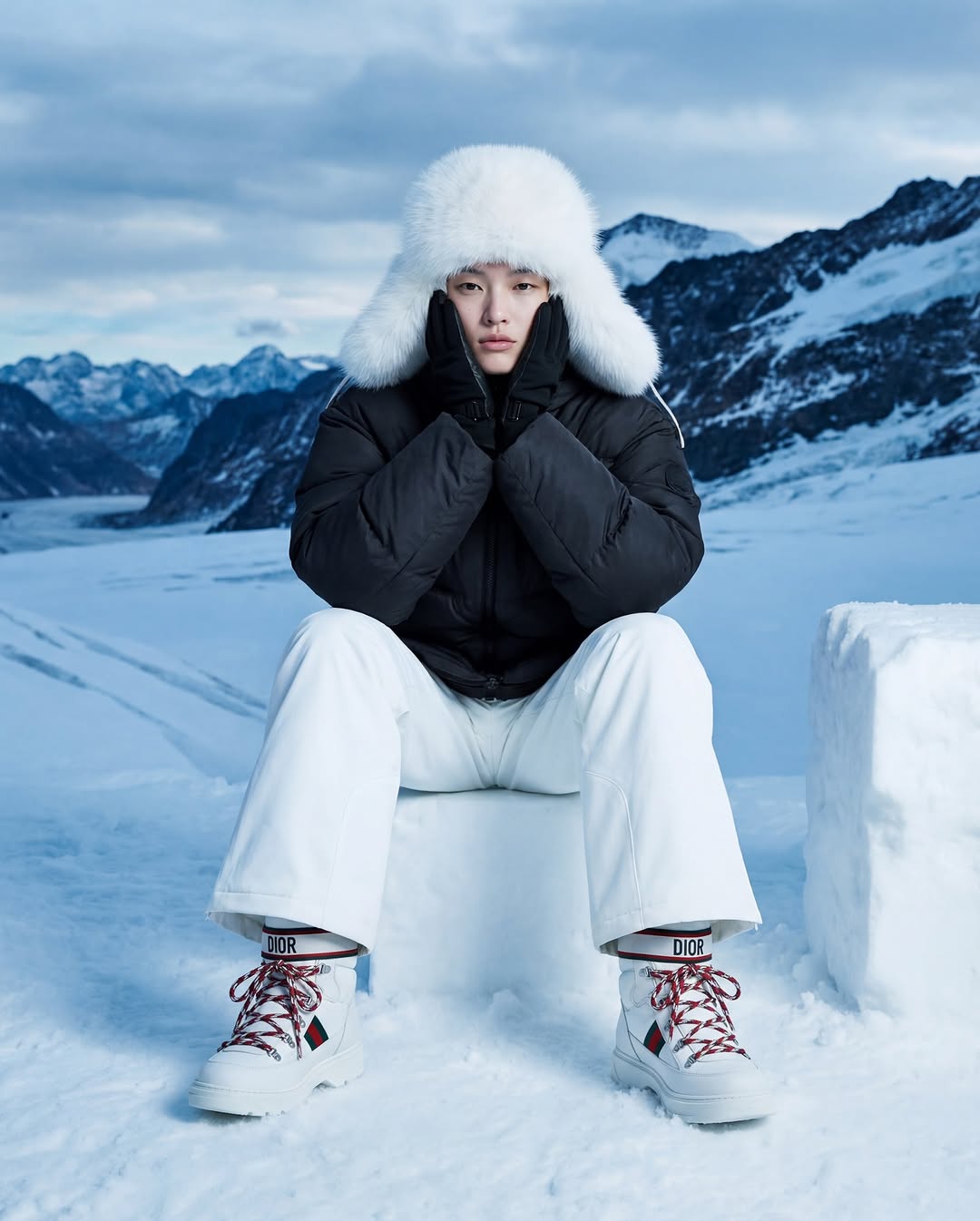
Create a low-angle fashion portrait of an adult Chinese woman sitting on a large block of ice, resting one hand against her cheek. She wears a black puffer jacket, wide white ski trousers, white snow boots, and a white fur-textured hat. Keep her pose anatomically plausible and preserve detail in the white clothing.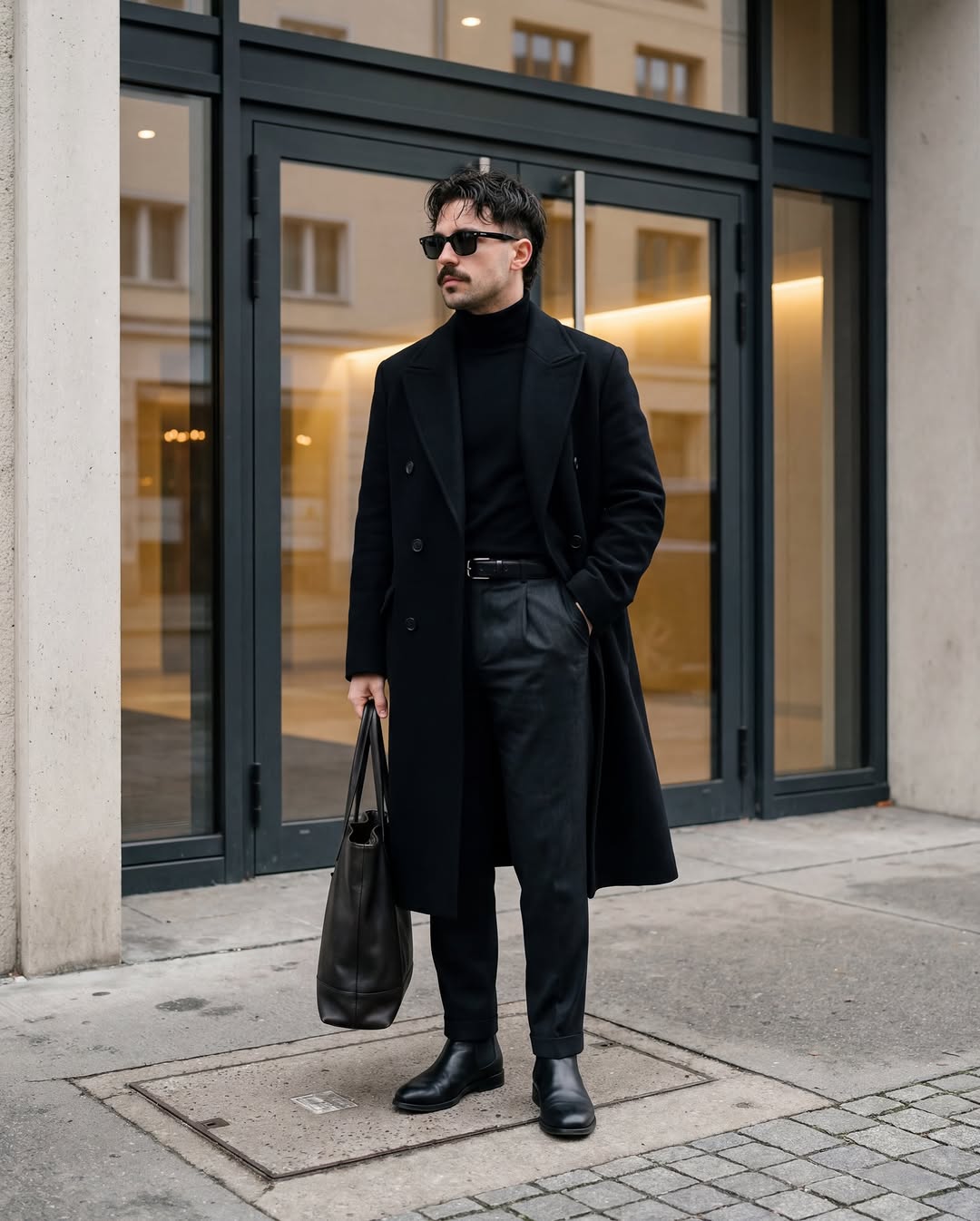
Create a full-body image of an adult man standing in front of a modern glass entrance. He wears a long black coat over a black turtleneck and dark trousers, with his hands in his pockets and his head turned slightly aside. He has short black hair and a moustache. Keep reflections consistent with the camera position.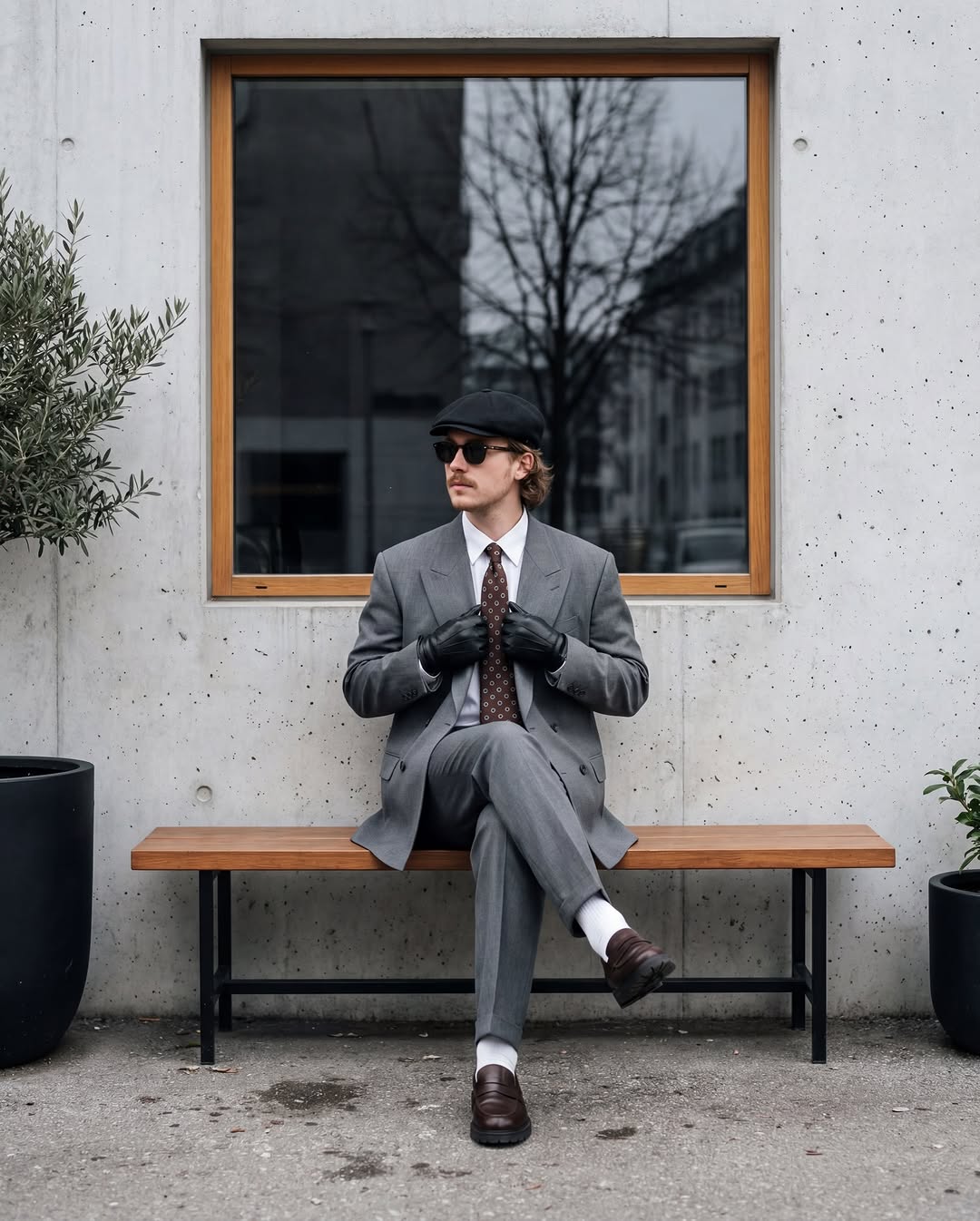
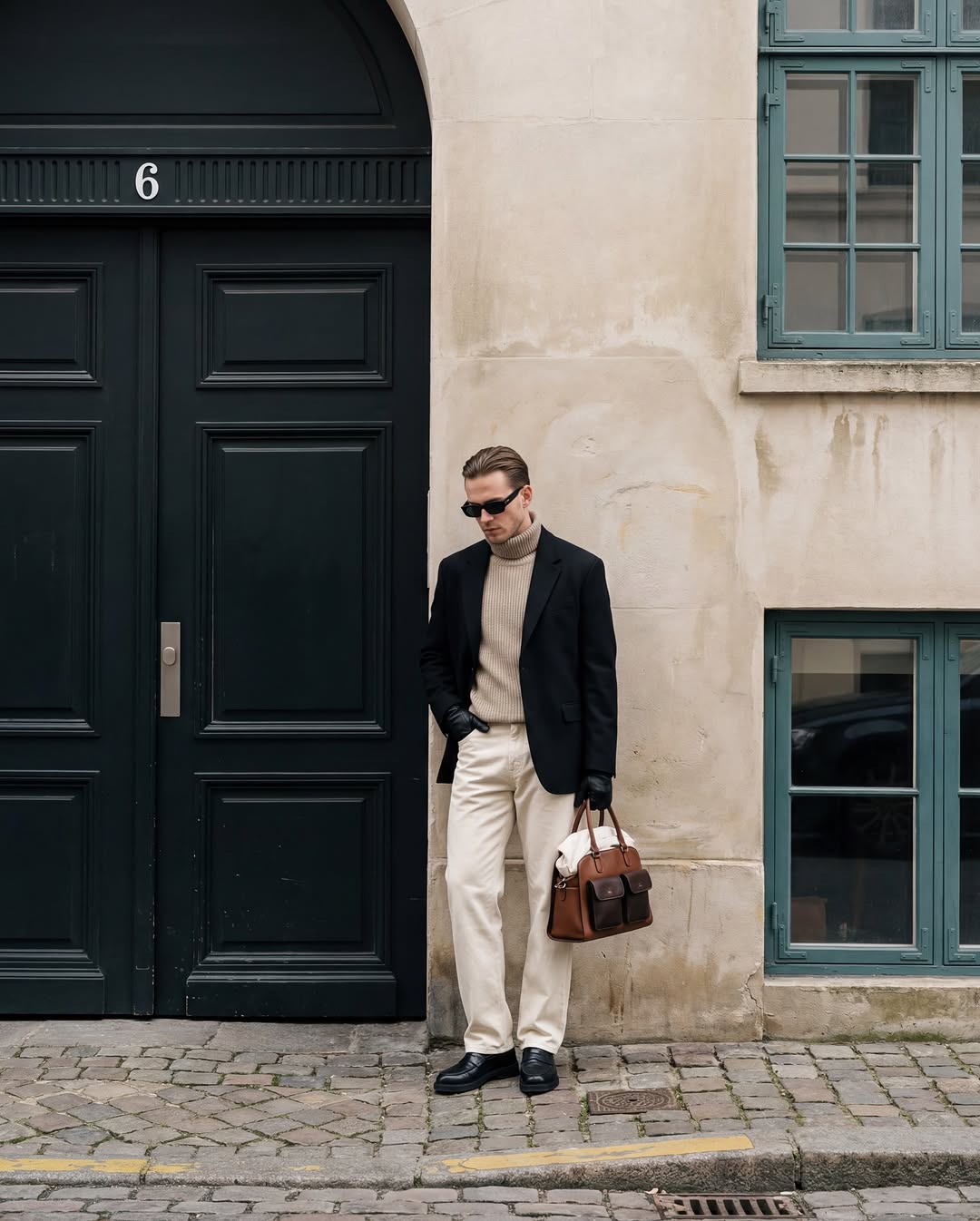
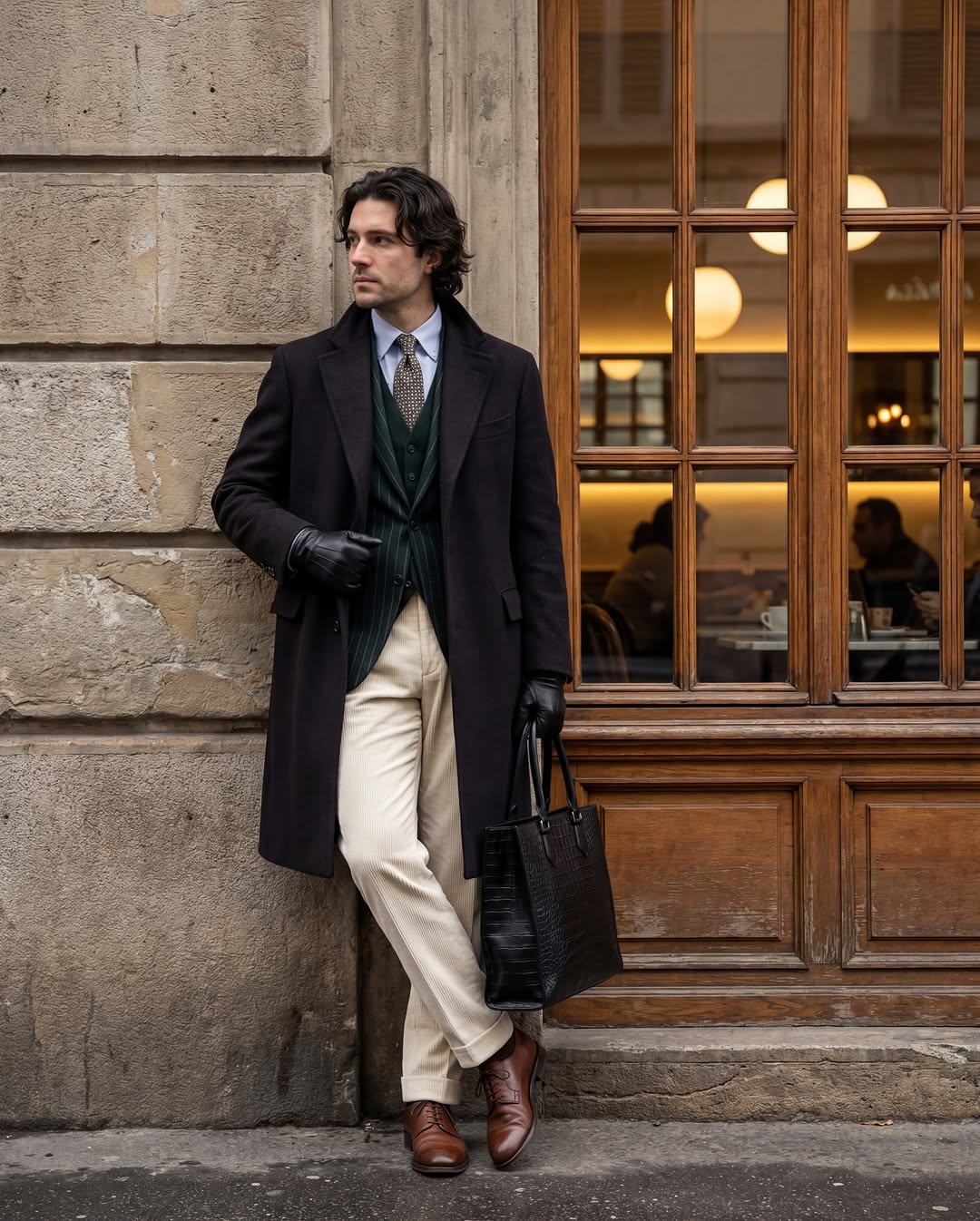
Create a street-style photograph of an adult man leaning against an old building. He wears a black blazer, beige turtleneck, white trousers, and black shoes, and holds a leather bag. Use weathered stone as a contrasting texture, with natural body proportions and soft daylight.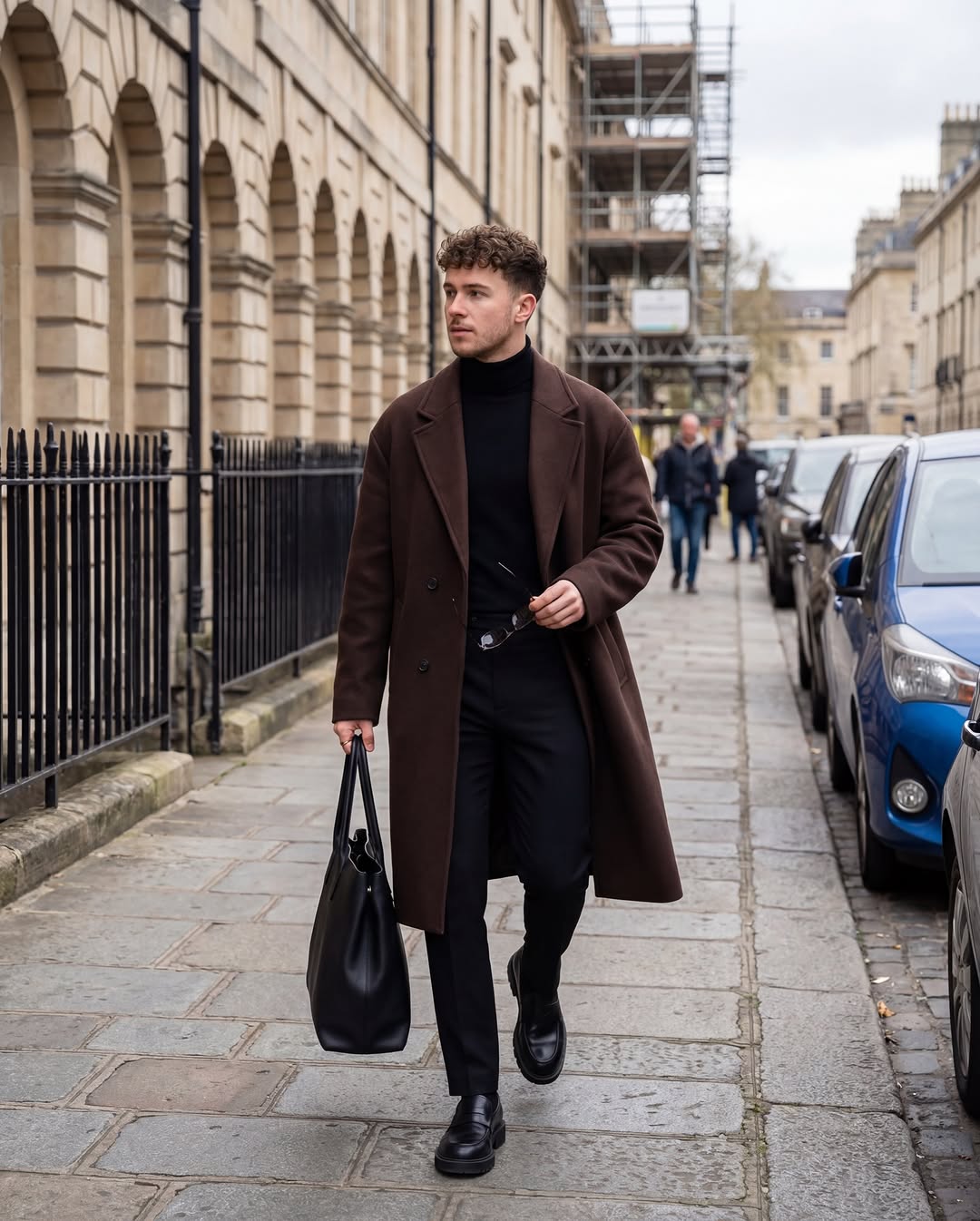
Refine the image in a controlled sequence
- Check composition: subject placement, crop, pose, and the role of the setting.
- Check anatomy and objects: hands, limbs, eyewear, bag straps, wheels, and contact points.
- Check light: shadow direction, reflections, highlights, and whether the subject belongs in the scene.
- Check texture: avoid waxy skin, repeated fabric patterns, and overly crisp edges.
- Request one correction: specify what to change and what to preserve, then compare with the previous version.
For example: “Keep the pose, outfit, and background. Reduce skin smoothing, soften the bright edge around the coat, and match the car reflection to the light from the left.”
These are generated fashion concepts. Do not present them as documentation of a real event or as proof of a real product's fit or materials. For product work, compare against approved reference photographs and retain a clear distinction between concept imagery and the actual item.
Related Articles
 How to Use Nano Banana to Create Effective AI Images3 minutes read
 Take a Picture of the Cinematic Photography Style6 minutes read
 How to Create High-end Fashion Campaigns Using AI with Nano Banana Pro7 minutes read
 10 Best Photo Creation Prompts Using Google Gemini's Nano: Key Takeaways8 minutes read
 How to Obtain Nano Banana Tokens to Automatically Create AI Images6 minutes read
 Banana, a Game That Only Involves Clicking on a Banana, Reached4 minutes read
Reader Comments 0
Sign in with email or Google to join the discussion.