What you will learn
- Explain why password reuse multiplies the impact of one breach.
- Create long passwords without predictable personal patterns.
- Prioritize which accounts to repair first.
- Know when a password change is necessary and when routine rotation adds little value.
What you need
- A list of important accounts or access to a password manager.
- A known-clean device for changing high-value credentials.
Understand the real password threats
NIST guidance emphasizes password length and screening against commonly used or compromised values. It does not recommend arbitrary mixtures of character types as a substitute for length, and passwords are not considered phishing-resistant.
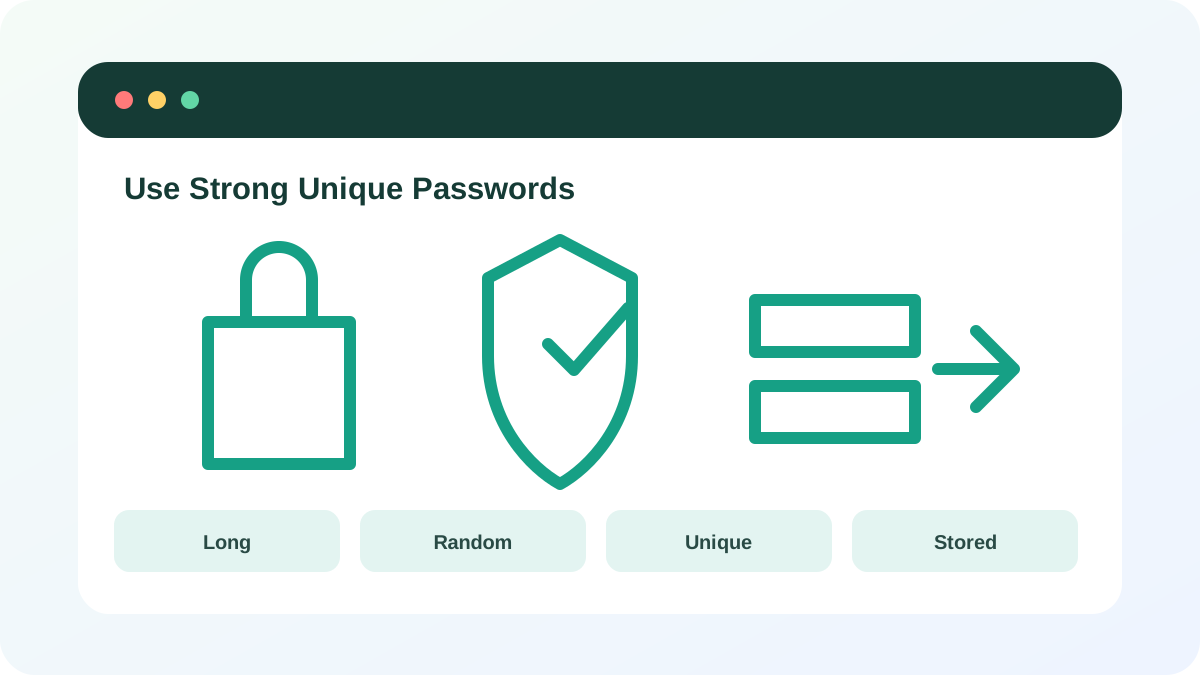
CISA advises using passwords that are long, random and unique for every account, with a password manager to generate and store them.
Reuse creates a chain reaction. If one small website exposes a reused password, an attacker can try the same email and password against webmail, cloud storage, shopping and social accounts. The email account deserves priority because it often controls password resets for everything else.
Find reuse without exposing passwords
Do not write real passwords into a spreadsheet or send them to an online “strength checker.” Use the security report inside a reputable password manager or review accounts by category. The goal is to identify duplicates, weak defaults and accounts tied to an old email address—not to create another unsafe password list.
- 1
List primary email, financial, password-manager, cloud, work and social accounts.
- 2
Mark accounts that can reset other accounts.
- 3
Use the password manager security report to identify reused or exposed entries.
- 4
Check whether any router, camera or device still uses a factory default.
- 5
Record only the account name, risk priority and repair status—not the password itself.
Create and replace passwords safely
For accounts managed by a password manager, use the generator and accept a long random value. For the one or two secrets you must type from memory, use a long passphrase that is not a quotation, lyric, address or sequence of facts someone could learn about you. Avoid small variations such as adding the service name or changing a final digit.
- 1
Start with the primary email and password-manager vault.
- 2
Open the account through a saved bookmark or typed official address.
- 3
Generate a unique password and save it before submitting the change.
- 4
Complete the change, then test sign-in in a separate private window.
- 5
Update recovery information and enable MFA before moving to the next account.
- 6
Sign out old sessions when the service provides that option.
Use evidence-based password maintenance
Change a password immediately after a confirmed or suspected breach, phishing submission, malware exposure, unauthorized login, shared-secret disclosure or provider reset. Routine changes without evidence can encourage predictable patterns and forgotten updates. Keep dormant accounts either secured or closed.
- Every high-value account has a unique password.
- Primary email and password manager have MFA and current recovery methods.
- No default device credentials remain.
- Old sessions were reviewed after important password changes.
Repair three high-value accounts
Upgrade the accounts that would create the widest damage if compromised.
- 1
Choose primary email, password manager and one financial or cloud account.
- 2
Confirm the device used for changes is updated and not showing malware warnings.
- 3
Generate a different password for each account.
- 4
Enable or review MFA.
- 5
Test each sign-in and recovery path.
- 6
Record completion without recording the secrets.
Common mistakes to avoid
- Reusing one complex password everywhere.
- Using personal facts or predictable substitutions.
- Changing passwords on a device still suspected of malware.
- Saving a plain-text password list in email or cloud notes.
Key takeaways
- Uniqueness limits a breach to one account.
- Length and randomness matter more than decorative complexity rules.
- Password changes should follow evidence, exposure or recovery—not habit alone.
Frequently asked questions
How long should a password be?
Use the longest unique value the service and password manager handle comfortably. Current NIST guidance requires at least 15 characters for single-factor passwords used by verifiers; generated passwords can be much longer.
Should I change every password every 90 days?
Change it when compromise is suspected or confirmed, when it was shared, or when the provider requires a reset. Unnecessary rotation can produce predictable variants.
Sources and further reading
Ready to continue?
Mark the lesson complete so your Learning Path progress stays current on this device.