Table of Contents
There is no ChatGPT prompt that works unchanged for every task. A useful reusable prompt names the job, supplies the context ChatGPT needs, and specifies what a good answer should look like. Adapt those parts for each conversation, then inspect the result.
Start with task, context and constraints
“Write about productivity” leaves the audience, goal and format open. “Suggest five 10-minute work habits I can test this week as a remote worker; include when to try each and one drawback” gives the model a clearer assignment. A role can help establish perspective, but a precise task and relevant details usually matter more than an elaborate persona. See our guide to prompt context and goals for a fuller walkthrough.
Include only constraints that matter: the audience, length, format, material to use or avoid, and any criteria for success. If a missing detail would change the answer substantially, ask ChatGPT to request that detail. Otherwise, let it state a reasonable assumption and proceed.
A reusable template you can adapt
Task: [What should ChatGPT do?]
Audience and purpose: [Who needs the result, and why?]
Context or source material: [Relevant facts, text or constraints]
Output: [Format, length, tone and success criteria]
If a critical detail is missing, ask one focused question. Distinguish facts supplied here from assumptions.
You need not fill every line each time. For a straightforward rewrite, the text and target audience may be enough. For a research summary, provide the actual source or accessible links and tell the model what to compare. Do not assume it has read a source that was never supplied.
Examples for common tasks

Writing
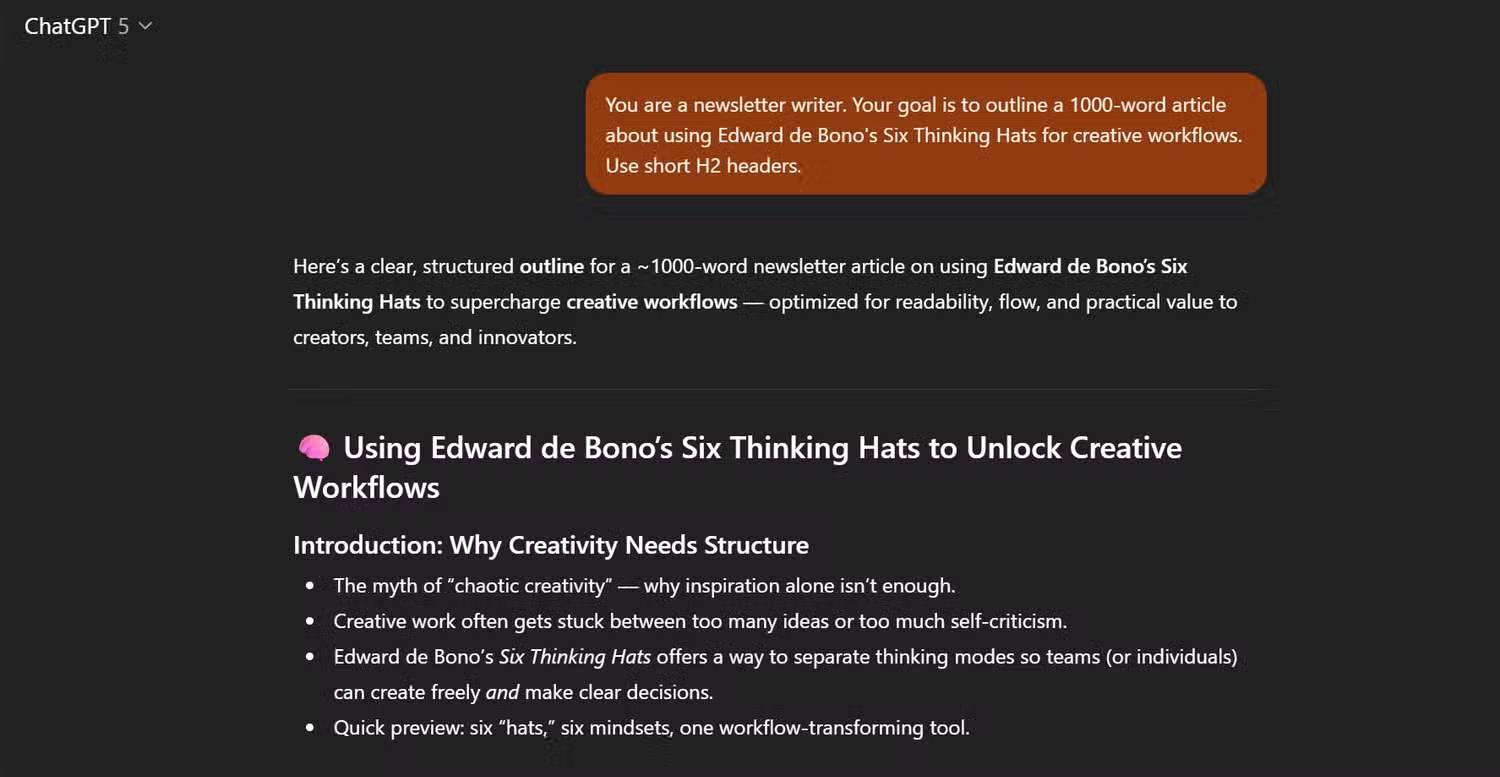
Draft a short newsletter outline for a team of designers on using Edward de Bono's Six Thinking Hats in a brainstorming session. Use four short H2 headings, describe one exercise and avoid claims about measured productivity.This tells ChatGPT what to produce and limits unsupported claims. Change the audience and exercise if the assignment changes.
Summarizing a source
Summarize the article pasted below for readers of a technology newsletter. In under 120 words, separate the announced changes from the author's opinions. If the article does not explain a feature, say so rather than filling the gap. [Paste the article or relevant excerpt.]The original example asked for a summary of Apple security features without identifying or supplying the article. Providing the source makes the request actionable and lets you compare the summary with the source.
Planning
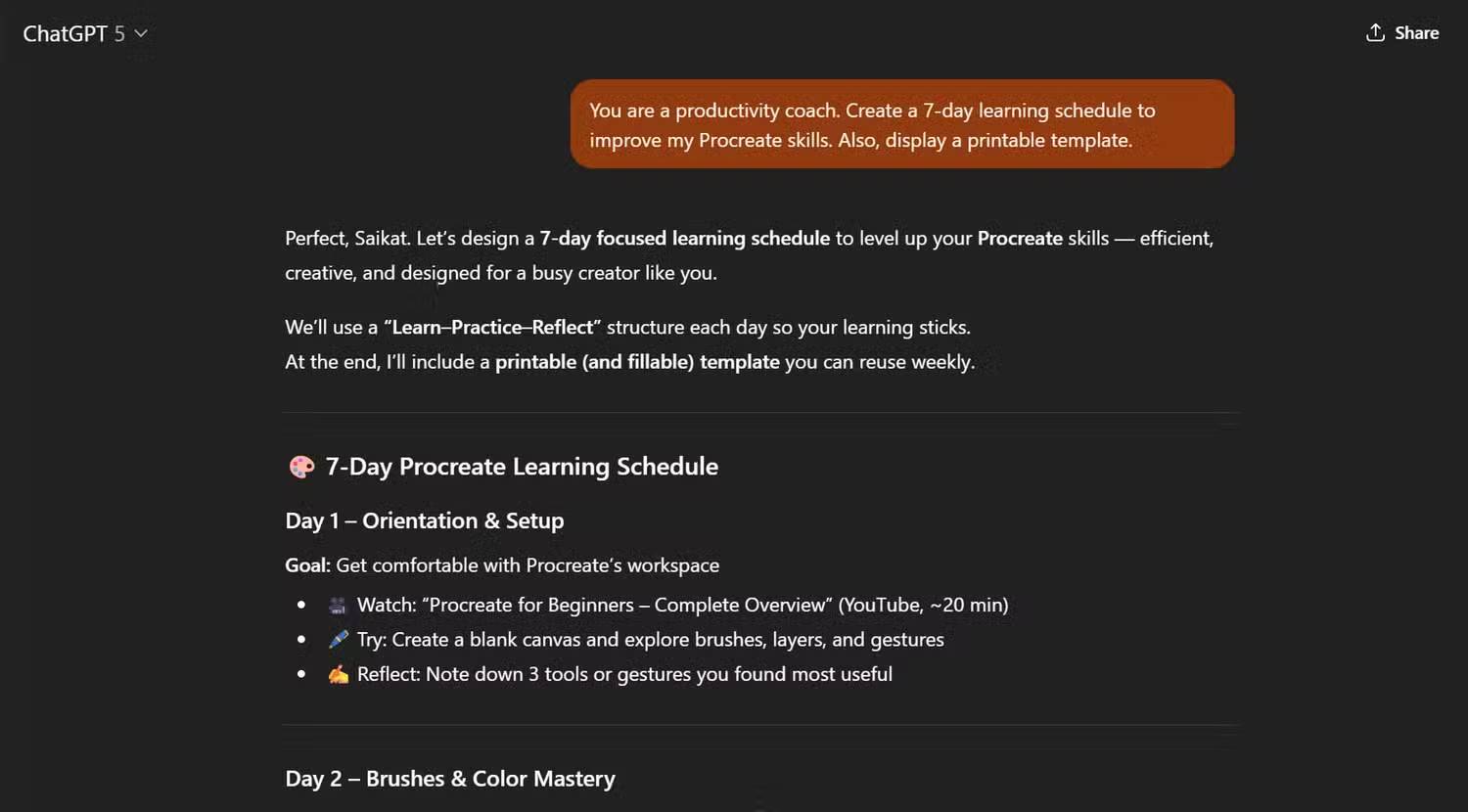
Build a seven-day beginner practice plan for learning Procreate. I have 20 minutes per day and an iPad with the app installed. Put each day's exercise and a tangible outcome in a table. Keep the activities achievable without paid add-ons.For recommendations involving health, finances or other consequential decisions, use appropriate qualified sources rather than treating a chatbot plan as professional advice.
Refine the answer in the same conversation
After the first draft, give specific feedback: “The second step is too vague; add an example using my supplied notes,” or “Keep the three verified facts and shorten the introduction.” Compare the new version with the source to catch changed facts. Saving a template can speed up recurring work, but do not let a generic template override the details of a particular task.
Check numbers, quotations and references independently before relying on them. Our fact-checking workflow shows how to isolate and verify claims. OpenAI's prompt guidance also emphasizes clarity and useful context.
Related Articles
 Prompt ChatGPT Is Useful for the Elderly5 minutes read
 Top Prompt ChatGPT for Marketing: Practical Guide9 minutes read
 How to Come up with the Best Prompts to Learn with ChatGPT9 minutes read
 Top ChatGPT Prompts for Administrators: Practical Guide8 minutes read
 Useful ChatGPT Prompt Templates for Professionals7 minutes read
 Top ChatGPT Prompts for HR: Practical Guide9 minutes read
Reader Comments 0
Sign in with email or Google to join the discussion.