Table of Contents
This curated overview of 7 best Chrome extensions to increase your productivity focuses on useful options, standout features, and details worth checking before making a choice.
1. Dark Reader
Dark Reader is an extension that takes care of your eyes, allowing you to use the web day and night without irritating your eyes.
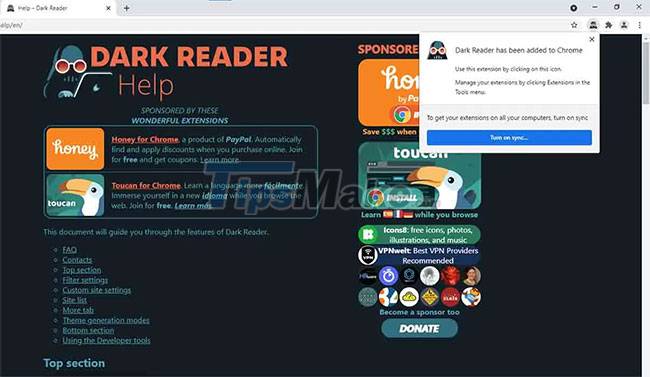
Dark Reader inverts bright colors, making them contrast and easier to read at night. You can adjust brightness and contrast, add sepia and grayscale filters to create the combination you see right for your eyes. In addition, it allows you to change the font for a clear display to avoid eye strain.
2. Evernote Web Clipper
When browsing the Internet, you may come across interesting excerpts from articles, emails, etc. and may want to keep them. Evernote Web Clipper lets you capture text, images, emails, important articles, and anything else you want.
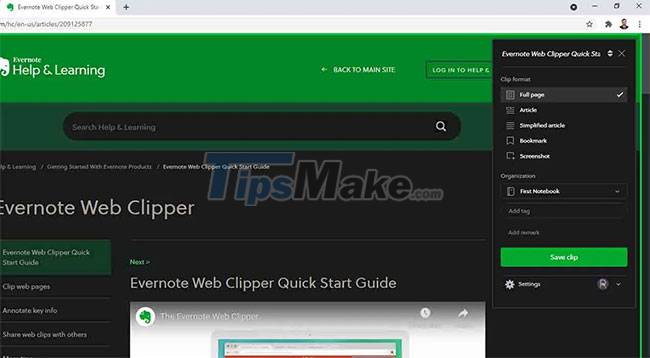
Evernote Web Clipper combines all this important information on one platform that you can access at any time. However, unlike the mobile version, on sites like Gmail, Youtube or Amazon you can customize the cuts to choose what you want and save it as a clear note.
3. Google Translate
It can be quite frustrating To read something on the Internet but cannot understand the language used. Often, this becomes a barrier to the millions of things you can discover on the Internet. So install the Google Translate extension.
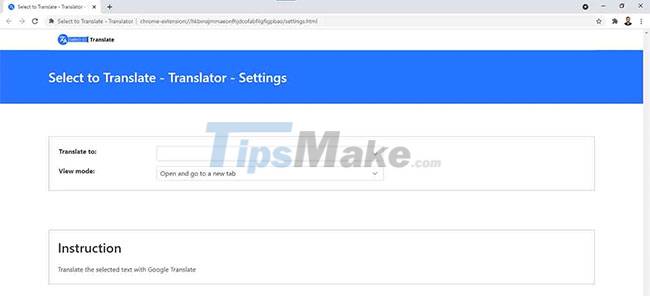
The Google Translate extension allows you to highlight specific text that you want to translate, then automatically change that text to the language of your choice. Notably, it can translate to 109 languages and has no limit on highlightable text. You can also translate entire pages.
If you just need to translate a website in a foreign language into your native language, Google Chrome has this translation feature built in.
4. Grammarly
This is one of the best productivity related Chrome extensions, especially if you blog, do school assignments, research papers, compose emails or just make a casual social media post. . Grammarly removes all the minor mistakes to avoid embarrassing situations.
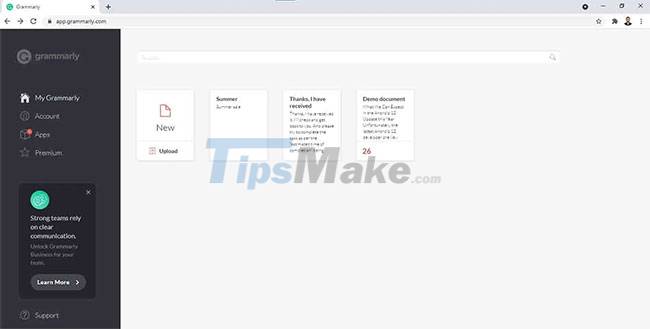
Grammarly checks for grammar, punctuation, and spelling errors, and offers suggestions for tone, style, word choice, and tense, making your writing personal, clear, and concise. make no mistake. The Grammarly extension is a good assistant in the writing process, helping you to communicate around the world.
5. Pocket
The internet is full of great material, such as books, articles, videos, and movies. However, these documents can be distracting when you are trying to get your work done. Pocket is specifically designed for this.

Give Pocket your customizable library of everything you want to see on the Internet. Whenever you are browsing the web, you can also add interesting movies, videos, books, etc. to the application. For days or weeks later, you can go back and look through them at your leisure, even without an Internet connection.
There is an optional daily introductory email that you can sign up for for free. You'll get daily recommendations on what to read or watch, to diversify your collection.
6. Pushbullet
The Pushbullet extension brings together your devices, friends and all you care about in a single app. It allows you to easily and quickly transfer notes, links, files, addresses, etc., from your phone to your computer and vice versa. That's not all, as you can even share all this information with your friends!
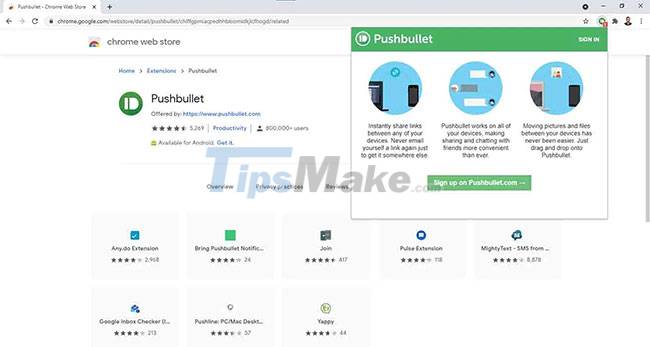
Your computer and phone work side-by-side - if you receive a notification from your phone, it will be displayed on your computer screen. Similarly, if you dismiss a notification on your computer screen, it will also disappear from your phone.
7. TLDR This
Have you ever read a long boring article that you just wanted to go through to extract relevant information? With the Chrome extension TLDR This, you can write very long text and shorten it to just 5 bullet points using natural language processing.
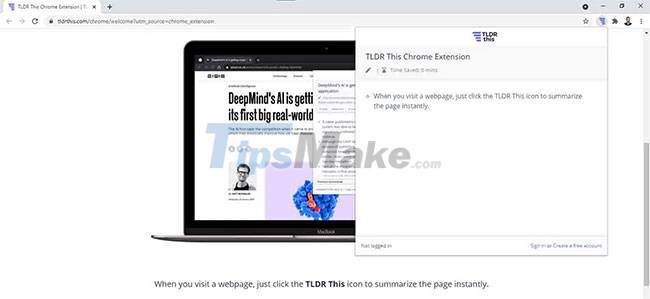
This extension is tailored to make it easier and less time consuming for you to gather information. Spend less time reading endless documents to find information and more time on other activities.
Key Takeaways
Use the information above as a practical reference for 7 best Chrome extensions to increase your productivity. Review each step carefully, confirm any requirements, and choose the option that best fits your situation.
FAQ
What does this guide explain about 7 Best Chrome Extensions to Increase Your Productivity?
It explains the main concepts, practical considerations, and useful steps related to 7 best Chrome extensions to increase your productivity without requiring advanced knowledge.
Who can benefit from learning about 7 Best Chrome Extensions to Increase Your Productivity?
This information is useful for readers who want a clear overview, practical guidance, and reliable steps related to 7 best Chrome extensions to increase your productivity.
What should I check before applying this information?
Review the requirements, confirm that your device, software, or situation matches the instructions, and back up important data before making major changes.
Related Articles
 5 Chrome Extensions to Stay Safe Online6 minutes read
 3 Chrome Extensions Enhance Your Security and Safety7 minutes read
 Best AI Extensions for Google Chrome5 minutes read
 The 10 Best Extensions of Google Chrome for Work and7 minutes read
 9 Chrome Extensions Are Most Useful5 minutes read
 10 Tips to Increase Productivity on Windows 1012 minutes read
Reader Comments 0
Sign in with email or Google to join the discussion.