Table of Contents
This guide answers "Why Is Vivaldi the Browser Built for People Who Never Close Tabs?" with a clear explanation, practical context, and the details that matter most.
Best browser for tab hoarders
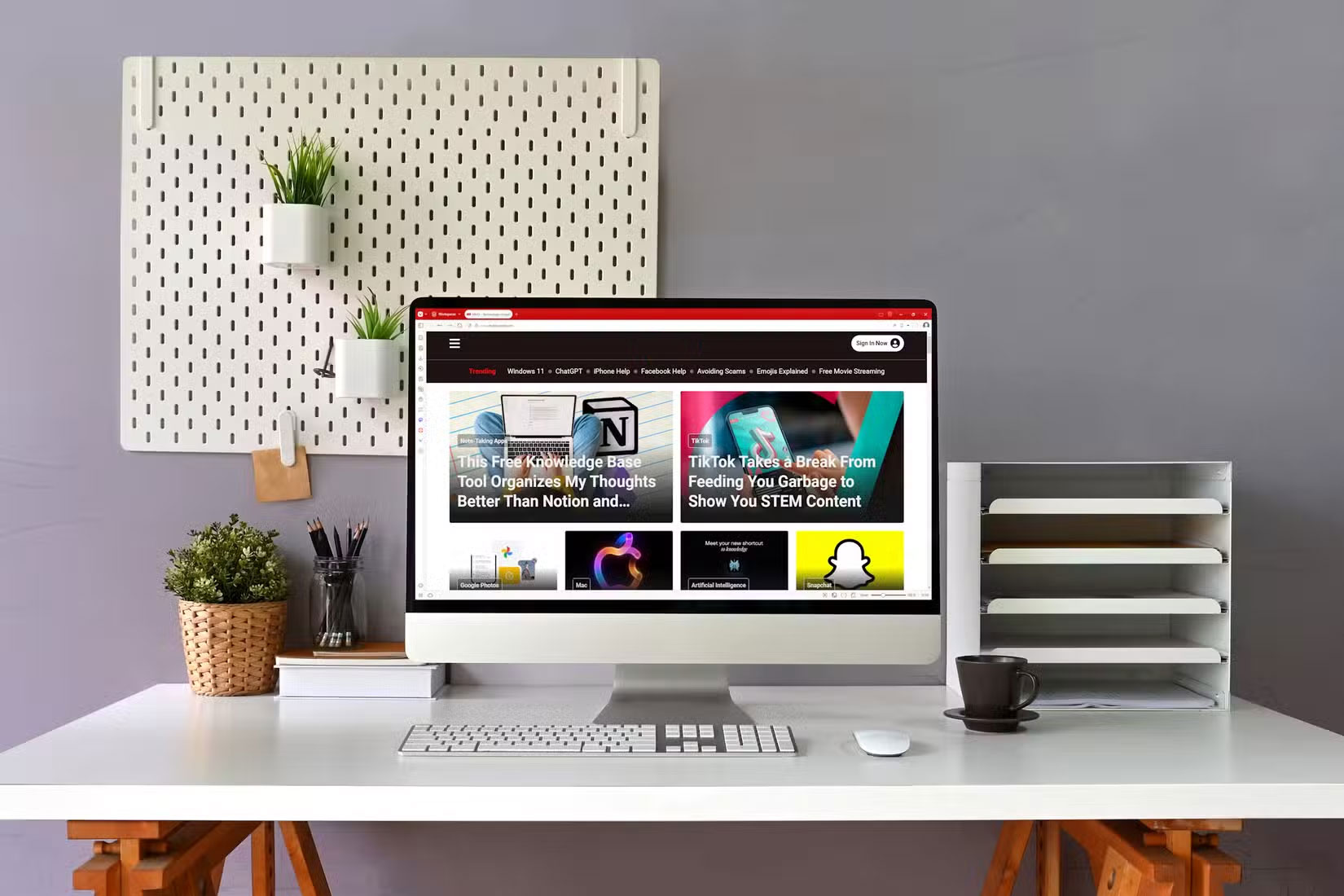
If you regularly keep 50, 100, or even 200 tabs open, you're not browsing the web like most people. You're building a living archive, a multitasking system, and maybe even a messy to-do list—all in a single window. But most browsers aren't built to handle that much tab traffic. They slow down, crash, or become unusable.
That's when Vivaldi came in.
Vivaldi has quietly become the browser of choice for users who frequently open a lot of tabs. While mainstream browsers like Google Chrome or Mozilla Firefox are starting to suffer from tab-heavy workloads, Vivaldi seems to be really strong. Not only does it survive a bunch of tabs; it also gives you the tools to manage them without losing your mind.
For anyone who has switched from a conventional browser, the difference is huge. After switching to Vivaldi yourself, it's easy to see why so many tab hoarders are committed to using it.
Why is Vivaldi great for tab hoarders?
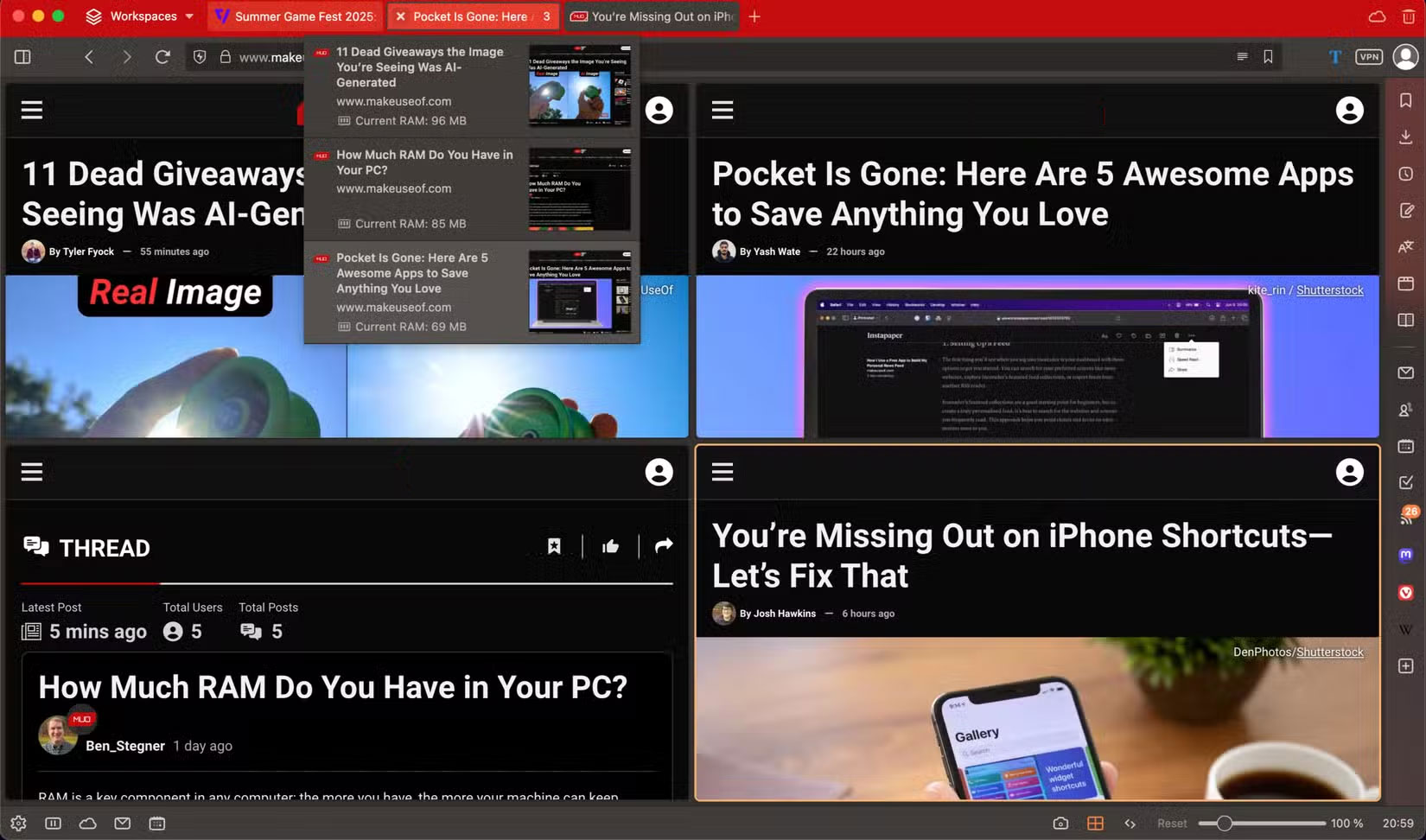
Vivaldi is built around a core idea: Having too many tabs isn't a mistake, it's a use case. Instead of cramming more tabs into a shrinking row, it introduces tab stacks and workspaces that make tab clutter a thing of the past. You can group related tabs together, hide or collapse them when not in use, and switch between organized sets of tabs depending on what you're doing.
The first thing you'll notice after switching to Vivaldi is how easy it is to scroll through a long list of open tabs. You can keep the layout vertical, docked to the left, and even with hundreds of tabs spread across different workspaces, nothing feels out of reach.
Scrolling is smooth, labels are easy to read, and there's no guessing which tab is which. When you need to find something specific, tab search filters everything down in seconds.
The entire interface seems designed for heavy-duty users. Tabs, for example, let you view multiple pages at once in a single window. You use them constantly when comparing sources or drafting content based on multiple references. It turns what used to be a tedious back-and-forth click into a streamlined, parallel workflow.
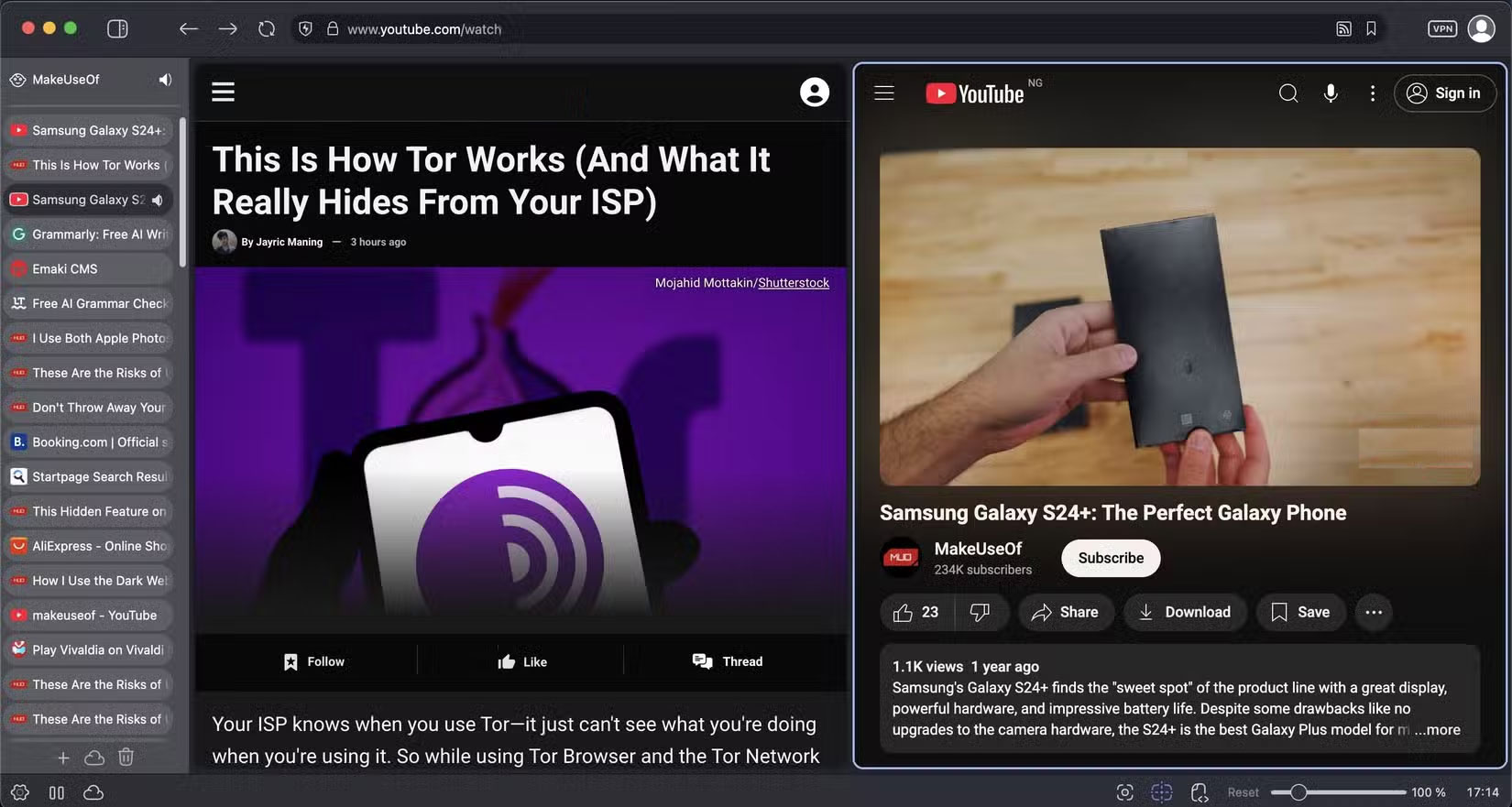
Vivaldi also minimizes system drag. Through smart tab hibernation, unused tabs are quietly suspended in the background, freeing up resources without interrupting your session. You can keep everything open without the usual performance trade-offs.
More than anything, Vivaldi understands that people use browsers in completely different ways. It doesn't force you into someone else's version of what makes sense—it gives you the tools to shape your own. If you think of your browser as a mental workspace rather than a single-purpose tool, Vivaldi will feel more like an extension of your thinking process than a piece of software.
How many tabs can Vivaldi actually handle?
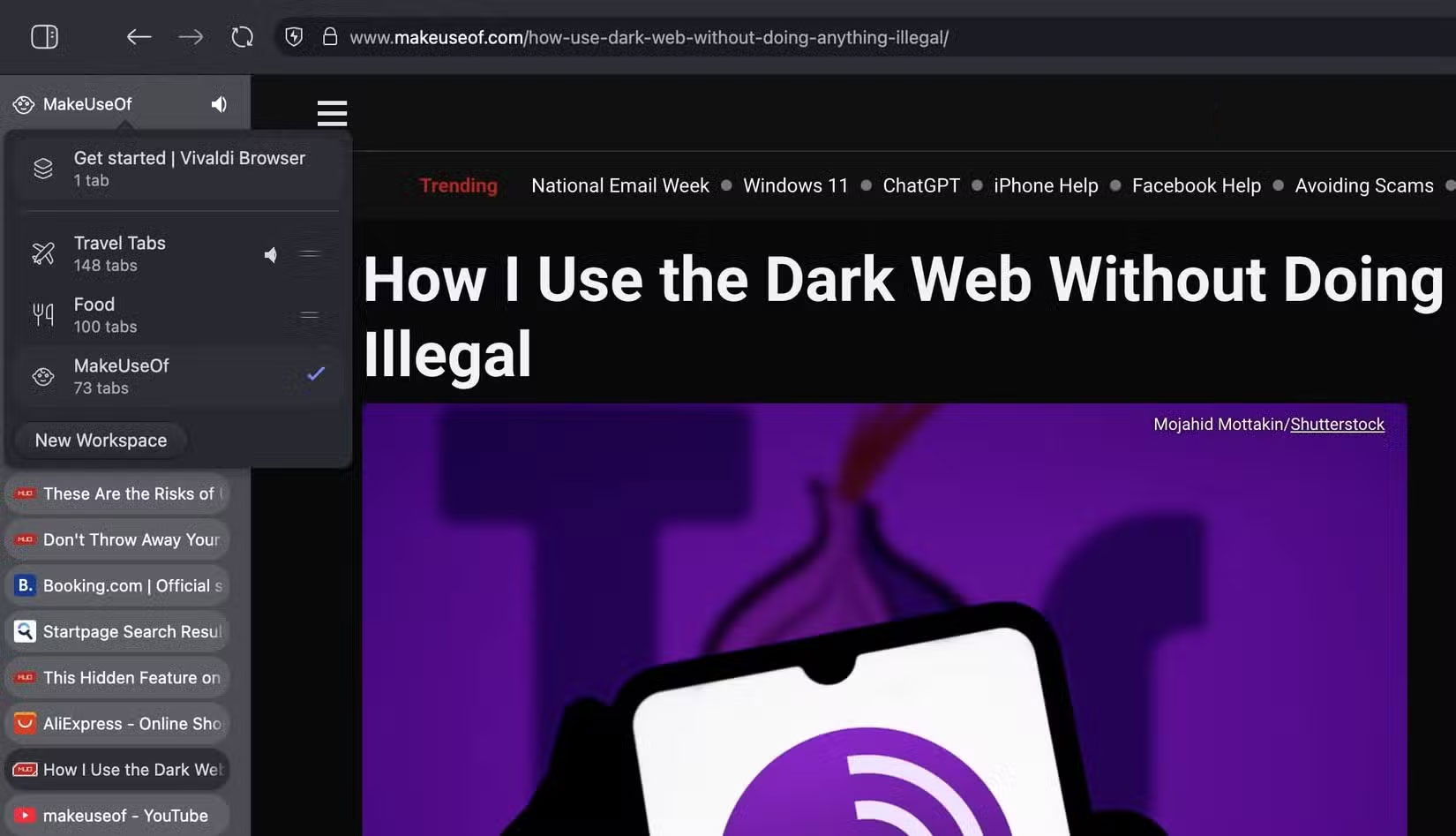
Test it out for yourself to see what Vivaldi can really do. With over 300 tabs open on an M1 MacBook Air—including a mix of YouTube videos, regular web pages, and some just on the Start Page—Vivaldi didn't flinch.
There's no lag when scrolling through vertical tabs, no stuttering when switching between tabs, and no weird crashes or hangups. Even YouTube plays smoothly while you navigate through the rest of your chaotic browsing setup. Everything is surprisingly responsive.
The only thing you'll notice is that your Mac gets a little warm—not hot, just warmer than usual—but that's normal when juggling hundreds of tabs, especially when playing video. Vivaldi, however, stays cool the whole time.
If '100 open tabs' sounds normal to you, Vivaldi has it covered. It doesn't remind you to clean up—it gives you better stacks. For anyone who treats tabs like a to-do list, a diary, or just an endless stream of curiosity, Vivaldi is more than just a browser. It's the only browser that gets it.
FAQ
What should you know about best browser for tab hoarders?
If you regularly keep 50, 100, or even 200 tabs open, you're not browsing the web like most people. You're building a living archive, a multitasking system, and maybe even a messy to-do list—all in a single window. But most browsers aren't built to handle that much tab traffic. They slow down, crash, or become unusable.
Why is Vivaldi great for tab hoarders?
Vivaldi is built around a core idea: Having too many tabs isn't a mistake, it's a use case. Instead of cramming more tabs into a shrinking row, it introduces tab stacks and workspaces that make tab clutter a thing of the past. You can group related tabs together, hide or collapse them when not in use, and switch between.
How many tabs can Vivaldi actually handle?
Test it out for yourself to see what Vivaldi can really do. With over 300 tabs open on an M1 MacBook Air—including a mix of YouTube videos, regular web pages, and some just on the Start Page—Vivaldi didn't flinch.
Related Articles
 To Increase Productivity and Speed of Vivaldi Browser, You Should11 minutes read
 Download Vivaldi, the Browser That Perfectly Combines Opera13 minutes read
 12 Great Features of Vivaldi Browser10 minutes read
 How to Close Tabs: Step-by-Step Guide4 minutes read
 Why Switch to Vivaldi Browser?7 minutes read
 Finally, Vivaldi Browser Also Added Support for Synchronization3 minutes read
Reader Comments 0
Sign in with email or Google to join the discussion.