Table of Contents
This guide organizes the entries in "4 Free Antivirus Tools to Help Fix Slow Computers" and explains what each option, idea, or example offers. It also highlights practical details that matter when comparing the choices.
4. Malwarebytes
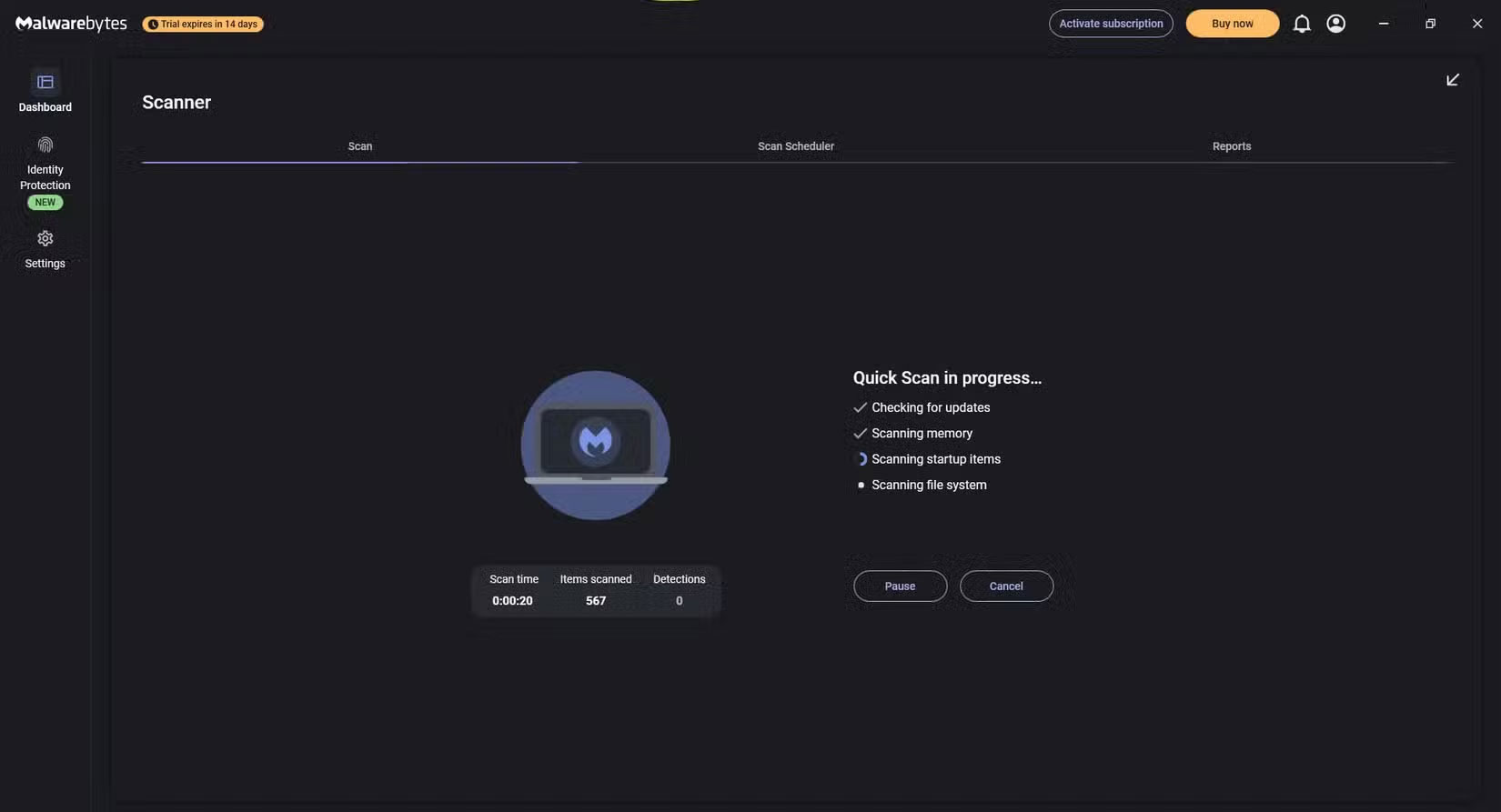
Old PCs are often slow, bloated, and have some viruses. After installing Malwarebytes, you will be amazed at how much smoother your old device runs and how much less annoying lag it is. Malwarebytes quickly scans your system, identifies problems, and removes them immediately.
Malwarebytes should be one of the first pieces of software installed on a new computer. You can still use the free version, as it protects your PC and browser with Malwarebytes Defender. However, there are plenty of reasons to upgrade to Malwarebytes Premium.
3. Windows Security
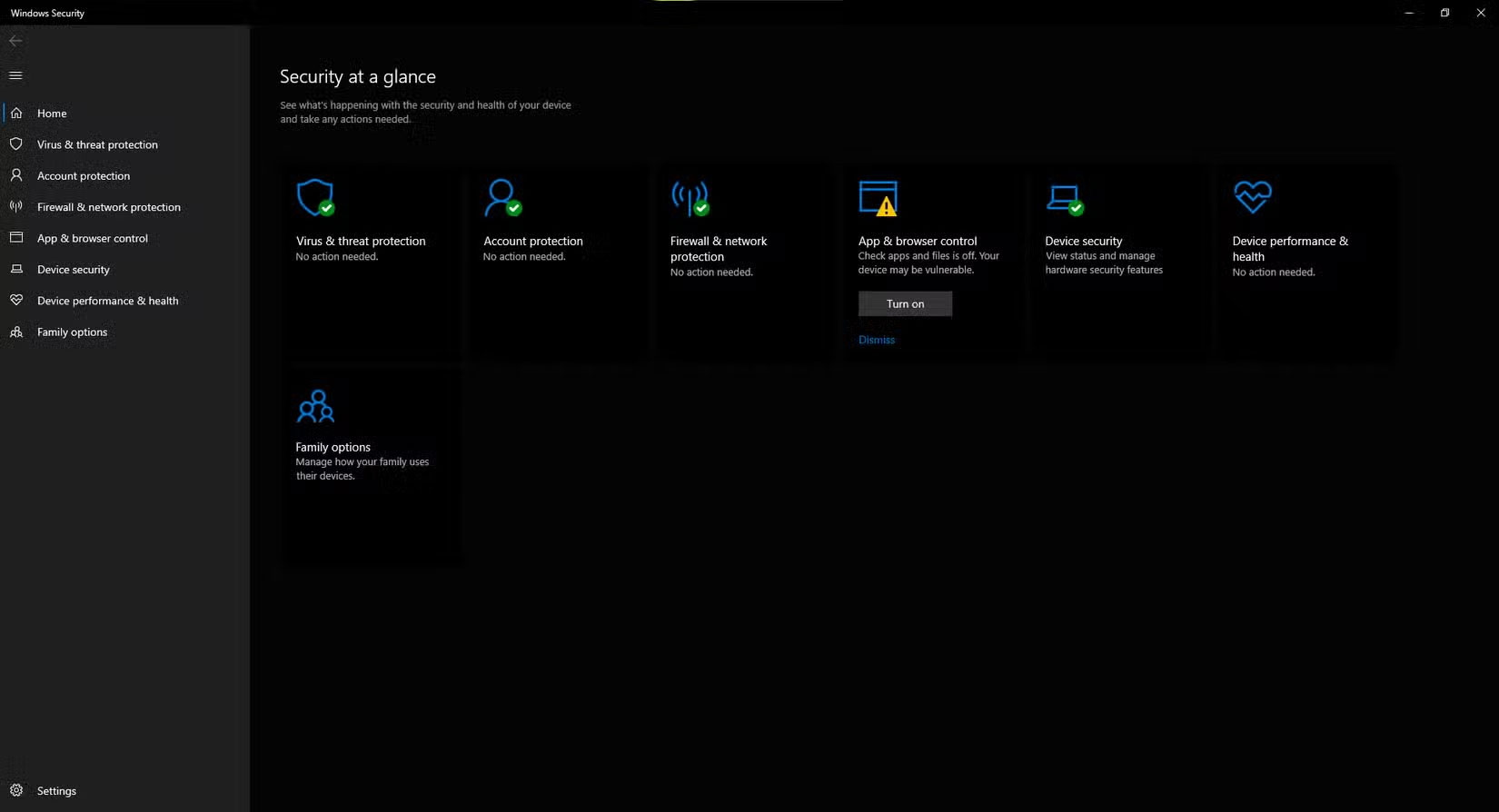
Depending on how you use your computer, Windows Security may be all you need, and it's built into the operating system. It includes a firewall, antivirus protection, and virus scanning, and even Internet protection against files, applications, and websites. However, you need to take the necessary precautions to get the best protection. For example, know how to spot false virus alerts and understand the different types of malware.
Windows Security is now enabled by default on Windows 10 and Windows 11, so if you want to run a scan right away, press the Windows key, then search for and launch Windows Security. Select Virus & threat protection > Scan options . We recommend not using the Quick Scan option — always run a full scan, preferably when your PC is not in use. And if you want a deeper scan, select Microsoft Defender Offline scan , then click Scan now .
2. CCleaner
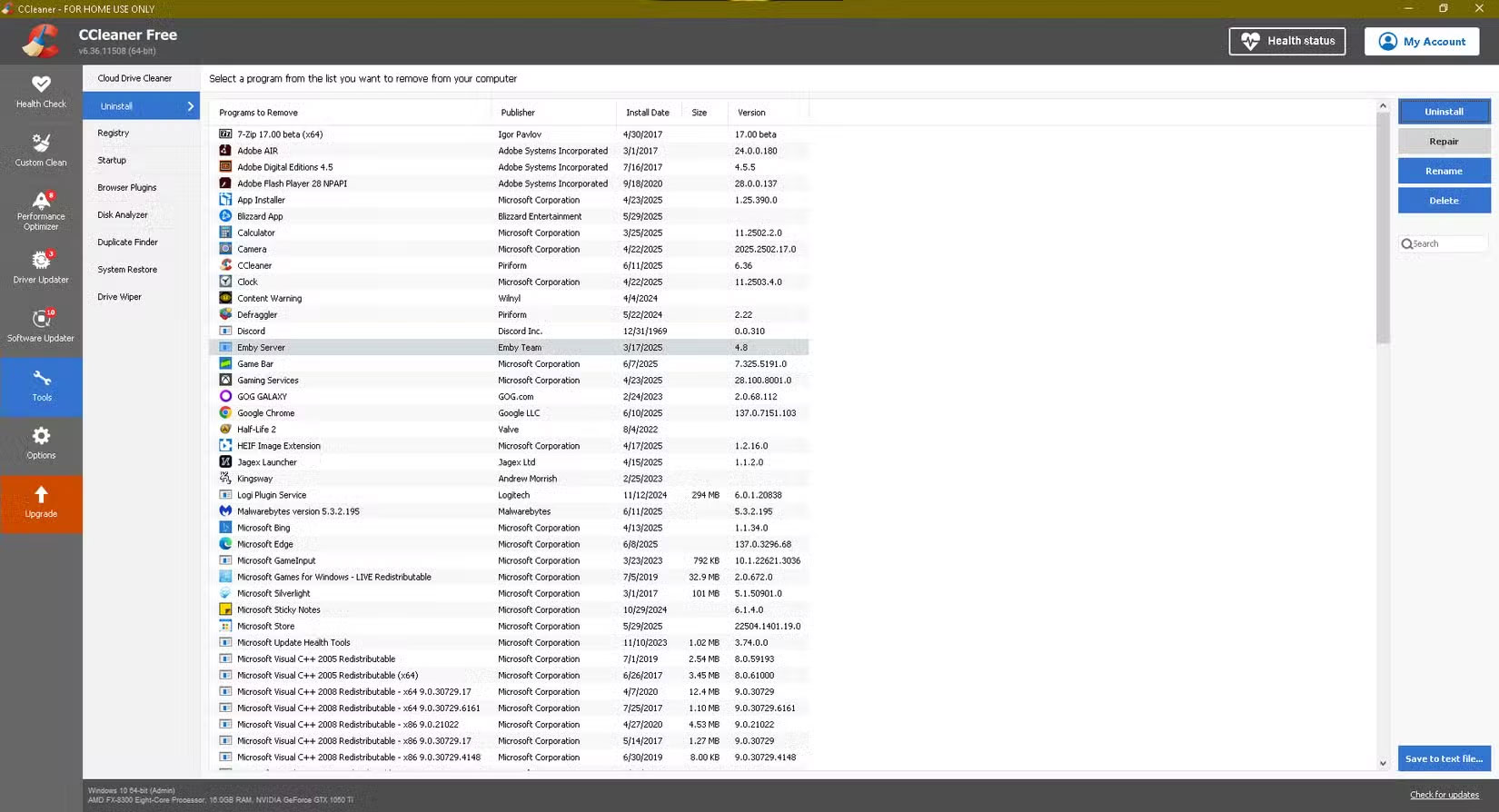
CCleaner doesn't do much in the way of virus removal or scanning, but it's still on this list because it can be used in conjunction with antivirus software. This is part of an effective cleaning method. Whenever you check your PC, scan it for malware with Malwarebytes and Windows Security, remove the malware, and then clean it up with CCleaner.
While Windows already offers several features—like the option to uninstall programs, delete temporary files, and update drivers—CCleaner has them all in one place. In fact, you don't even have to uninstall programs through Windows' system settings anymore. CCleaner is much better at providing a comprehensive list of what's installed, especially junk software that can pose security risks and lead to virus infections.
1. VirusTotal
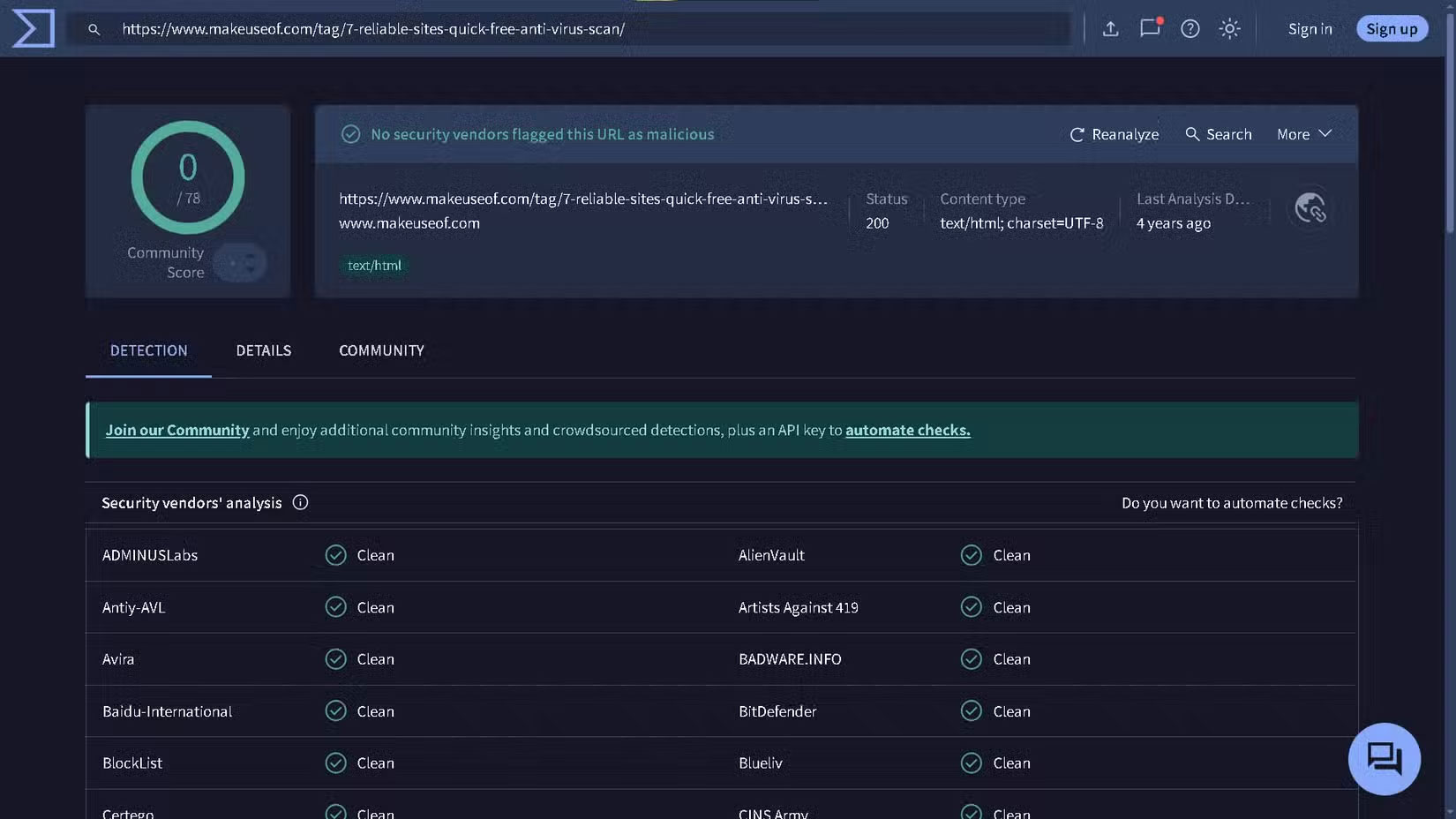
VirusTotal is not software you download, but rather is used through your browser. VirusTotal is a prevention tool that helps you find viruses before they have a chance to slow down your computer.
Here's how it works: You upload a specific file that you suspect might be infected. VirusTotal scans the file, compares it to its database of files, and gives you detailed information. The site also scans URLs, a feature most often used to protect against downloading.zip files that contain malicious content.
FAQ
What should you know about 4. Malwarebytes?
Old PCs are often slow, bloated, and have some viruses. After installing Malwarebytes, you will be amazed at how much smoother your old device runs and how much less annoying lag it is. Malwarebytes quickly scans your system, identifies problems, and removes them immediately.
What should you know about 3. Windows Security?
Depending on how you use your computer, Windows Security may be all you need, and it's built into the operating system. It includes a firewall, antivirus protection, and virus scanning, and even Internet protection against files, applications, and websites. However, you need to take the necessary precautions to get the best.
What should you know about 2. CCleaner?
CCleaner doesn't do much in the way of virus removal or scanning, but it's still on this list because it can be used in conjunction with antivirus software. This is part of an effective cleaning method. Whenever you check your PC, scan it for malware with Malwarebytes and Windows Security, remove the malware, and then clean it.
What should you know about 1. VirusTotal?
VirusTotal is not software you download, but rather is used through your browser. VirusTotal is a prevention tool that helps you find viruses before they have a chance to slow down your computer.
Related Articles
 Top Free Antivirus Software for Windows15 minutes read
 How to Remove Viruses Using Avast Antivirus3 minutes read
 AVG AntiVirus FREE 2020 - the Best Free and Effective Antivirus Software4 minutes read
 Top Free Antivirus Software for Computers and Laptops Currently Available15 minutes read
 Top Free Antivirus Software, No Bloatware and Requires Upgrade to6 minutes read
 Link Download AVG Antivirus Free 20.10.31579 minutes read
Reader Comments 0
Sign in with email or Google to join the discussion.