Table of Contents
This updated guide compares best arc features that should live in every browser and highlights the details that matter most. Many people switched to Arc after its public release because of its modern, user-centric approach to browsing. But Arc is now discontinued. Still, many people hope that every browser will adopt Arc's best features.
9. Split View
Split View is one of Arc's best productivity features. It makes it easy to view multiple tabs side by side without any hassle. Instead of having to rotate multiple windows, you can drag one tab next to another on the tab bar and Arc will seamlessly place them side by side. You can even resize the tabs as you like.
8. 5 - Second Previews
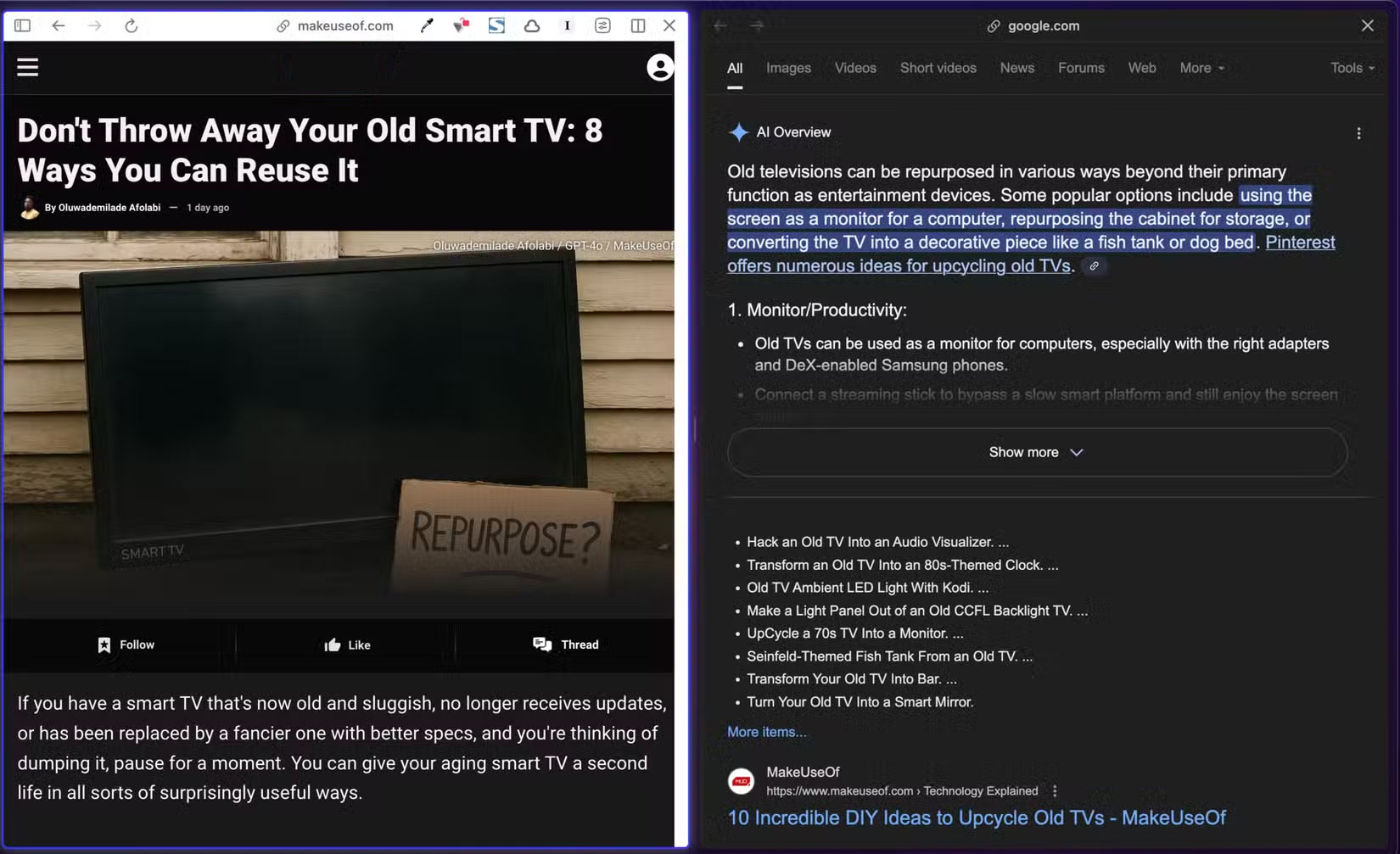
5-Second Previews is a small but thoughtful feature that has a big impact on how people browse the web in Arc. When searching the web, it is easy to find pages that do not deliver what they promise. But with Arc's 5-Second Previews, you do not have to select a link and risk disappointment.
After searching the web, you can preview the content of the web page from the search results page simply by hovering over the link while holding down the Shift key. On some sites, it even runs automatically - you just hover without pressing any keys.
7. Command Bar
The Command Bar is one of Arc's most innovative and powerful features that changes the way you interact with your browser. Unlike the standard address bar, the Command Bar is not limited to just URLs and web searches. It acts more like a general command center thanks to Command Bar Actions.
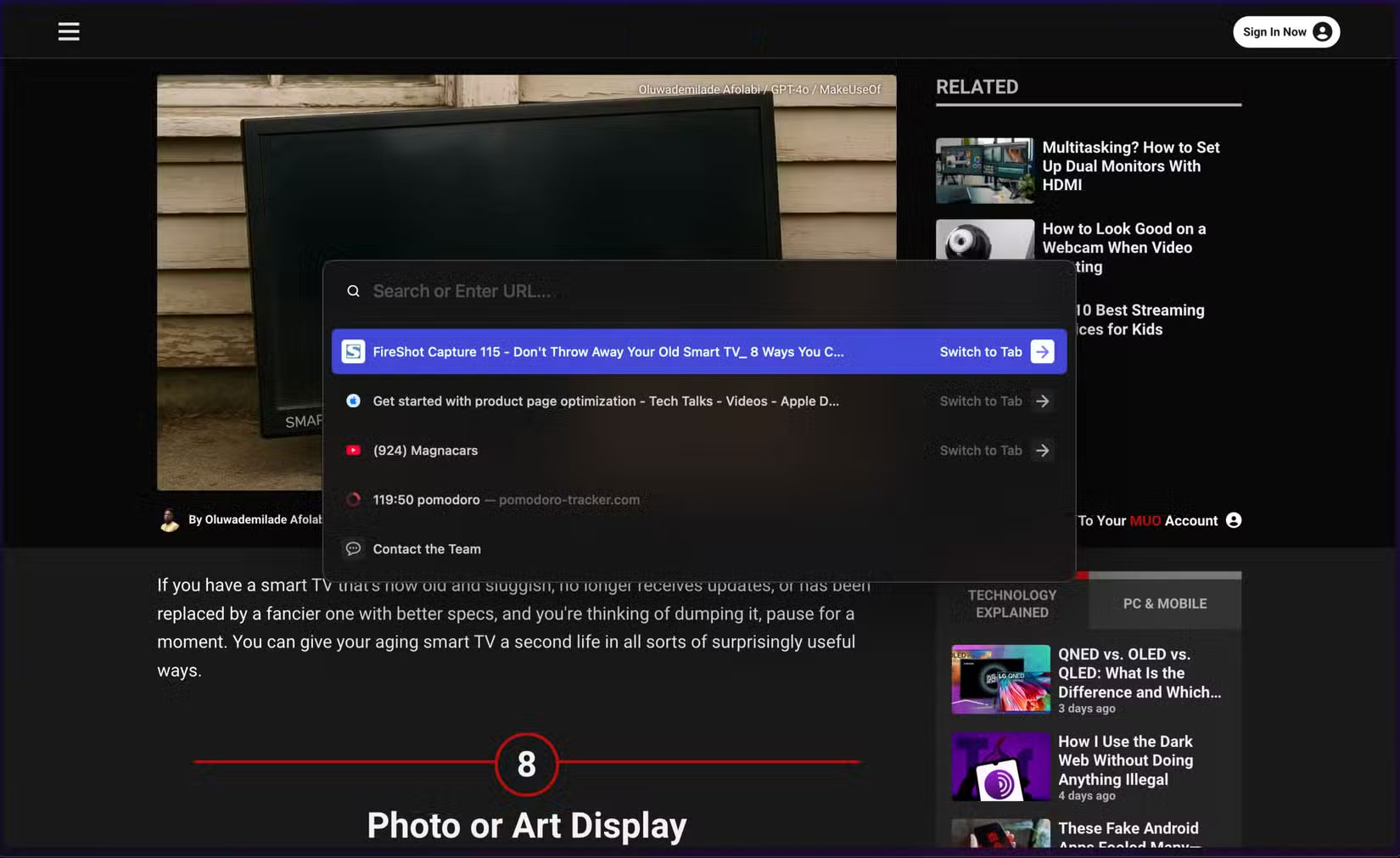
Arc includes many actions that you can perform right from the Command Bar. for instance, it includes many navigation-related actions to open new windows, open or close the sidebar, open downloads, close or archive tabs, close or minimize the current window, and more.
6. Intuitive AI Integration
Another standout aspect of Arc is how naturally it integrates AI. Unlike many other browsers, where AI integration seems like an afterthought to keep up with the AI boom, Arc makes it part of the browsing experience.
Another favorite feature is the integration of ChatGPT in the Command Bar. When the Command Bar opens, you can type in your query and select the Ask ChatGPT option on the right, which will open a new tab with the response instead of performing a regular web search.
5. Tidy Download Names
Tidy Downloads has quietly solved an everyday annoyance that you might not even realize needed fixing. Instead of saving files with long, unreadable names filled with timestamps, version numbers, underscores, and other meaningless characters (like report_final_final_v2(1).pdf), Arc intelligently cleans up that clutter by renaming any downloaded file to a clean, human-readable name.
4. Automatic Tab Organization
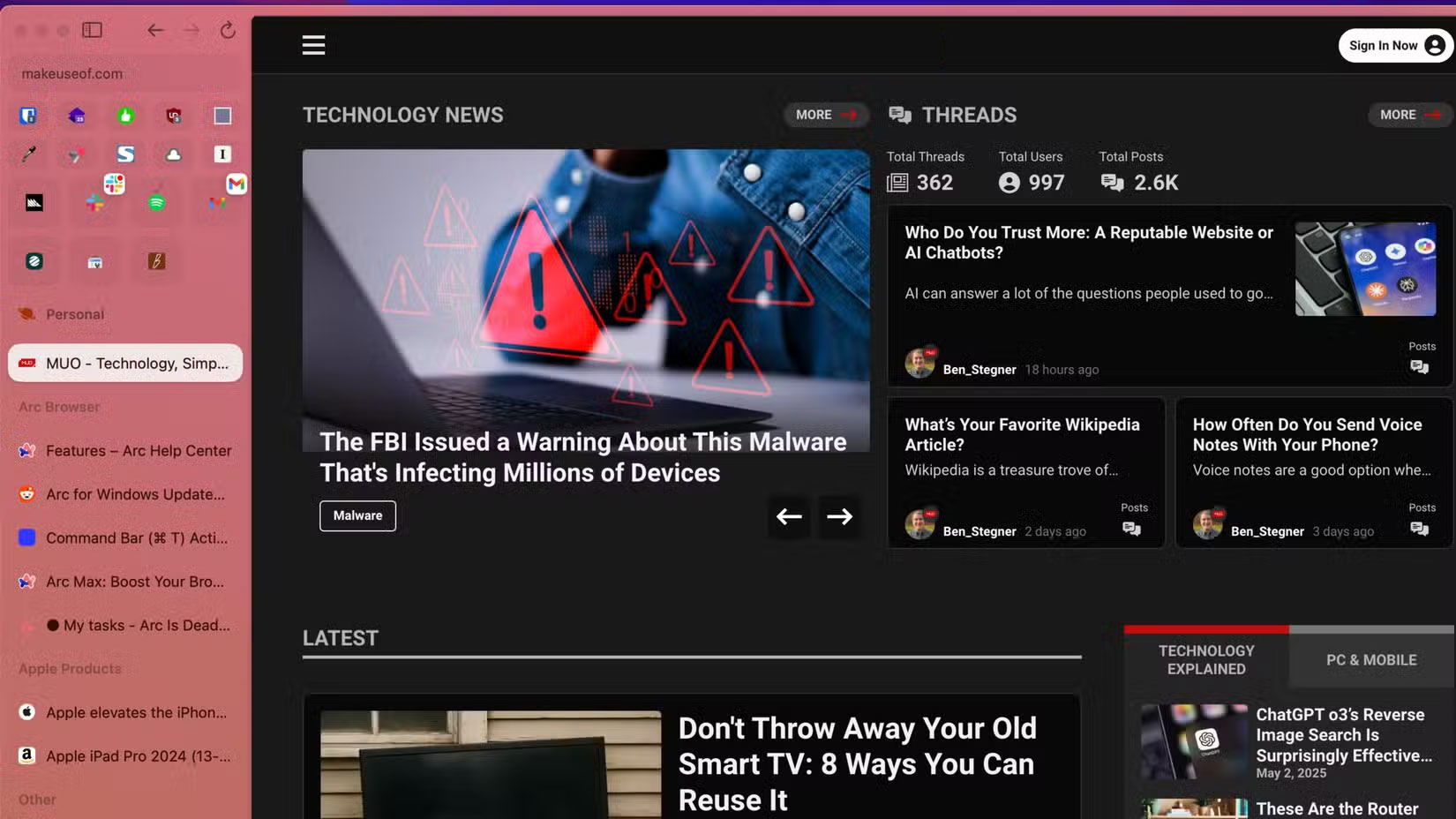
Arc does not just handle the names of your downloaded files. It also includes another handy organization feature for tabs called Tidy Tabs.
Instead of letting tabs pile up randomly, Tidy Tabs automatically groups them into folders based on context. You choose an icon and tabs are instantly sorted into appropriately named folders for easy access.
3. Little Arc
Along with Split Views, Arc includes another handy productivity-boosting feature called Little Arc. Instead of opening a new tab for each link, you can open it in Little Arc — a small pop-up window that previews the page without fully committing.
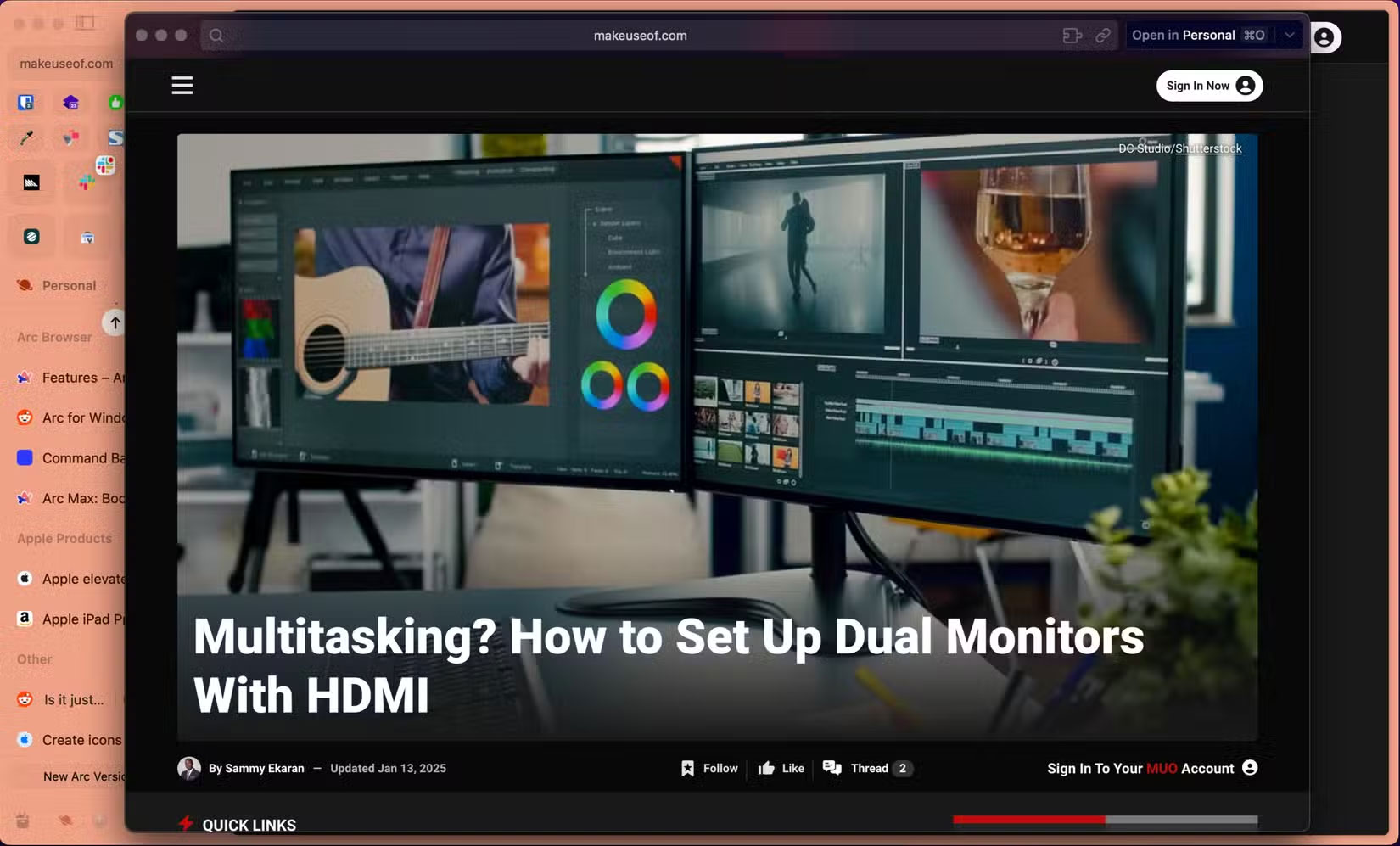
for instance, while reading this article, you can open one of the links in Little Arc and quickly scan or read the content in another article without opening a new tab. And to open the page in Little Arc in a new tab, you can.
2. Picture - in - Picture Support
If you like watching videos while doing other things, Picture-in-Picture (PiP) support for videos in Arc makes this seamless. You can currently do this in browsers like Google Chrome by adding an extension, although native support would be more convenient.
In Arc, you do not need to choose any button to enable PiP mode for any video. When you're playing a video in the currently open tab and switch to another tab, Arc automatically pops the video into a small window that appears on top of the other windows.
1. Instant Links
Instant Links is a smart, time-saving feature exclusive to Arc on macOS that makes browsing the web faster and more efficient. After typing a search query, you can press Shift + Enter to immediately open the top result without having to scroll through the list of links.
Even more impressive is that Instant Links supports a clever trick for grouping content. You can enter a search query that starts with 'Folder of,' such as 'Folder of best productivity tools,' then press Shift + Enter and Arc will create a pre-organized folder with the search query as the title, automatically including the top results. This is a great little feature, especially for research, and makes Arc perfect for speed.
FAQ
How were the best arc features that should live in every browser options evaluated?
The comparison focuses on practical features, ease of use, limitations, compatibility, and the type of user each option is most likely to help.
Which option is best for beginners?
Beginners should prioritize a clear interface, useful documentation, reliable support, and the core features needed for their first project.
Should I choose a free or paid option?
Start with a free option when it covers your needs. A paid plan may be worthwhile when you need advanced tools, commercial rights, collaboration, or professional support.
Related Articles
 How to Watch Live Video on Instagram in the Browser4 minutes read
 Torch Browser 42.0.0.9806: Chrome-based Browser with Many5 minutes read
 How to Remove AI Features and Unnecessary Programs from Your Browser7 minutes read
 7 Unexpected Capabilities of the Web Browser5 minutes read
 Top 10 Best and Most Popular LiveStream Apps Currently Available8 minutes read
 Instructions for Creating V LINE Account: V LIVE7 minutes read
Reader Comments 0
Sign in with email or Google to join the discussion.