Table of Contents
This updated guide compares free tools you should use every week to make your online life easier and highlights the details that matter most. Online life gets messy fast — but these 7 free tools will help you stay on top of things and make using the internet easier, week after week.
7. Grammarly
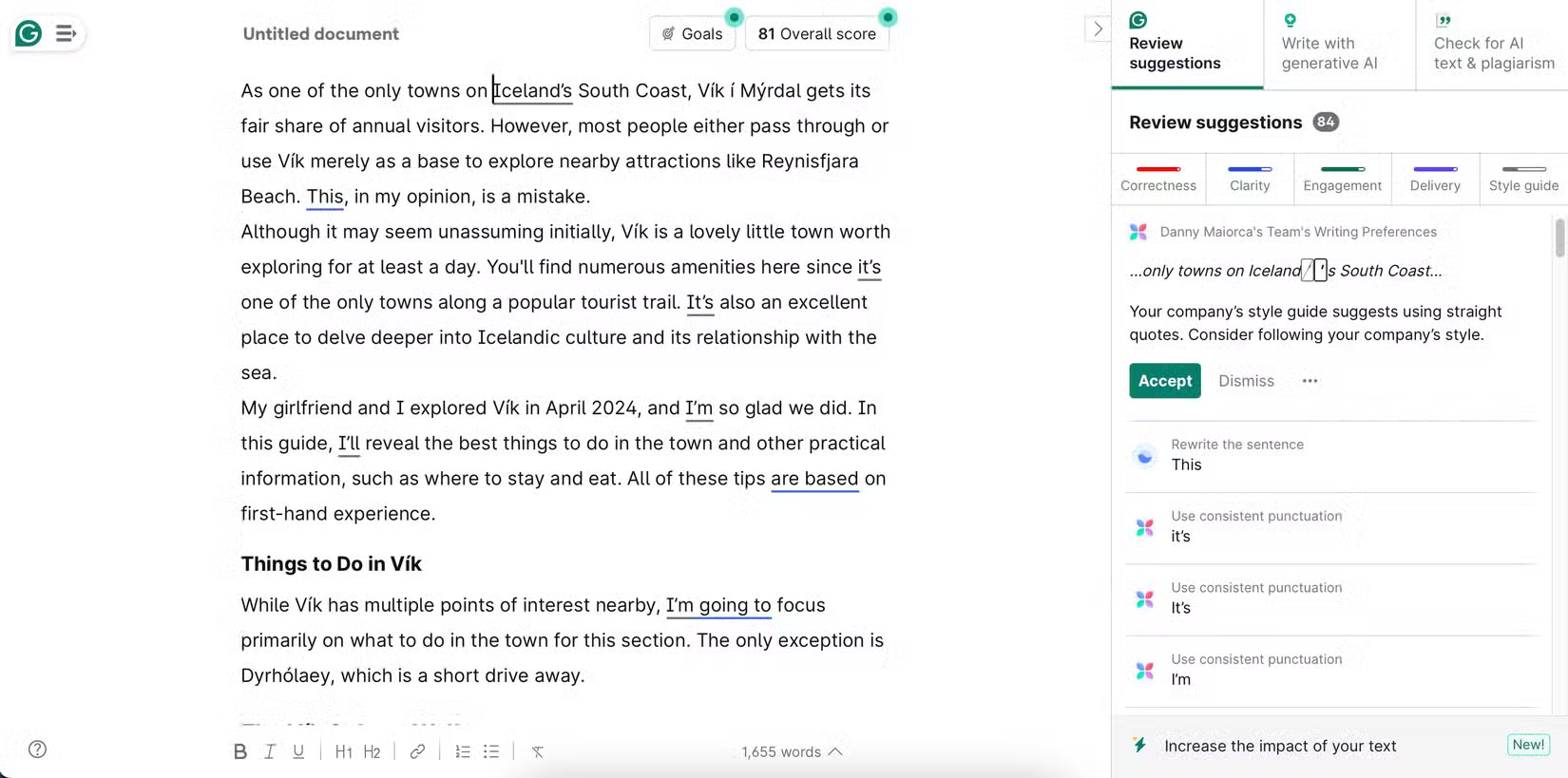
Grammarly is one of the most trusted tools for internet users. If you're a prolific writer—whether it is emails, articles, or even social media posts —having a second pair of eyes is invaluable. At first glance, Grammarly may seem like it is just catching typos, but it can help improve your tone, clarity, and even word choice, so your writing is appropriate for a variety of situations.
Many people primarily use browser extensions, which work pretty much everywhere they write online—Gmail, Google Docs, and social media. If you work outside of the browser, there are also desktop apps and mobile keyboards.
While Grammarly does have a paid option, the free version is surprisingly powerful — it is one of the best free AI apps you can use. Grammarly is like having an editor or writing coach right there by your side.
6. Canva
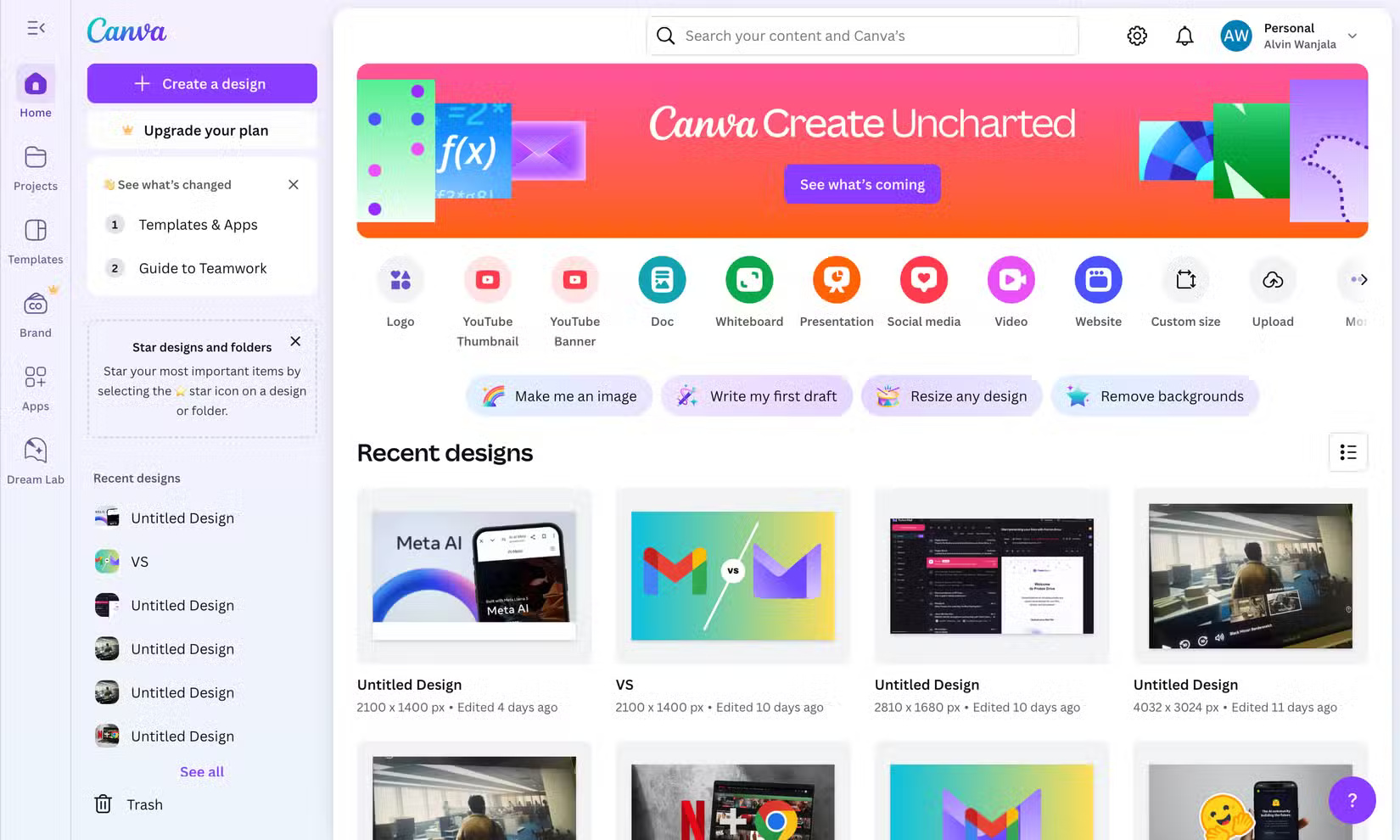
Most people aren't professional designers and haven't invested the time to learn how to use professional tools like Adobe. that is why Canva is a tool that everyone should use for any design task. Whether you need to create images for a blog post, graphics for social media, or presentations, you can use Canva.
Canva is great for beginners and has a variety of professionally designed templates for different purposes that are easy to customize. Along with templates, you can create your own designs from scratch. Still, what keeps many people coming back to Canva is its intuitiveness.
5. Temp Mail
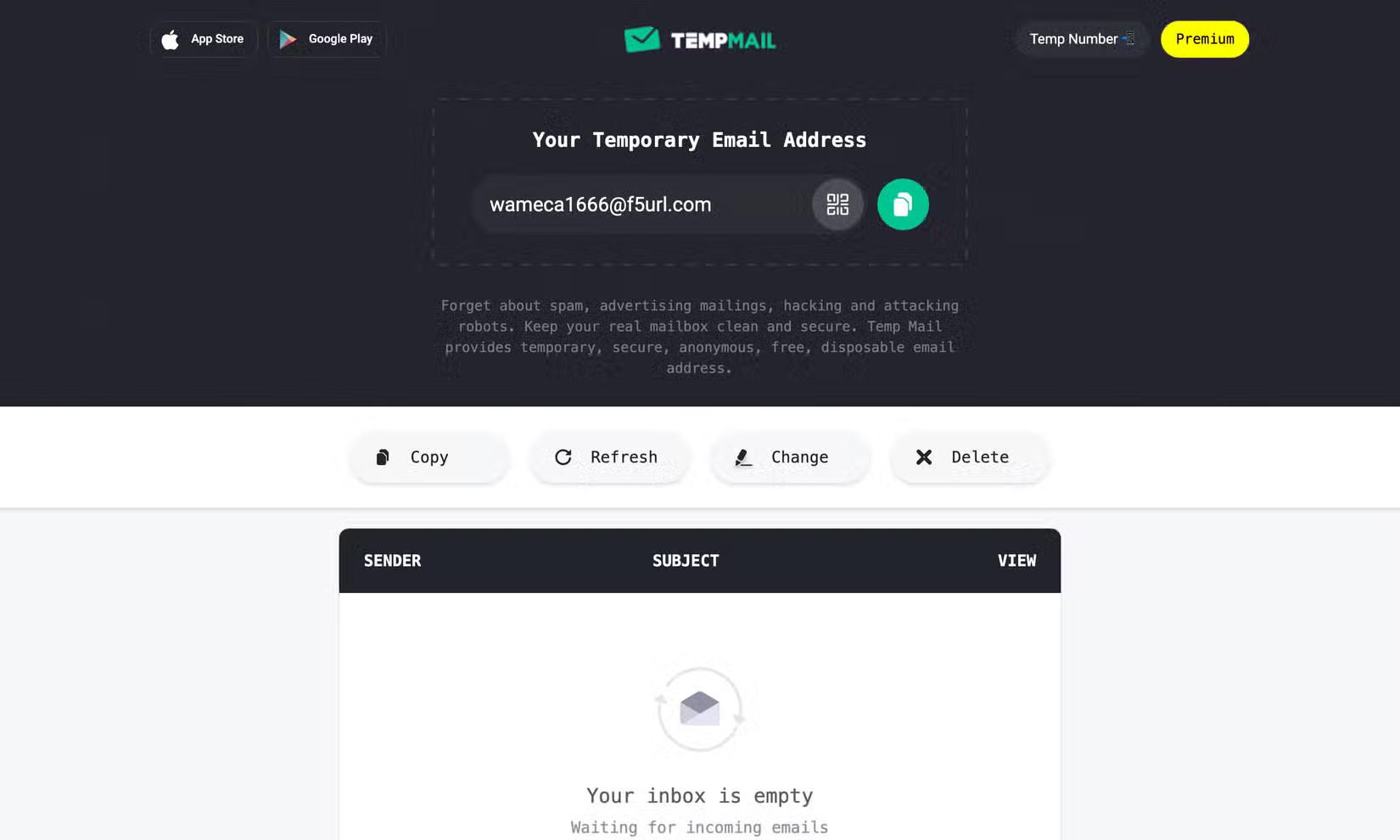
Temp Mail is your secret weapon for keeping your email inbox clean. Whenever you need to sign up for something small, download a freebie, or test out a service you're not sure about, turn to Temp Mail. It gives you a temporary, disposable email address that you can use immediately. it is fast and free, with no signup required.
Some people just copy the temporary email address provided, plug it into whatever platform they want to try, and that is it. Once done, close the browser and go. No spam, no annoying newsletters. Temp Mail is an essential tool, especially in a writing career that requires testing out different apps and services, most of which you never use again.
4. Remove.bg
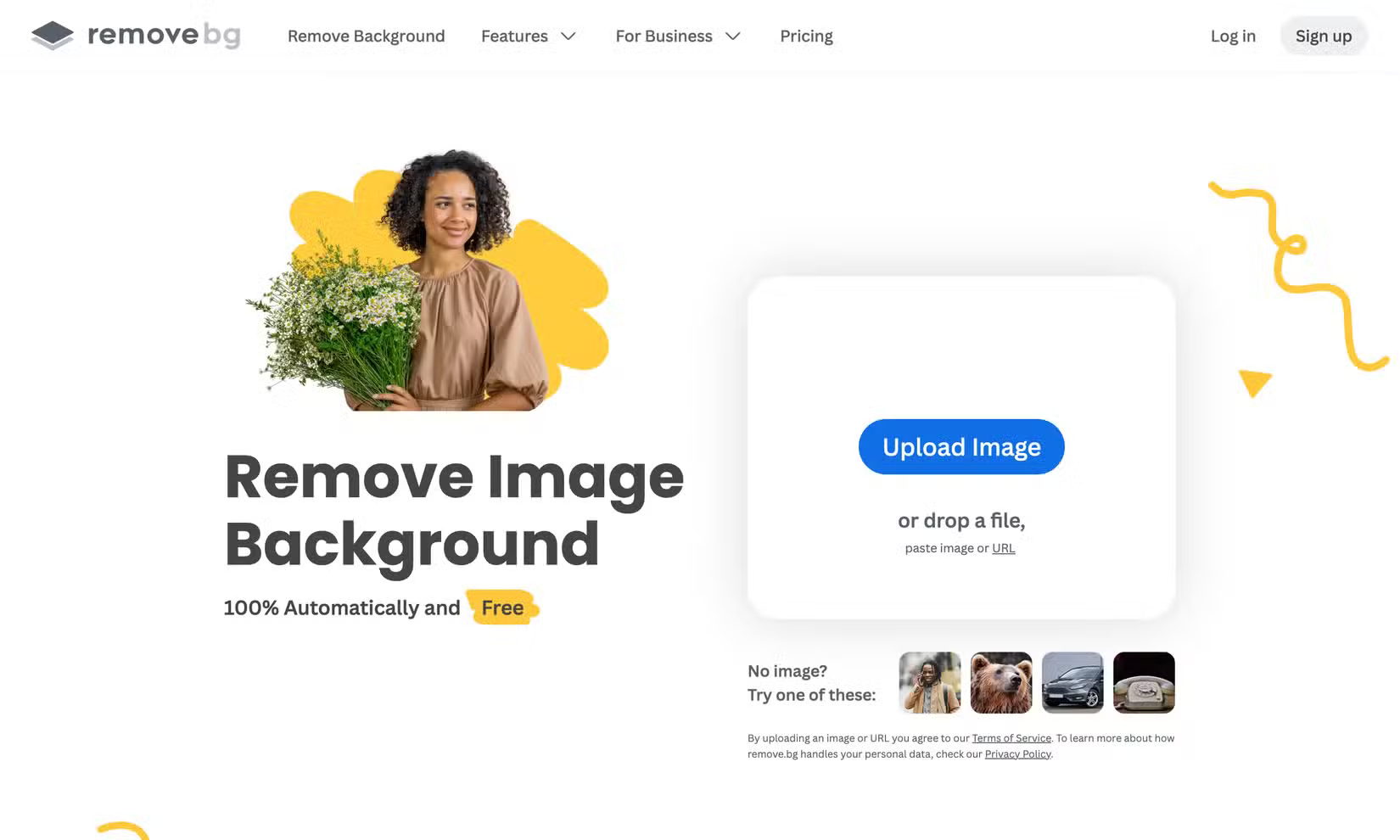
Remove.bg feels magical every time you use it. As one of the best AI background removal tools, it instantly removes the background from any image with just one choose - no Photoshop skills required. If you often need to separate images from their backgrounds - whether it is a logo or a photo you want to reuse - Remove.bg can handle it in no time.
You can upload images in a variety of file formats (including PNG and JPG) by dragging and dropping, copying and pasting, or by inserting the image URL. The free version lets you download standard quality photos, which is usually more than enough for everyday use.
Besides the background removal feature, this app also provides tools to replace the background in photos, blur the background, etc. Also, this app also has the ability to integrate with many other apps.
3. Perplexity
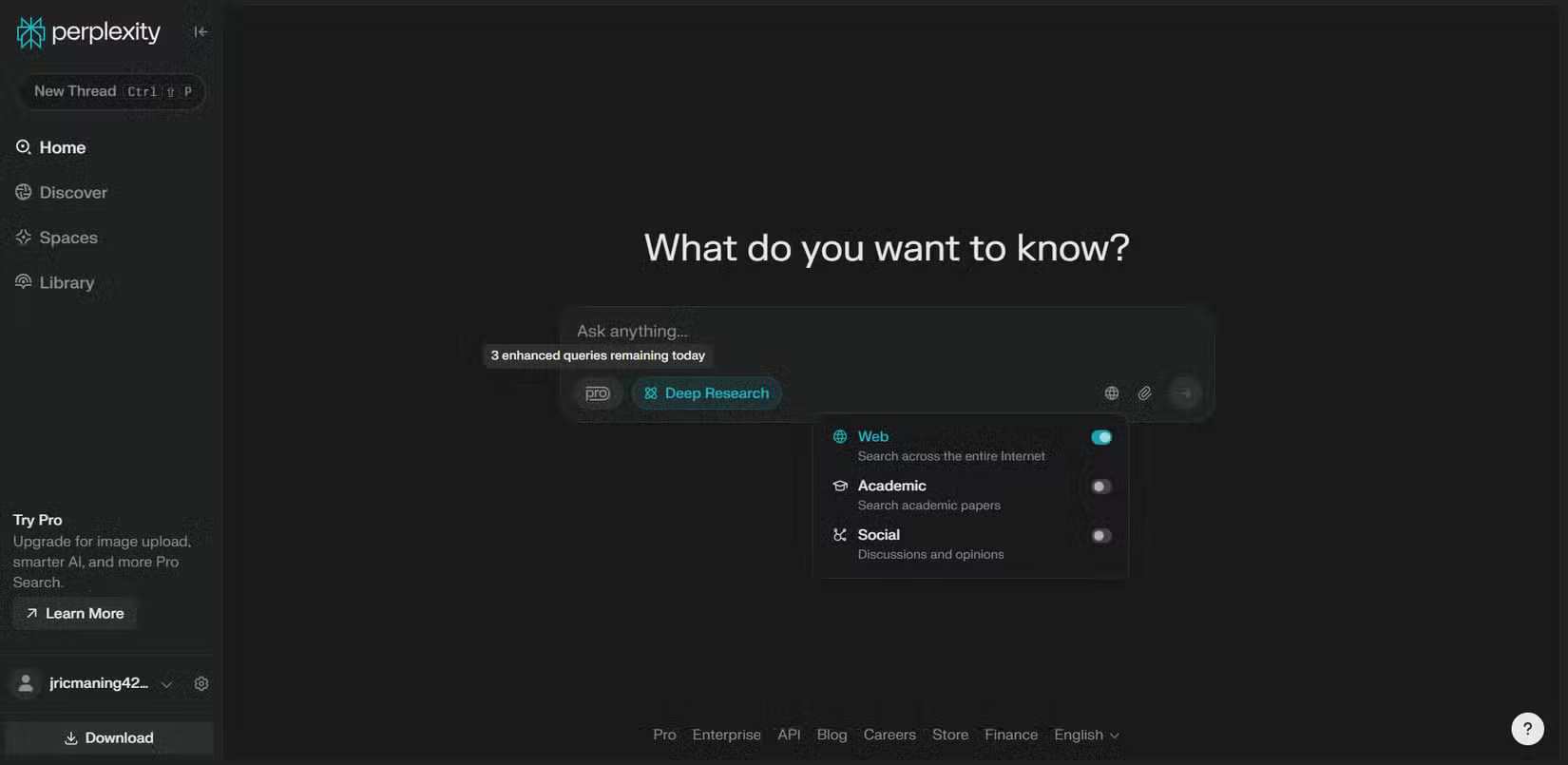
If you're not using Perplexity, you're missing out. Perplexity is an AI-powered search engine that makes it easy to find answers to your queries from across the web.
Unlike traditional search engines that bombard you with ads and SEO-stuffed articles, Perplexity gives you direct and concise explanations. It also gives you all the sources the answer came from for verification.
You can use Perplexity every day to research, check information, summarize long articles, and even brainstorm ideas when you're stuck. Because it can access information in real time, it has become the go-to choice for time-sensitive topics. Perplexity has completely changed the way you search for things online.
2. Bitwarden
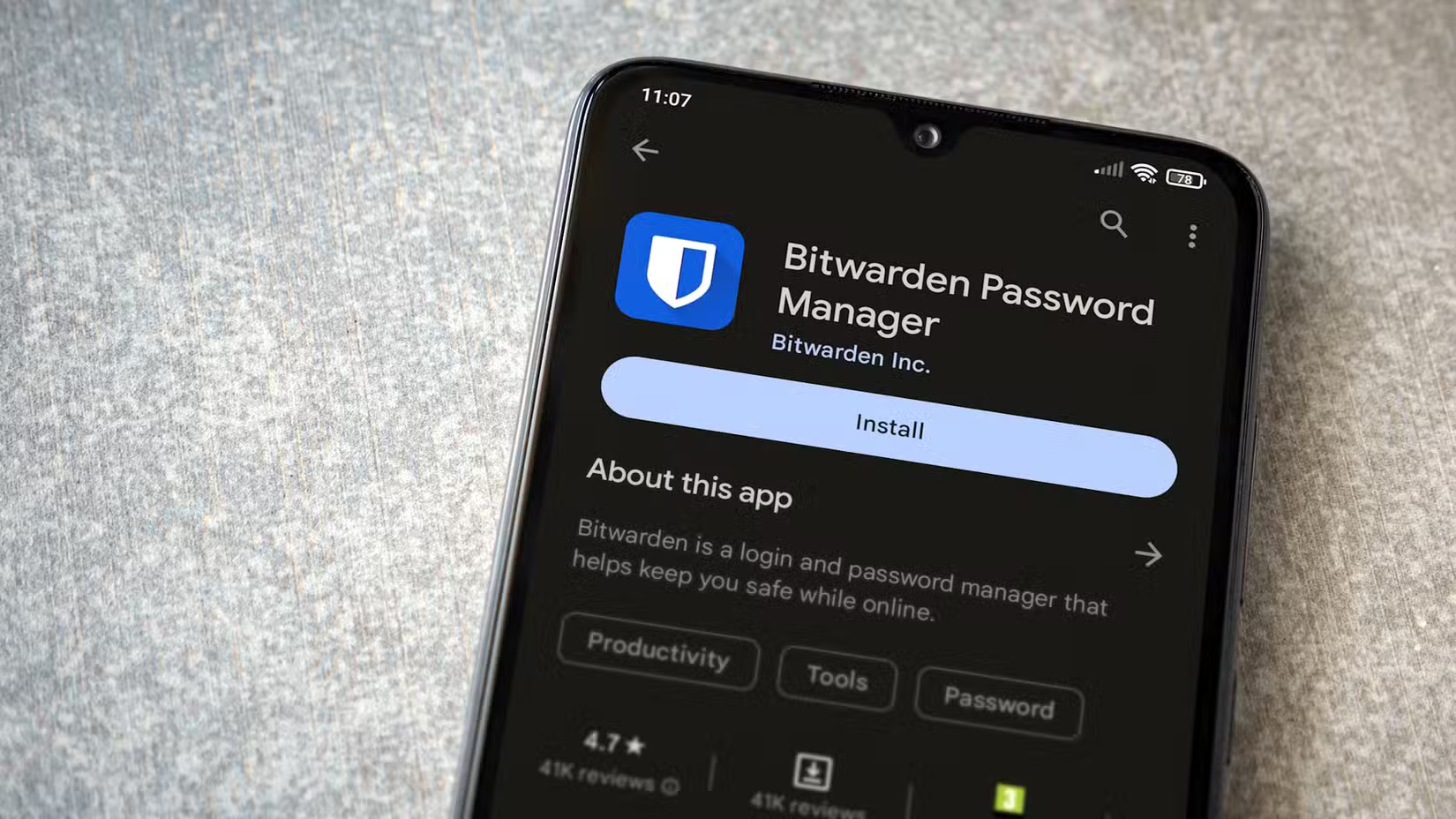
With so many online accounts to keep track of, everyone should use the Bitwarden password manager. You only have to remember one password – your master password. The rest of your passwords are stored in your secure password vault. Bitwarden is the reason you no longer have to use the same password everywhere or rely on inefficient methods like writing down your passwords in a notebook.
This is a free, open-source password manager that securely stores all your logins, credit card information, and even notes behind a single master password. Bitwarden automatically generates strong, secure passwords and autofills them in browsers and mobile apps for your convenience. Still, there are other reasons why people store their passwords in Bitwarden.
1. Pocket
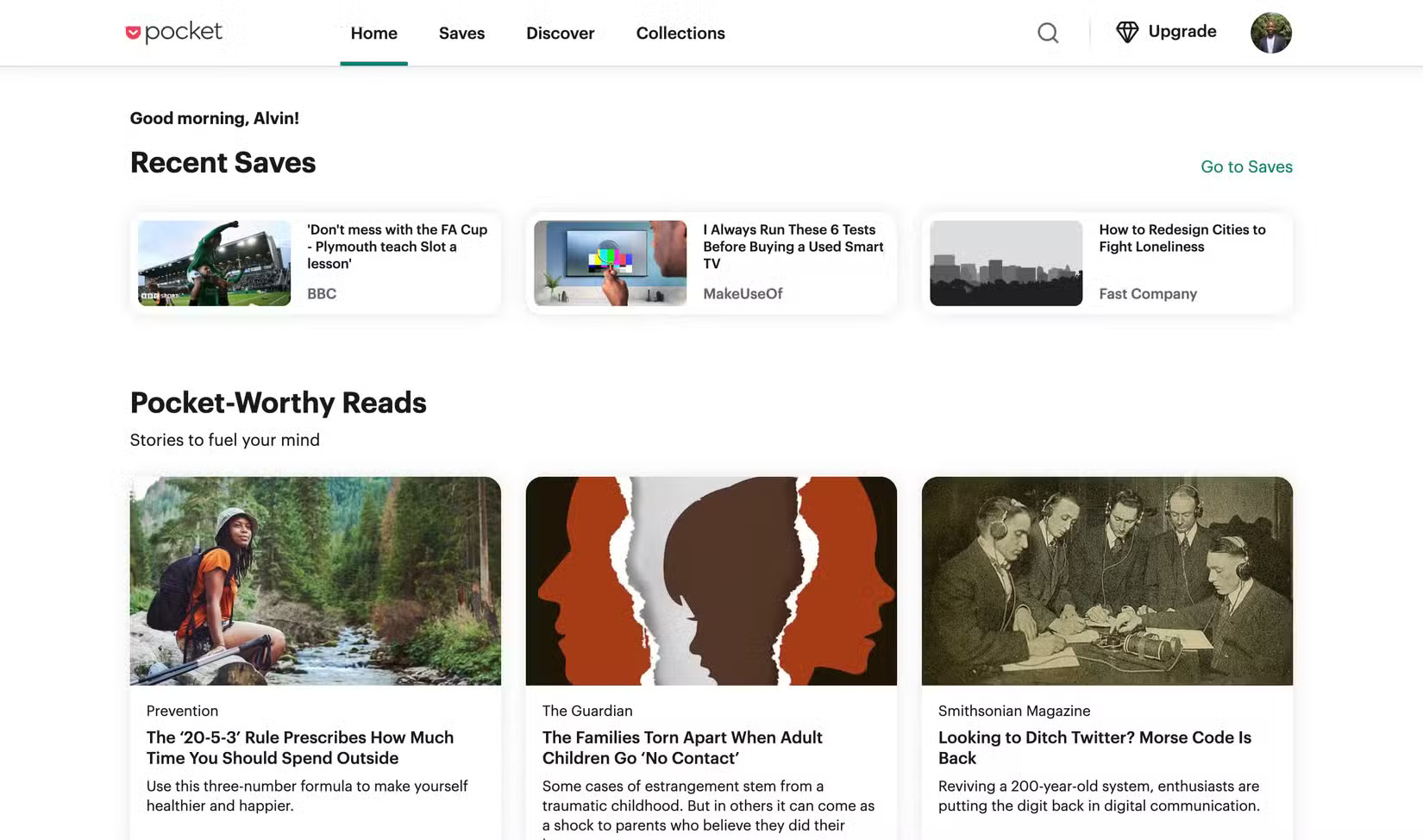
Every day, you come across interesting articles online. If you do not have time to read them, immediately add them to Pocket for later. Pocket has been around for a long time, and even after trying many different options, Pocket is still the favorite bookmarking app for many people. Most importantly, it makes it easy to store, retrieve, and organize bookmarks, which is very convenient for people who have many bookmarks.
But beyond saving articles, you can use Pocket wisely to discover interesting new reads on the web that you might not find on your own.
These tools may not seem flashy, but they have quietly become essential to how you navigate your online life. And the best part is that they're all free unless you require additional functionality.
FAQ
How were the free tools you should use every week to make your online life easier options evaluated?
The comparison focuses on practical features, ease of use, limitations, compatibility, and the type of user each option is most likely to help.
Which option is best for beginners?
Beginners should prioritize a clear interface, useful documentation, reliable support, and the core features needed for their first project.
Should I choose a free or paid option?
Start with a free option when it covers your needs. A paid plan may be worthwhile when you need advanced tools, commercial rights, collaboration, or professional support.
Related Articles
 Ways to Apply Generative AI in Your Life Completely Free of Charge8 minutes read
 5 Useful Online Calculation Tools for Life8 minutes read
 25 Creative Actions Make Your Life Much Easier to Breathe4 minutes read
 9 Fun and Free Online Painting Tools9 minutes read
 7 Free Android Apps That Make Life Easier8 minutes read
 Which Time Is Right for Us to Stop Making Money and Learn to Enjoy5 minutes read
Reader Comments 0
Sign in with email or Google to join the discussion.