Table of Contents
This updated guide answers the question 'Why Is Hard Drive Partitioning Pointless on Modern Storage Devices' with clear explanations and practical context. Years ago, hard drive partitioning was a smart way to organize files and simplify reinstalling the operating system. Still, with advances in storage technology and the popularity of cloud services, hard drive partitioning has become more of a hassle than a useful solution for.
5. the Disadvantages of Hard Drive Partitioning Outweigh the Benefits
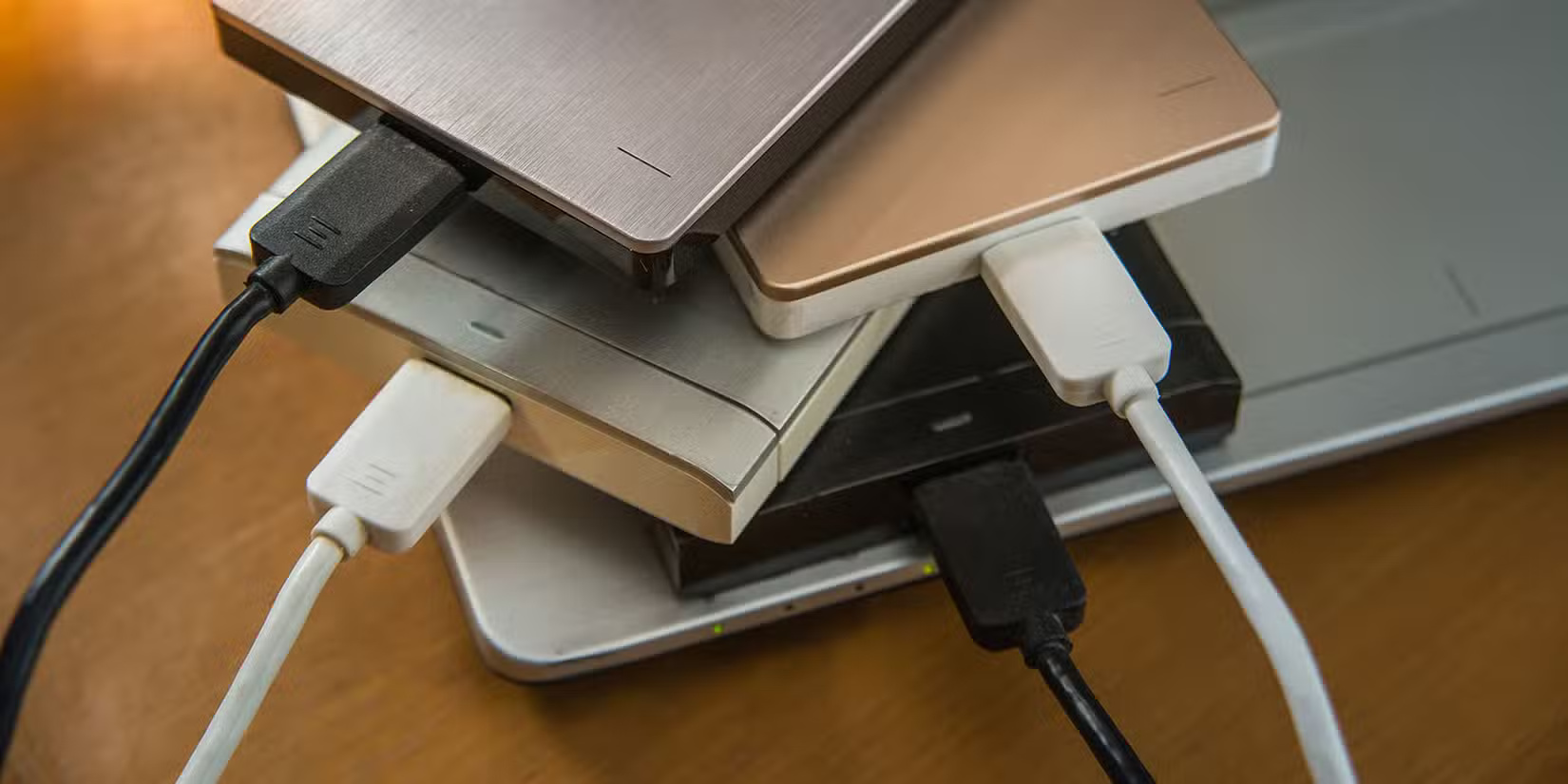
While partitioning your hard drive can help separate your operating system, programs, and personal files, it also comes with serious drawbacks. The most important issue is that partitioning can quickly become a limiting factor, especially as your storage needs change over time.
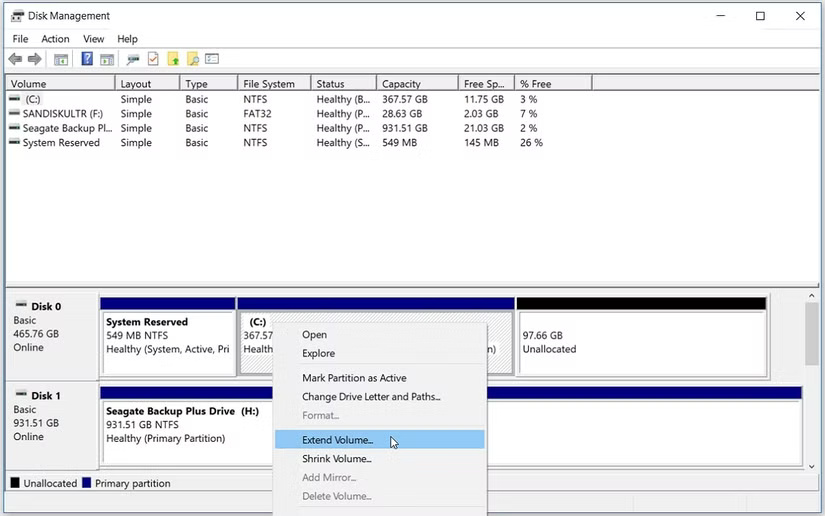
Partitioning can lead to inefficient use of storage space. for instance, you might allocate 100GB to your operating system partition, only to find that a major update takes up more space than expected. This can leave you scrambling to free up space or resize the partition using Disk Management.
Furthermore, organizing multiple partitions can be confusing, especially if you have multiple drives with different partition setups. it is easy to forget which partition is for which purpose, resulting in a messy and disorganized storage system that is more trouble than it is worth. The downsides, such as limited flexibility, inefficient storage usage, and added complexity, outweigh the potential benefits for most users.
With advances in storage technology and operating system features, there are now better ways to manage your files and systems.
4. Separate Physical Hard Drives Provide Simpler Management
If you're looking for a simpler way to organize your files and programs, using separate physical hard drives is a better alternative to partitioning. By dedicating one hard drive to your operating system and essential programs, and another to your personal files and media, you can keep things organized without the headache of managing partitions.
for instance, you have a 500GB SSD for your operating system and two 1TB SSDs for your files. This setup lets you keep your operating system drive lean and fast while still leaving plenty of room on the secondary drives for your growing collection of games and software.
With separate hard drives, you do not have to worry about resizing partitions or running out of space on your OS hard drive. If you need more storage for your files, you can add another SSD or upgrade to a larger drive without affecting your OS or programs.
3. High - capacity Hard Drives Are More Affordable Than Ever
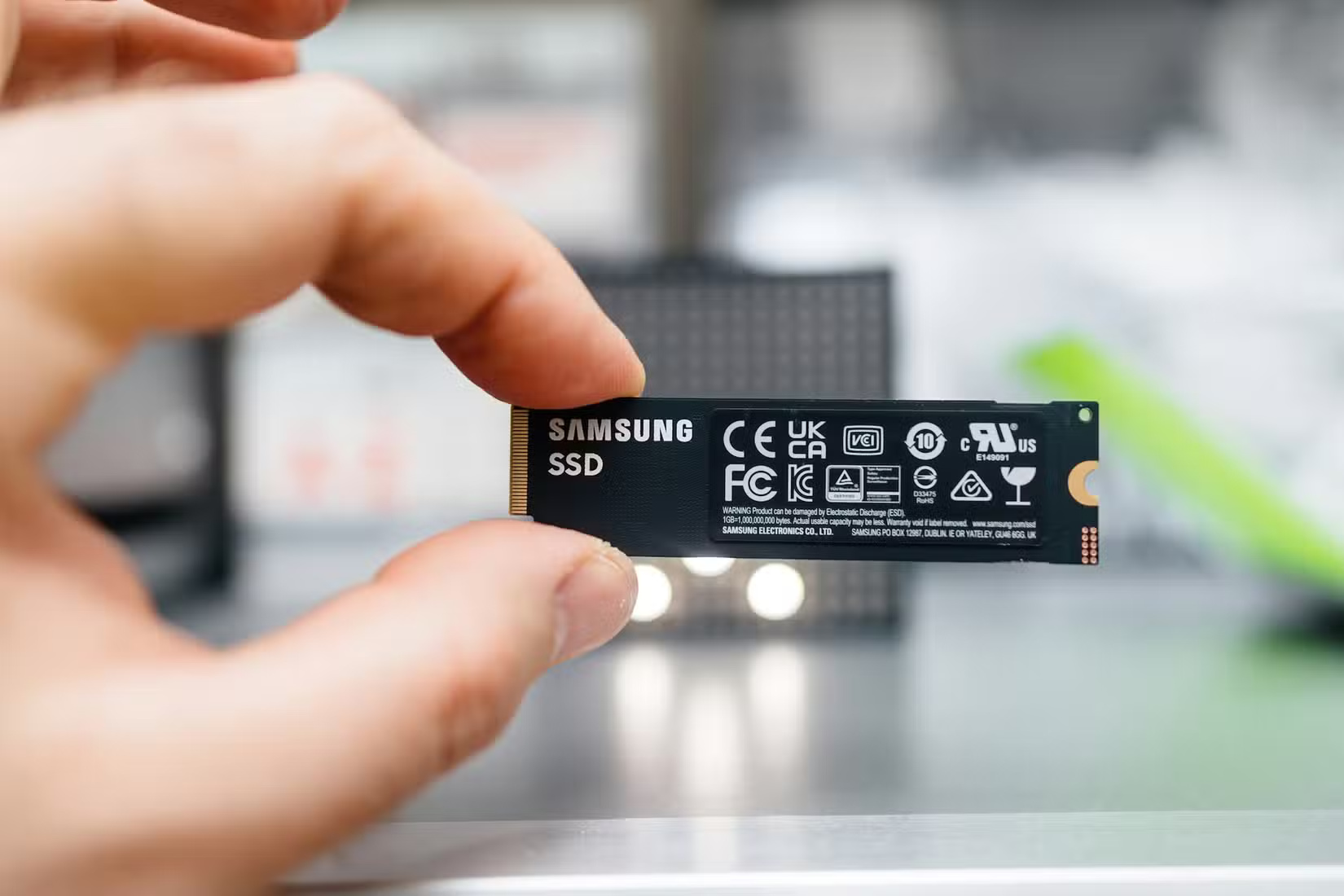
One of the main reasons people used to partition their hard drives was to maximize storage efficiency when high capacity hard drives were too expensive. Still, times have changed and now you can get large storage hard drives without spending a fortune.
A 1TB SSD today costs about the same as a 256GB SSD did a few years ago. This means you can easily dedicate a large capacity drive to your operating system and programs without breaking the bank. Depending on your need for speed versus capacity, you may want to opt for an NVMe SSD over an older SATA SSD.
And if you're looking for storage on the go, there are plenty of affordable portable SSD options. Check out our list of the best portable SSDs to find one that fits your needs and budget.
With such affordable high-capacity drives, you no longer need to fiddle with partitions. To maximize storage efficiency, you can invest in a larger drive and enjoy the simplicity of a single, spacious storage solution.
2. Cloud Storage Offers Convenient Scalability Options
Along with high-capacity physical hard drives, cloud storage is a popular and convenient way to expand your storage capabilities. With services like Google Drive, Dropbox, and OneDrive, you can store your files in the cloud and access them from anywhere, on any device.
The great thing about cloud storage is that it lets you offload files that you rarely use, freeing up space on your local hard drives. This means you can keep your operating system hard drive from becoming overloaded while still having access to all your important documents, photos, and videos whenever you need them.
You will find plenty of great cloud storage services to choose from, each with its own set of features and pricing plans. Check out our roundup of the best cloud storage services for backing up and sharing files to find the one that fits your needs.
And if you're on a tight budget, there are also some great free cloud storage providers that will not cost you a dime.
1. Modern Operating Systems and Software Handle Storage More Intelligently
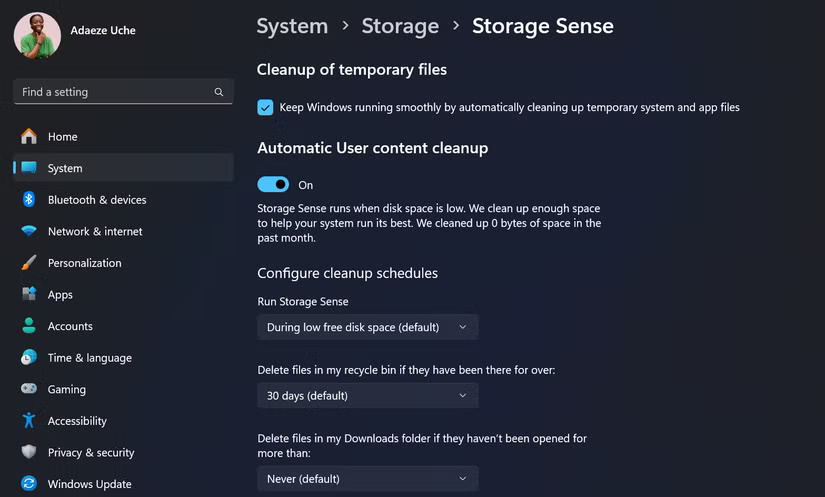
Gone are the days when you had to micromanage storage to ensure optimal performance. Today's operating systems and applications have intelligent management features that make partitioning less necessary.
for instance, Windows 10 and 11 include features like Storage Sense, which automatically frees up space by deleting unnecessary files and moving less-used files to the cloud. This helps keep your operating system hard drive running smoothly without manual intervention.
Likewise, many modern applications are designed to store their data in user-specific folders, keeping your operating system hard drive free of clutter. And if you find yourself with a problem with your C: drive filling up unexpectedly, there are a few ways to fix the problem without partitioning.
While partitioning may have been a useful strategy in the past, you probably do not need it anymore. With fast, high-capacity hard drives, cloud storage, and smart operating system features, you can enjoy a clutter-free, efficient computing experience without having to partition your hard drive and deal with the hassle that comes with it.
FAQ
What is the main takeaway about Why Is Hard Drive Partitioning Pointless on Modern Storage Devices?
The key is to understand the core idea, compare the available options, and apply the practical guidance that matches your situation.
What should beginners know about Why Is Hard Drive Partitioning Pointless on Modern Storage Devices?
Start with the essential steps and terminology. Avoid changing advanced settings until you understand how they affect performance, privacy, cost, or compatibility.
How can I use this information in practice?
Follow the relevant section in order, test one change at a time, and confirm the result before moving to the next step or recommendation.
Related Articles
 How to Partition a Hard Drive in Windows 86 minutes read
 Partitioning a Hard Drive in Windows 84 minutes read
 Instructions to Divide and Merge Drives Right in Windows 75 minutes read
 How to Partition a Hard Drive in Windows 11, 10, 8, and 7 Without Losing Data6 minutes read
 How to Create a Partition7 minutes read
 25 Interesting Things About Hard Drives You May Not Know12 minutes read
Reader Comments 0
Sign in with email or Google to join the discussion.