Table of Contents
What Happens If You Lose Your Google Account is easier to approach with a clear overview and reliable steps. This guide organizes the essential information, highlights practical details, and explains what to check along the way.
Key Takeaways
- Review what does it mean to lose access to your google account.
- Explore you won't be able to log in to gmail.
- Understand you won't be able to access google services like photos and drive.
What Does It Mean to Lose Access to Your Google Account?
A lot of your online activities involve your Google account, so losing access can have some serious consequences.
1. You Won't Be Able to Log in to Gmail
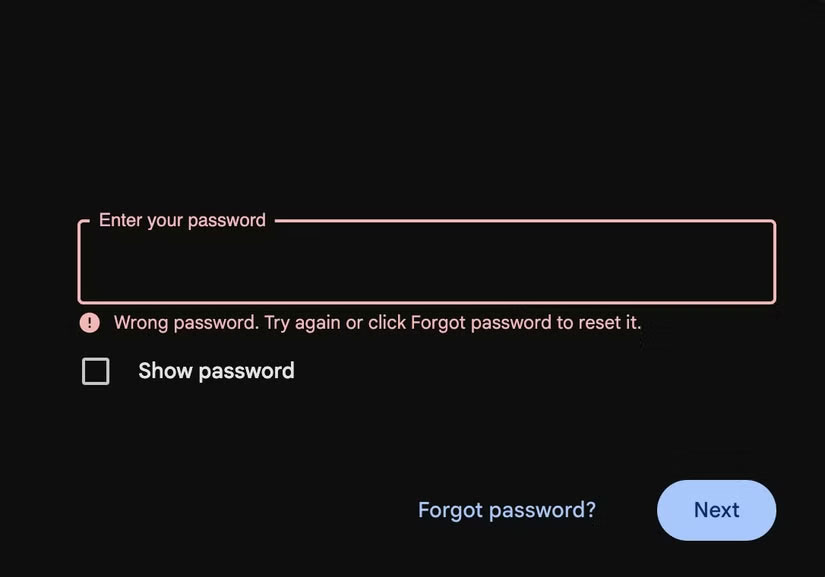
The first thing you will notice if you get locked out of your Google account is that you will not be able to access Gmail. This can cause some serious problems if you only have one primary email account (the one you are locked out of). This is one of the main reasons why having multiple email accounts is useful. Having multiple email accounts so you can redirect your emails can help if your only account gets locked out.
2. You Won't Be Able to Access Google Services Like Photos and Drive

Another consequence of being locked out of your Google account is that you won't be able to access Google Photos, Drive, Docs, or any other Google services. Not being able to access them can be extremely inconvenient, especially if you have important photos or documents in your Google account while there are alternatives to most of these services. Unless you've backed up these files elsewhere, you could lose years of valuable data.
3. Third-party Logins May Be Broken
Many people use their Google accounts to log in to third-party sites and apps because it's convenient. But those connected logins can stop working if you lose access to your Google account. In turn, this can lock you out of important apps you rely on.
How to Secure Your Google Account
Losing access to your Google account can quickly become a major inconvenience. It can be really difficult to regain access to your account when that happens. That's why it's important to take preventative steps to keep your account secure.
1. Use a Digital Password Manager
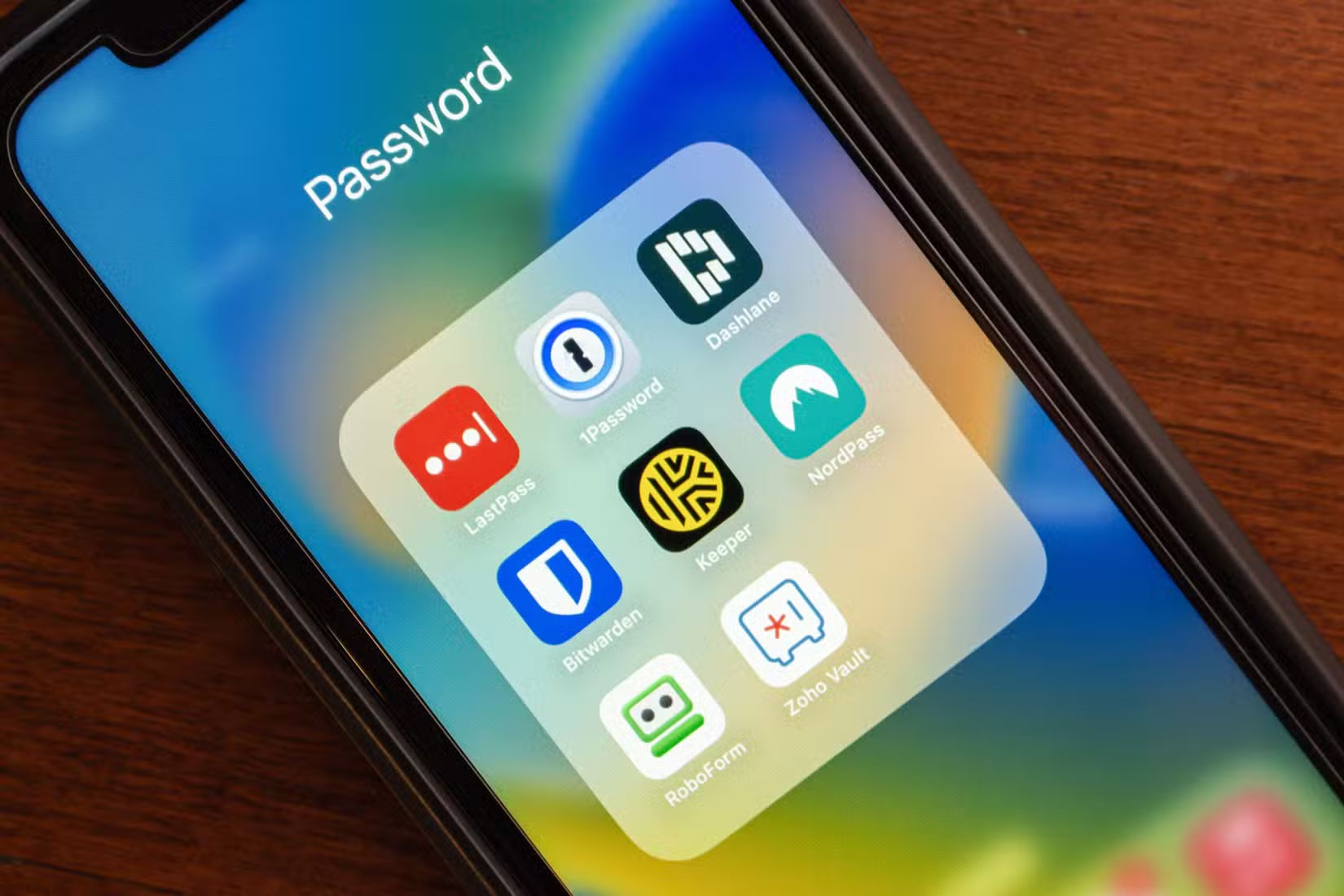
Forgetting your password is one of the most common ways people lose access to their accounts. Password managers can prevent this by securely storing and managing your login information. You will find many free and paid password managers available, so finding the right password manager for you and setting it up shouldn't be too difficult. Once set up, all you have to do is remember your master password and the password manager will take care of the rest, reducing the chances of you getting locked out of important accounts.
2. Add More Recovery Methods
Adding a recovery phone number or email address can help you reset your password if you accidentally forget it or get locked out of your Google account for another reason. It doesn't hurt to have multiple options set up while adding just one recovery method is usually good enough. For instance, if you change your phone number or lose access to your old email address, having a backup means you can regain access to your account.
3. Remember Old Password
You may be asked to enter your old password to verify your identity to regain access to your Google account. It can be difficult to prove that you're the rightful owner of the account if you don't remember your old password and don't have any recovery methods set up. That's why it's smart to save your old password profile. Make sure to keep your old passwords in a safe place if you reuse passwords.
4. Back Up Your Account Regularly
Backing up important files is helpful in case the worst happens. It's important to back up your important files, including documents, email attachments, etc., along with any important files associated with your Google account.
What to Do If You Lose Access to Your Google Account?
If you've lost access to your Google account because you forgot your password or username or can't receive your verification code, there are still a few options for recovering your account. Google's account recovery process is fairly straightforward and involves answering a few questions. Answer as many questions as you can. This helps you make it easier for yourself.
Incorrect guesses won't disqualify you from the process, so don't be afraid to try a few different answers if you don't remember anything.
Also, try to use a familiar device and location throughout the process. Phone, or tablet, use the same device and browser you typically use if you typically log in from a particular computer. Don't try to recover your account from a new city or country, as this may trigger a warning.
These steps makes it easier to avoid losing access to your Google account in the first place and restore access if you've already lost it. Once you're signed back in, update your recovery information and take other precautions to prevent this from happening again.
Final Thoughts
The most reliable way to handle what happens if you lose your google account is to follow the process in order, verify each important setting, and test the result before moving on. Use the guidance above as a practical reference, then adjust the details for your device, software version, or specific goal.
FAQ
What should I know first about What Happens If You Lose Your Google Account?
Losing access to your Google account can have serious consequences beyond just not being able to send and receive emails.
How do I get the best results with What Happens If You Lose Your Google Account?
Use current software or equipment, follow the steps in order, review the recommended settings, and test one change at a time so you can identify what improves the result.
What should I do if What Happens If You Lose Your Google Account doesn't work as expected?
Check compatibility, permissions, connectivity, and version-specific settings. Restart the relevant device or app, then repeat the process carefully before trying a more advanced fix.
Related Articles
 4 Things You Could Lose If Google Deletes Your Account6 minutes read
 How to Detect Someone Accessing Your Google Account3 minutes read
 How to Log Out of Your Google Account on Devices7 minutes read
 Protect Your Google Account with USB 'Security Key'3 minutes read
 How to Delete a Google+ Account Still Keeps Gmail Account5 minutes read
 What Happens to a User's Google Account When They 'Pass5 minutes read
Reader Comments 0
Sign in with email or Google to join the discussion.