Table of Contents
A phone can look better on a spec sheet without being better to hold, repair, or use. These five design trends are worth questioning when you shop. Try the phone in person or look for reviews that test the trade-off you care about.
1. AI features with no clear everyday use
A tool that removes distractions from photos or transcribes a recording can save time. A long list of AI features tells you less. Pick a task you do often and check whether the feature supports your language, needs an account or internet connection, and works with the apps you use. Apple calls its object-removal feature Clean Up. For Samsung examples, see the Galaxy AI feature guide.
2. Larger screens at the expense of one-handed use
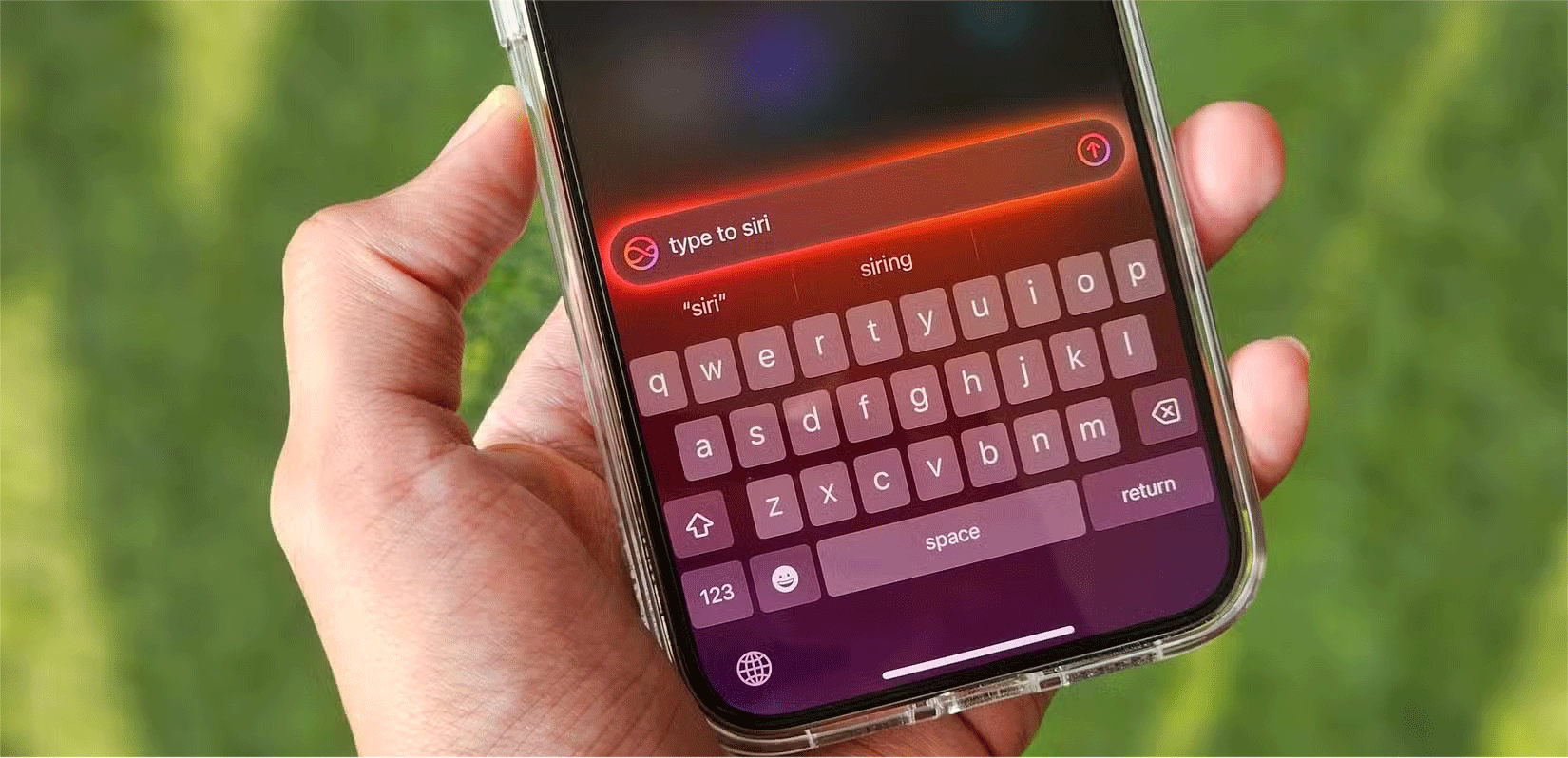
The ASUS Zenfone 10 had a 5.9-inch screen. ASUS moved to 6.78 inches for the Zenfone 11 Ultra. A bigger display can help with video and reading, while width and weight decide how the phone feels one-handed. Compare those dimensions with the phone you already carry. Try reaching the keyboard and opening notifications with your usual grip.
3. Glass backs as the default premium finish
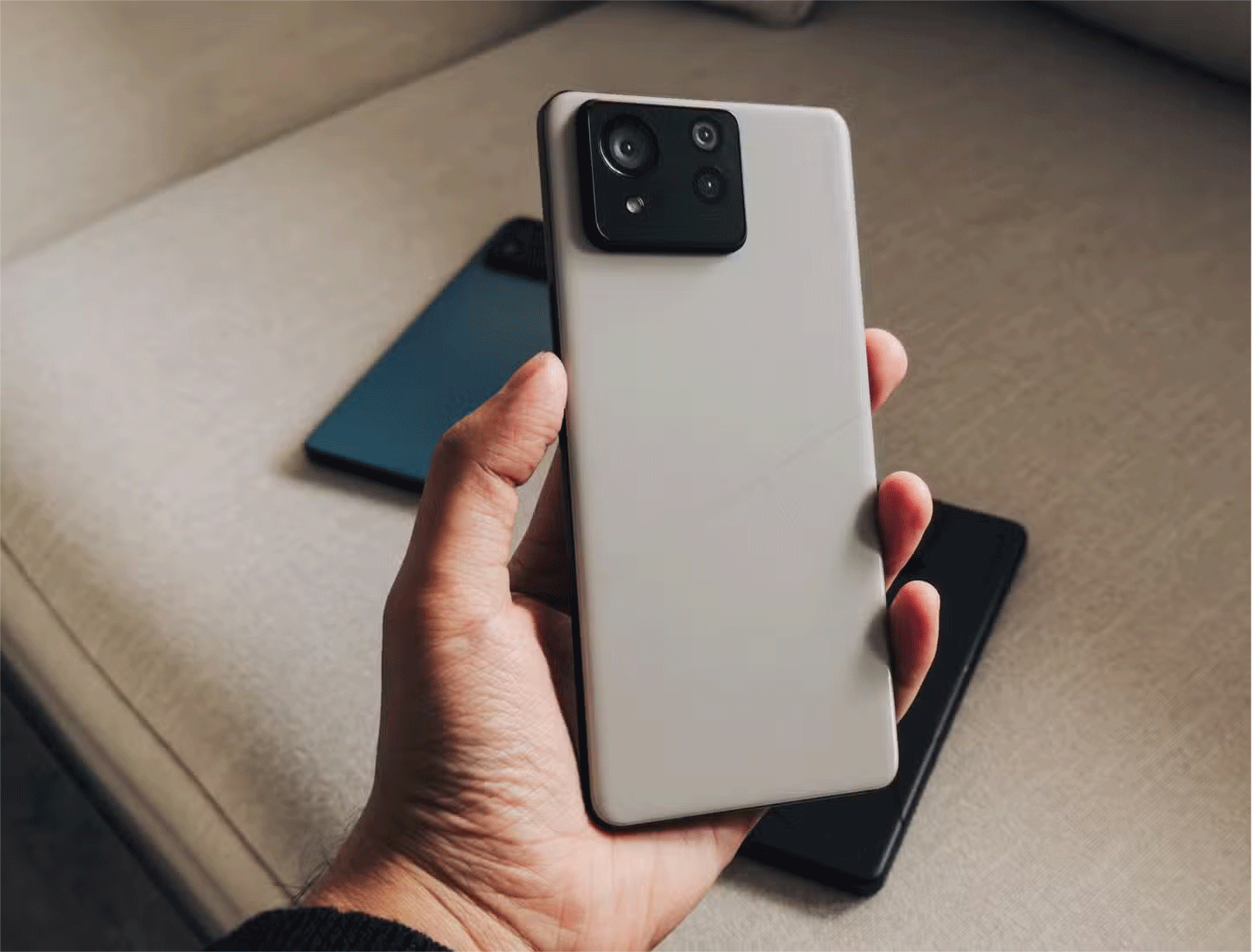
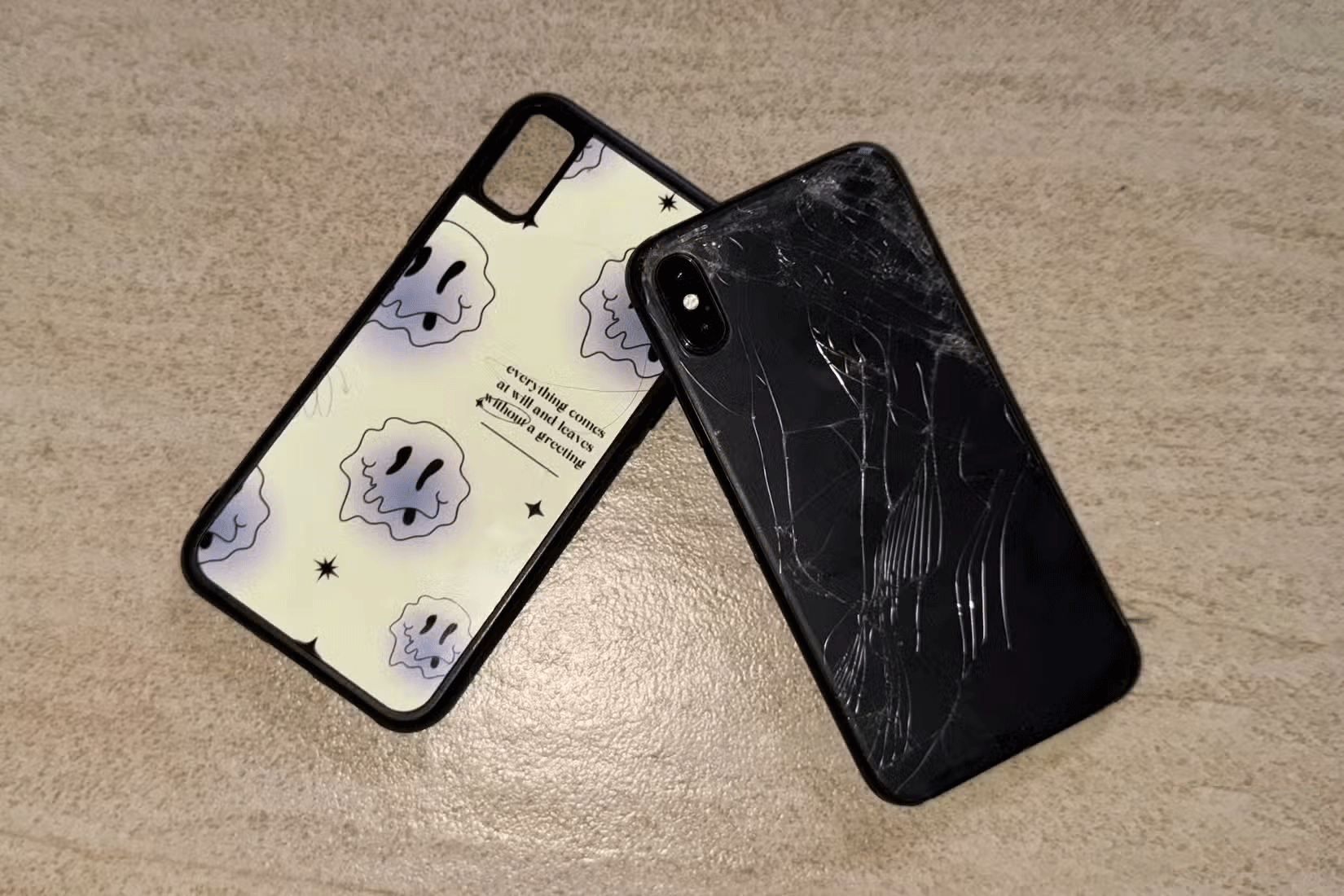
Glass can support wireless charging and a finish some people prefer. It can also crack and may add another repair expense. Plastic or composite can be a practical choice, depending on the model. Compare weight and the actual replacement price for the back panel instead of assuming the material tells you the whole story.
4. Extra cameras that add little
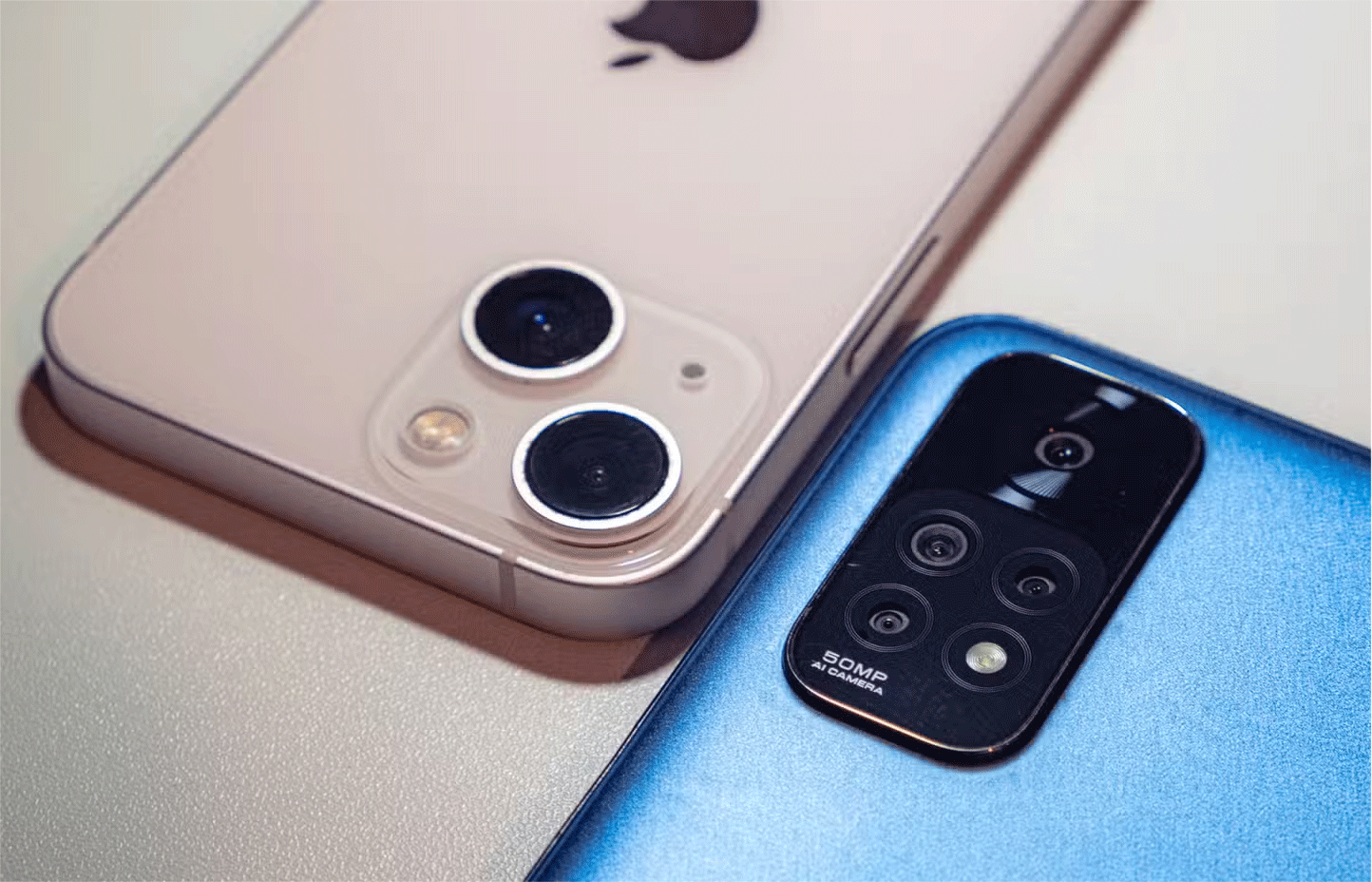
Look at photos from each lens. A useful telephoto or ultrawide can expand what you can shoot. An extra macro camera adds less if the main camera already gives you better close-ups. Check samples taken indoors, at night, and at the zoom level you use. The phone specs guide explains what to compare alongside camera count.
5. Thinner bezels without better handling
Small bezels can fit a larger display into the same body. The practical test is whether you can hold the phone comfortably without brushing controls along the edge. Curved screens are a separate design choice. Try the screen with a case, check whether screen protectors fit well, and look up the cost of a replacement display.






Reader Comments 0
Sign in with email or Google to join the discussion.