Table of Contents
5 Smart TV Apps You Can Use Without Wi-Fi brings together practical options worth considering. Below, you'll find clear explanations, useful context, and tips for deciding which choices best match your needs.
Key Takeaways
- Review media player or VLC.
- Explore FX file explorer.
- Understand clock, timer, & stopwatch.
5. Media Player or VLC
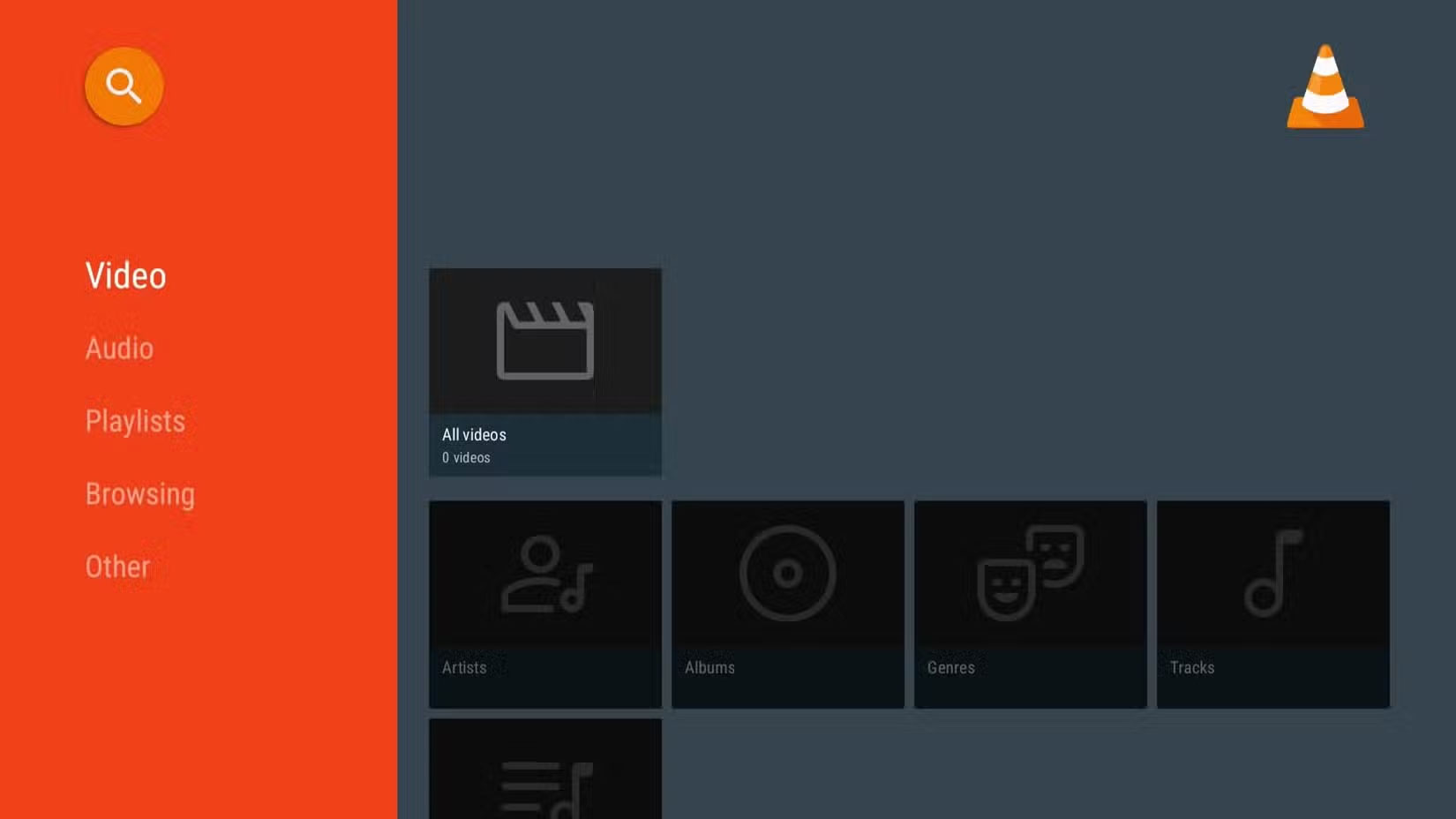
Even without Wi-Fi, you can still use your Smart TV to watch content using a media player. Most Smart TVs have a default media player to play videos and music directly from a USB or external hard drive.
VLC Media Player is a great alternative if your TV doesn't have a built-in player. It's a free app that supports just about every audio and video format you can think of, including MP4, MKV, AVI, MOV, FLAC, and more.
- Download VLC (Free)
4. FX File Explorer
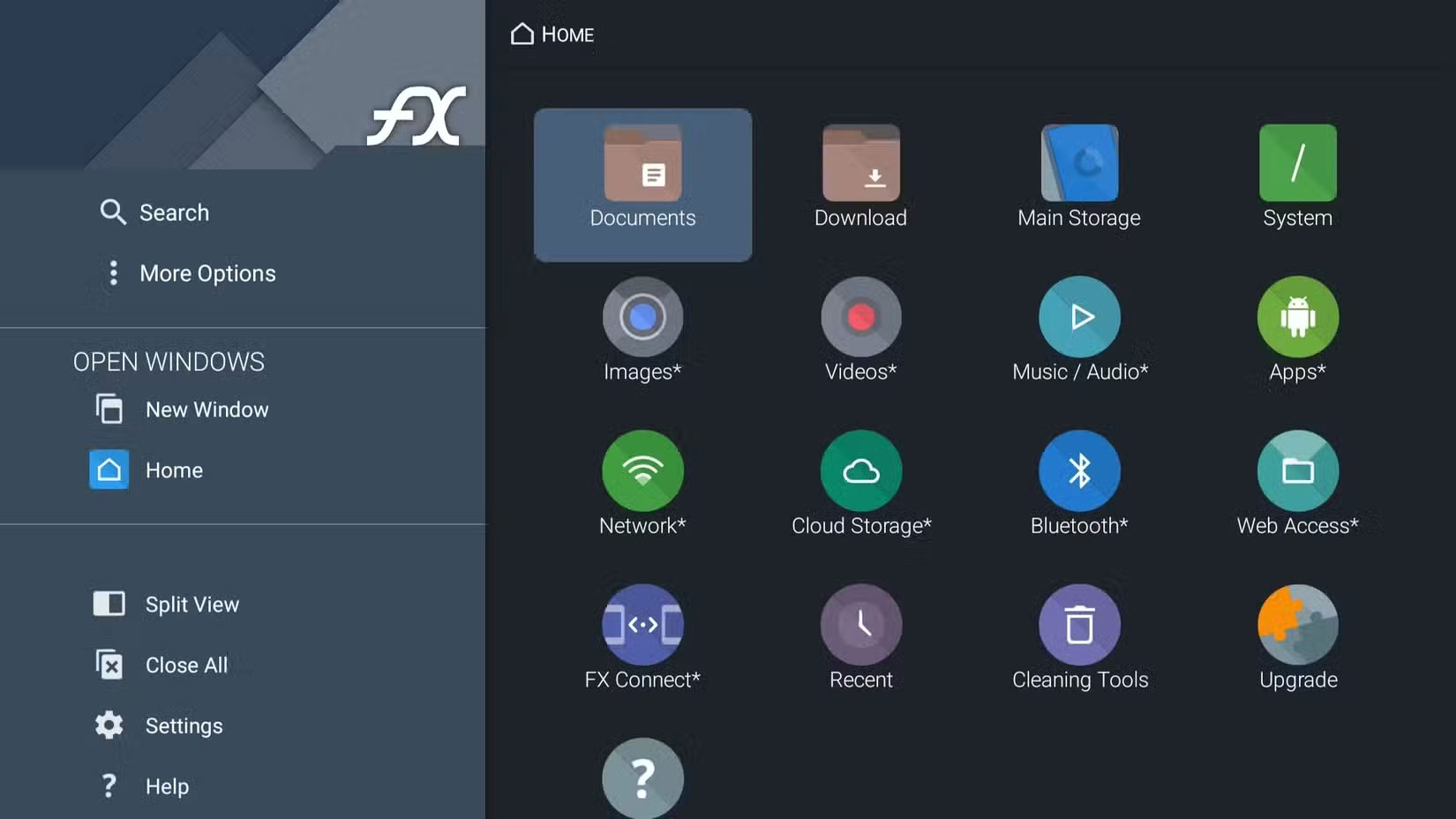
Most Smart TVs don't have a built-in File Manager app. However, if you frequently use USB storage devices with your Smart TV, FX File Explorer is a must-have app.
This app works just like File Manager on your phone and provides all the necessary file management options. With this app, you can browse, manage, and transfer files between your TV, USB storage, and other devices. The app even has a built-in image viewer and video player, so you can skip downloading a media player like VLC if your TV is running low on storage.
- Download FX File Explorer (Free).
3. Clock, Timer, & Stopwatch
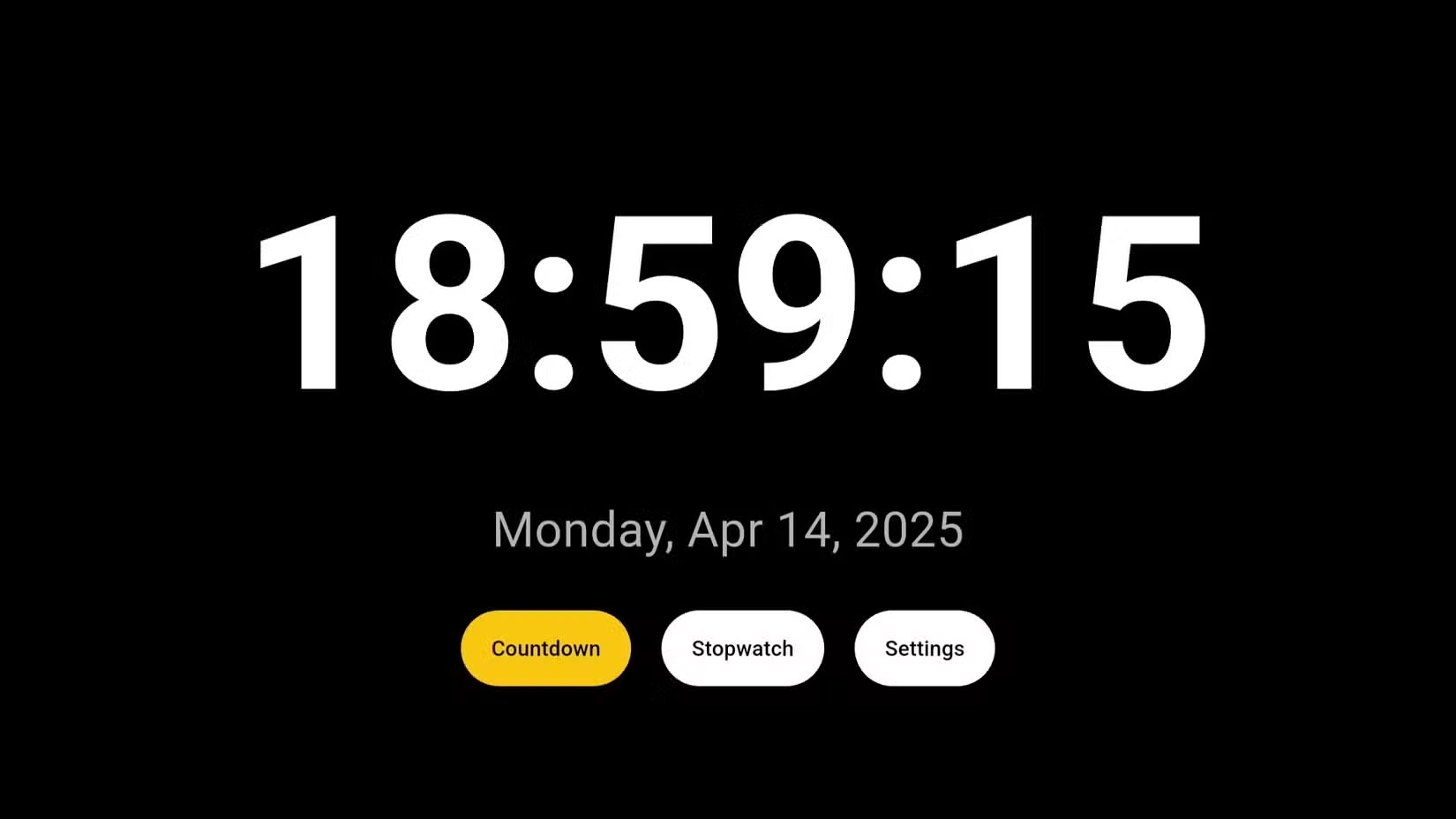
Smart TVs aren't just for watching content. With apps like Clock, Timer, & Stopwatch, you can instantly turn it into a digital clock.
On the app's home page, the current date and time are displayed in large, easy-to-read text. The Timer feature allows you to set timers for a variety of tasks, like cooking, exercise routines, or even reminders for upcoming activities. Then there's the Stopwatch feature, which is perfect for timing workouts, games, or projects that require precise tracking.
- Download Clock, Timer, & Stopwatch (Free).
2. Button Mapper

Depending on the brand of Smart TV and the operating system it runs, the layout of the remote control can vary. However, one thing most remotes have in common is dedicated shortcut buttons, often for popular streaming services like YouTube, Netflix, and Prime Video.
You're not limited to those presets, though. With Button Mapper, you can reprogram the buttons on your TV remote to launch different apps or perform specific actions.
- Download Button Mapper (Free, in-app purchases).
1. Offline Games
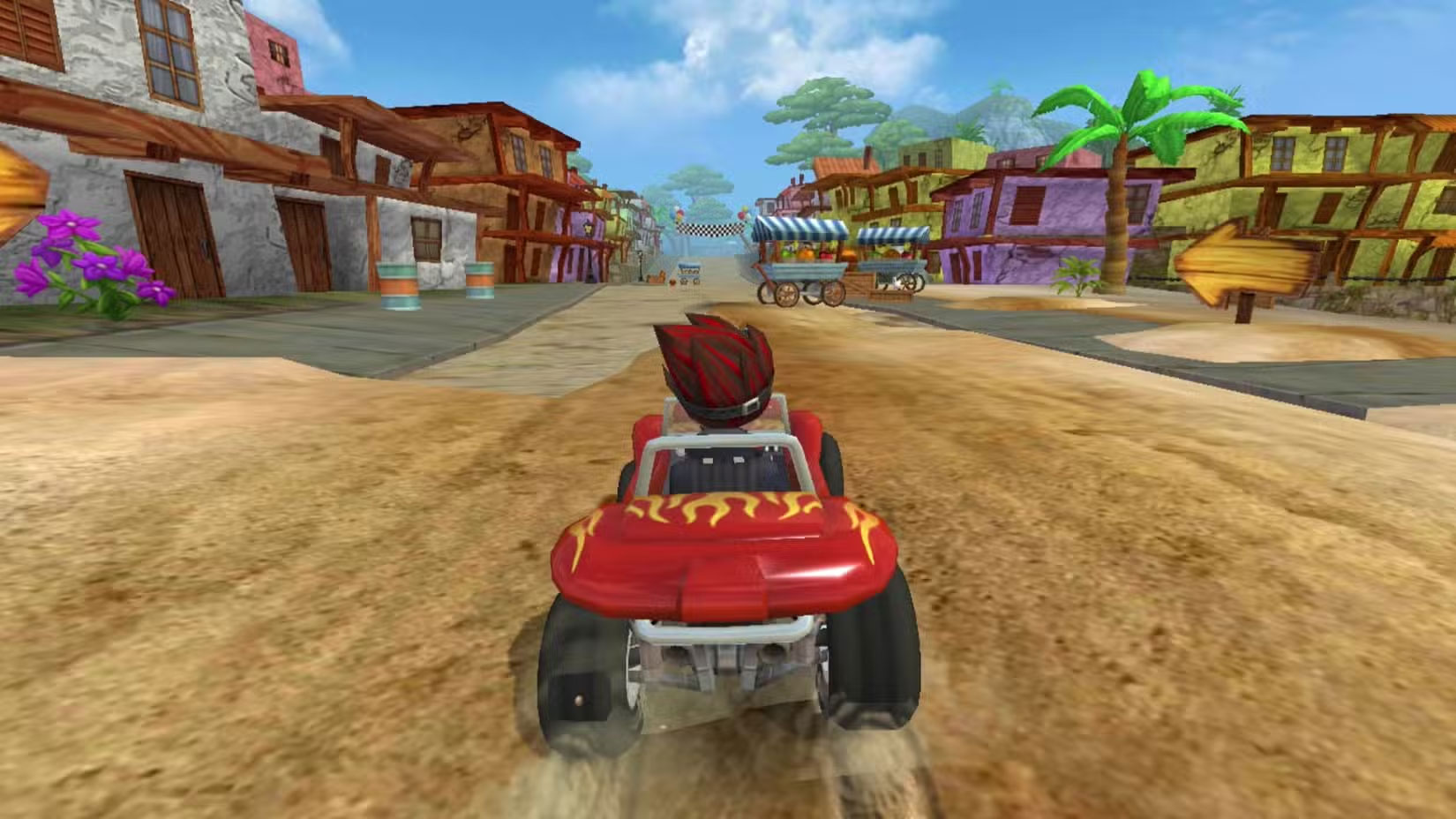
There are a number of offline games that can keep you entertained for hours if you want to have fun on your Smart TV without Wi-Fi. And it's not just limited to simple arcade-style games. Popular titles like Asphalt 8 are also available.
You'll find plenty of options in the racing, puzzle, and strategy categories. Of course, availability will vary depending on your TV's operating system, but most modern Smart TVs offer a variety of offline-compatible apps in their respective app stores. For instance, if you have a Google TV, you'll find titles like Crossy Road, Ludo King, Tournament Pool, and more.
- Download Asphalt 8 (Free, In-app Purchases).
Whatever your reason for using your Smart TV without Wi-Fi, there are still plenty of things you can do – from enjoying offline media to playing casual games. The list above is just a start – explore the app store on your TV and you might be surprised at how many apps work offline.
Final Thoughts
The most reliable way to handle smart TV apps you can use without Wi-Fi is to follow the process in order, verify each important setting, and test the result before moving on. Use the guidance above as a practical reference, then adjust the details for your device, software version, or specific goal.
FAQ
What should I know first about Smart TV Apps You Can Use Without Wi-Fi?
Using a Smart TV without the Internet may seem counterintuitive at first.
How do I get the best results with Smart TV Apps You Can Use Without Wi-Fi?
Use current software or equipment, follow the steps in order, review the recommended settings, and test one change at a time so you can identify what improves the result.
What should I do if Smart TV Apps You Can Use Without Wi-Fi doesn't work as expected?
Check compatibility, permissions, connectivity, and version-specific settings. Restart the relevant device or app, then repeat the process carefully before trying a more advanced fix.
Related Articles
 7 Useful, but Little-Known Smart TV Apps6 minutes read
 Remove These 7 Pre - Installed Apps from Your Smart TV!7 minutes read
 Unlock the Hidden Potential of Your Smart TV with These 6 Must-have8 minutes read
 How to Install Apps to Smart TV: Practical Guide9 minutes read
 How to Install Kodi and Complete Your Smart TV Setup5 minutes read
 Simple Ways to Speed up Old Smart Tvs: Make Your TV Run Fast and Smooth Like6 minutes read
Reader Comments 0
Sign in with email or Google to join the discussion.