Table of Contents
With Magic School AI, teachers can transform simple content into lessons, for example, converting videos into quizzes to review knowledge for students after each lesson.
Magic School AI is a platform that combines teaching and learning for different audiences. With Magic School AI, teachers can transform simple content into lessons, for example, converting videos into multiple-choice quizzes to review knowledge for students after each lesson. Below is a guide on creating quizzes from videos using Magic School AI.
For more context before choosing a tool, compare Claude and ChatGPT and review these practical AI tools for students.
How to create multiple-choice questions from videos using Magic School AI
Step 1:
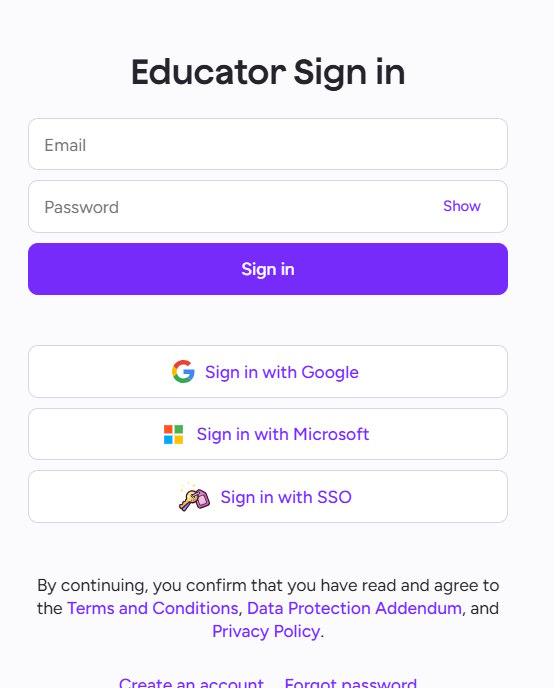
First, we create a Magic School AI account using our Google account.
https://www.magicschool.ai/
Step 2:
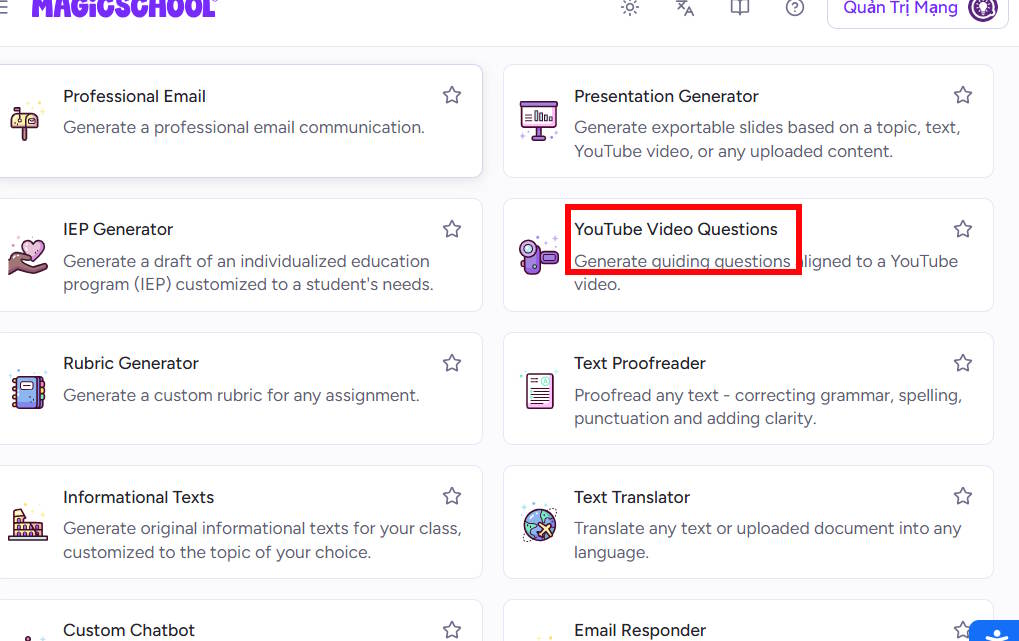
After creating an account, access the main interface and you will see all the content built on Magic School AI. We select YouTube Video Questions.
Step 3:
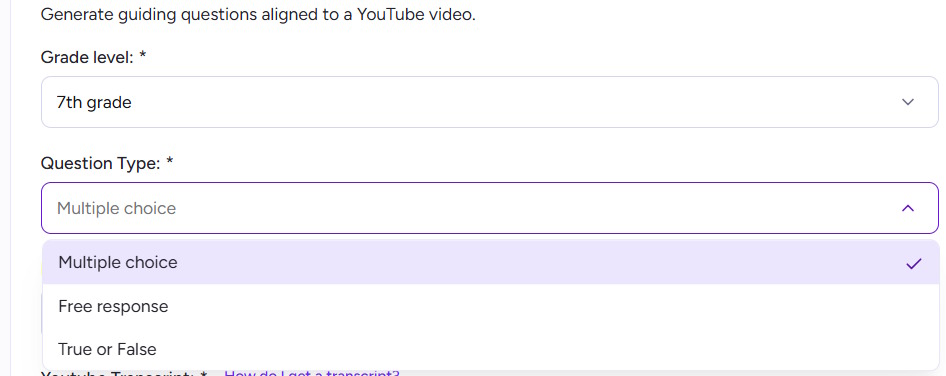
In the interface for creating question sets from YouTube videos, we select the grade level and the type of question the teacher wants to create.
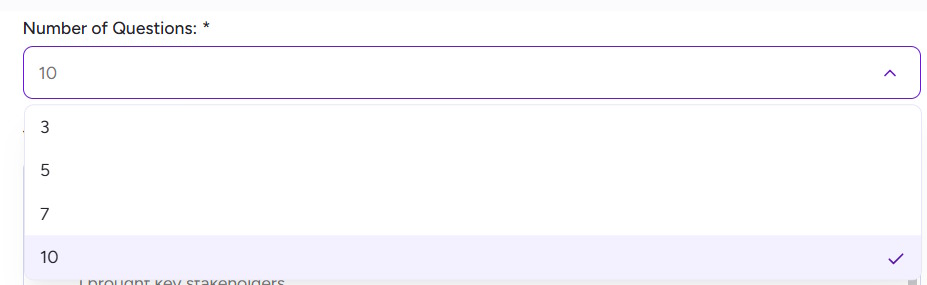
Next, select the number of questions you want to create.
Below is the option to load reference data, which includes content from YouTube videos if you have content.
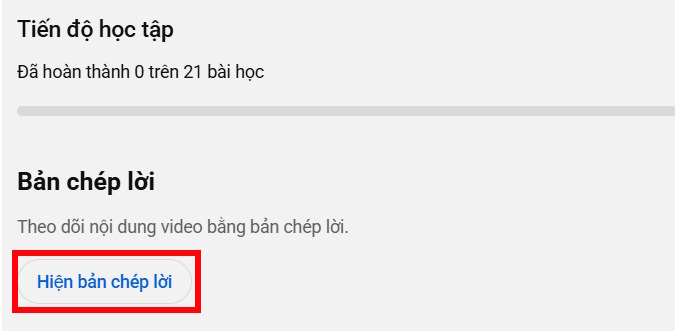
Please note that, due to YouTube's policy, Magic School AI no longer uses direct URLs. You will have to convert it to a script and then paste it into the Magic School AI box.
Open the YouTube video, then tap "Show more," scroll down, and tap "Show transcript." Now copy the entire transcript into the Magic School AI interface.
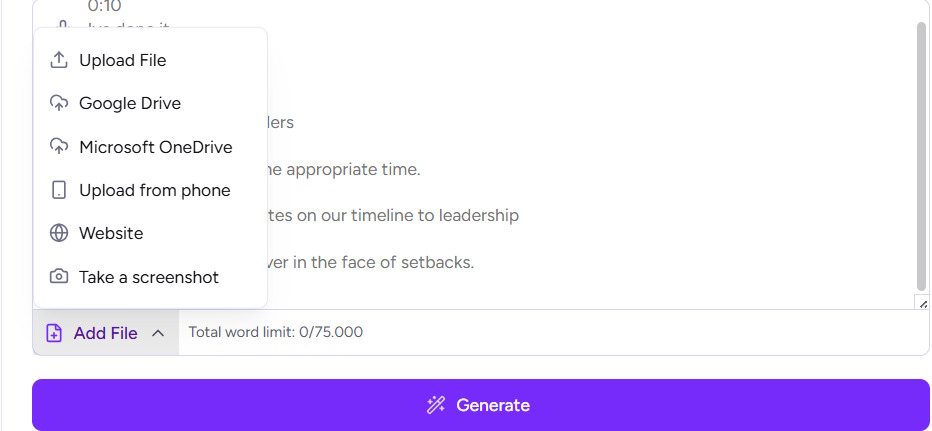
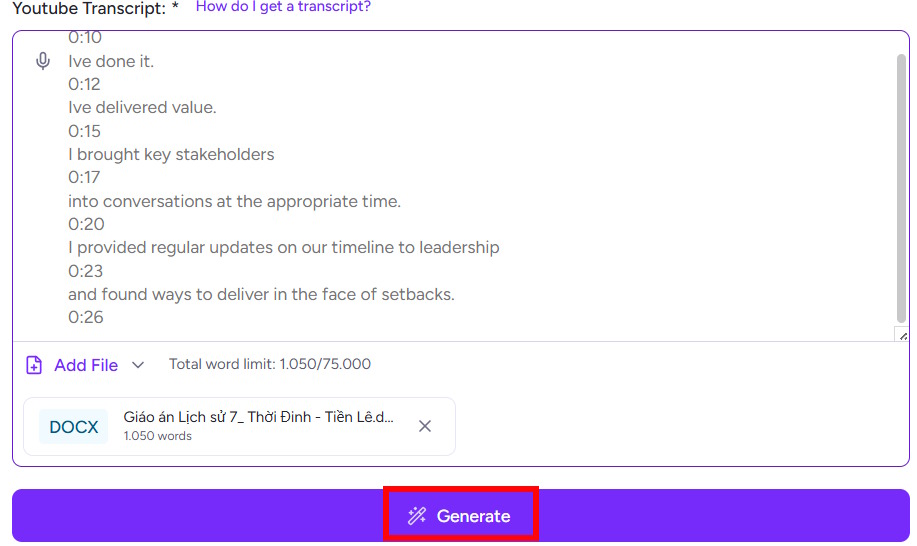
Alternatively, click Add File and choose a website or source from your video. The website also supports other sources. Once you've selected the source, click Generate to create the file.
Step 4:
Soon after, we had a set of questions based on the source material we uploaded.
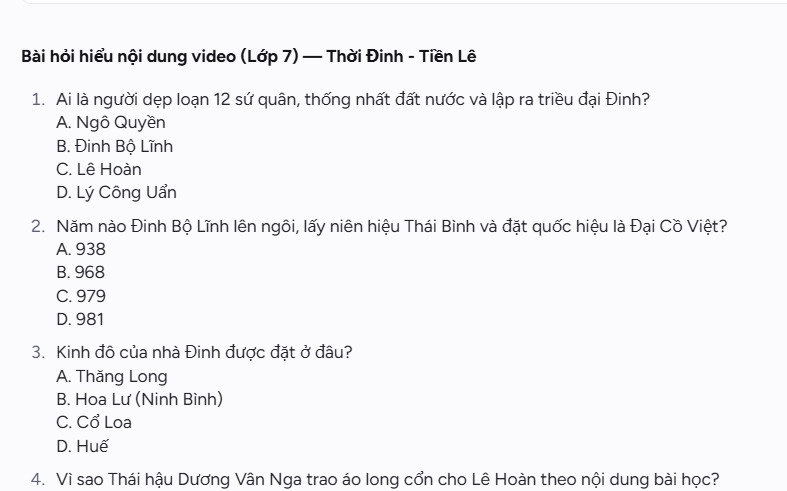
Below are the answers to this set of questions, along with their locations in the video. You can add more questions if you wish.
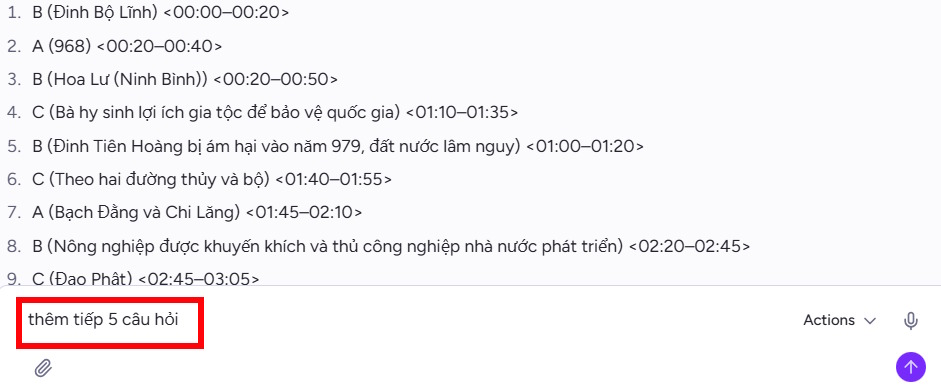
As a result, we have additional questions as shown in the image below.
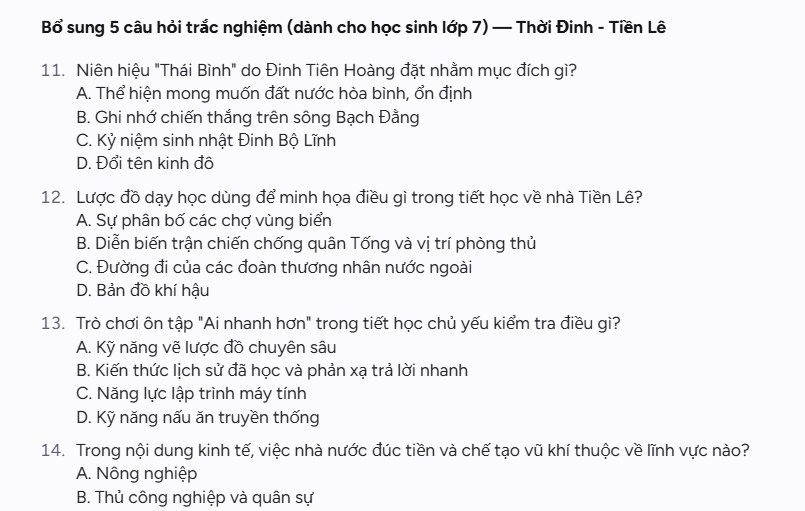
Step 5:
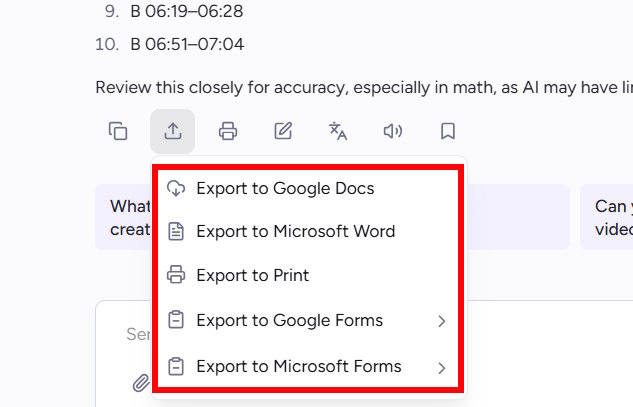
Finally, we click on the download icon and then select the type of file you want to download.
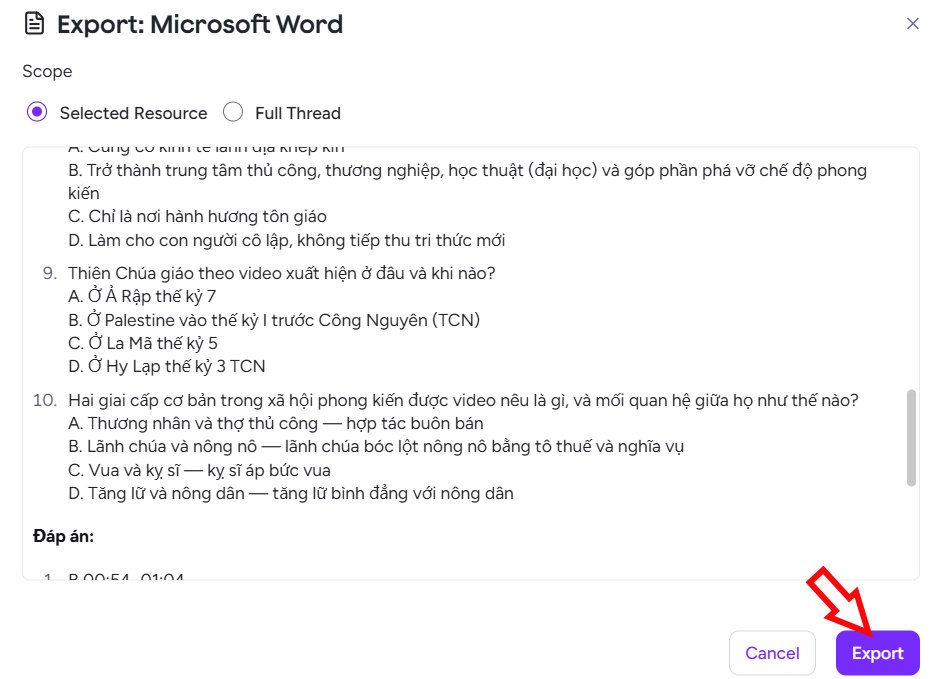
Review the content you want to export, then select Export, and you're done.
Related Articles
 Quickly Create Multiple-choice Questions from Slides4 minutes read
 How to Quickly Create Worksheets on Magic School4 minutes read
 Create a Q&a Review Chatbot for Students Using Magic School5 minutes read
 How to Create Multiple-choice Questions in ScratchJR (Part 2)6 minutes read
 Guide to Creating Multiple Choice Questions on Vnedu4 minutes read
 How to Create Multiple-choice Questions in ScratchJR (Part 1)4 minutes read
Reader Comments 0
Sign in with email or Google to join the discussion.