How AI Can Help Open-Source Maintainers—and Where It Adds Work
AI can assist with documentation, tests and legacy-code cleanup, but maintainers still need reproducible reports, careful reviews and sustainable project ownership.
Fix Windows problems, troubleshoot devices, understand AI, secure your accounts and get more from your technology with tested step-by-step guides.
AI can assist with documentation, tests and legacy-code cleanup, but maintainers still need reproducible reports, careful reviews and sustainable project ownership.

Build a controlled testing environment, choose measurable use cases and redesign workflows around review, accountability and total operating cost.

Understand when to disclose AI assistance, how Assisted-by differs from Signed-off-by, and what kernel maintainers expect before you submit a patch.
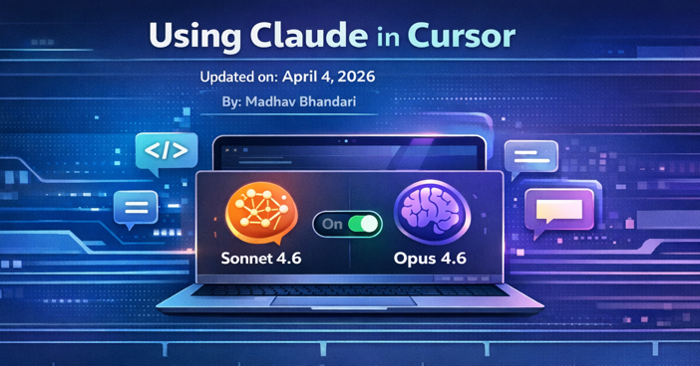
Select an available Claude model in Cursor, supply the right project context, add reusable rules and review generated changes before accepting them.

Create a working standup-formatting skill, understand its metadata and supporting files, test its behavior and prepare it for safe sharing.

See what StudyX offers, how to check its worked solutions and generated study materials, and where to find official downloads and current plan limits.
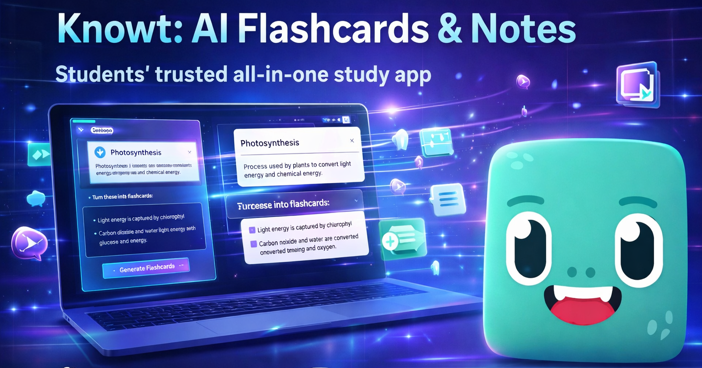
Use Knowt to make and review flashcards, summarize study material and practice recall, while checking AI limits, source accuracy and sharing settings.

Implement skill discovery, metadata parsing, on-demand activation and context management, with explicit rules for trust, permissions and version changes.

Use Claude Code to prepare presentations, find information across approved sources and draft sales materials, with practical prompts and review checkpoints.
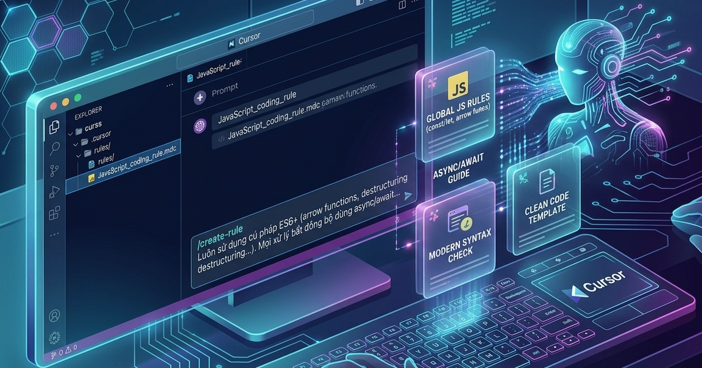
Create and scope Cursor project rules, use valid frontmatter, and check why a rule applies—or fails to apply—to your coding task.

Faster drafting can create more review work, higher expectations and tool overload. See how to measure real gains and keep workload under control.

Claude Code Channels bring chat messages and external events into a running session. Understand how they work, what stays on your computer and how to limit access.
Understand scheduled, GitHub and API-triggered Claude Code routines, how they differ from local tasks, and what to check before running them unattended.
Move from sources to mind maps, comparison tables, slides and audio or video drafts, with checks that keep creative outputs tied to the evidence.

Import an n8n template or workflow JSON, connect your credentials, check destinations and test the workflow before publishing it.

Follow a message from Telegram or Discord to Claude Code, and understand local execution, cloud data flow, remote approvals and connection failures.

Solar storms can affect power, satellites and navigation. Understand the possible risks to internet infrastructure and why a global outage is not a certain forecast.
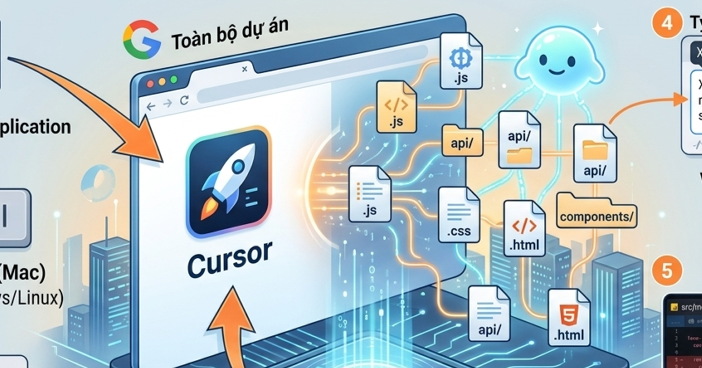
Use Cursor's Agent workflow to plan changes across files, supply project context and review the resulting diff without confusing Composer models with the interface.
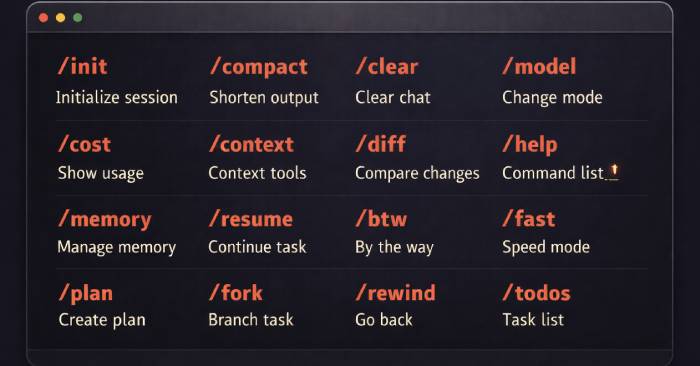
Use the documented Claude Code commands for help, context, compaction, session recovery and permissions, with examples that distinguish prompts from shell commands.
Choose the files, tests and requirements a task needs, diagnose missing context, and use compaction or fresh sessions without losing important decisions.