Table of Contents
StudyX combines AI homework assistance with tools for notes, flashcards and practice quizzes. You can use it to work through a difficult question or turn your own study material into revision aids. Treat the output as something to check against your course materials, not as an answer key guaranteed to be correct.
The official StudyX site and its app-store listings describe these capabilities. Availability, limits and interface details can differ between the web service, mobile apps and subscription plans.
Get help with a question without skipping the reasoning
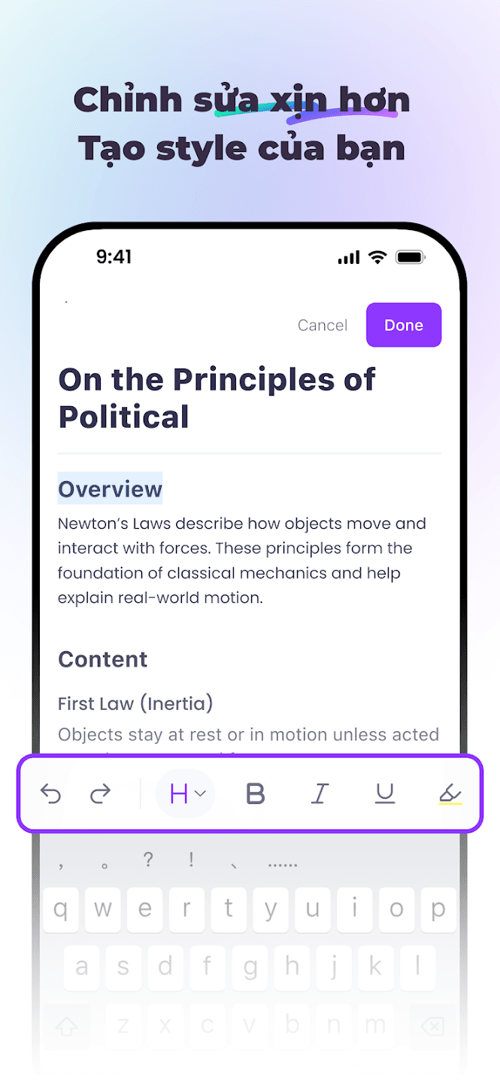
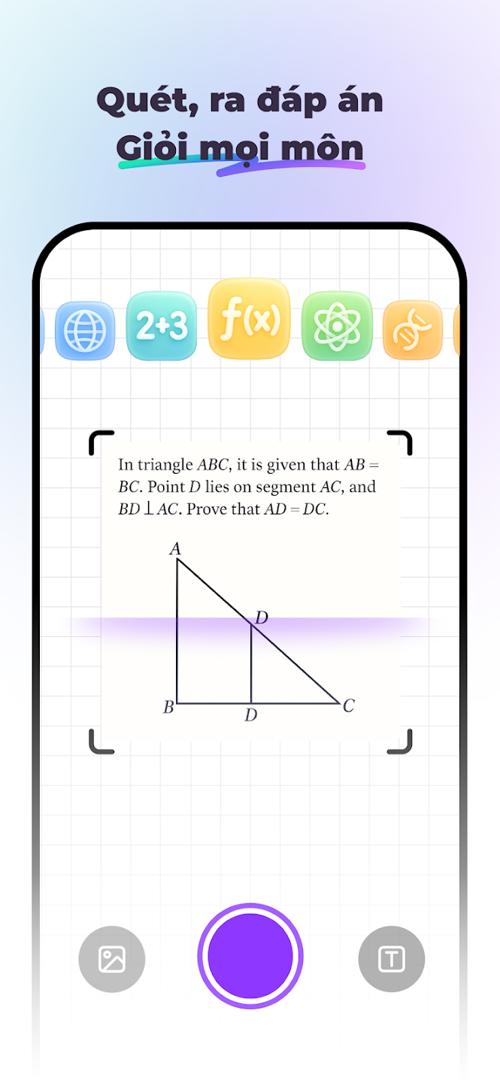
StudyX accepts questions entered as text and supports image-based homework help. When photographing a problem, include the complete question, diagrams, units and answer choices. Check the recognized text before evaluating the solution: a missing minus sign or exponent can change the problem entirely.
- Try the question yourself and identify the step you cannot complete.
- Supply the full problem and ask for a hint or explanation of that step.
- Check the method against your textbook or class notes.
- Solve a similar problem without looking at the AI answer.
For example, consider differentiating y = ln(x² + 1). This is a worked mathematics example, not a measured test of StudyX's output.
)
Using the chain rule, differentiate the outer logarithm and multiply by the derivative of its inner expression:
dy/dx = (1 / (x² + 1)) × 2x = 2x / (x² + 1).
%3D%5Cfrac%7B2x%7D%7Bx%5E2%2B1%7D)
The denominator is positive for every real x, so the original logarithm is defined for all real x. Including the formula as text also keeps the example readable if an equation image fails to load.
Turn lecture material into notes
StudyX's AI note-taking tool describes support for several input types, including files and YouTube material. Choose the option available in your interface and supply material you have permission to use.
Request an outline of the main argument, key terms and worked examples. Then compare the notes with the source. A summary can omit qualifications, skip a diagram or misread a technical term; it should help you navigate the lesson rather than replace every part of it.
For video-based revision, these NotebookLM study-workflow ideas offer another approach to organizing source material. Whichever tool you use, keep the original lecture or document available for checking.
Create flashcards and practice questions
The StudyX flashcard maker can generate cards from supplied material. Edit the results before studying: each card should ask one clear question, have a checkable answer and retain any condition needed for that answer to be true.
For example, “What is the derivative of ln(u(x))?” is incomplete without the relevant domain and differentiability assumptions. A card based on the specific example above is easier for a beginner to verify.
Use generated quizzes to practice recall and identify topics that need more work. Check the answer key yourself, especially when a question has ambiguous wording or several plausible answers. Generated questions should not be assumed to match an official exam's syllabus, structure or difficulty.
Schedule repeat reviews of difficult material, but do not assume an app can know exactly when you will forget something. If you want to compare flashcard workflows, see these AI flashcard generators.
A practical study session
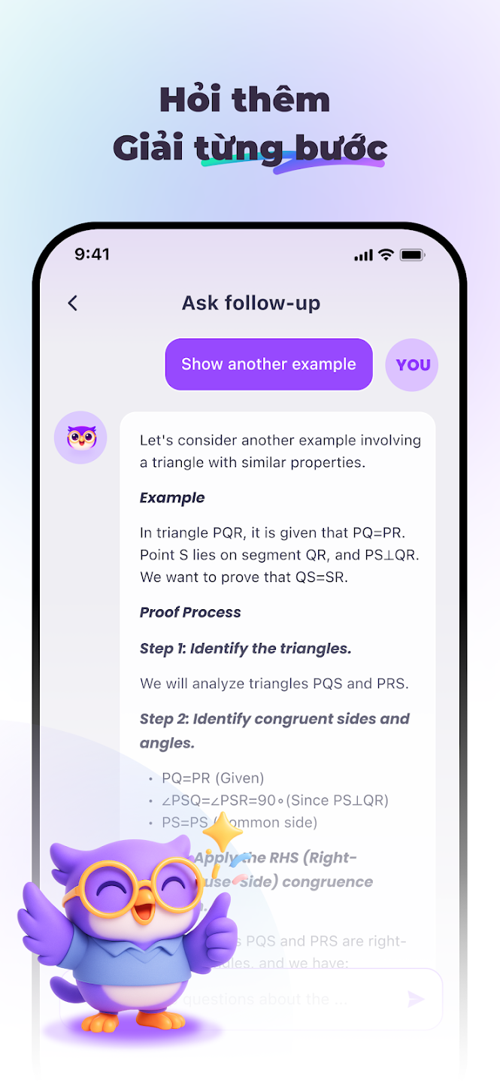
- Understand: use one chapter or lecture, then ask about a specific confusing concept.
- Verify: compare explanations and formulas with the course source.
- Recall: answer a small set of checked flashcards without viewing the answers.
- Apply: complete a fresh problem or quiz, then review why each error occurred.
A shorter session with corrected materials is more useful than generating a large collection of unchecked notes.
Official access, downloads and plan checks
| Item | What to check |
|---|---|
| Web access | Use the official StudyX website. |
| Android | Use the official Google Play listing and check current compatibility. |
| iPhone and iPad | Use the App Store listing available in your region. |
| Version and storage | Read the current store details for your device; these change with updates. |
| Free access and subscriptions | Check task limits, renewal terms and included features before paying. |
| Language and subject support | Try a representative question from your own course before relying on the tool. |
Official listings: StudyX on Google Play and StudyX on the App Store. The Apple link may open a regional storefront. Avoid unofficial “premium APK” downloads or claims of unlocked paid features.
Limits to keep in mind
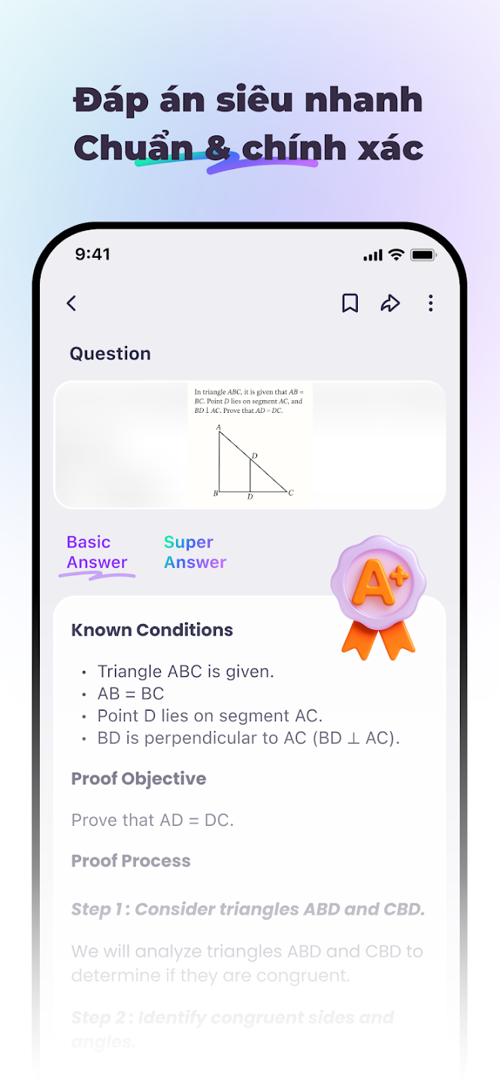
Marketing claims about accuracy, ratings or improved grades are not a guarantee for your assignment. The app can produce confident mistakes, and good-looking notes may still be incomplete.
Follow your school's AI policy, including restrictions on assessed work and examinations. Using AI only for hints may still be restricted in some settings. Do not upload personal records, other students' work or lecture recordings without appropriate permission.
Related Articles
 Please Download VnDoc's Exercises App to Make Learning Easier5 minutes read
 12 Exercises to Have Strong Legs for All Ages6 minutes read
 C ++ Exercises Have Solutions (Sample Code)17 minutes read
 A Compilation of Exercises on Bootstrap 56 minutes read
 C ++ Exercises About IF ELSE: Explained2 minutes read
 Summary of JavaScript Exercises with Sample Code15 minutes read
Reader Comments 0
Sign in with email or Google to join the discussion.