Table of Contents
Knowt combines notes, flashcards and study modes with AI tools that can turn supplied material into summaries and practice questions. Its free account includes substantial study functionality, but AI generation has separate limits. “Free flashcards” should not be read as unlimited use of every AI feature.
Knowt may help with preparing revision materials, but it cannot guarantee a particular grade or percentage of time saved. The quality of your source material and the time spent checking the generated cards still matter.
Make a useful flashcard set
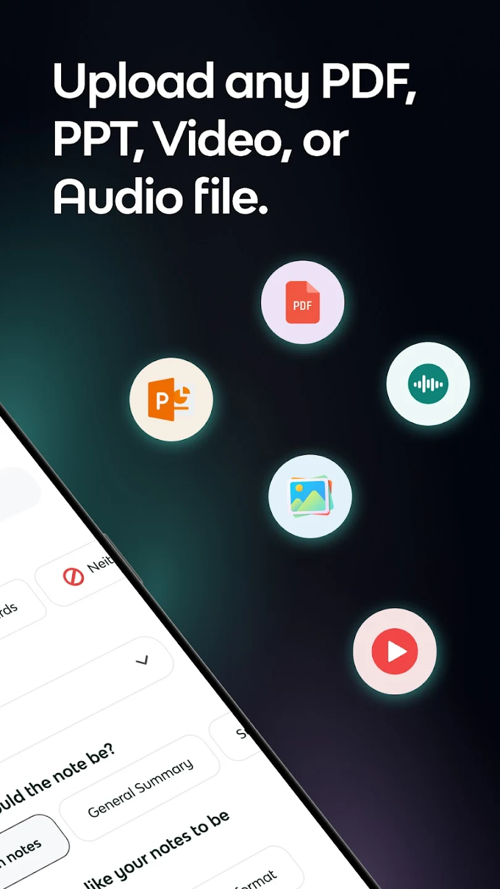
Start with one topic rather than an entire course. Create cards manually or use an available AI generation option with your notes or supported files. Keep the source open while checking the result.
- Confirm that each card tests a concept actually covered by the material.
- Split cards that ask several unrelated questions.
- Correct missing conditions, ambiguous wording and oversimplified definitions.
- Remove duplicates and add important concepts the AI omitted.
For example, replace “Explain photosynthesis” with a more focused question such as “What are the reactants in the simplified photosynthesis equation?” Make sure the answer matches the level and notation taught in your course.
Summarize PDFs and video lessons
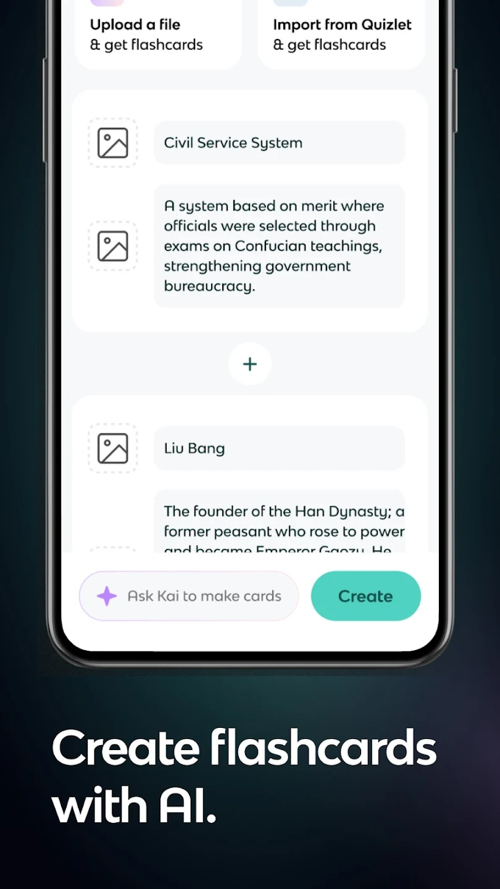
Knowt offers tools for document and lecture summaries, including an AI video summarizer. Choose the input option available in your account and check any file, duration or usage restrictions before uploading.
Use a summary as a navigation aid. Compare key definitions, formulas and examples with the original, especially when slides rely on diagrams or a speaker qualifies a statement. Ask for clarification about one passage rather than assuming a concise summary contains everything needed for an exam.
For another source-based study workflow, see using NotebookLM with learning videos. Neither tool removes the need to inspect the original when an answer is uncertain.
Choose a study mode for the skill you need
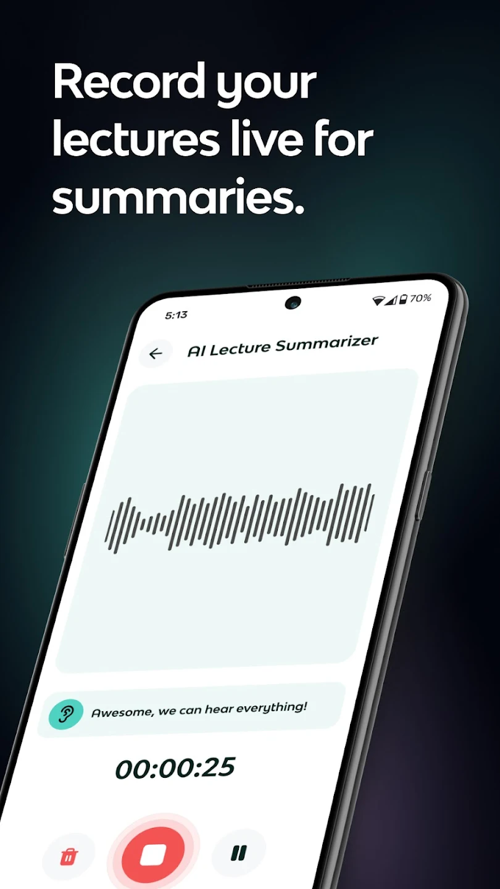
Knowt's student-account comparison lists flashcard, Learn, test, matching and spaced-repetition modes in the free account.
- Flashcards: attempt the answer before revealing it.
- Learn and test modes: check recall and revisit errors.
- Matching: practice associations, while remembering that recognition is easier than explaining a concept unaided.
- Spaced repetition: spread reviews over time and return to difficult cards.
A review schedule is an aid, not an exact measurement of when you will forget. Combine definition cards with application questions and practice in the format your course actually assesses.
Understand free access and AI limits
| Area | What to expect or verify |
|---|---|
| Manual notes and flashcards | The documented basic account supports unlimited creation. |
| Core study modes | The documented basic account includes unlimited studying in the listed modes. |
| AI generation and summaries | Separate usage allowances apply; check the current account display. |
| Paid plans | Compare individual feature and upload limits, billing period and renewal terms. |
| Device compatibility and app size | Use the current listing for your device instead of an old specification table. |
| Offline study | Verify the exact supported workflow in your app before relying on it without a connection. |
To inspect consumption, Knowt's AI-usage instructions direct users to Settings → Your Plan → AI usage. Check the categories shown there. A plan described as unlimited in one area can still have limits on uploads or another feature.
Reuse materials carefully
Community sets and exam guides can provide starting points, but check their author, date, syllabus and accuracy. Do not assume that a shared AP guide is an official exam resource or that it reflects the current course requirements.
If you import an existing set, confirm that definitions, images and formatting survived the transfer. Keep a copy of important originals and respect the material's permissions. Use the same account on web and mobile, and confirm that recent changes have synchronized before switching devices.
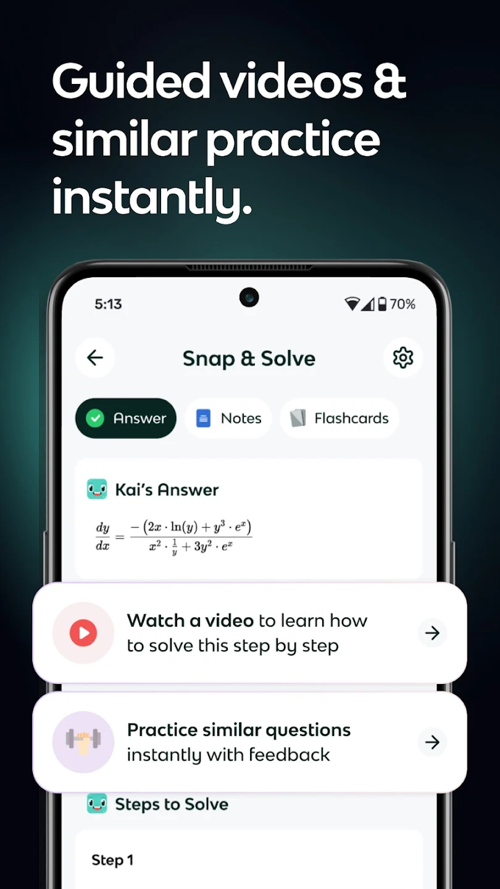
Compare a small topic across tools before moving a large collection. These AI flashcard alternatives can help identify which workflow suits your existing materials.
Download safely and check privacy
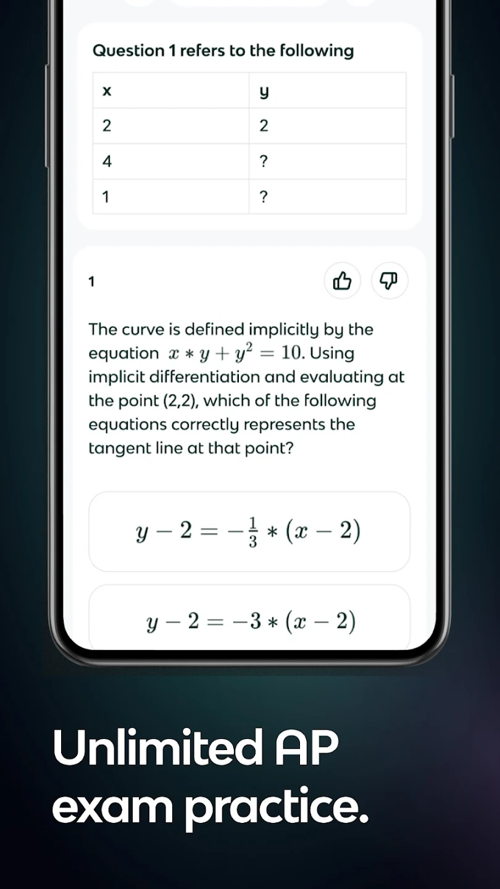
Use the App Store or Google Play links on the official Knowt website. Check compatibility and current plan details there rather than relying on a missing Download button elsewhere.
Review sharing settings before adding personal notes or course recordings. Use only material you are allowed to upload, and consult Knowt's privacy policy for its data-handling terms. No general claim of “absolute privacy” replaces that review. Follow your institution's rules for AI assistance and assessed work.
Related Articles
 How to Create Flashcards in Canva AI3 minutes read
 Instructions on Creating Flashcards and Quizzes on NotebookLM5 minutes read
 How to Pin Notes on Apple Notes - Mark Important Notes4 minutes read
 How to Create Flashcards and Quizzes on Notebooklm3 minutes read
 How to Transfer Notes from Evernote to Mac's Notes3 minutes read
 How to Set Password for Notes Application on iOS 115 minutes read
Reader Comments 0
Sign in with email or Google to join the discussion.