Table of Contents
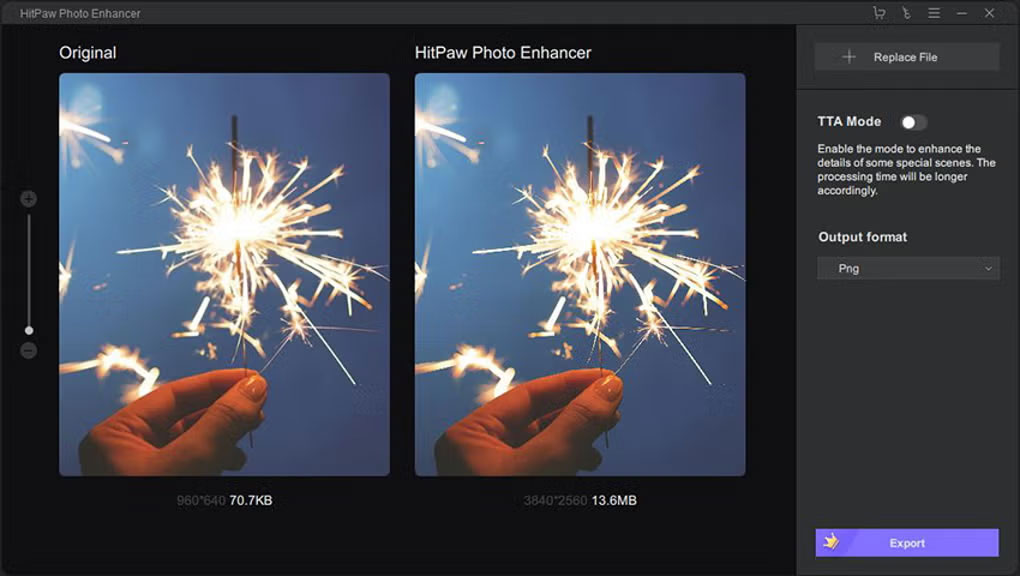
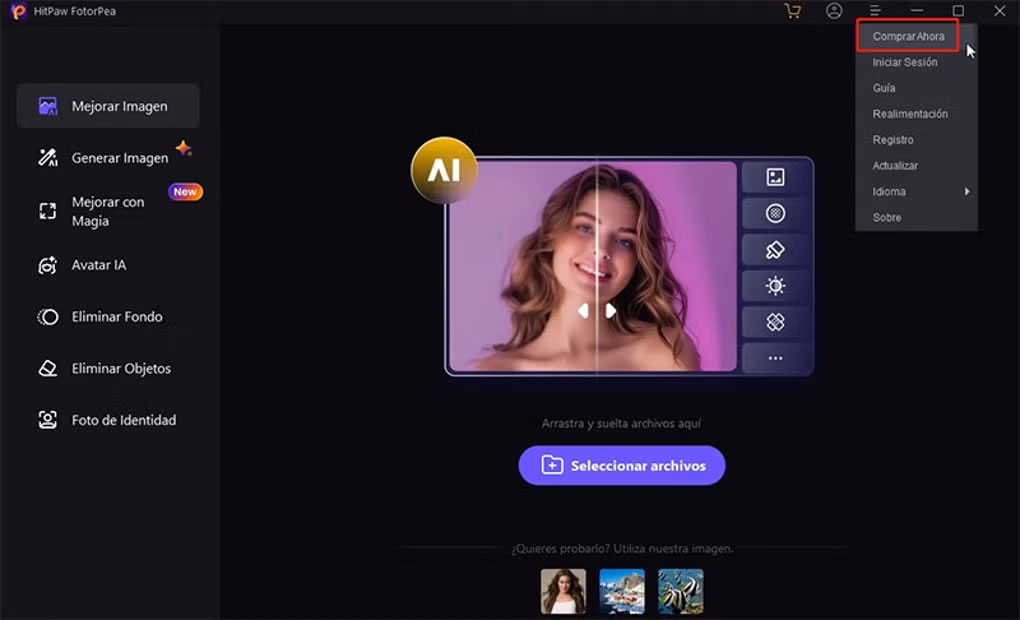
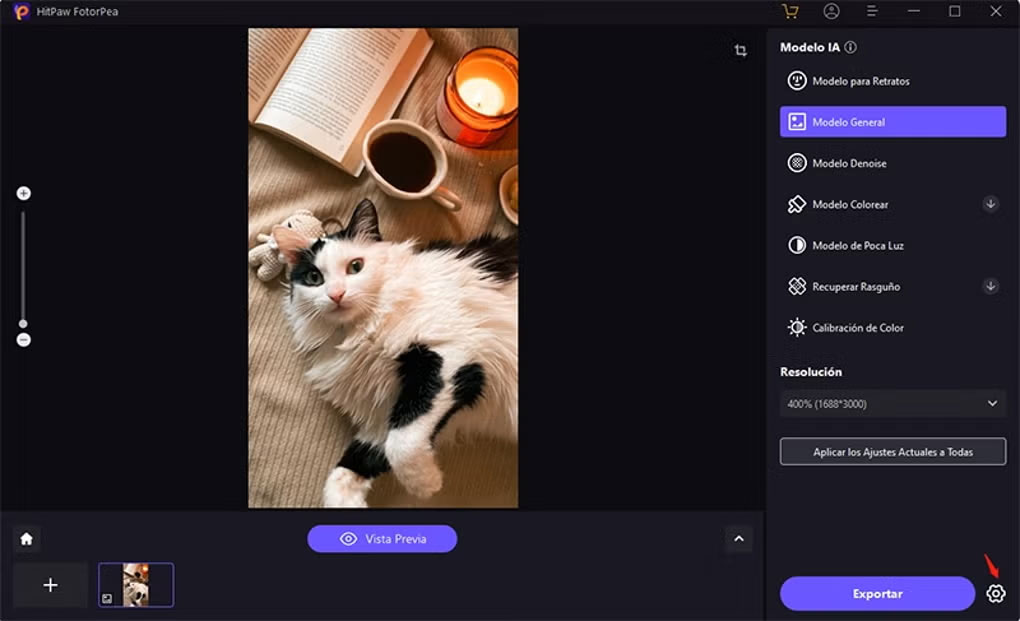
HitPaw FotorPea is a photo enhancement app for Windows and macOS. It offers AI models for enlarging images, reducing noise, restoring portraits, and colorizing old photos. Its preview is the quickest way to decide whether a model improves your particular image.
Which tool should you try?
- Upscaling: Use it when a small image needs to fill a larger display or print. Compare text and straight lines in the before-and-after view. A larger export can still contain distorted details.
- Face restoration: Try it on a soft portrait and inspect the eyes, teeth, and hairline. The model can render facial features differently from the original.
- Denoising: Try it on a grainy low-light photo. Check whether fine textures such as fabric and hair still look natural.
- Colorizing and background removal: Use colorization for an interpretation of a black-and-white photo or background removal for a cutout. For a cutout, zoom in around hair, fingers, and transparent edges before exporting.
Preview and export a test image
- Import a copy of the photo and pick a model for its main problem.
- Preview the result and zoom in on faces, text, and edges. If the result looks artificial, try a gentler model or a smaller enlargement.
- Check which export options are available in your installed version or plan. Save the result as a separate file so you can compare it with the original.
The vendor’s photo enhancement guide shows the model and preview controls. If you only need a file to fit a size limit, follow the guide to choosing image formats and sizes. For more control over masking or retouching, compare other AI photo editors by workflow.
Related Articles
 Can Pokemon Go be played on a computer? The answer is yes!
 Summary - How to play Pokemon GO, virtual reality game catch Pokemon on smartphone
 Poké Ball Types Explained: Generations III–V (Part 2)
 How to Earn and Use Stardust in Pokémon GO
 How to Hatch Eggs in Pokémon GO
 Poké Ball Types Explained: Generations I–II (Part 1)
Reader Comments 0
Sign in with email or Google to join the discussion.