Table of Contents
ChatGPT can organize a topic or document into a hierarchy for a mind map. To turn that outline into a visual diagram, use an available Whimsical integration or paste the outline into a Markdown-based tool such as Markmap.
Check the outline before generating the diagram. A visually tidy map can still omit an important idea, repeat a branch, or include a claim that was not in your source.
Prepare a useful outline first
Upload suitable notes or paste the material you want summarized. Specify the audience, main topic, and branch depth. For example:
Create a mind-map outline from these notes only. Use one central topic, up to five main branches, and short sub-branches. Keep definitions and examples distinct. Do not add facts that are absent from the notes; mark unclear points for review.For a topic without supplied notes, ask for an initial outline and verify unfamiliar claims separately. Keep node labels short enough to scan.
Method 1: create the diagram with Whimsical
Open the available Whimsical integration
The screenshots below show the Whimsical Diagrams GPT workflow: open Explore GPTs and search for Whimsical.
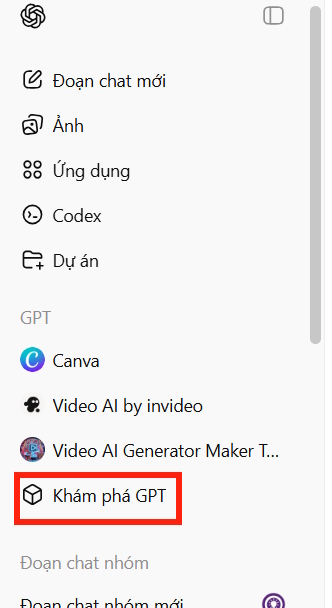
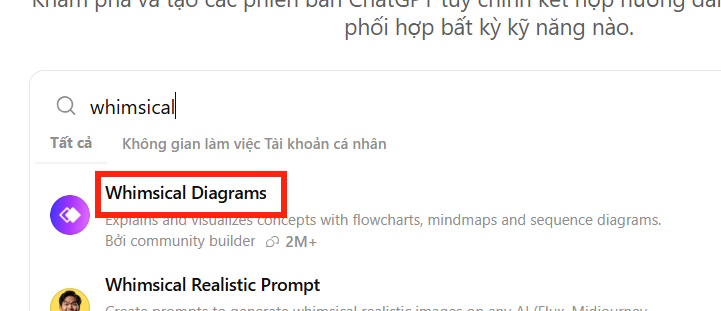
Choose the relevant result and start the conversation. Check the creator and any access requirements before supplying files.
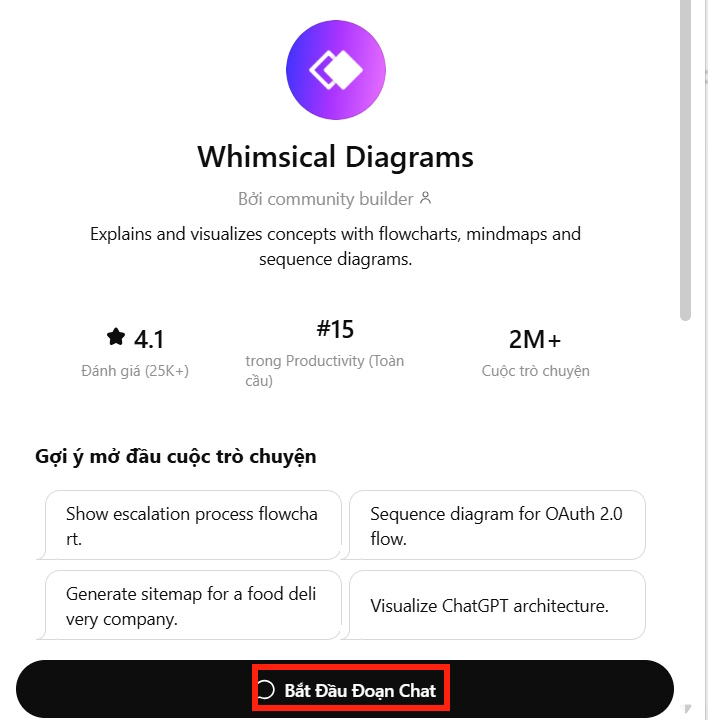
Whimsical also documents a ChatGPT plugin integration. If that is the option available in your account, follow its connection instructions and select Whimsical in the chat. The menus may differ from the GPT screenshots.
Request a mind map explicitly
Supply your checked outline or source file, and say which diagram you need. For example: “Create a mind map from this outline. Keep the five main branches and use short labels.”
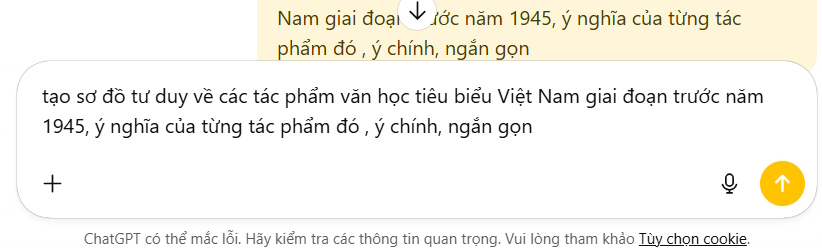
You can also prepare the outline in a regular ChatGPT conversation first.
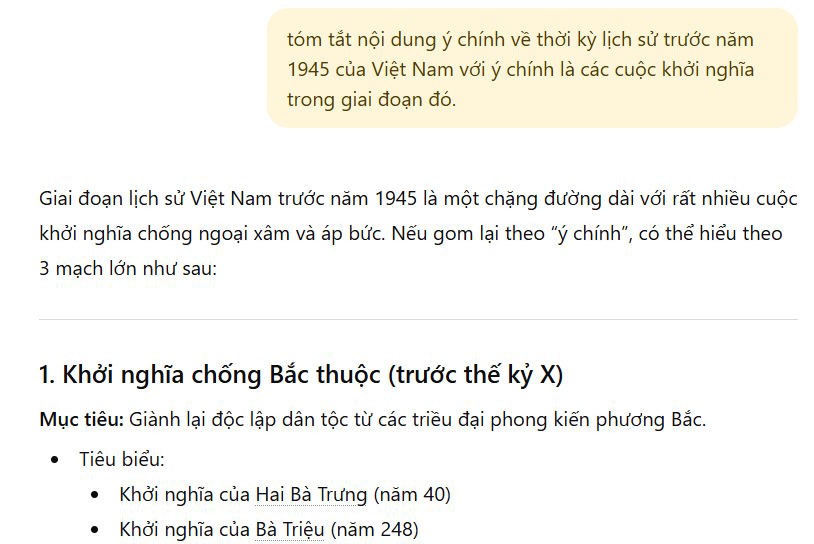
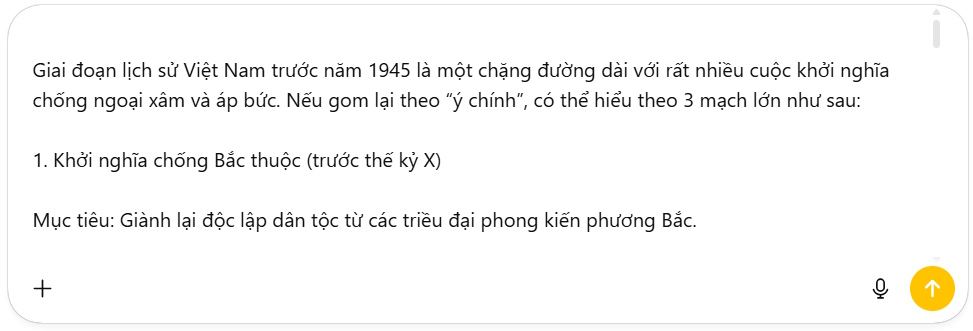
Paste that outline into the Whimsical conversation with the diagram request, rather than relying on the tool to infer the desired format.
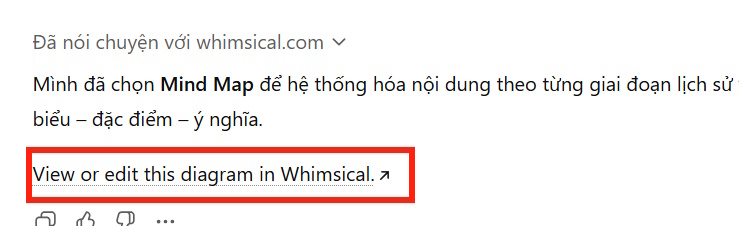
Open and edit the result
Follow the generated diagram link when prompted.
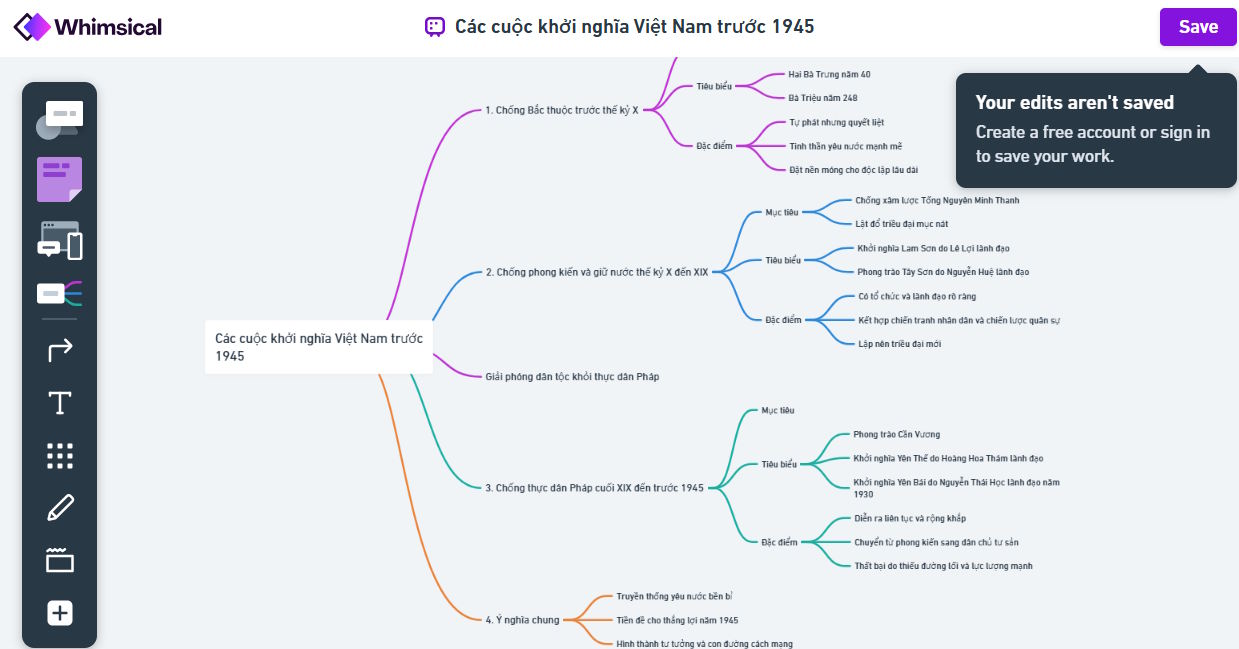
Inspect the branches in Whimsical, correct omissions, and shorten crowded labels. Saving and export options depend on your Whimsical account and the current interface; follow the displayed controls rather than assuming that one button always downloads a file.
Method 2: use Markdown and Markmap
Ask ChatGPT for a nested Markdown outline rather than paragraphs. Start by checking the summarized content.

Then request: “Convert the checked outline to Markdown with one H1 heading and nested bullet lists. Return only the Markdown.”
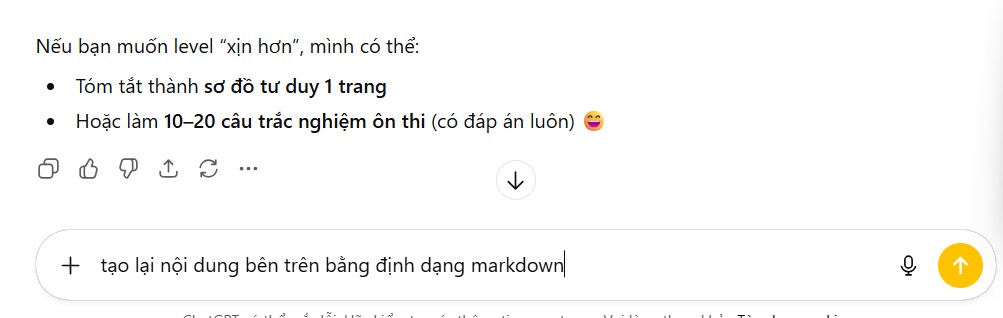
For example:
# Photosynthesis
- Inputs
  - Light
  - Water
  - Carbon dioxide
- Products
  - Sugars
  - Oxygen
- Where it happens
  - Chloroplasts
Copy the outline without the surrounding code-fence markers. Open Markmap, select its editor or REPL, and paste the Markdown into the input area.
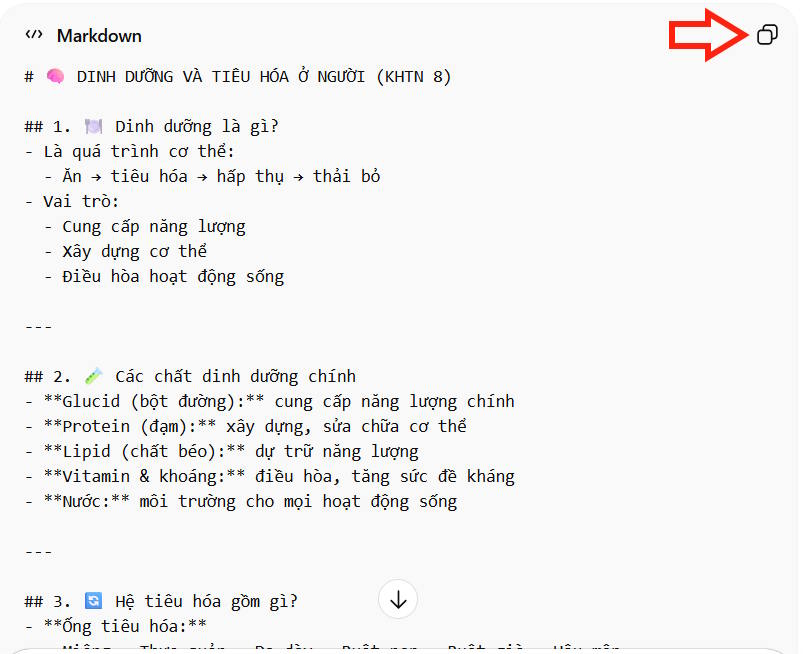
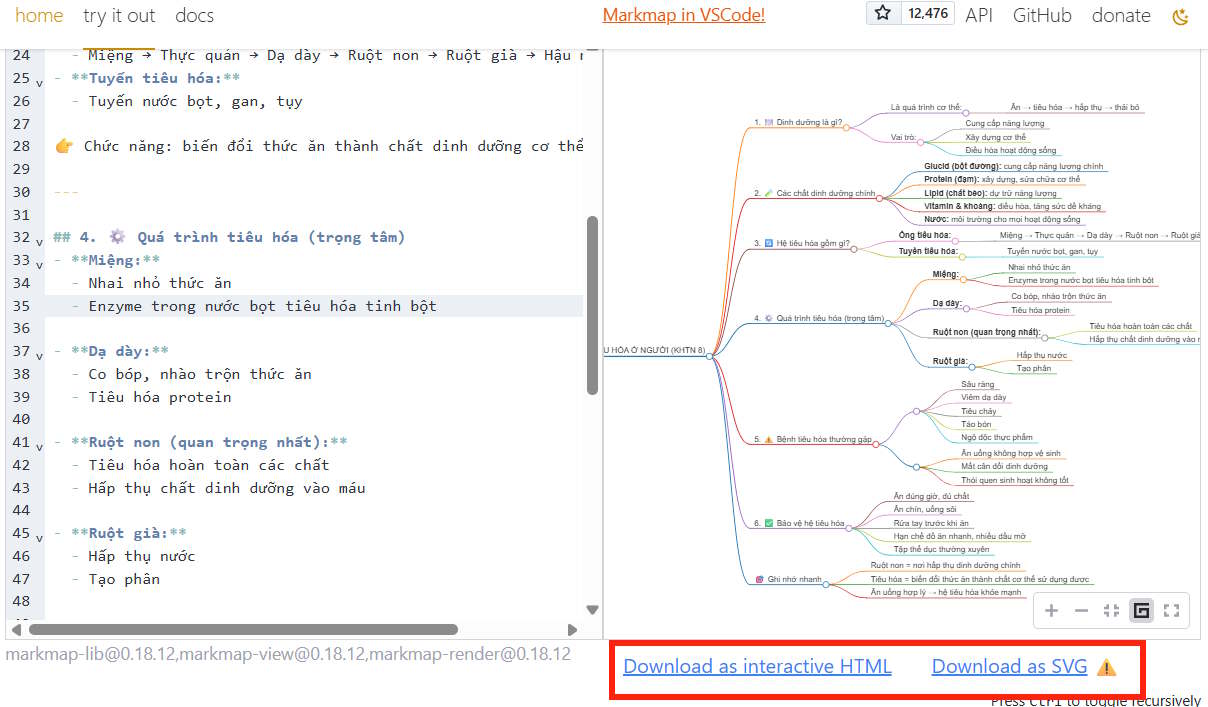
Check the rendered hierarchy and use the available export controls. An SVG is useful as a scalable image; an HTML export is useful when you want a browser-viewable map. Keep the original Markdown so you can revise the structure later.
Choose the workflow that fits your needs
Whimsical suits editing a diagram on a visual board. Markdown suits keeping the structure as portable text. For other approaches, see mind maps in Brainio or building a mind map in Word.
Before sharing the map, compare it with the source notes and remove material that does not belong. Keep confidential information out of files or diagrams shared with services you have not evaluated.
Related Articles
 How to Create Mind Maps Using AI4 minutes read
 How to Create Mind Maps for Lessons Using Gemini5 minutes read
 How to Create Mind Maps in NotebookLM3 minutes read
 How to Create Mind Maps Using Canva AI6 minutes read
 Best AI Tools for Creating Mind Maps7 minutes read
 A Guide to Creating Mind Maps Quickly Using Napkin AI5 minutes read
Reader Comments 0
Sign in with email or Google to join the discussion.