Table of Contents
The Google app for Windows is very reminiscent of Spotlight on macOS. It's lightweight, elegant, and instantly accessible.
Windows 11 sucks in many ways. We all know this, and we've said it before. People have complained about how awful the Settings app is, with its inconsistent UI, hidden toggles, and constant back-and-forth with the Control Panel. They've also complained about the new File Explorer, which looks modern but performs worse than the version that came out a decade ago. But most of all, the Windows 11 Start menu is terrible—both technically and in real-world use.
Google Apps for Windows is here
Spotlight for Windows, but really useful
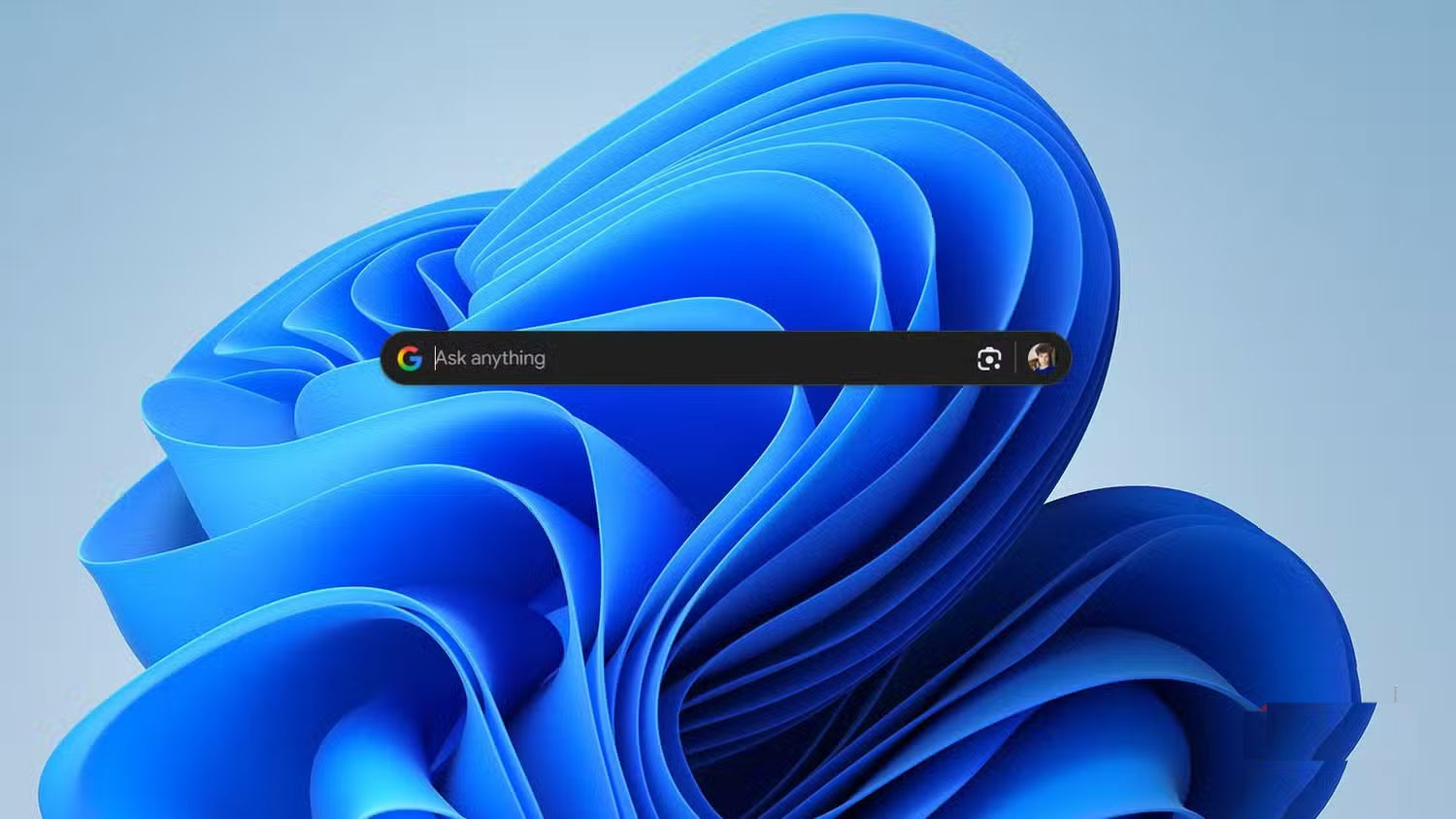
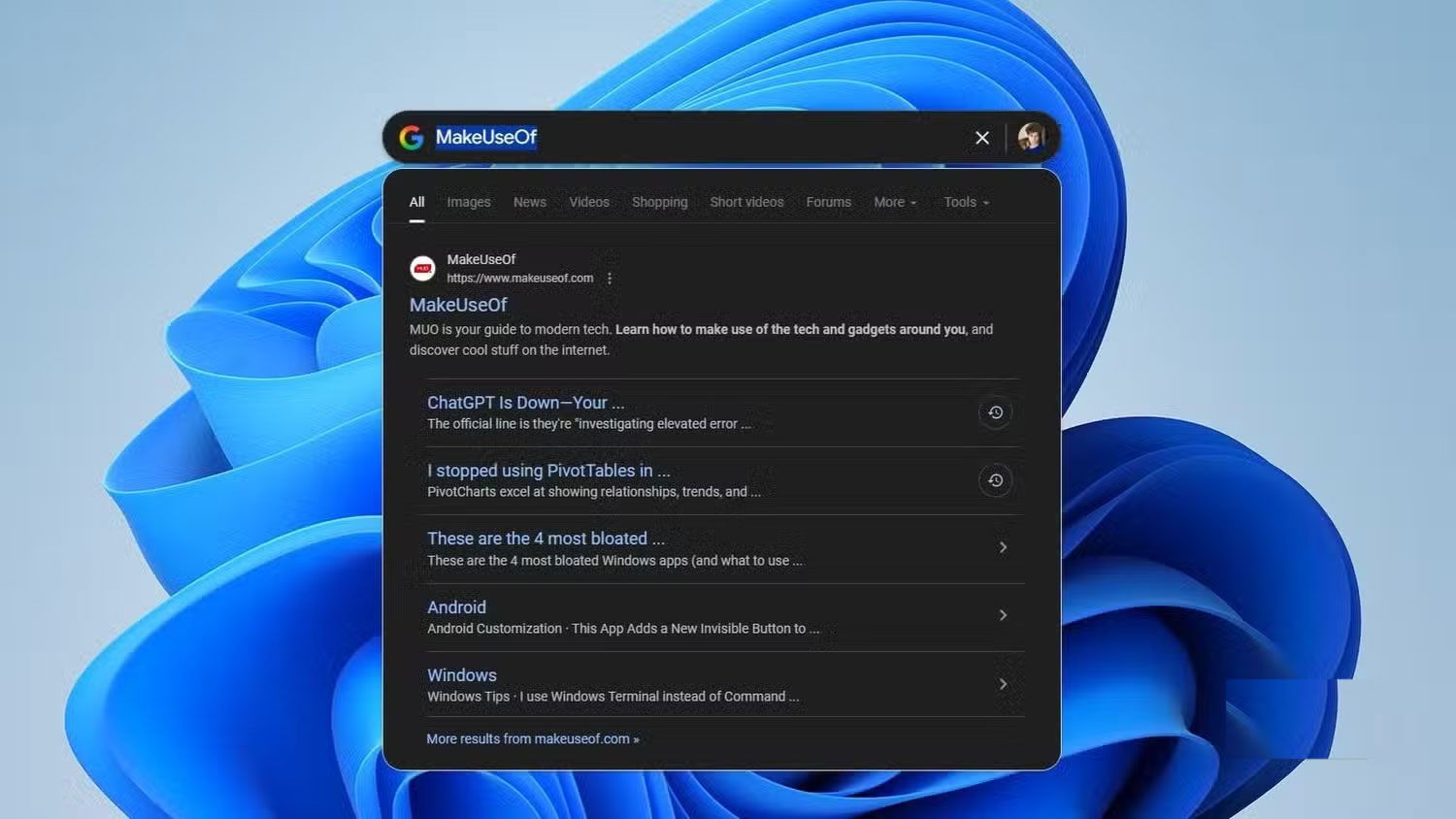
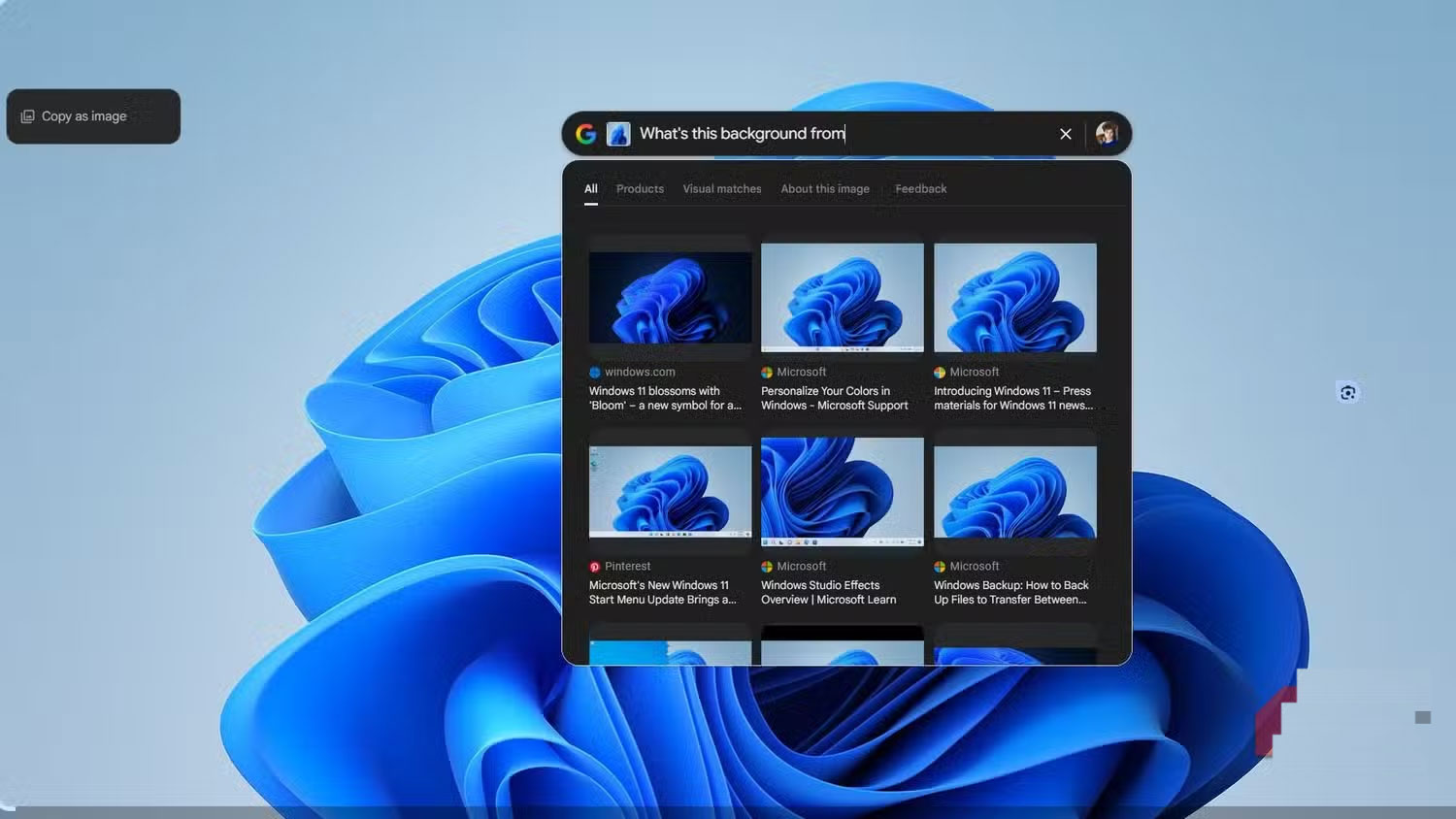
Google's new Windows app is part of an ongoing AI experiment. You can only activate it if your Google account is located in the US, but that's the only real hurdle. Once it's available, you just download a small executable, run the installer, sign in, and voila—you're good to go.
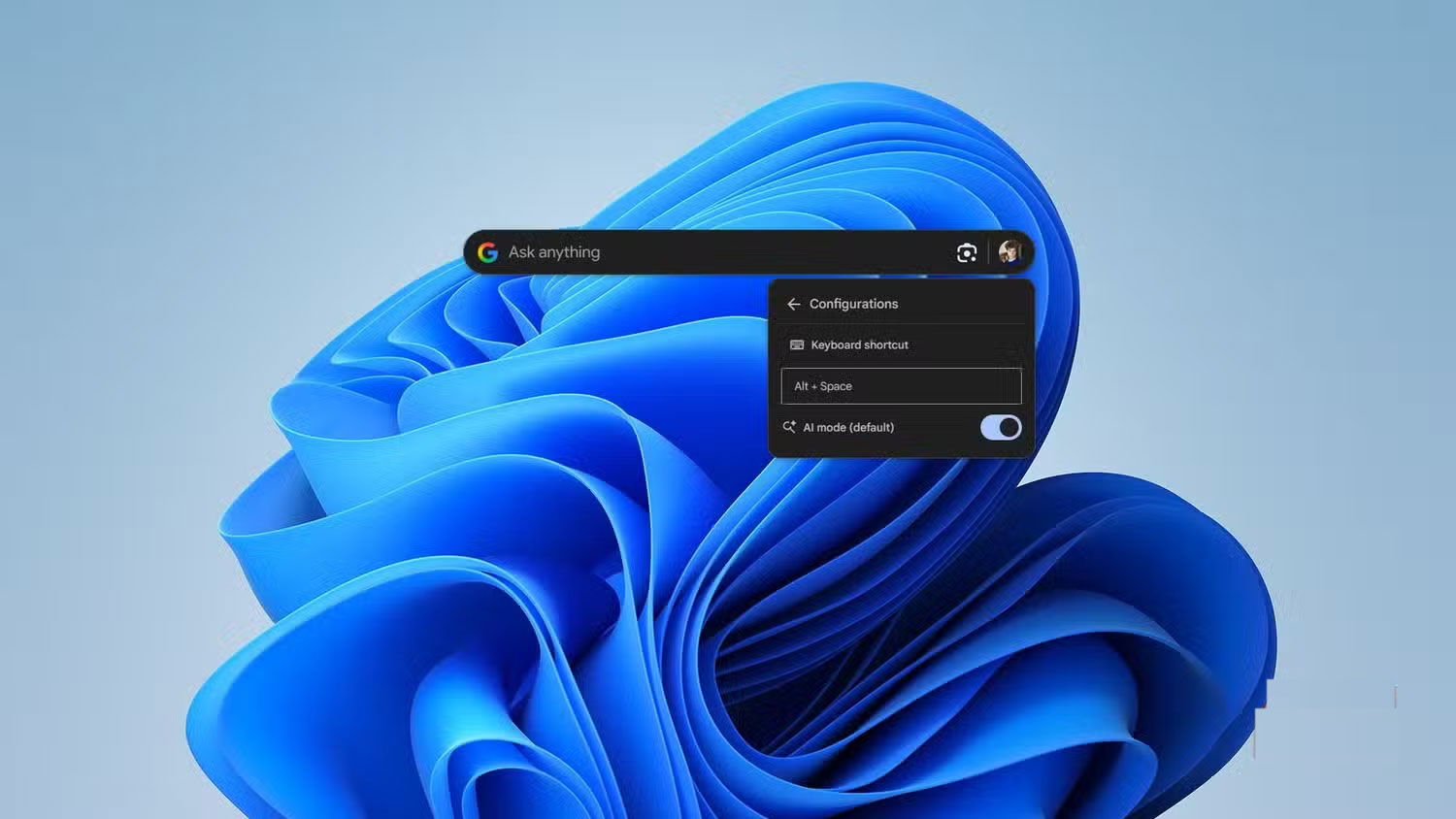
The Google app for Windows is very reminiscent of Spotlight on macOS. It's lightweight, elegant, and instantly accessible. Just press Alt + Space And the app pops up, no matter what you're doing. It's always there, ready to go, without the clutter or lag of Microsoft's approach.
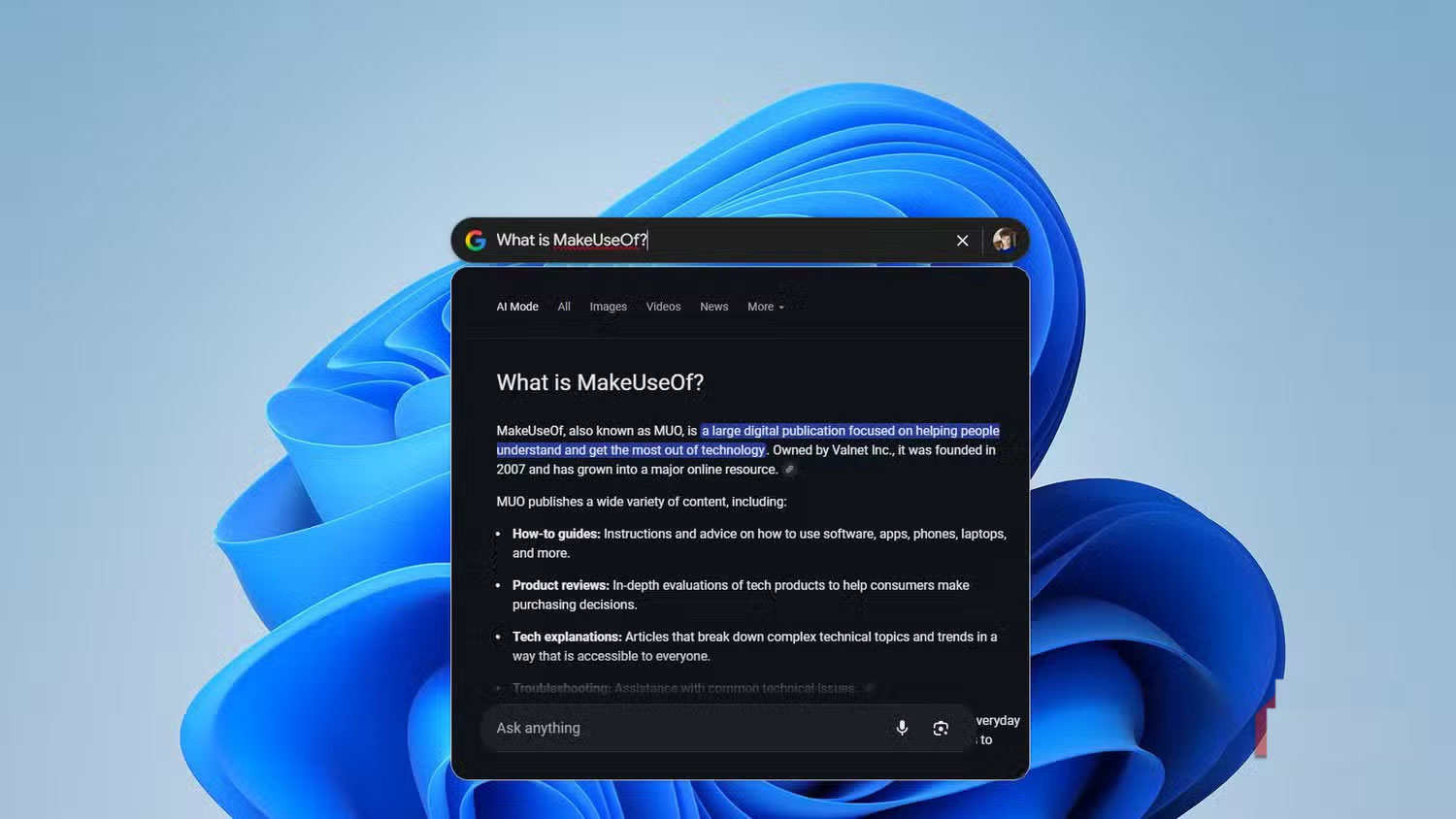
The app acts as a local and online search hub. You can use it to find files or apps on your PC and Google Drive, or search the web like you would in a browser. Despite being labeled as an 'AI experiment,' the app doesn't have AI enabled by default. You can enable Google's AI Mode in the settings if you want.
Having a small, distraction-free window dedicated to Google searches is a huge benefit. It means you don't have to open a bunch of useless Chrome tabs to do a quick search. If you just want to check something, it'll be in the app. If you really need to dig deeper into a page, it'll open in Chrome—as expected!
The app also has Google Lens built in. This extends Lens beyond the browser and makes it a system-level tool. Many users swear by Circle to Search and similar features on their phones, and having it on their desktop is a huge plus. This is another way Google is quietly making Windows more powerful than Microsoft.
Google search is much faster than Windows
Google fixes Windows for Microsoft
Now let's talk about performance, because this is where Google really puts Microsoft to shame. Searching for a file in Windows File Explorer is a disaster. It takes minutes to find something that should be quick. Many people don't even bother comparing it to File Explorer.
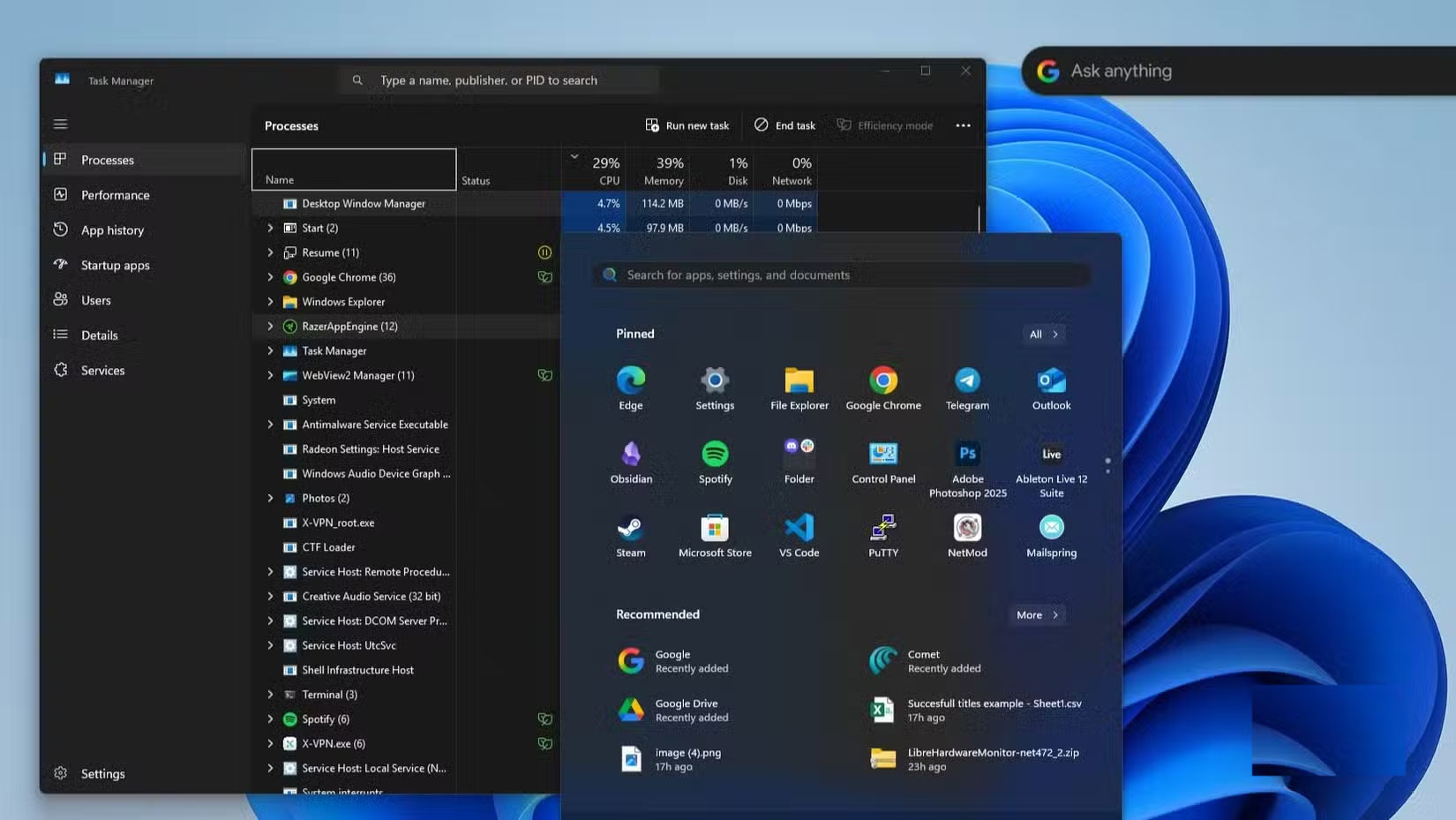
The Start menu search function, on the other hand, is notorious. It's been improved a bit over the years, and while it's tried to be faster, it's still very inaccurate. In fact, the entire design of the Windows 11 Start menu is pretty disgusting. Ads, clutter, and unnecessary integrations ruin what should be the simplest part of an operating system. Even technically, it's still a mess. Did you know that some parts of the Start menu actually run on React? Instead of the WinUI Microsoft is pushing so hard, try opening Task Manager and pressing the Start button. You'll see a ridiculous CPU spike for something as lightweight as a menu.
When the Start menu finally does search, it often fails on the basics. Half the time, when you search for a local app, you don't get the app—you just get a web search. When you search for an app you know is installed, Windows pulls its GitHub repository from Bing instead. Meanwhile, the Google app, which isn't even a native Windows feature, instantly finds the actual app on your system. What an irony! The web search giant gives you a local file on Windows, while Windows itself directs you to a web search.
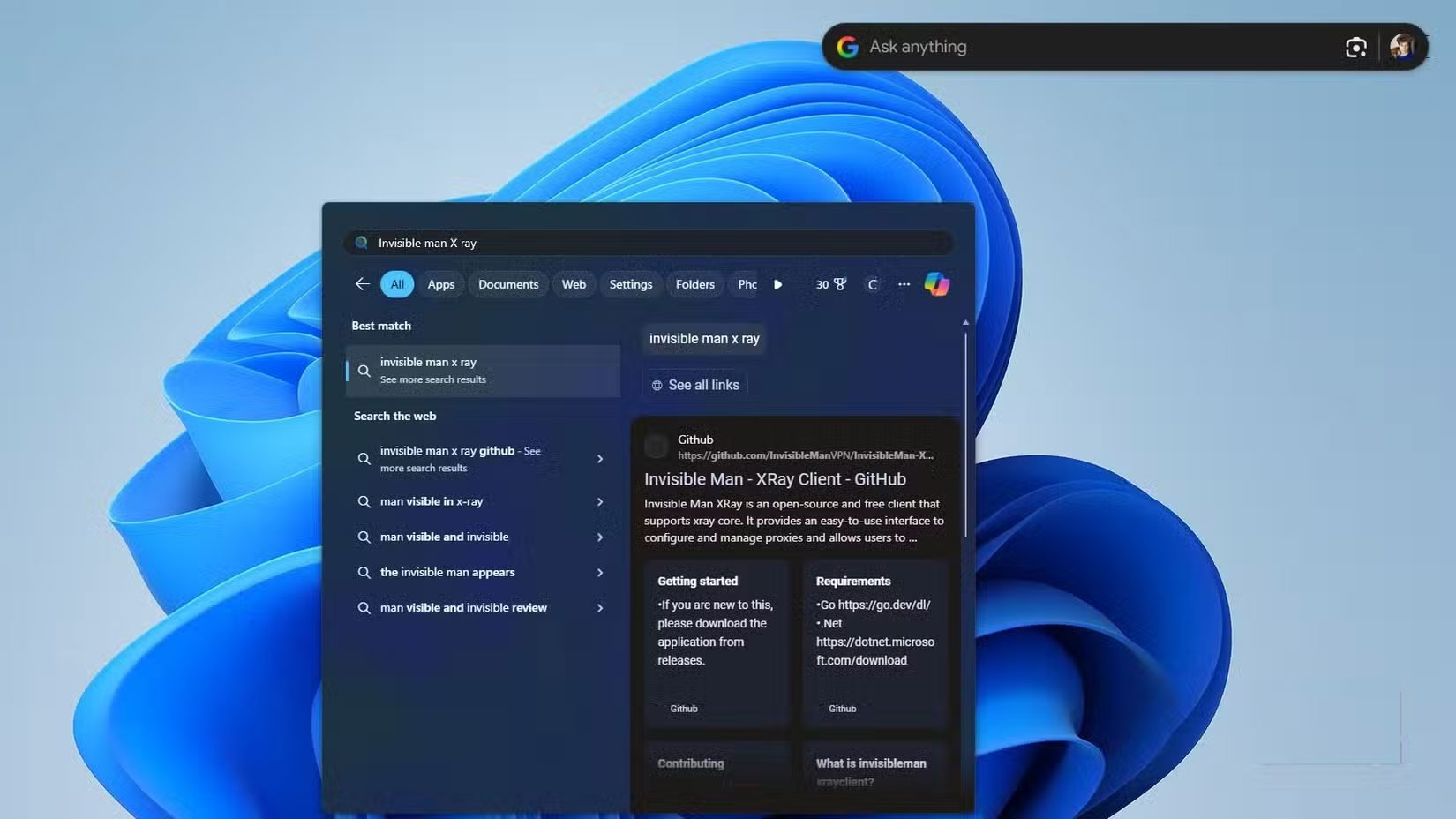
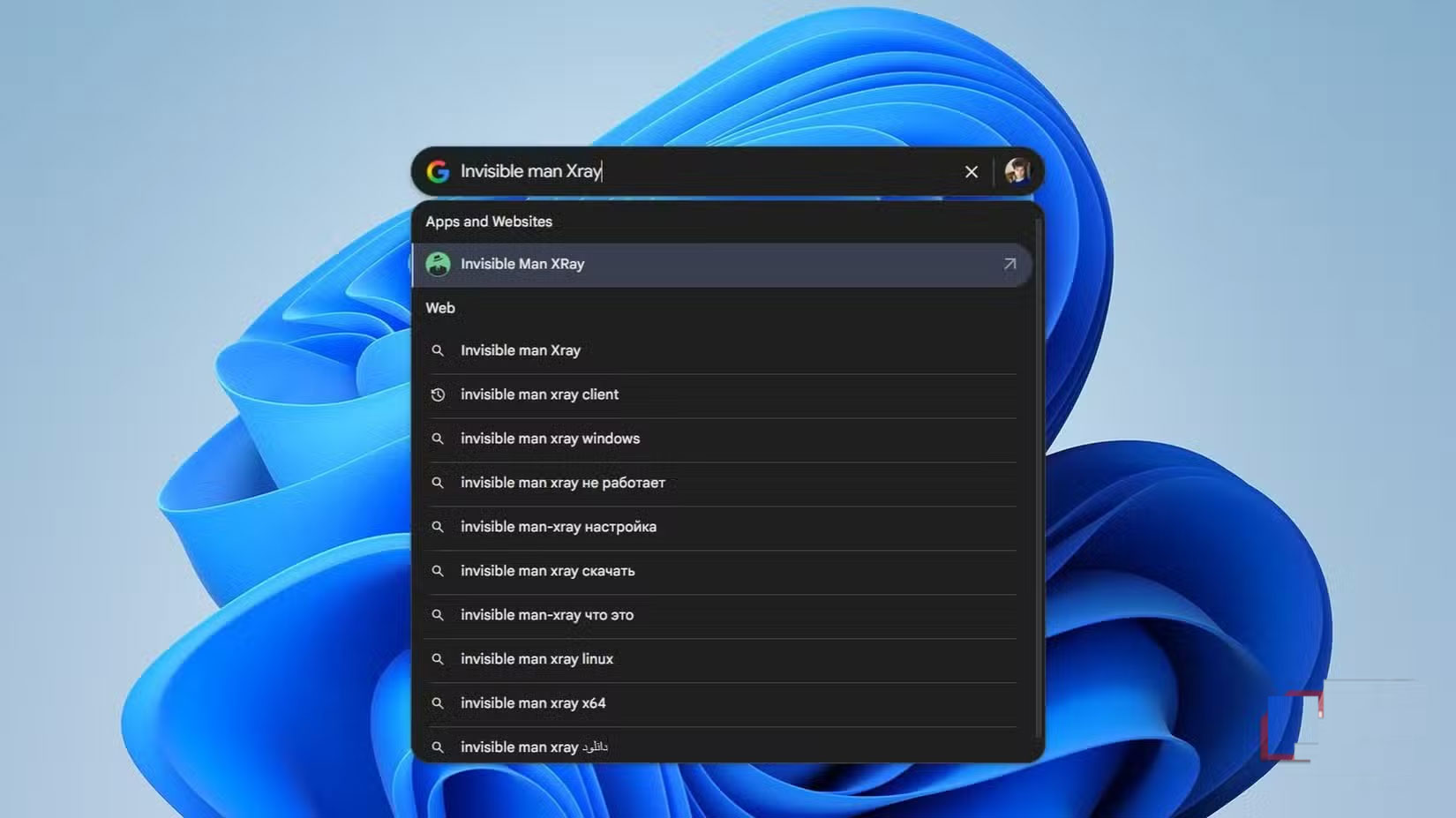
The Google app for Windows isn't exactly impressive. It doesn't have any magic tricks. But in context, it's remarkable. Just because it exists and works smoothly, it's better than Microsoft's own native search engine. And that says a lot about how poorly Microsoft has handled Windows 11.
When a company the size of Microsoft creates a core system feature, third-party alternatives rarely surpass it in speed, design, or integration. But Microsoft has lowered the bar so low that Google has come up with something better without even trying. That's what we're seeing: Third-party tools consistently outperform Microsoft in their own areas. And this time, Google stepped in and fixed what should never have been broken in the first place. So, thanks, Google!
FAQ
What should you know about Google just solved Windows 11's biggest headache with one move?
In practical terms, the Google app for Windows is very reminiscent of Spotlight on macOS. It's lightweight, elegant, and instantly accessible.
Why does Google just solved Windows 11's biggest headache with one move matter?
The article highlights that the Google app for Windows is very reminiscent of Spotlight on macOS.
What is the main takeaway?
The main takeaway is that this is another way Google is quietly making Windows more powerful than Microsoft.
Related Articles
 Did You Know Windows 10 Solved the Path Problem Longer Than 2605 minutes read
 How to Move Google Authenticator to a New Phone4 minutes read
 Get Rid of These Habits if You Don't Want to Be Old and Have6 minutes read
 Build an Offline PDF-to-Markdown Tool With Claude Code11 minutes read
 7 Simple Ways to Eliminate Headaches without Taking Medicine5 minutes read
 How to Move Windows Window When Title Bar Click Error3 minutes read
Reader Comments 0
Sign in with email or Google to join the discussion.